Whistleblowing Channel
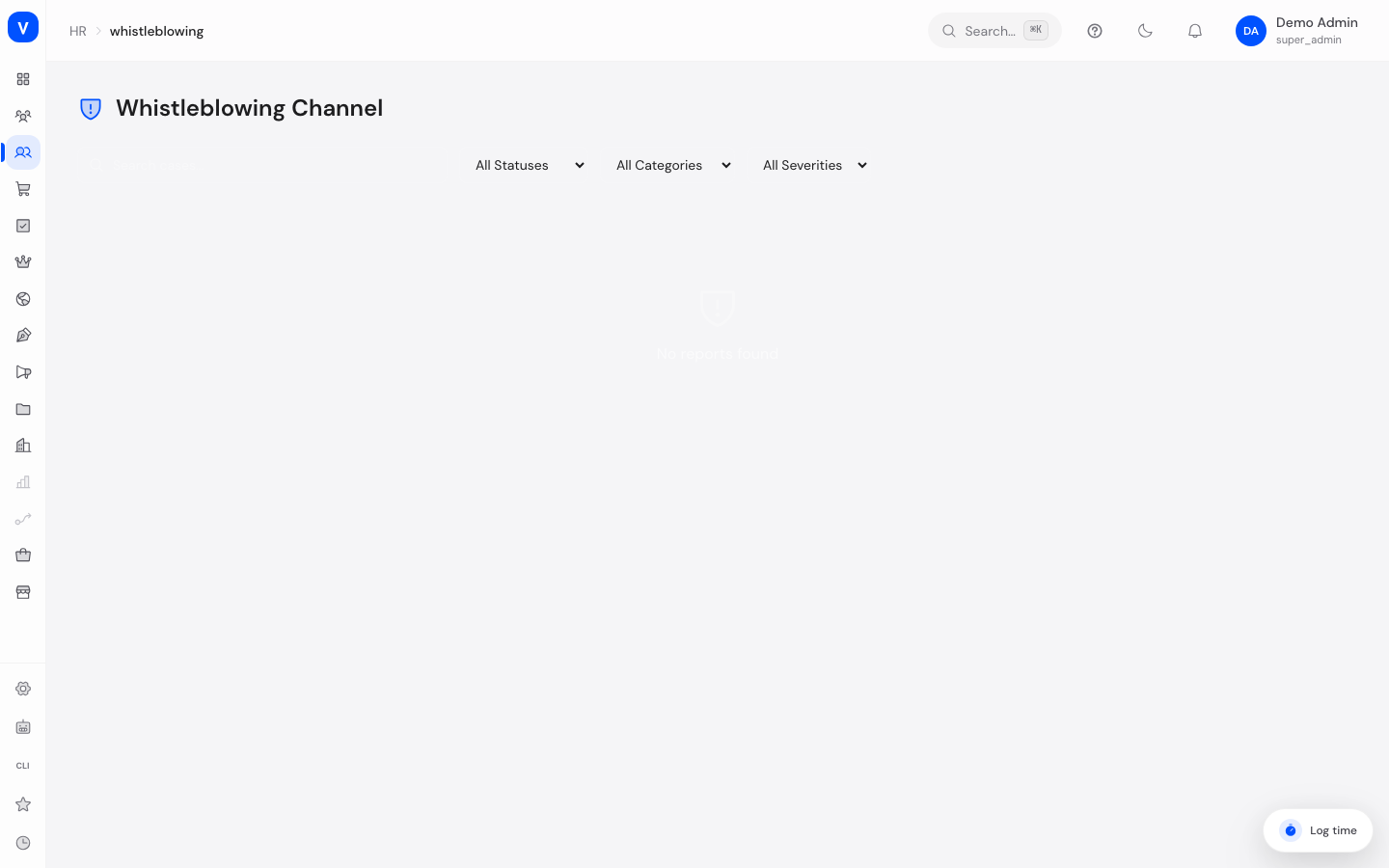
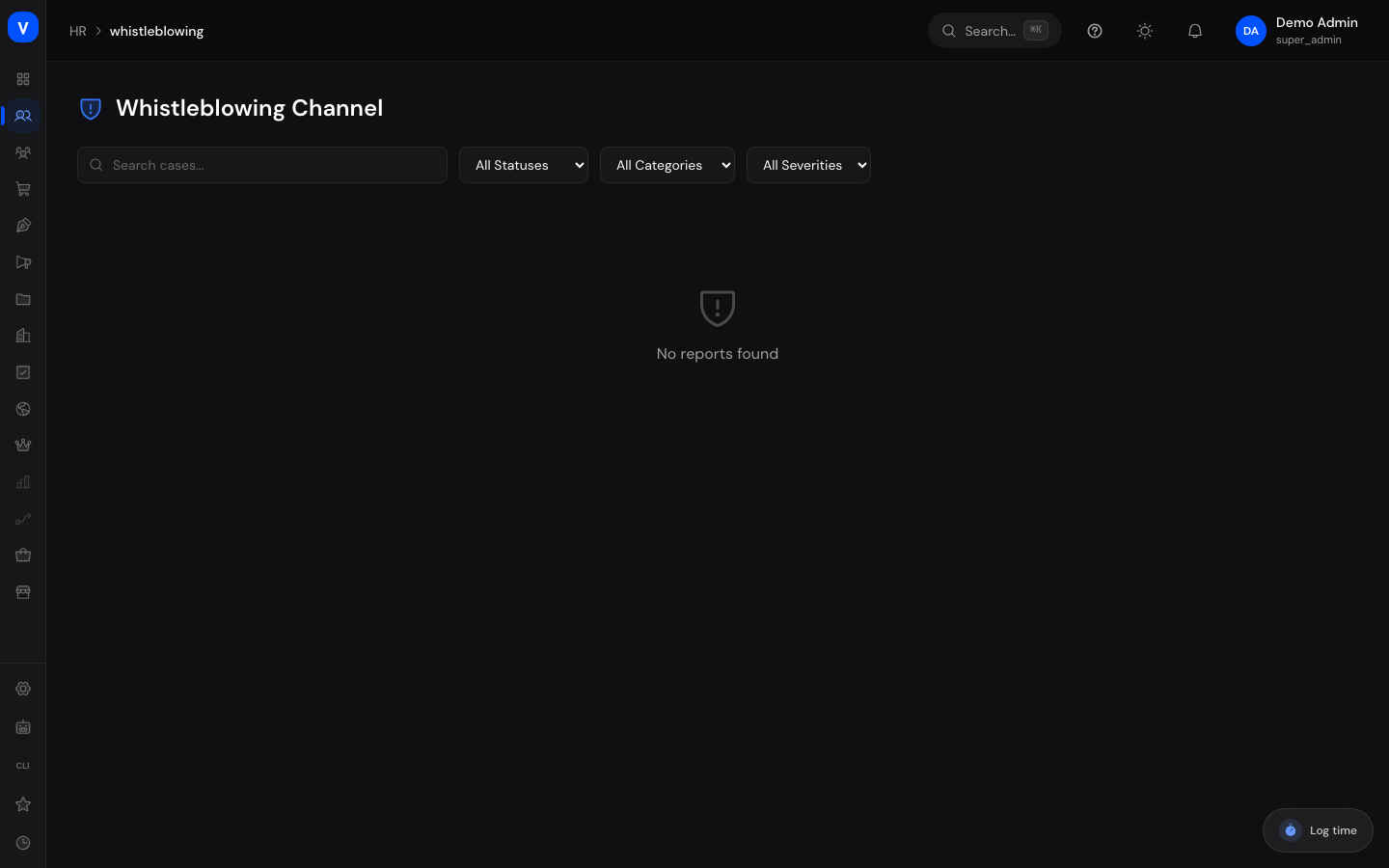
The whistleblowing channel is a protected way for employees and other people to report wrongdoing – for example fraud, harassment, or safety issues. This page is the case-management view for authorized case handlers: here you review incoming reports, communicate with the reporter in a protected way, and close cases. The identity of anonymous reporters is never shown by the system.
/hr/whistleblowingWhat can I do here?
- See at a glance how many cases exist and how many of them are new, under investigation, or critical and open (stat tiles Total, New Cases, Investigating, Critical Open, Resolved).
- Search the case list (by title or case number) and filter by Status, Category, and Severity.
- Open a case, read the report, and adjust its Status and Severity.
- Write to the reporter via the protected Message Thread – even for anonymous reports, without any identity becoming visible.
- Close a case with Resolution Notes (as "Resolved") or dismiss it (as "Dismissed").
Step by step
Review a new case
- New reports appear with the status New. The list is sorted so that the most serious cases (severity Critical) are at the top.
- Click a row to open the case. You see the title, category, the full description, and the reporter type (e.g. Anonymous).
- If needed, adjust the Status (e.g. to Under Review or Investigating) and the Severity in the Actions panel on the right. Changes are saved immediately.
- Case No.
- WB-2026-0142
- Title
- Suspected expense fraud
- Category
- Fraud
- Reporter Type
- Anonymous
- Created
- 04 Aug 2026
/hr/whistleblowingCommunicate with the reporter
- Open the case and scroll to the Message Thread.
- Type your message into the input field and send it. The reporter can reply using their secret access code – without revealing who they are.
- A red number next to the case number in the list indicates unread replies from the reporter. They are marked as read automatically when you open the case.
- Important: never ask for details that could identify the person. The page permanently displays a warning to this effect.
Close a case
- In the open case, click Resolve Case.
- Choose the outcome: Resolved (the report was handled) or Dismissed (the report will not be pursued).
- Enter Resolution Notes – describing the findings and actions taken is mandatory – and click Close the case for good.
- SELLERLOGIC Commerce Services asks first and names the case number while doing so: the closure cannot be taken back. Only your confirmation closes the case; cancelling leaves it open, notes and all.
- After that, no further status changes or messages are possible. The reporter sees the outcome including the resolution notes via their access.
flowchart LR
    A[New] --> B[Under Review]
    B --> C[Investigating]
    C --> D[Escalated]
    A -->|resolve case| E[Resolved]
    B -->|resolve case| E
    C -->|resolve case| E
    D -->|resolve case| E
    A -->|dismiss| F[Dismissed]
    B -->|dismiss| F
    C -->|dismiss| F
    D -->|dismiss| F
Fields explained
| Field | Meaning | Notes/Impact |
|---|---|---|
| Case No. | Automatically assigned number of the case | Serves as the unique reference; the reporter knows it too |
| Title | Headline of the report, chosen by the reporter | – |
| Category | Type of wrongdoing being reported | Chosen by the reporter when submitting |
| Severity | Assessment of how serious the case is | Can be adjusted by you as the handler; determines the sort order of the list |
| Status | Processing state of the case | Can be changed by you; "Resolved"/"Dismissed" only via "Resolve Case" |
| Created | Date the report was received | – |
| Resolved | Date the case was closed | Appears only after closing |
| Reporter Type | Whether the report was submitted anonymously or with a known identity | For anonymous reports the system never displays an identity anywhere |
| Message Thread | Protected chat between case handler and reporter | No longer writable once a case is closed |
| Resolution Notes | Mandatory text on closing: findings and actions taken | Also shown to the reporter |
Values & status
Status
| Value | Meaning | What happens then |
|---|---|---|
| New | The report has arrived and has not been processed yet | Should be reviewed promptly |
| Under Review | The report is currently being assessed | – |
| Investigating | The case is actively being investigated | Counts toward the "Investigating" stat |
| Escalated | The case has been passed to a higher authority | – |
| Resolved | The case was handled and closed with resolution notes | No more changes or messages possible |
| Dismissed | The case will not be pursued (with reasoning in the resolution notes) | No more changes or messages possible |
Category
| Value | Meaning | What happens then |
|---|---|---|
| Fraud | Suspected deception or financial damage | Classification only; helps with filtering |
| Harassment | Harassment in the workplace | ditto |
| Discrimination | Unfair treatment e.g. based on origin, gender, age | ditto |
| Safety | Dangers to people or workplace safety | ditto |
| Corruption | Bribery or undue advantage | ditto |
| Data Breach | Improper handling of personal data | ditto |
| Other | Anything that fits no other category | ditto |
Severity
| Value | Meaning | What happens then |
|---|---|---|
| Low | Minor impact | Appears further down the list |
| Medium | Moderate impact | Default value if the reporter specifies nothing |
| High | Significant impact | Prioritized in the list |
| Critical | Highest urgency | Appears at the very top; open critical cases show in red in the "Critical Open" stat |
Reporter Type
| Value | Meaning | What happens then |
|---|---|---|
| Anonymous | The reporter's identity was not recorded | The system cannot trace the person; contact only via the message thread |
| Identified | The reporter revealed their identity | – |
Sender in the message thread
| Value | Meaning | What happens then |
|---|---|---|
| Reporter | Message from the person who reported | Unread messages create the red counter badge in the case list |
| Case Manager | Message from you or the handling team | The reporter sees it via their access |
FAQ
Can I find out who submitted an anonymous report?
No. For anonymous reports the system stores no link to the person, and the case view never displays an identity. Please also do not try to determine the identity through follow-up questions – the permanent warning in the case view points this out.
How can an anonymous reporter reply at all?
When submitting the report, the person receives a secret access code. Only with this code can they open their case, see its status, and reply in the message thread.
What is the difference between "Resolved" and "Dismissed"?
"Resolved" means: the report was examined and handled. "Dismissed" means: the report will not be pursued. In both cases resolution notes are mandatory, and the case is permanently closed afterwards.
Can I reopen a closed case?
No, there is no function for that. New messages are also no longer possible in closed cases.
Why is a particular case at the top of the list?
The list sorts by severity first (Critical → High → Medium → Low) and, within the same severity, by date received (newest first).
Where do employees submit a report themselves?
Via their personal area ("Report a Concern") or the public reporting channel – not via this case-management page.