Employee Lifecycle
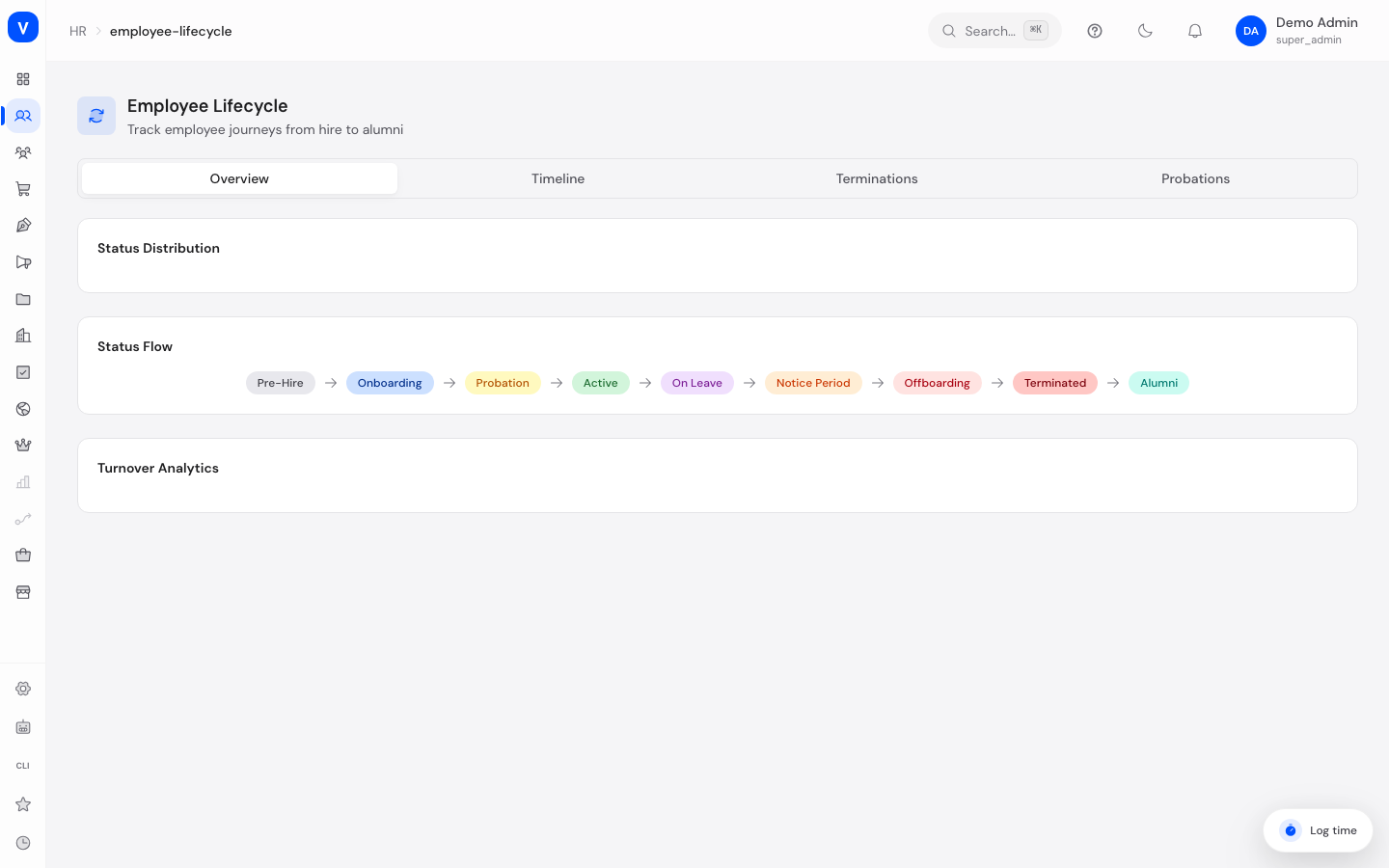
This page shows which phase of employment every employee is currently in — from hiring through probation to a possible exit — as well as the history of all important events (promotion, transfer, salary change, termination, and more).
/hr/employee-lifecycleWhat can I do here?
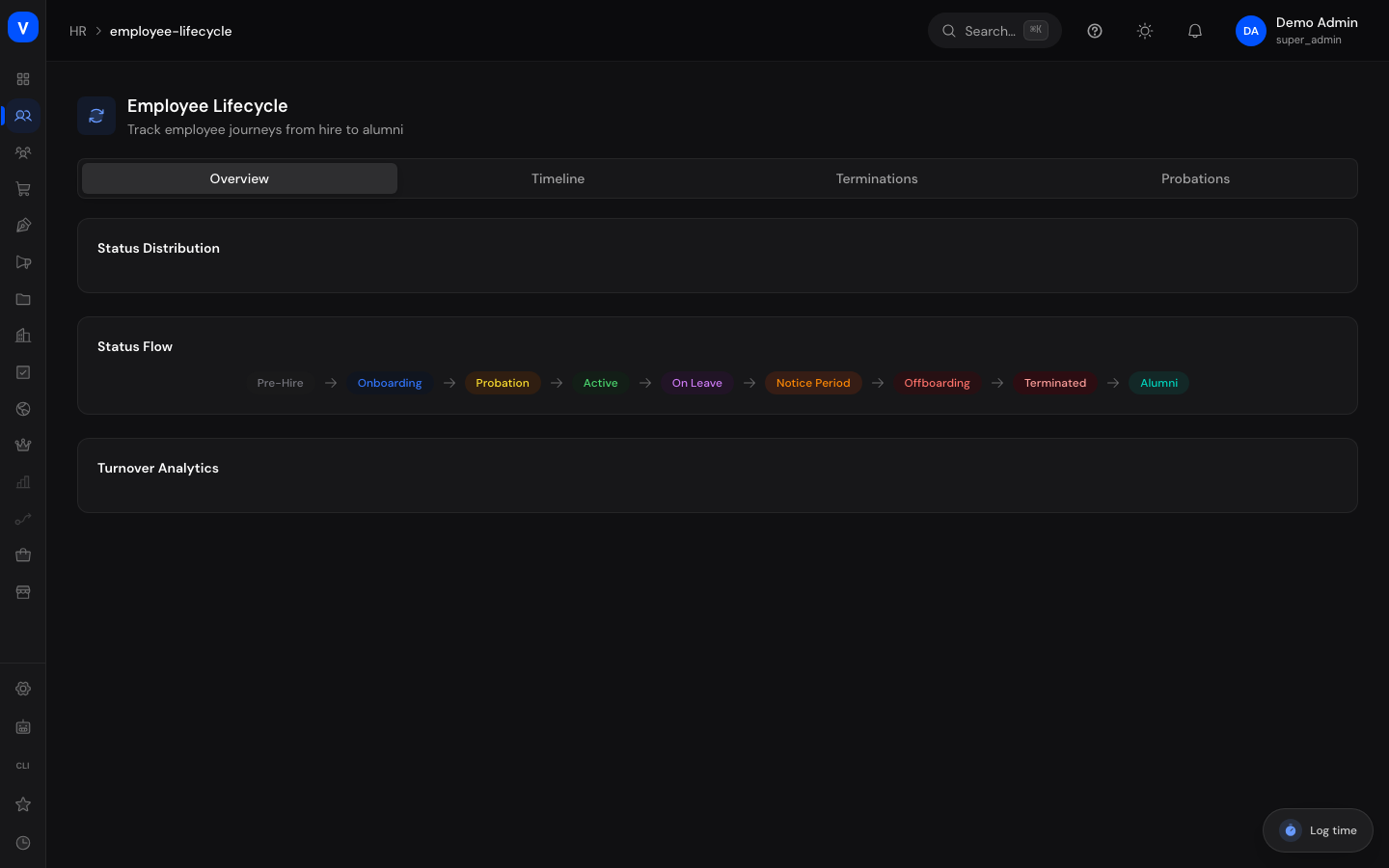
- Overview: See how many employees are currently in which phase (e.g. onboarding, probation, active, notice period), the typical flow between phases as a diagram, and turnover metrics (by type, per month, rehire eligibility).
- Timeline: Browse all lifecycle events for all employees chronologically and filter by event type.
- Terminations: List of all exits with type, reason, last working day, and whether rehire would be possible.
- Probations: List of all probation periods with start/end date, status and evaluation notes.
Step by step
- Check the current status of all employees: In the "Overview" tab, view the status distribution.
- Trace an employee's event history: In the "Timeline" tab, search by name or filter by event type.
- Analyse termination reasons: In the "Terminations" tab, filter by type to distinguish e.g. voluntary from involuntary terminations.
- Keep an eye on probation periods: In the "Probations" tab, filter by status to see, for example, all probation periods still in progress.
Fields explained
| Field | Meaning | Notes/Effect |
|---|---|---|
| Event: Employee | The employee the event relates to | — |
| Event: Type | Kind of event (see values below) | Determines the colour badge |
| Event: Description | Free-text explanation | Optional |
| Event: Date | Effective date of the event | — |
| Termination: Type | Kind of termination (see values below) | — |
| Termination: Reason | Free-text justification | Optional |
| Termination: Last working day | The employee's final actual work day | — |
| Termination: Rehire eligible | Whether the employee could in principle be rehired | Yes/No icon |
| Probation: Start/End date | Duration of the probation period | If extended, the extended date is shown |
| Probation: Status | Current state of the probation (see values below) | — |
| Probation: Evaluation notes | Free-text assessment notes | Optional |
Values & statuses
Employment status (lifecycle status)
| Value | Meaning | What happens |
|---|---|---|
| Pre-hire | Not yet officially employed | Earliest phase, e.g. while the contract is being prepared |
| Onboarding | Onboarding phase after joining | — |
| Probation | In the agreed probation period | Also appears in the "Probations" tab |
| Active | Regularly employed | Normal state for most employees |
| On leave | Extended absence (e.g. parental leave) | — |
| Notice period | Termination given, notice period running | — |
| Offboarding | Offboarding process in progress | — |
| Terminated | Employment has ended | May also appear in the "Terminations" tab if a matching record exists |
| Alumni | After leaving, possibly flagged for rehire | — |
Event type
| Value | Meaning | What happens |
|---|---|---|
| Hired | Hiring | Appears as an entry on the timeline |
| Promoted | Promotion | — |
| Transferred | Change of department/position | — |
| Demoted | Demotion | — |
| Salary change | Change to compensation | — |
| Role change | Change of role/permissions | — |
| Leave started/ended | Start/end of an extended absence | — |
| Terminated | Exit | — |
| Rehired | Re-hiring of a former employee | — |
| Retired | Entering retirement | — |
| Onboarding started/completed | Start/completion of onboarding | — |
| Probation started/passed/failed | Start or outcome of the probation period | — |
| Offboarding started/completed | Start/completion of offboarding | — |
Termination type
| Value | Meaning | What happens |
|---|---|---|
| Voluntary | Employee resigns | Counted in the "By type" turnover breakdown |
| Involuntary | Termination by the company | Counted in the "By type" turnover breakdown |
| Mutual | Mutually agreed termination | Counted in the "By type" turnover breakdown |
| End of contract | Fixed-term contract expires | Counted in the "By type" turnover breakdown |
| Retirement | Entering retirement | Counted in the "By type" turnover breakdown |
| Death | Death of the employee | Counted in the "By type" turnover breakdown |
Probation status
| Value | Meaning | What happens |
|---|---|---|
| Active | Probation not yet completed | — |
| Passed | Probation completed successfully | — |
| Failed | Probation not passed | — |
| Extended | Probation was extended | Shows the extended end date instead of the original one |
Frequently asked questions
Where do I see why an employee left the company?
In the "Terminations" tab — it shows type, reason and last working day.
What does "rehire eligible" mean?
A note on whether the departed employee could, in principle, be hired again from the company's perspective.
How does this page relate to the employee profile?
An individual employee's lifecycle events concern the same record as in the employee profile — this page provides the company-wide, aggregated view of that data.
Can I record a new event, termination or probation period directly on this page?
No, this page is a reporting view only and has no "add" button of its own. If you terminate an employee on the "Employees" page, their status changes there immediately — whether and when that automatically produces a matching entry in this page's "Timeline" or "Terminations" tabs could not be fully confirmed from the code.