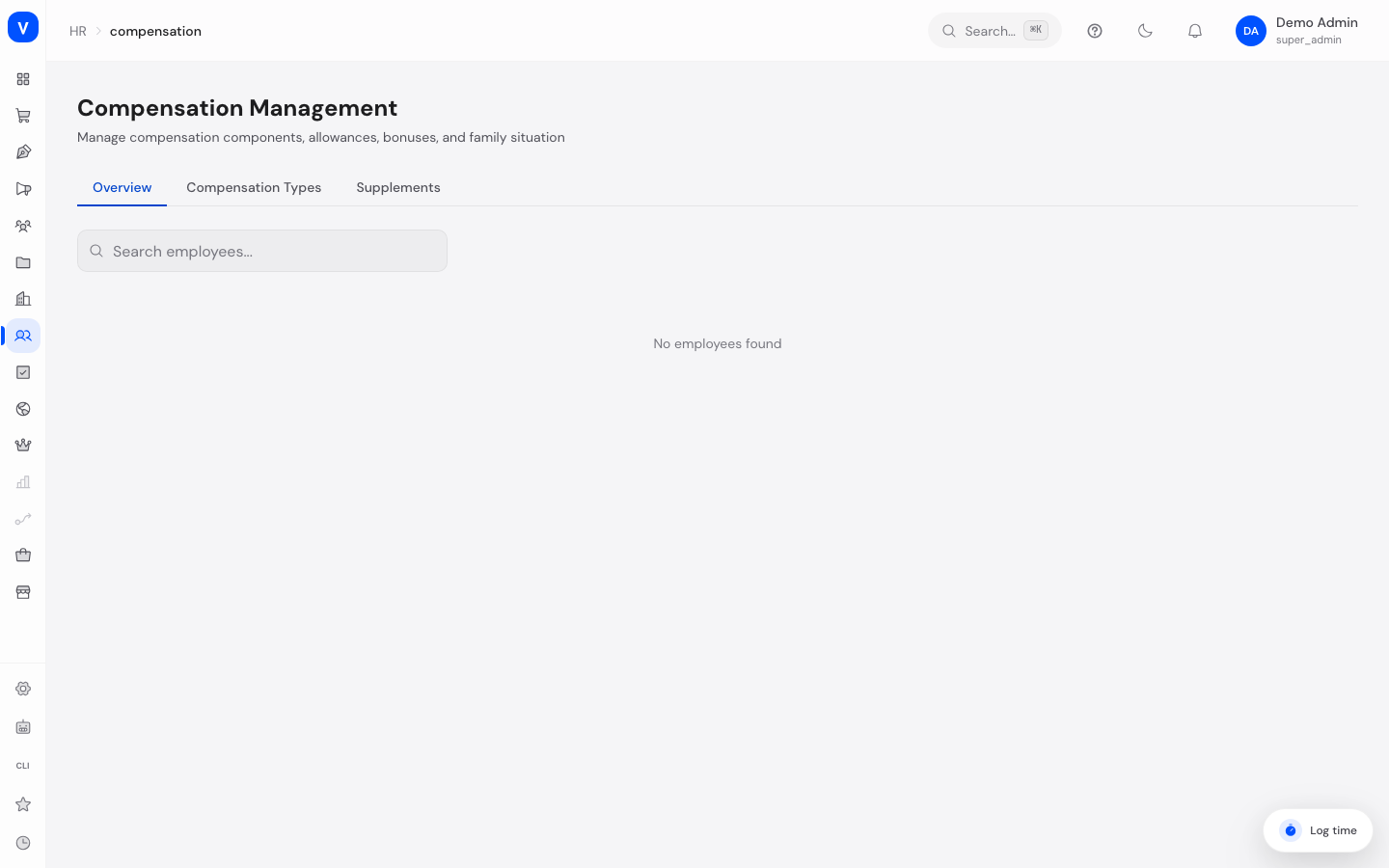
Compensation Management
This page gives you an overview of every employee's total monthly compensation, lets you manage compensation types (e.g. base salary, bonus, allowance), and lets you handle one-time or recurring supplements that must be approved before they flow into payroll.
What can I do here?
- Search an overview of all employees with their monthly total compensation
- Create, edit, and delete compensation types (e.g. base salary, bonus, allowance, deduction, benefit, one-time payment)
- View, filter, and manage supplements (e.g. special payments) for individual employees by status
- Approve or cancel supplements
- Delete pending supplements
/hr/compensationStep by step
Look up an employee's compensation
Open the "Overview" tab and search by name. The table shows position, department, monthly total compensation, and the number of compensation components for each employee.Create a new compensation type
Open the "Compensation Types" tab → "Add Compensation Type" → choose a name, code, and category, optionally add a description and display order, set "Taxable" and "Recurring" as needed → Save.Approve a supplement
Open the "Supplements" tab, optionally filter by status. For a supplement in "Pending" status, click the checkmark icon to approve it. If the approving user is themselves the request's subject or creator, the button is disabled (four-eyes principle).Cancel or delete a supplement
Pending or already-approved supplements can be cancelled via the X icon. Only pending supplements can additionally be deleted entirely (trash icon).
Fields explained
| Field | Meaning | Notes/Impact |
|---|---|---|
| Employee (Overview) | Employee's name | — |
| Position | Current job title | Shows blank if none is on file |
| Department | Employee's current department | Shows blank if none is on file |
| Monthly Total | Sum of all active compensation components per month | — |
| Components | Number of active compensation components | — |
| Name (Compensation Type) | Name of the compensation type | Required |
| Code | Short code for unique identification | Required |
| Category | Classification of the compensation type | See "Values & status" |
| Description | Free-text explanation of the compensation type | Optional |
| Taxable | Whether the compensation type is taxable | Checkbox |
| Recurring | Whether the compensation type repeats monthly or is one-time | Checkbox |
| Display Order | Display order in lists | Numeric sort value |
| Employee (Supplement) | Employee the supplement is assigned to | — |
| Name (Supplement) | Name/reason of the supplement | Required |
| Amount (Supplement) | Value of the supplement | Negative amounts show in red, positive in green |
| Type (Supplement) | Linked compensation type, if any | Shows "-" if no compensation type is linked |
| Status | Current processing state of the supplement | See "Values & status" |
| Created | Creation date of the supplement | — |
Values & status
Compensation type category
| Label | Plain-language meaning | What happens then |
|---|---|---|
| Base Salary | Fixed base pay | Counted as base compensation in the monthly total |
| Bonus | Performance-related extra payment | Increases the monthly total compensation |
| Allowance | Regular extra payment (e.g. commuting allowance) | Increases the monthly total compensation |
| Deduction | Regular deduction from pay | Decreases the monthly total compensation |
| Benefit | Compensation paid as a benefit-in-kind | Tracked as a compensation component |
| One-Time | A single, non-recurring payment | Only counted in the relevant period |
Supplement status
| Label | Plain-language meaning | What happens then |
|---|---|---|
| Pending | The supplement was created but not yet approved | Can be edited, approved, cancelled, or deleted |
| Approved | The supplement has been released | Can still be cancelled |
| Processed | The supplement has been included in a payroll run | Final status, no further actions in this view |
| Cancelled | The supplement was discarded | No further actions possible |
FAQ
Why can't I approve a supplement even though I have permission?
The four-eyes principle prevents you from approving a supplement that you requested for yourself or created yourself. In that case the button is disabled and shows an explanatory note.
Why does a supplement show no compensation type?
Linking a compensation type is optional. If none was selected, the "Type" column shows a dash.
Can I delete a compensation type that is already in use?
The UI always shows the delete action; whether an in-use compensation type can actually be removed depends on server-side checks that are not visible in this view.
What does "Recurring" mean for a compensation type?
It marks whether a compensation type repeats every month (e.g. base salary) or is one-time (e.g. a one-time payment).