Procurement
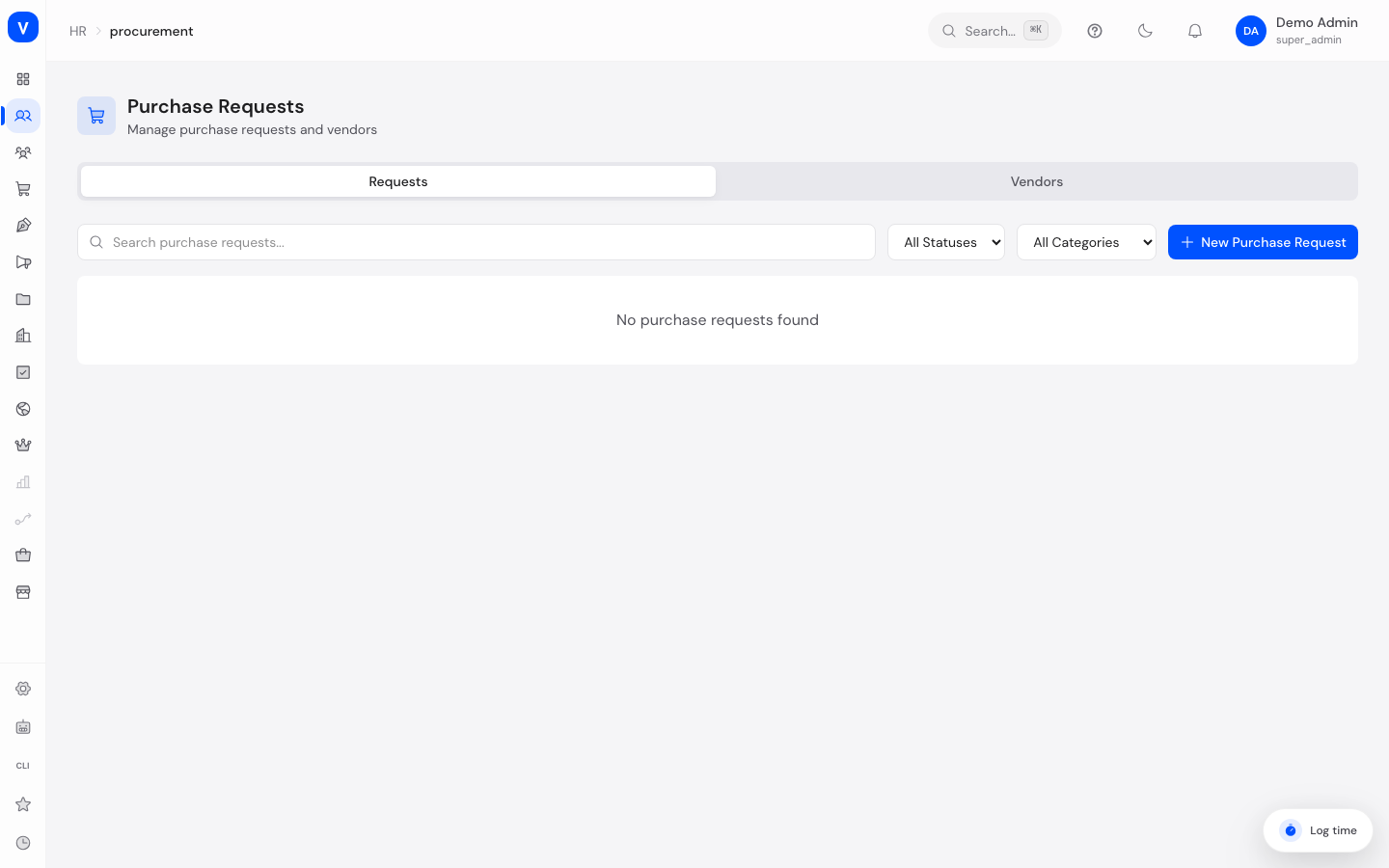
This page manages purchase requests for office supplies, IT equipment, furniture, software, and services, as well as the vendors you order from. Every purchase request follows a fixed process from creation through to delivery.
What can I do here?
- Create and edit purchase requests while they are still a draft
- Submit purchase requests, then approve or reject them
- Mark approved requests as ordered, and later as received
- Create and search vendors, and see their active status
- Search and filter by title, status, category, and other criteria
/hr/procurementStep by step
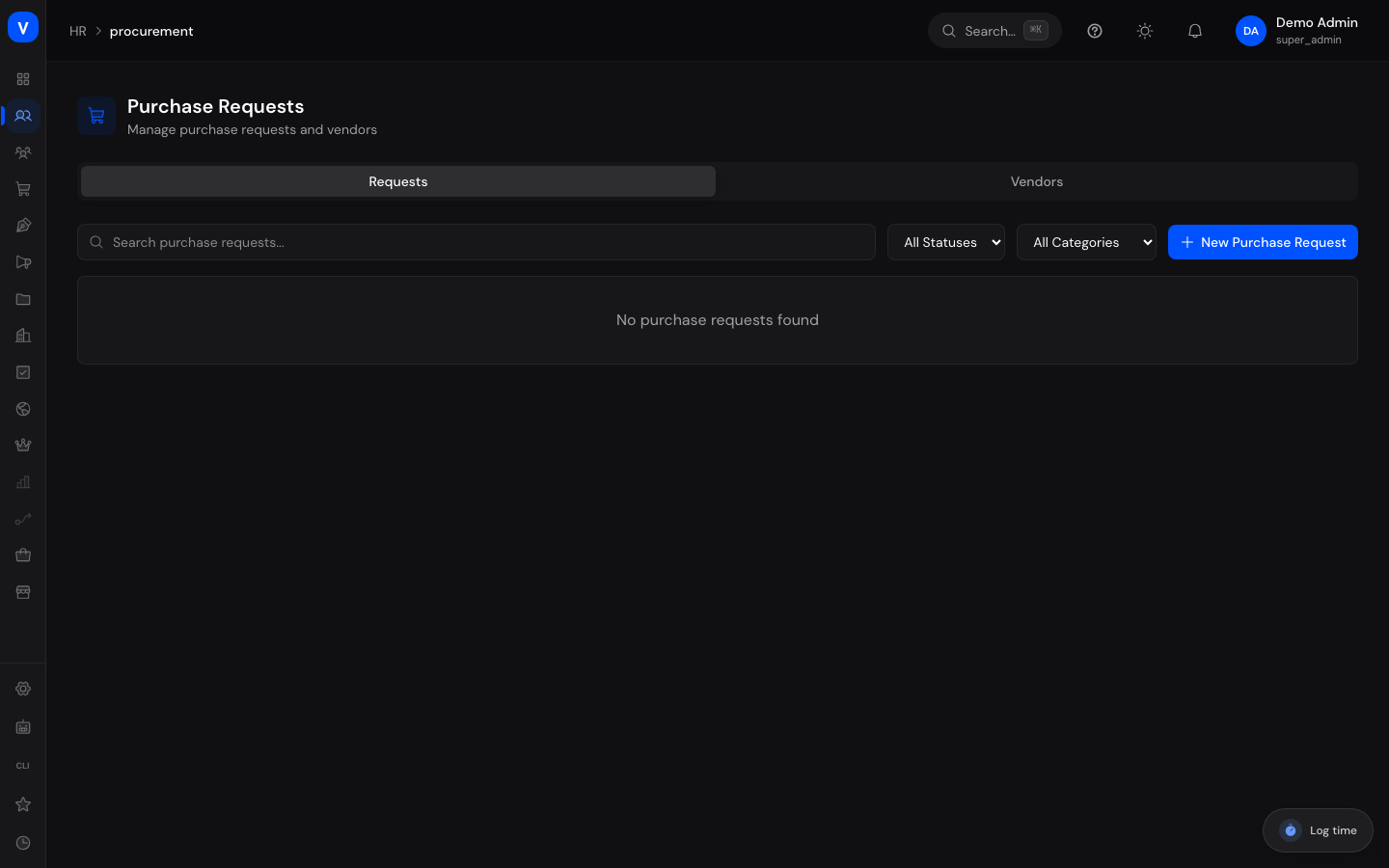
- Create a new purchase request: Switch to the "Requests" tab, click "New Purchase Request", fill in title, requester, category, estimated amount, urgency, vendor, and description, then save. The request is created as a draft.
- Submit the purchase request: For a request in "Draft" status, click the submit icon. The request moves to "Submitted" status and awaits approval.
- Approve or reject: For a submitted request, use the green or red icons to approve or reject it.
- Order and record receipt: Mark an approved request as "Ordered" via the truck icon once the order has been placed with the vendor. Once the goods arrive, mark it as "Received" via the package icon.
/hr/procurementFields explained
| Field | Meaning | Notes/Impact |
|---|---|---|
| Title | Short description of the purchase request | Required |
| Requester | Person the request is made for/by | Required, captured as an employee ID |
| Category | Type of purchase (see Values & status) | Drives the colored category badge in the table |
| Estimated Amount | Expected cost of the purchase | Optional; shown together with the currency |
| Urgency | How urgent the purchase is (see Values & status) | Affects display only, no automatic escalation |
| Vendor | Name of the desired vendor as free text | Optional; independent of the vendor directory in the "Vendors" tab |
| Description | More detailed explanation of the purchase | Optional |
| Created At | Date the request was created | Set automatically |
| Status | Current stage in the procurement process (see Values & status) | Determines which actions are available |
Vendors tab:
| Field | Meaning | Notes/Impact |
|---|---|---|
| Name | Vendor's company name | Required |
| Contact Person | Contact person at the vendor | Optional |
| Vendor's email address | Optional | |
| Phone | Vendor's phone number | Optional |
| Website | Vendor's web address | Optional; shown in the table as a clickable link |
| Address | Vendor's postal address | Optional |
| Status | Active or Inactive | New vendors are created as active by default |
Values & status
Purchase request status
| Label | Meaning | What happens then |
|---|---|---|
| Draft | Request was created but not yet submitted | Can be edited, submitted, or deleted |
| Submitted | Request was put forward for approval | Can be approved or rejected |
| Approved | Request has been approved | Can be marked as ordered |
| Rejected | Request was not approved | No further actions in the normal flow |
| Ordered | Order has been placed with the vendor | Can be marked as received |
| Received | Goods or service have arrived | Process complete |
| Cancelled | Request was withdrawn | Can be deleted |
Category
| Label | Meaning |
|---|---|
| Office Supplies | Consumables and office equipment |
| IT Equipment | Hardware and technical accessories |
| Furniture | Office furniture |
| Software | Software licenses and subscriptions |
| Services | Externally purchased services |
| Other | Anything that doesn't fit another category |
Urgency
| Label | Meaning |
|---|---|
| Low | No rush |
| Normal | Standard processing |
| High | Should be handled with priority |
| Urgent | Requires immediate attention |
flowchart LR
    A[Draft] -->|Submit| B[Submitted]
    B -->|Approve| C[Approved]
    B -->|Reject| D[Rejected]
    C -->|Mark as Ordered| E[Ordered]
    E -->|Mark as Received| F[Received]
    A -->|Delete| G[Cancelled/deleted]
FAQ
Can I still change a purchase request after it has been submitted?
No. Once a request has moved past "Draft" (submitted, approved, ordered, etc.), its details can no longer be edited. Only requests in "Draft" status can be changed.
Why is there no delete button on my purchase request?
Deleting is only possible for requests in "Draft" or "Cancelled" status, to prevent accidentally removing requests that are already in progress.
What's the difference between the vendor field on a purchase request and the vendor directory?
The vendor field on a purchase request is a free-text field for the name of the desired vendor. The vendor directory in the "Vendors" tab is a separate list of contact details — the two are not currently linked automatically.
Who can approve a purchase request?
This depends on that person's permissions in the system. Not everyone with access to this page can automatically approve requests.
What exactly does the estimated amount mean?
It's a cost estimate at the time the request was made, not a binding invoice amount.