Career Paths
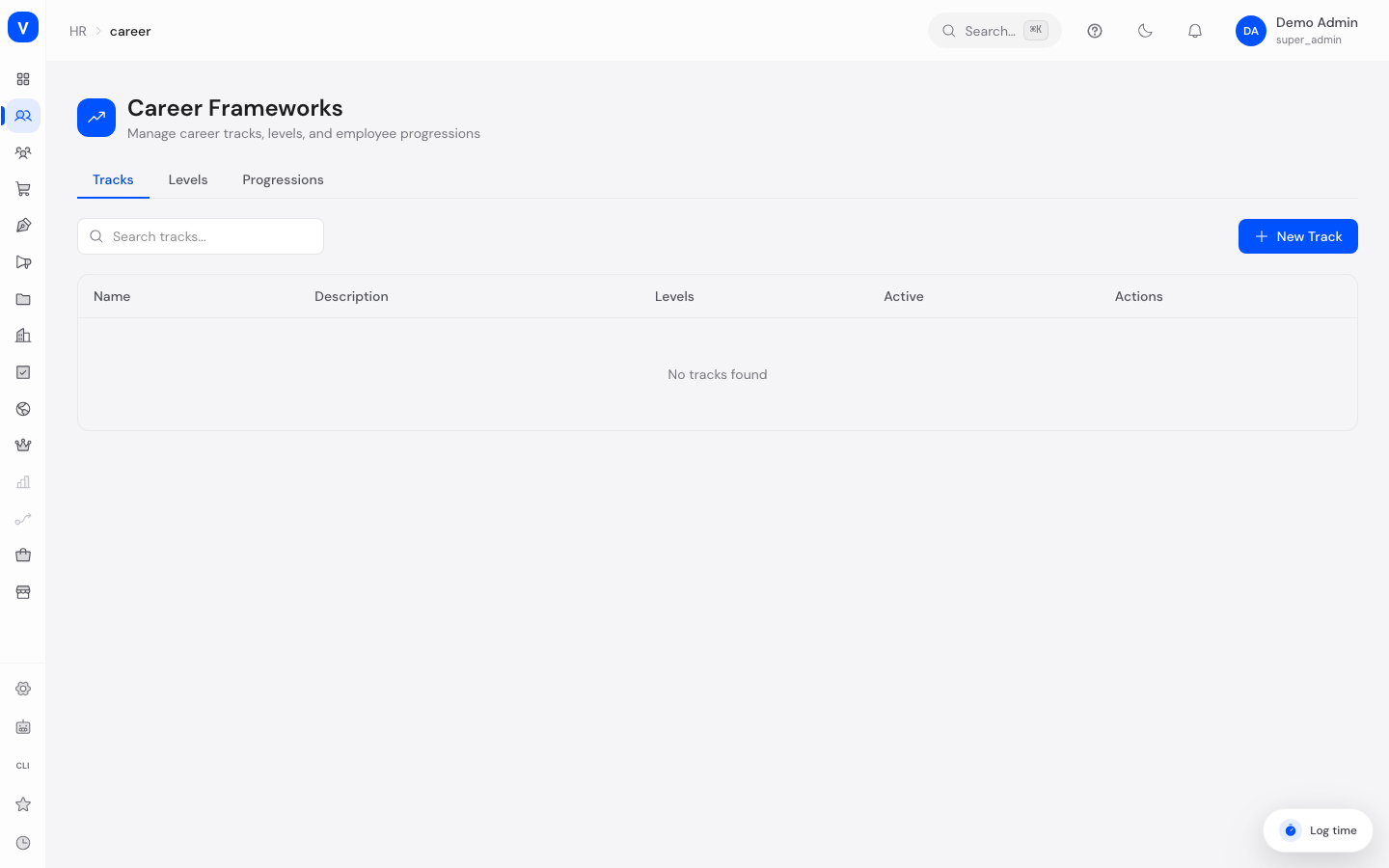
This page defines how employees can grow professionally within the company. You create career tracks (e.g. "Software Engineering" or "Sales"), split them into levels that build on each other, and record when an employee moves from one level to the next.
/hr/careerWhat can I do here?
- Create and edit career tracks, and mark them active/inactive.
- Add multiple levels to a track with a name, level number, minimum experience, salary range, competencies, and responsibilities.
- Record an employee's progression from one level to the next (with an effective date and a reason).
- Search and filter tracks and levels.
Step by step
- Create a career track — In the "Tracks" tab, click "New Track" and set the name and description.
- Define levels — In the "Levels" tab, click "New Level", select the track, and enter the level's name, level number, minimum experience, optional salary range, competencies, and responsibilities.
- Record a progression — In the "Progressions" tab, click "New Progression" and enter the employee, target level (optionally the previous level), effective date, and a reason.
Fields explained
| Field | Meaning | Notes/Impact |
|---|---|---|
| Name (track) | Name of the career track | E.g. "Software Engineering" |
| Description (track) | Free text describing the track | Optional |
| Active | Marks whether the track is currently in use | Inactive tracks are no longer actively offered for selection |
| Track (level) | The career track a level belongs to | Required when creating a level |
| Name (level) | Name of the level | E.g. "Senior Engineer" |
| Level (number) | The level's position within the track | Determines ordering — a lower number is earlier in the track |
| Min. experience | Recommended minimum years of experience for this level | Informational only |
| Salary range (min/max) | Recommended salary range for the level | Optional |
| Competencies | List of skills expected at this level | Free-text list |
| Responsibilities | List of typical tasks/responsibilities of the level | Free-text list |
| Employee (progression) | The employee whose progression is being recorded | Required |
| From level | Previous level before the progression | Optional, e.g. left empty for a first-time level assignment |
| To level | New level after the progression | Required |
| Effective date | Date from which the new level applies | Required |
| Reason | Free text explaining the progression | Optional |
Values & status
This page does not use any fixed status/value lists — tracks are either active or inactive (see the "Active" field above); levels and progressions have no status of their own.
FAQ
What's the difference between a track and a level?
A career track is the overarching career line (e.g. "Sales"), while a level is a concrete rung on that ladder (e.g. "Junior Sales Associate", "Senior Sales Associate").
How do I record that an employee was promoted?
Use the "Progressions" tab: create a new entry with the previous and new level, the date, and a reason.
Do I always have to specify a "from" level for a progression?
No, the "From level" field is optional — for example when an employee is being assigned to a career track for the first time.
Are salary ranges automatically reconciled with actual compensation?
No, a level's salary range is a recommended guideline maintained here independently of an employee's individual compensation.
Can I delete a level if employees are already assigned to it?
No. Deletion is blocked as long as at least one employee is assigned to that level. The same applies to deleting an entire career track if employees are assigned to any of its levels.