Withdrawals
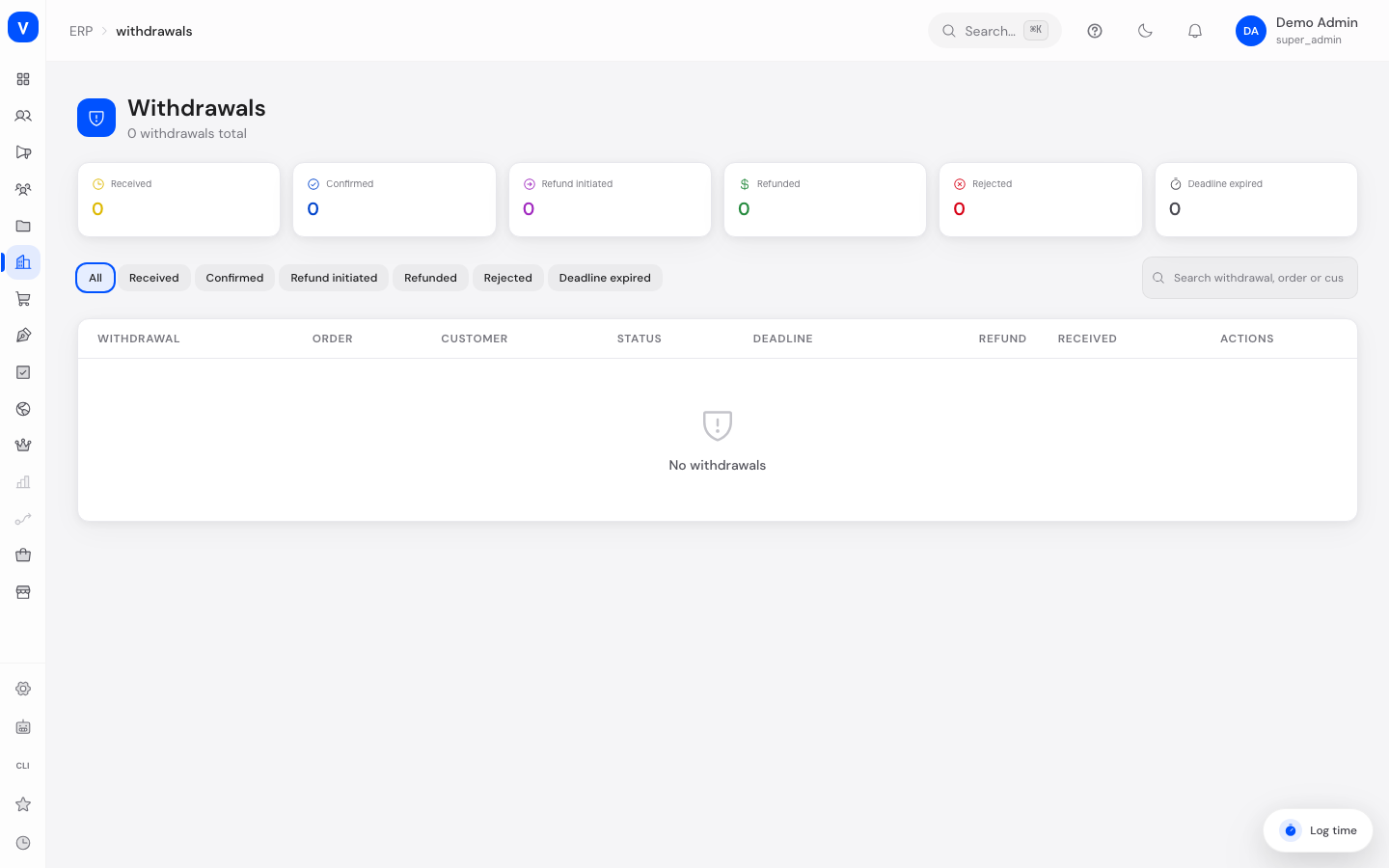
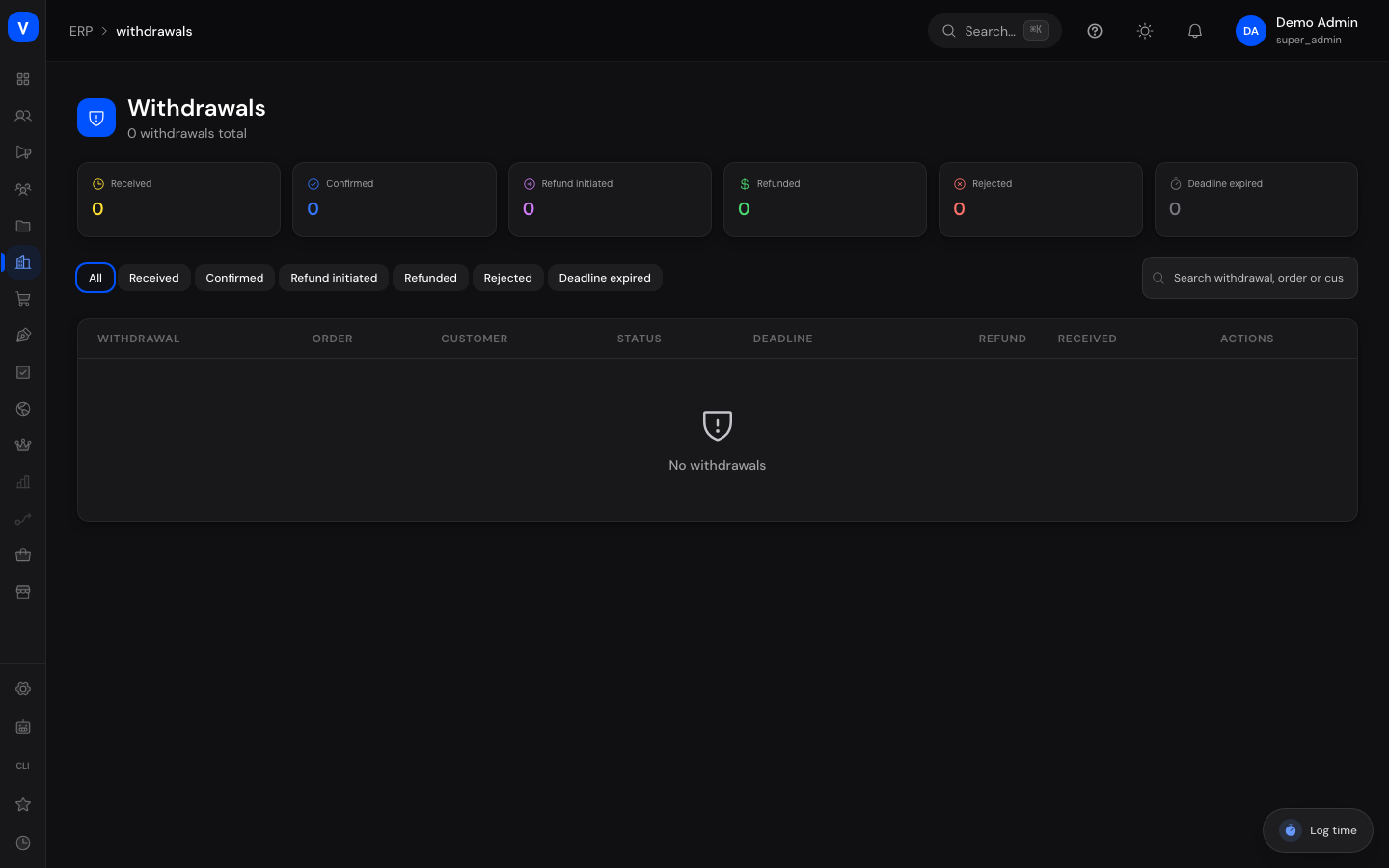
This page shows all withdrawals (a customer's cancellation of a purchase, often called the "right of withdrawal") that customers have declared for their orders. You see the processing status of each withdrawal, the related order, and the withdrawal deadline, and you handle the case from acknowledging receipt through to refunding (paying back) the purchase price.
What can I do here?
- View all withdrawals with a KPI overview (Received, Confirmed, Refund initiated, Refunded, Rejected, Deadline expired)
- Filter by status
- Search by withdrawal number, order number, or customer name
- Open a withdrawal's detail view (drawer) with all information
- Advance a withdrawal to its next processing step
- Reject a withdrawal that has just been received
- Add an internal note when advancing or rejecting
- See the remaining time until each withdrawal's deadline expires
Step by Step
- Review a withdrawal: Click the withdrawal number in the list to open the detail view with order, customer data, withdrawal reason, deadline information, and processing history.
- Confirm a withdrawal: For a withdrawal with status "Received", click the next-step button. Optionally enter an internal note and confirm.
- Process the refund: Repeat the "next step" action to move the withdrawal from "Confirmed" to "Refund initiated" and finally to "Refunded".
- Reject a withdrawal (only possible while status is "Received"): Click "Reject", optionally enter a reason as an internal note, and confirm.
/erp/withdrawals- Order
- ORD-2026-0001
- Customer
- A. Example
- Requested at
- 12 Aug 2026
- Withdrawal deadline
- 26 Aug 2026
- Withdrawal reason
- Item does not match the description
- Order total
- EUR 476.00
- Refund amount
- EUR 476.00
/erp/withdrawalsFields Explained
| Field | Meaning | Notes/Impact |
|---|---|---|
| Withdrawal | Number of the withdrawal case; click to open the detail view | Unique identifier for the case |
| Order | Number of the underlying order | Links the withdrawal to the original order |
| Customer | Name and email address of the customer who declared the withdrawal | — |
| Status | Current processing status of the withdrawal | See "Values & Status" section |
| Deadline | Days remaining until the withdrawal deadline expires | Shown in amber when 3 or fewer days remain; shows "Expired" once the deadline has passed |
| Refund | Amount to be (or already) refunded to the customer (or the order total if no refund amount has been set yet) | Automatically pre-filled with the order total when confirming, but can be adjusted |
| Received | Timestamp the withdrawal was received | — |
| Actions | Buttons for "Next step" and "Reject" | Only available while the status allows it |
| Internal note | Free-text field that can be filled in when advancing or rejecting a withdrawal | Saved together with the status change |
| Withdrawal reason | Reason for the withdrawal provided by the customer | Highlighted in the detail view when present |
| Order total | Total amount of the original order | Reference value for the refund |
| Within deadline | Shows whether the withdrawal was received within the legal deadline | Green for "yes", red for "no"/expired |
| Handled by | Person who performed the last processing step | Only shown once a processing step has taken place |
Values & Status
Withdrawal Status
| Label | Meaning | What happens next |
|---|---|---|
| Received | The customer has declared the withdrawal, but it has not been processed yet | Can be confirmed or rejected |
| Confirmed | The withdrawal has been confirmed and the refund amount is set | Can be advanced to "Refund initiated" |
| Refund initiated | The repayment of the purchase price has been started | Can be completed as "Refunded" |
| Refunded | The purchase price has been fully repaid to the customer | Final state, no further action possible |
| Rejected | The withdrawal was rejected | Final state, no further action possible |
| Deadline expired | The withdrawal deadline passed without the case being processed | Set automatically by the system; final state, no further action possible |
Withdrawal Processing Flow
stateDiagram-v2
    [*] --> Received: Customer declares withdrawal
    Received --> Confirmed: Next step
    Received --> Rejected: Reject
    Received --> "Deadline expired": Deadline passes (automatic)
    Confirmed --> "Refund initiated": Next step
    "Refund initiated" --> Refunded: Next step
    Refunded --> [*]
    Rejected --> [*]
    "Deadline expired" --> [*]
Frequently Asked Questions
What is a withdrawal?
A withdrawal is a customer's cancellation declaration for an order they already placed, usually under the legal right of withdrawal. The customer returns the goods and receives the purchase price back.
How long does a customer have to declare a withdrawal?
The withdrawal deadline is calculated from the order's shipping date (or, if no shipping date is available, from the order date). The remaining time is shown in the "Deadline" column.
What happens if the deadline passes before I respond?
A withdrawal that remains in "Received" status and whose deadline passes is automatically set to "Deadline expired".
Can I still reject a withdrawal that has already been confirmed?
No. Rejection is only possible while the withdrawal still has the status "Received".
What is the internal note for?
It records internally, when advancing or rejecting a withdrawal, why a decision was made — for example as a reference for later questions.
Who can declare a withdrawal?
The legal right of withdrawal only applies to private customers, not to business customers (B2B).