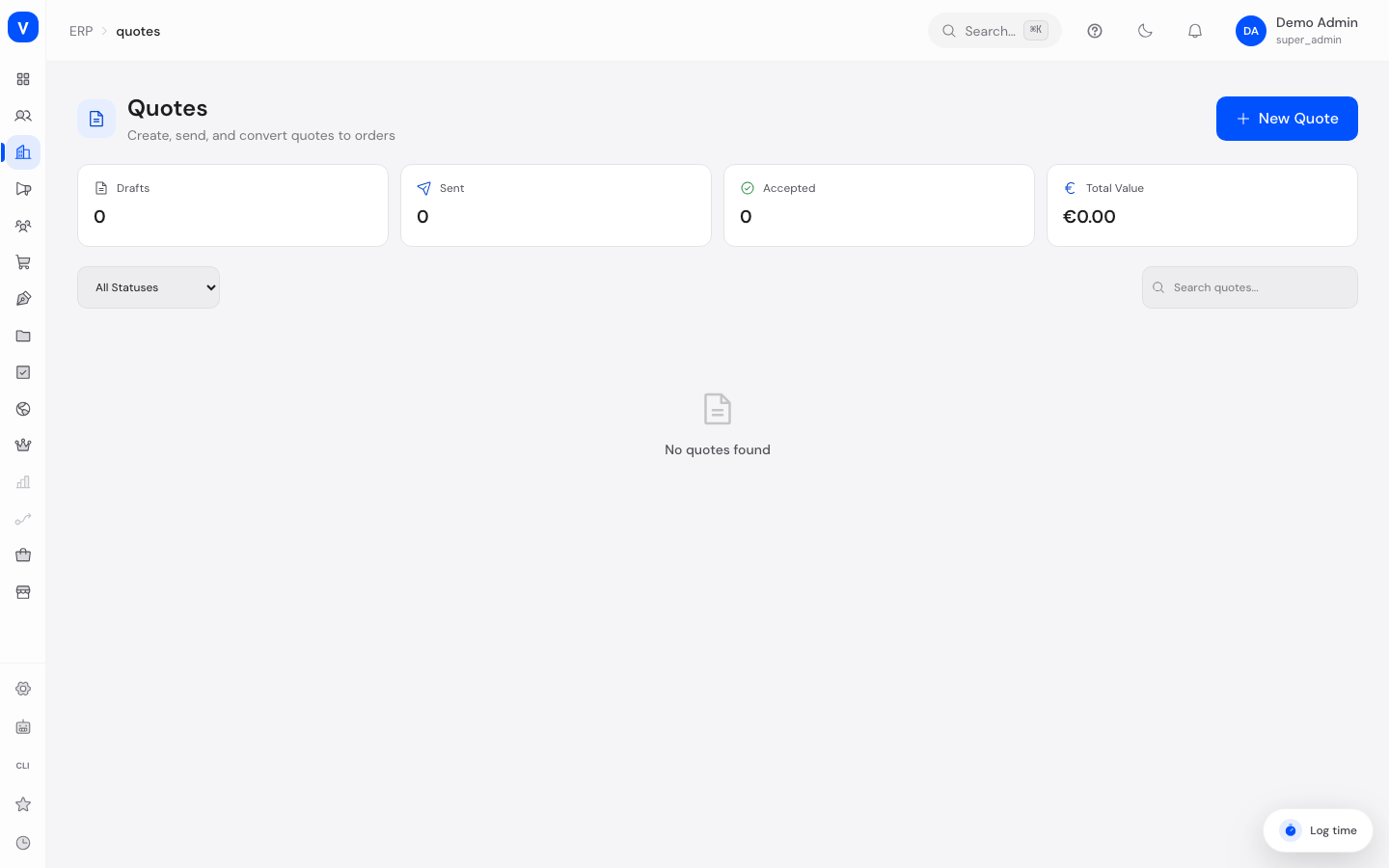
Quotes
Here you create and manage customer quotes — from the initial calculation, through sending it to the customer, to converting it into an order. Quotes are especially useful in B2B business, when prices or terms need to be agreed before the actual purchase.
What can I do here?
- Filter all quotes by status or search term
- Create a new quote with customer, line items, discounts, and a validity date
- Send a quote to the customer
- Convert a quote into an order once the customer has agreed
- Duplicate a quote to quickly create a similar new one
- Create a new version of a quote (revision), e.g. after price negotiations
- Delete a quote
- View a quote's detail view with line items, price overview, activity history, comments, and version history
Step by Step
- Create a new quote: Click "New Quote", select the customer, add line items, and set a validity date. Save it as a draft.
- Send the quote: Open the quote and click "Send to Customer".
- Wait for the customer's response: The status automatically changes to "Accepted" or "Rejected", depending on the customer's feedback or manual entry.
- Convert to an order: Once a quote has been accepted, click "Convert to Order" to generate a regular order from it.
- Revise: If the terms change, click "Create New Version" to create a revised version of the quote.
/erp/quotes- Quote #
- AN-2026-0903
- Customer
- Example Ltd
- Valid Until
- 30 Sep 2026
- Status
- Sent
| Product | Qty | Unit Price | Discount | Total |
|---|---|---|---|---|
| Example screw M6 | 500 | EUR 1.60 | 5 % | EUR 760.00 |
| Example nut M6 | 500 | EUR 0.40 | 0 % | EUR 200.00 |
- Subtotal
- EUR 1,000.00
- Discount
- EUR 40.00
- Tax
- EUR 182.40
- Grand Total
- EUR 1,142.40
/erp/quotesFields Explained
| Field | Meaning | Notes/Impact |
|---|---|---|
| Quote No. | Unique number of the quote | For revisions, the version number is also shown (e.g. "v2") |
| Customer | Name and email address of the quote recipient | Selected from customer management |
| Status | Current processing state of the quote | See Values & Status |
| Grand Total | Total of all line items including discounts and taxes | Calculated automatically |
| Valid Until | Date until which the quote is binding | After expiry, the status automatically changes to "Expired" |
| Created | Creation date of the quote | — |
| Line Items (detail view) | Individual products with quantity, unit price, tax rate, and discount | Basis for the total calculation |
| Item Discount / Order Discount (detail view) | Discount on individual items or on the entire quote | As a percentage or fixed amount |
| Subtotal / Net / Tax / Shipping / Grand Total (detail view) | Complete price breakdown of the quote | Shows the calculation step by step |
Values & Status
| Label | Meaning | What happens next |
|---|---|---|
| Draft | The quote has been created but not yet sent | Can still be freely edited |
| Pending Approval | The quote is awaiting internal approval | Must be approved internally before it can be sent |
| Sent | The quote has been sent to the customer | Awaiting a response |
| Accepted | The customer has agreed to the quote | Can be converted into an order |
| Ordered | The quote has already been converted into an order | Completed process |
| Rejected | The customer has rejected the quote | Can be duplicated or revised to create a new quote |
| Expired | The validity date has passed | May need to be recreated or revised |
| Revised | The quote has been replaced by a new version | The previous version remains viewable in the version history |
Frequently Asked Questions
What happens when I click "Convert to Order"?
A regular order with the same line items and terms is automatically generated from the quote.
What is the difference between "Duplicate" and "Create New Version"?
"Duplicate" creates a completely new, independent quote with the same contents. "Create New Version" instead creates a revised edition of the same quote, which stays linked to the original in the version history.
Why can't I edit a quote directly once it has been sent?
So the customer always sees the terms most recently communicated, create a new version via "Create New Version" instead when something changes.
What happens to an expired quote?
It automatically changes to "Expired" status and can no longer be directly converted into an order. Create a new quote or a revision if needed.