Profit & Loss Statement
The Profit & Loss Statement (P&L) shows you, for a freely selectable period, how much you earned and how much you spent — and whether the result is a profit or a loss. The figures come directly from your posted journal entries.
What can I do here?
- View revenue and expenses for a freely selectable period, broken down by individual account
- See the overall result (profit or loss) for the selected period
- Export the report as a CSV file, e.g. to hand over to your tax advisor
Step by Step
- Open the Profit & Loss Statement. By default, the current calendar year (January 1 to December 31) is shown.
- Adjust the period using the "From" and "To" fields if needed, e.g. to view only one quarter.
- Check the three KPI tiles at the top: Revenue, Expenses, and Net Income.
- Scroll through the account tables to see which individual accounts contributed to revenue or expenses.
- Click "Export CSV" to download the report as a file.
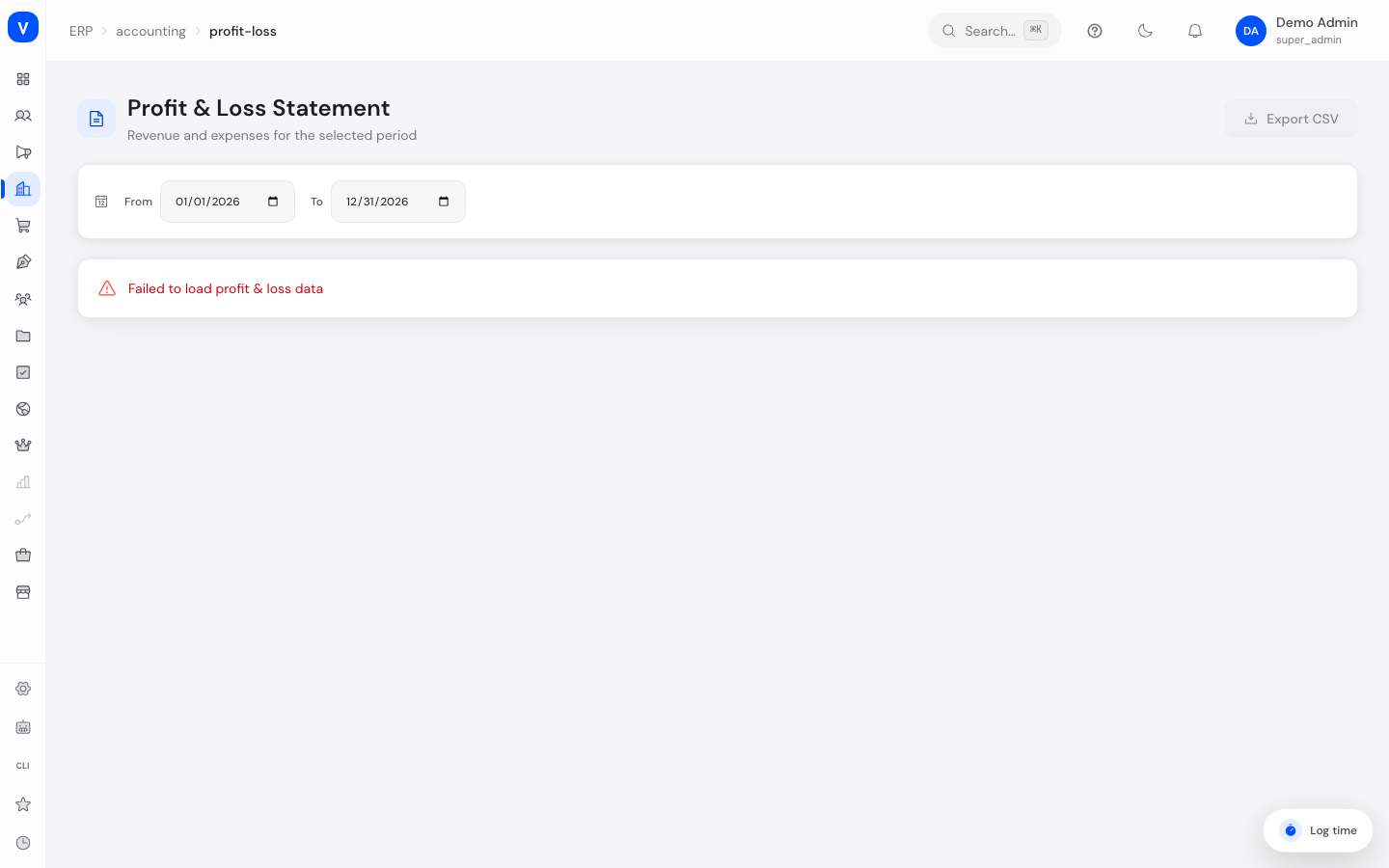
/erp/accounting/profit-lossFields Explained
| Field | Meaning | Notes/Impact |
|---|---|---|
| From / To | Start and end date of the period under review | Defaults to the current calendar year; freely adjustable |
| Revenue | Sum of all income in the selected period | Made up of all accounts of type "Revenue" |
| Expenses | Sum of all spending in the selected period | Made up of all accounts of type "Expense" |
| Net Income | Revenue minus expenses | Green for a positive result (profit), red for a negative result (loss) |
| Account (in the tables) | Number of the respective account | Refers to an account from the Chart of Accounts |
| Name (in the tables) | Name of the account | e.g. "Product Sales" |
| Amount (in the tables) | Sum of the bookings on this account in the period | Only posted journal entries are included |
Values & Status
This page has no status values of its own. The result is only distinguished by color:
| Display | Meaning | What happens next |
|---|---|---|
| Green amount | The result for the selected period is positive (profit) | Revenue exceeds expenses |
| Red amount | The result for the selected period is negative (loss) | Expenses exceed revenue |
Frequently Asked Questions
Why do I see "No accounts in this category"?
This means that no posted journal entries exist for revenue or expense accounts in the selected period. Check the selected period or whether any entries have been posted yet — drafts don't count.
Which bookings are included in the P&L?
Only finally posted (not draft) journal entries on accounts of type "Revenue" or "Expense" within the selected period.
What do I do with the CSV export?
The CSV file contains all accounts with their amounts, plus subtotals and the final result — handy for handing the numbers to your tax advisor or processing them further in a spreadsheet.
Why does my result differ from the balance sheet?
The P&L shows revenue and expenses for a period, while the Balance Sheet shows the state of assets and capital at a specific point in time. Both reports complement each other but answer different questions.