Document Sequences
Document sequences define how document numbers for invoices, credit notes, packing slips, returns, quotes, and orders are assigned automatically — for example, which prefix they start with and whether the counter resets yearly, monthly, or never.
What can I do here?
- View the currently configured prefix, number pattern, reset period, and current number for each document type
- Edit a document sequence: change the prefix, pattern, or reset period
- Preview the next generated number before saving
Step by Step
- Find the document type you need (e.g. "Invoice") in the table and click the edit icon.
- Adjust the prefix and/or pattern. Use the available placeholders (see Fields Explained).
- Choose the desired reset period (yearly, monthly, or never).
- Click "Preview" to see what the next number would look like with the new settings.
- Click the save icon to apply the changes.
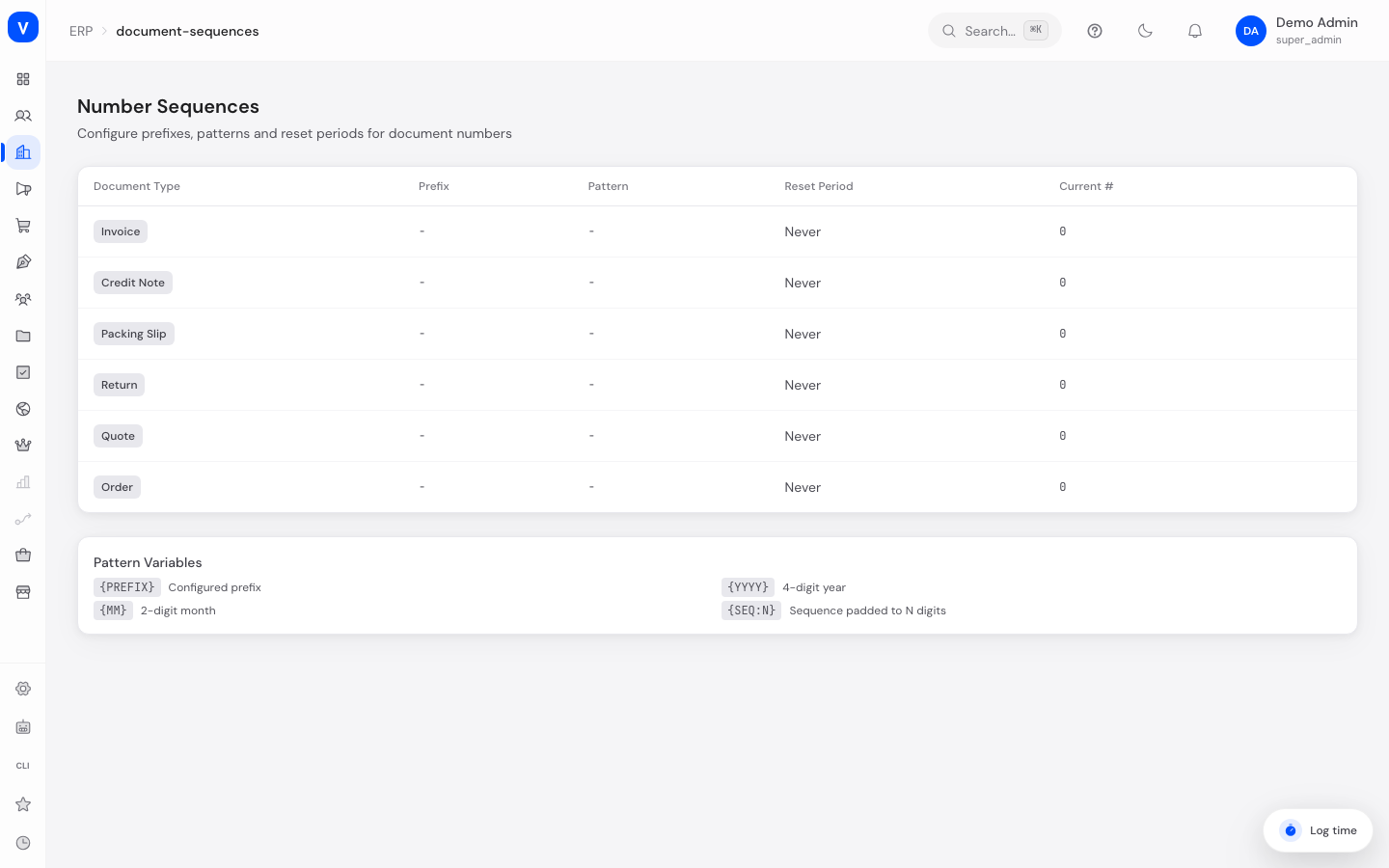
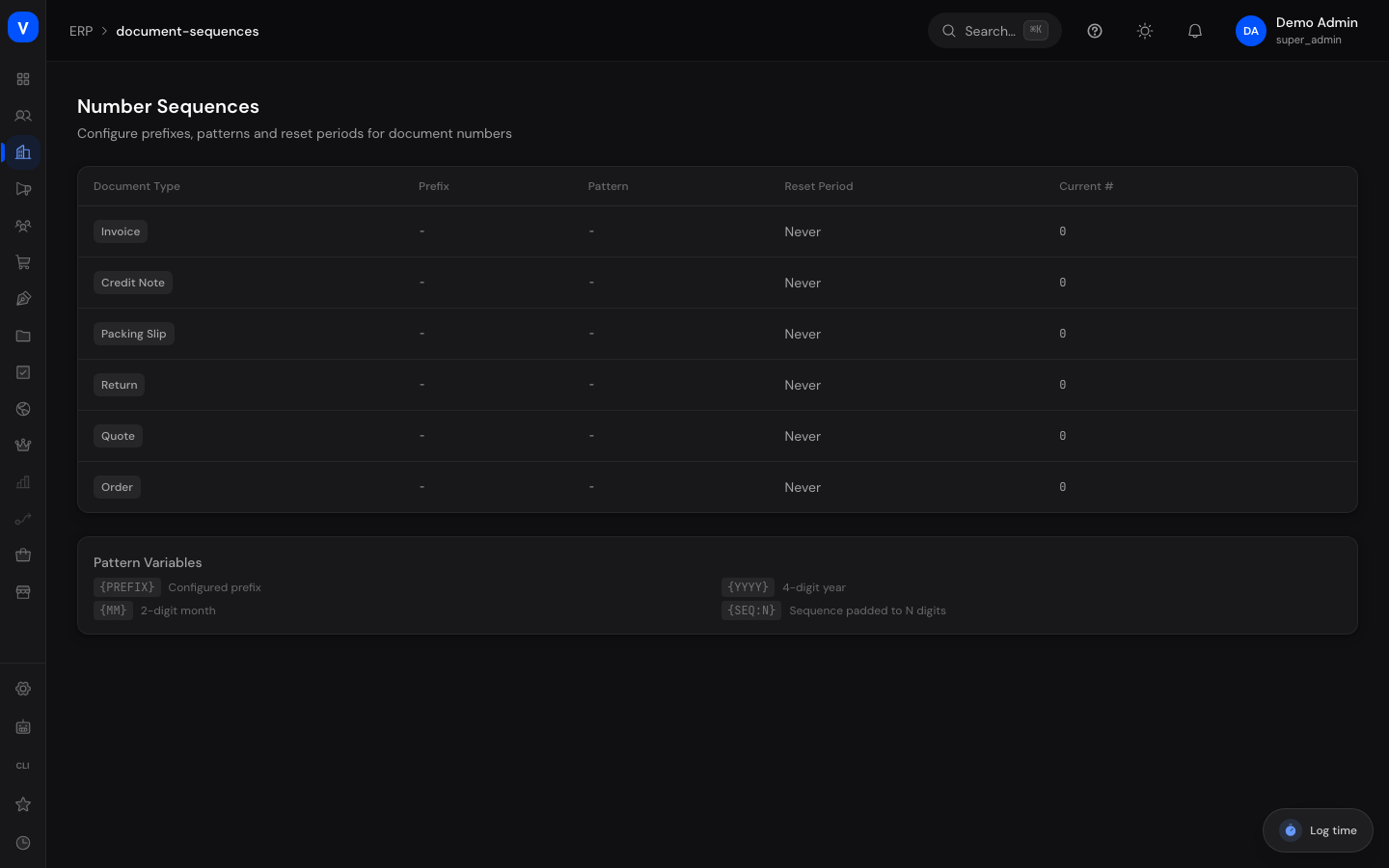
/erp/document-sequences| Document Type | Prefix | Pattern | Reset Period | Current # |
|---|---|---|---|---|
| Credit Note | GS | {prefix}-{year}-{seq:5} | Yearly | 128 |
| Quote | AN | {prefix}-{year}-{seq:4} | Never | 903 |
/erp/document-sequencesFields Explained
| Field | Meaning | Notes/Impact |
|---|---|---|
| Document Type | The document type the sequence applies to | Invoice, Credit Note, Packing Slip, Return, Quote, Order |
| Prefix | Fixed text at the start of the document number | e.g. "INV-"; maximum 20 characters |
| Pattern | Structure of the full document number using placeholders | e.g. {PREFIX}{YYYY}-{SEQ:5}; maximum 100 characters |
| Reset | When the running number restarts at 1 | See Values & Status |
| Current No. | The last number that was assigned | Automatically incremented with every new document |
Available Pattern Placeholders
| Placeholder | Meaning |
|---|---|
{PREFIX} |
Inserts the configured prefix |
{YYYY} |
4-digit year |
{MM} |
2-digit month |
{SEQ:N} |
Running number, padded to N digits (e.g. {SEQ:5} yields "00001") |
Values & Status
Document Type
| Label | Meaning |
|---|---|
| Invoice | Sequence for Invoices |
| Credit Note | Sequence for Credit Notes |
| Packing Slip | Sequence for packing slips |
| Return | Sequence for returns |
| Quote | Sequence for Quotes |
| Order | Sequence for orders |
Reset Period
| Label | Meaning | What happens next |
|---|---|---|
| Yearly | The running number restarts at 1 at the beginning of the year | Convenient for documents numbered by year (e.g. "2026-00001") |
| Monthly | The running number restarts at 1 every month | For documents numbered by month |
| Never | The running number keeps incrementing without resetting | Documents are numbered uniquely across the entire history |
Frequently Asked Questions
What happens to already-assigned numbers if I change the pattern?
Already-assigned document numbers remain unchanged. The new configuration only applies to documents created from now on.
What is the preview function for?
The preview shows you exactly what the next number would look like after saving — helping you avoid surprises before the change takes effect.
Why are specific number formats important?
In Germany, invoice numbers must be sequential and unique (principle of proper bookkeeping). A well-thought-out sequence configuration helps you meet this requirement.
Can I set the sequence to a specific starting number?
On this page you can configure the prefix, pattern, and reset period; the current number is continued automatically and is shown here for reference only.