SEPA Direct Debit
Here you manage SEPA direct debit mandates (a customer's written permission for you to take money from their bank account) and the collections (individual debits) created from them. You create mandates, collect amounts, track their status, and generate collective files in PAIN.008 format that you submit to your bank.
What can I do here?
- View a dashboard with key figures on mandates and collections
- Create a new SEPA mandate for a customer, including automatic IBAN validation
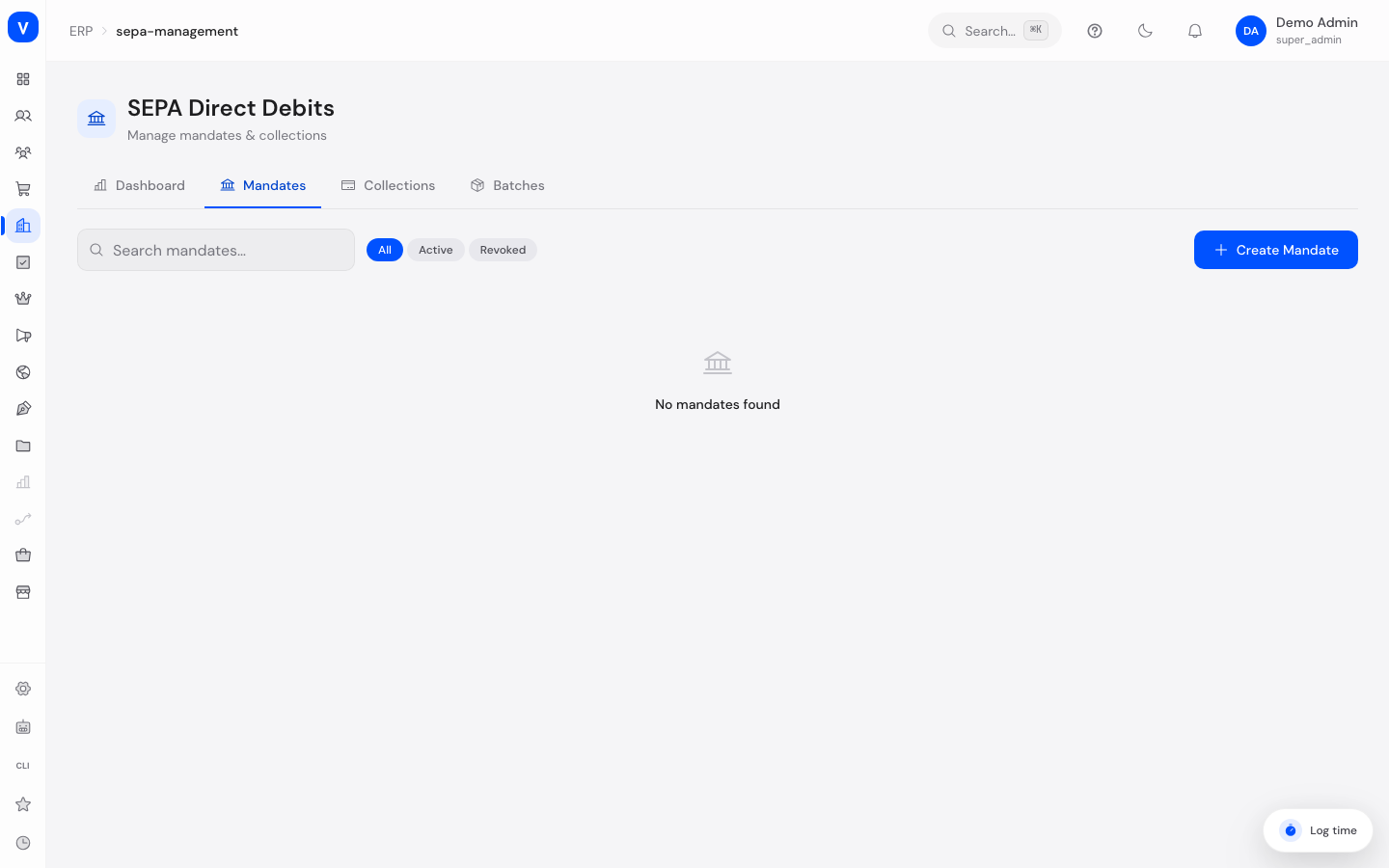
- Filter and search mandates by status (active/revoked)
- Revoke a mandate
- Create a new collection (direct debit) against a mandate
- Filter collections by status
- Mark a collection as settled
- Record a returned direct debit (one rejected by the customer or their bank) and enter the reason
- Bundle pending collections into a PAIN.008 batch and download it as an XML file
- View the history of past batches
Step by Step
- Create a mandate: Open the "Mandates" tab and click "Create Mandate". Enter the customer ID, account holder, and IBAN (the BIC is partly auto-detected once the IBAN is valid) and choose the mandate type. Save with "Create".
- Create a collection: Switch to the "Collections" tab and click "Create Collection". Choose the mandate, optionally the related order, the amount, and the collection date.
- Generate a batch for the bank: In the "Collections" tab, select one or more pending collections (or leave the selection empty to use all pending collections) and click "Generate Batch". The PAIN.008 XML file downloads and can be submitted to your bank.
- Record a returned direct debit: If a bank rejects a debit, click the return icon on the affected collection, choose the matching return reason code, and confirm with "Record Return".
flowchart LR
    A[Create mandate] --> B[Create collection]
    B --> C[Pending]
    C --> D[Generate batch<br/>PAIN.008 XML]
    D --> E[Submitted to bank]
    E --> F{Result}
    F -->|Successful| G[Settled]
    F -->|Rejected| H[Record return]
/erp/sepa-managementFields Explained
| Field | Meaning | Notes/Impact |
|---|---|---|
| Mandate Reference | Unique identifier for the mandate, sent with every direct debit | Assigned automatically when the mandate is created |
| Account Holder | Name of the person or company the bank account belongs to | Must match the actual account holder |
| IBAN | The customer's International Bank Account Number | Automatically validated when entered (country code, bank code, check digits) |
| BIC | Bank Identifier Code | Optional; partly auto-detected for a valid IBAN |
| Mandate Type | Recurring (RCUR) or One-off (OOFF) | Recurring allows multiple collections, one-off only a single one |
| Signed At | Date the mandate was signed | Serves as proof for the bank |
| Customer ID | Unique identifier of the customer in SELLERLOGIC Commerce Services | Links the mandate to the correct customer |
| Mandate ID (on a collection) | Unique identifier of the underlying mandate | A collection is always tied to a mandate |
| Order No. | Optional link between the collection and an order | Makes it easier to match a payment to an order |
| Amount | The amount to be collected | Shown in euros |
| Collection Date | Planned date of the debit | Carried into the PAIN.008 file when the batch is generated |
| Batch ID | Identifier of the batch file a collection belongs to | Empty as long as the collection isn't part of a batch yet |
| Return Reason Code | Standardized code describing why a direct debit was returned | Selected when recording a return |
Values & Status
Mandate Status
| Label | Meaning | What happens next |
|---|---|---|
| Active | The mandate is valid and can be used for collections | New collections can be created |
| Revoked | The mandate has been withdrawn | No new collections can be created against this mandate |
Mandate Type
| Label | Meaning | What happens next |
|---|---|---|
| Recurring (RCUR) | The mandate allows multiple, repeated debits | Suited for subscriptions or regular payments |
| One-off (OOFF) | The mandate allows only a single debit | Suited for one-time purchases |
Collection Status
| Label | Meaning | What happens next |
|---|---|---|
| Pending | The collection has been created but not yet submitted to the bank | Can be included in a batch |
| Submitted | The collection was submitted to the bank as part of a batch | Awaiting confirmation or settlement |
| Settled | The collection was completed successfully | Considered finished |
| Collected | The amount was successfully debited from the customer's account | Considered finished |
| Returned | The bank or customer rejected the debit | The return reason code shows why; a new collection may be needed |
| Failed | The collection could not be processed | Should be reviewed and possibly recreated |
Batch Status
| Label | Meaning | What happens next |
|---|---|---|
| Generated | The PAIN.008 batch file was created successfully | The file can be submitted to the bank |
Frequently Asked Questions
What is a SEPA mandate?
A SEPA mandate is a customer's written consent allowing you to take money from their bank account. Without a valid mandate, no direct debit may be collected.
What's the difference between "Recurring" and "One-off"?
A recurring mandate (RCUR) allows multiple debits over time, for example for subscriptions. A one-off mandate (OOFF) allows only a single debit.
What is a PAIN.008 file?
PAIN.008 is a standardized file format used to submit batches of direct debits to banks. Clicking "Generate Batch" automatically creates such a file from the selected collections.
What does a "returned" direct debit mean?
It means the debit was rejected by the bank or the customer — for example due to insufficient funds or a revoked mandate. The return reason code tells you the specific reason.
Can I reactivate a revoked mandate?
No, a revoked mandate cannot be undone. A new mandate must be created for further collections.