ERP Dashboard
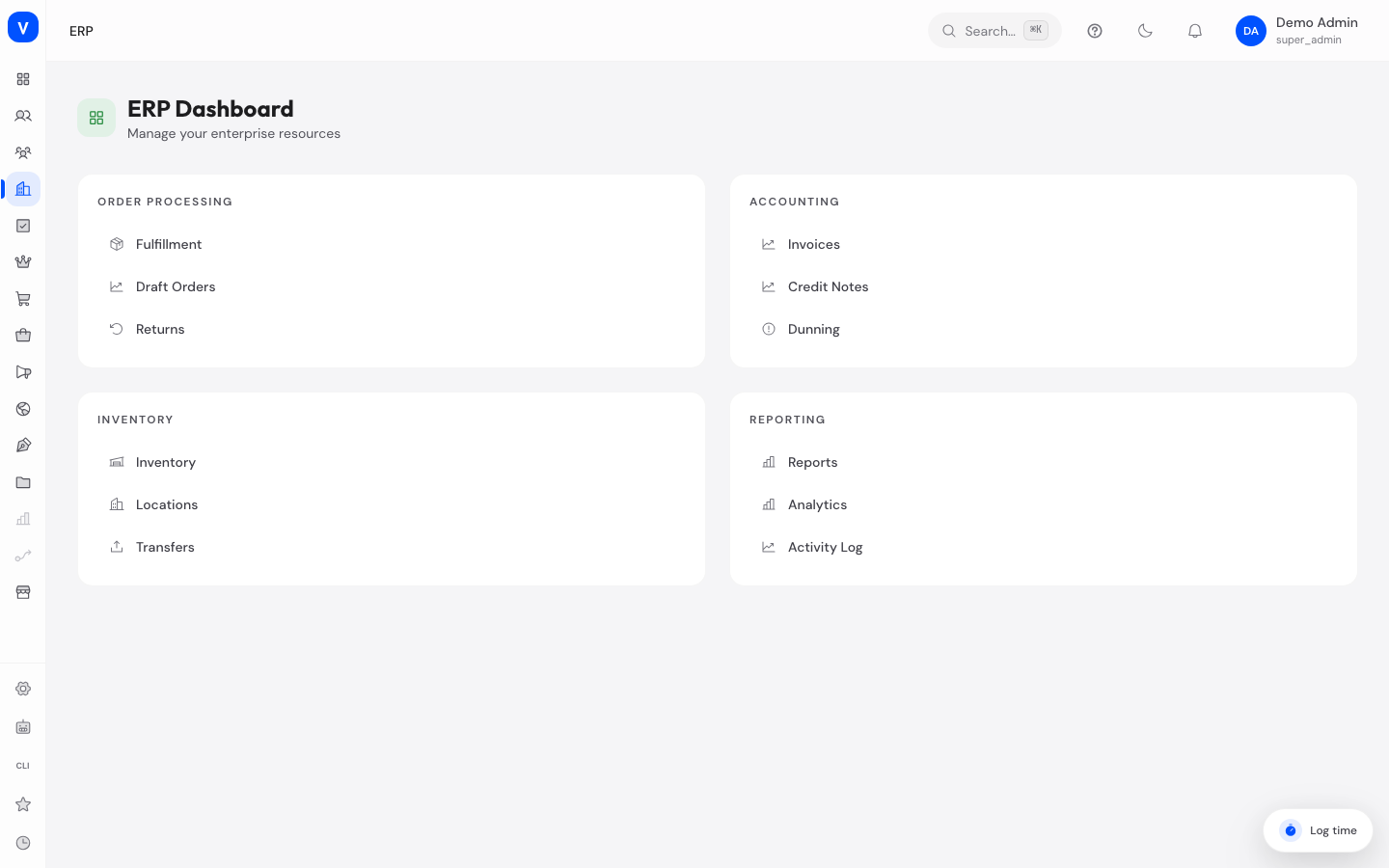
The ERP Dashboard is the starting page of the "Enterprise Resources" area (ERP stands for Enterprise Resource Planning — managing goods, accounting, and operations for your business). From here you can jump with one click to all the key tools for order processing, accounting, inventory management, and reporting.
What can I do here?
- Get a quick overview of the four main ERP areas: order processing, accounting, inventory management, and reporting
- Use quick-access links to jump directly to individual tools without searching the navigation menu
Step by Step
- Open the ERP Dashboard from the main navigation.
- Choose the topic area that matches what you need (e.g. "Accounting" for invoices, credit notes, and dunning).
- Click the entry you need to go directly to that page.
/erpFields Explained
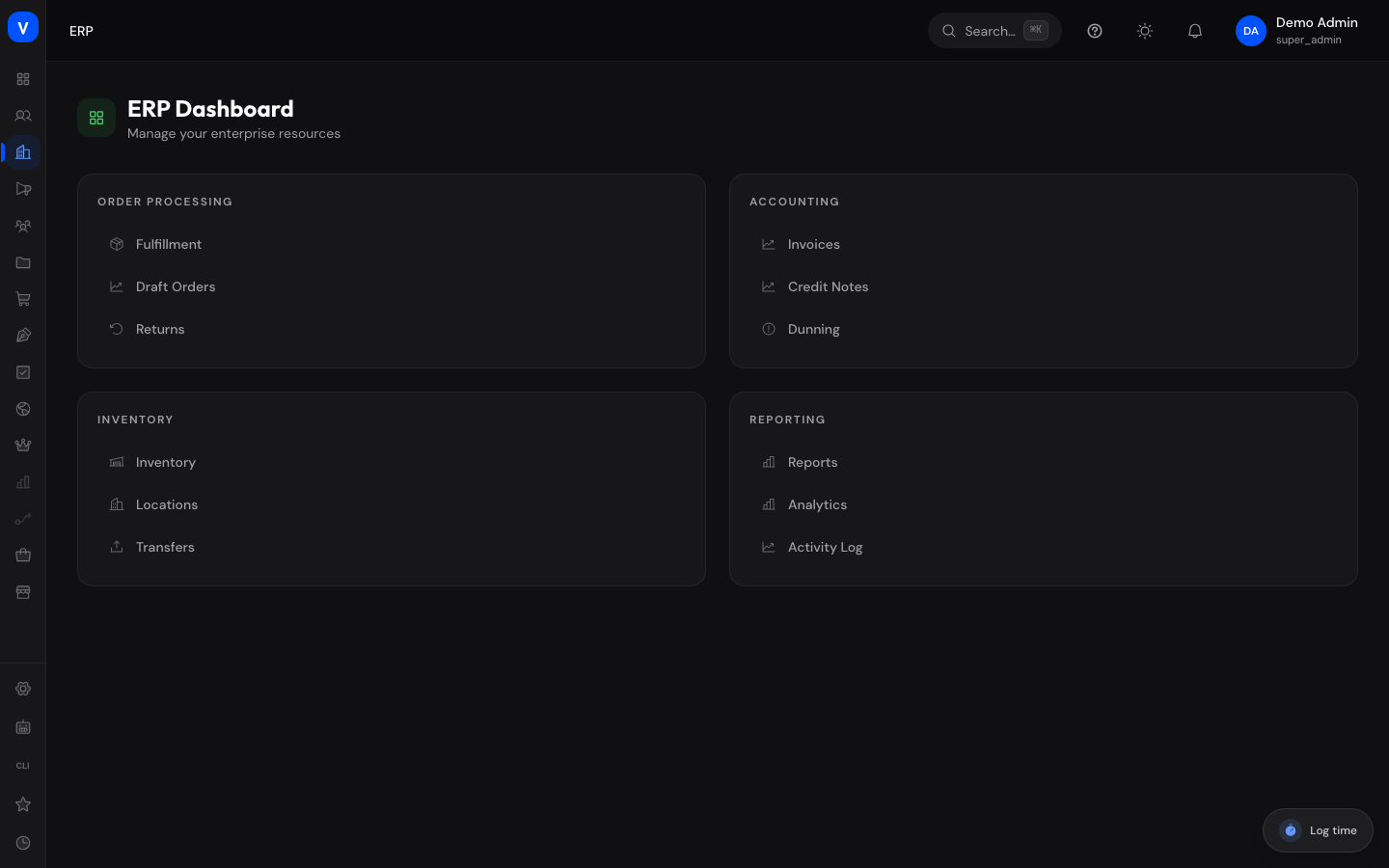
The dashboard has no input fields — it shows four topic tiles with quick-access links:
| Section | Meaning | Notes/Impact |
|---|---|---|
| Order Processing | Links to fulfillment, draft orders, and returns | Leads to operational order tools, not part of this accounting documentation |
| Accounting | Links to invoices, credit notes, and dunning | Direct entry point into finance processes |
| Inventory Management | Links to stock, locations, and stock movements | Not part of this accounting documentation |
| Reporting | Links to reports, analytics, and the activity log | Overview of key figures and system activity |
Values & Status
This page has no status or value lists of its own — it is a pure navigation page.
Frequently Asked Questions
Why don't I see any numbers or tables here?
The ERP Dashboard is intentionally designed as a pure overview and navigation page. Concrete figures (e.g. revenue, open bookings) are shown on the Accounting Overview.
I'm looking for a specific feature but don't see it here.
The dashboard only shows a selection of the most important tools. Also use the main navigation on the left to find all available ERP features.
Can I customize the tiles on this page?
No, the layout of the sections is fixed and not configurable.