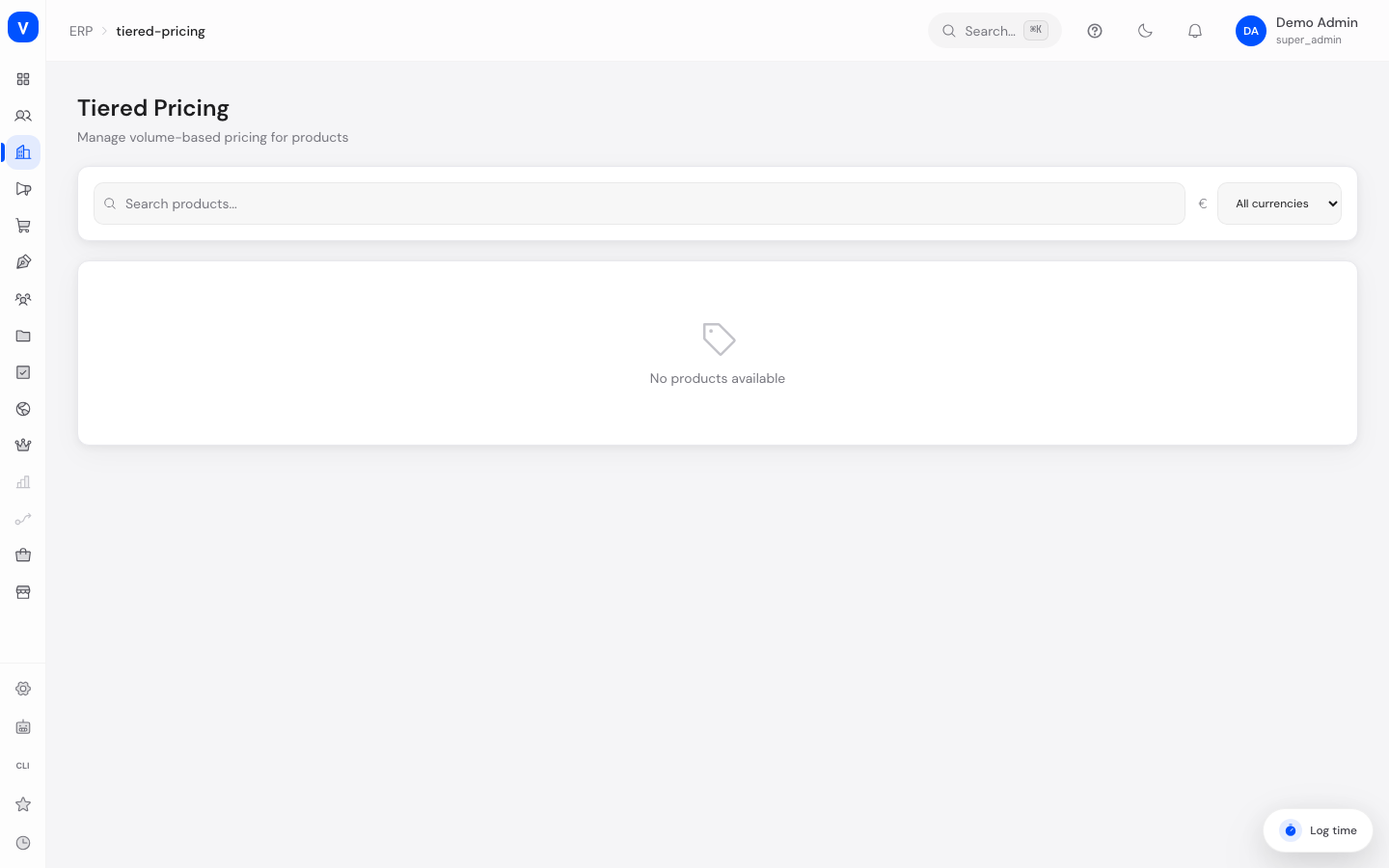
Tiered Pricing
Tiered Pricing lets you define quantity discounts for your products: the more a customer buys of an item, the lower the unit price becomes. You can create tiers per product (optionally per variant), per currency, for specific customer groups, and with a fixed validity period.
What can I do here?
- Search products and expand/collapse their price tiers
- Filter by currency
- Create a new tier for a product (quantity range, price, optional discount %, currency, customer group, validity period)
- Edit or delete an existing tier
- View a price preview showing how the unit price changes depending on order quantity
Step by step
- Find a product: Search for the desired product in the search field. All active products are listed.
- Add a tier: Click "Add Tier" for a product. Enter minimum quantity, optional maximum quantity, price, and an optional discount percentage. Optionally you can set a variant ID, a customer group ID, and a validity period (valid from/to).
- Save the tier: Click "Create". The new tier appears in the product's table and in the price preview below.
- Edit or delete a tier: Click the pencil icon in the tier's row to edit, or the trash icon and confirm to delete the tier.
Fields explained
| Field | Meaning | Notes/Effect |
|---|---|---|
| Min Quantity | Order quantity from which this tier applies | Required, minimum 1 |
| Max Quantity | Order quantity up to which this tier applies | Empty = unlimited upward |
| Price | Unit price that applies within this quantity range | Required |
| Discount % | Optional discount percentage shown alongside the price | Informational only, not automatically derived from the price |
| Customer Group | Optional customer group ID this tier applies exclusively to | Empty = applies to all customers |
| Currency | Currency the tier price applies to | EUR, USD, GBP, or CHF |
| Valid From / Valid To | Period during which the tier is active | Empty = no start/end date, i.e. valid indefinitely |
| Variant | Optional variant ID if the tier should only apply to a specific product variant | Only selectable when creating, cannot be changed afterward |
Values & statuses
Currency
| Value | Plain-language meaning |
|---|---|
| EUR | Euro |
| USD | US Dollar |
| GBP | British Pound |
| CHF | Swiss Franc |
Frequently asked questions
What happens if two tiers overlap?
On the storefront, the tier with the highest matching minimum quantity that is valid for the order quantity, currency, and (if set) customer group is always used. Make sure quantity ranges per product/variant/customer group don't overlap in a conflicting way when creating tiers.
Why don't I see any tiers for a product?
No tiers have been created for this product yet. Click "Add Tier" to create the first one.
What does an empty "Max Quantity" field mean?
It means the tier applies without an upper limit from the given minimum quantity onward, until another tier with a higher minimum quantity takes over.
Does a tier automatically apply to all customers?
Yes, unless a customer group ID is set. If a customer group is specified, the tier applies exclusively to customers in that group.
Related topics
/erp/tiered-pricing| Min Qty | Max Qty | Price each | Discount % |
|---|---|---|---|
| 1 | 49 | EUR 2.00 | - |
| 50 | 199 | EUR 1.80 | 10 % |
| 200 | Unlimited | EUR 1.60 | 20 % |
/erp/tiered-pricing