Balance Sheet
The Balance Sheet shows you, as of a specific date, what your company owns (assets) and how that wealth is financed (equity and liabilities). Both sides must always add up to the same total — this is the fundamental principle of double-entry bookkeeping.
What can I do here?
- View the balance sheet as of any chosen date
- Compare assets (what you own) side by side with liabilities and equity (how it's financed), broken down by individual account
- Check whether the balance sheet is balanced
- Export the balance sheet as a CSV file
Step by Step
- Open the Balance Sheet. By default, December 31 of the current year is shown as the reference date.
- If needed, use the "As of Date" field to choose a different date to view the balance sheet at an earlier point in time.
- Check the banner at the top: it immediately shows whether the balance sheet is balanced or not.
- Compare the left column (Assets) with the right column (Liabilities & Equity) to understand the composition of assets, equity, and liabilities.
- Click "Export CSV" to download the balance sheet as a file.
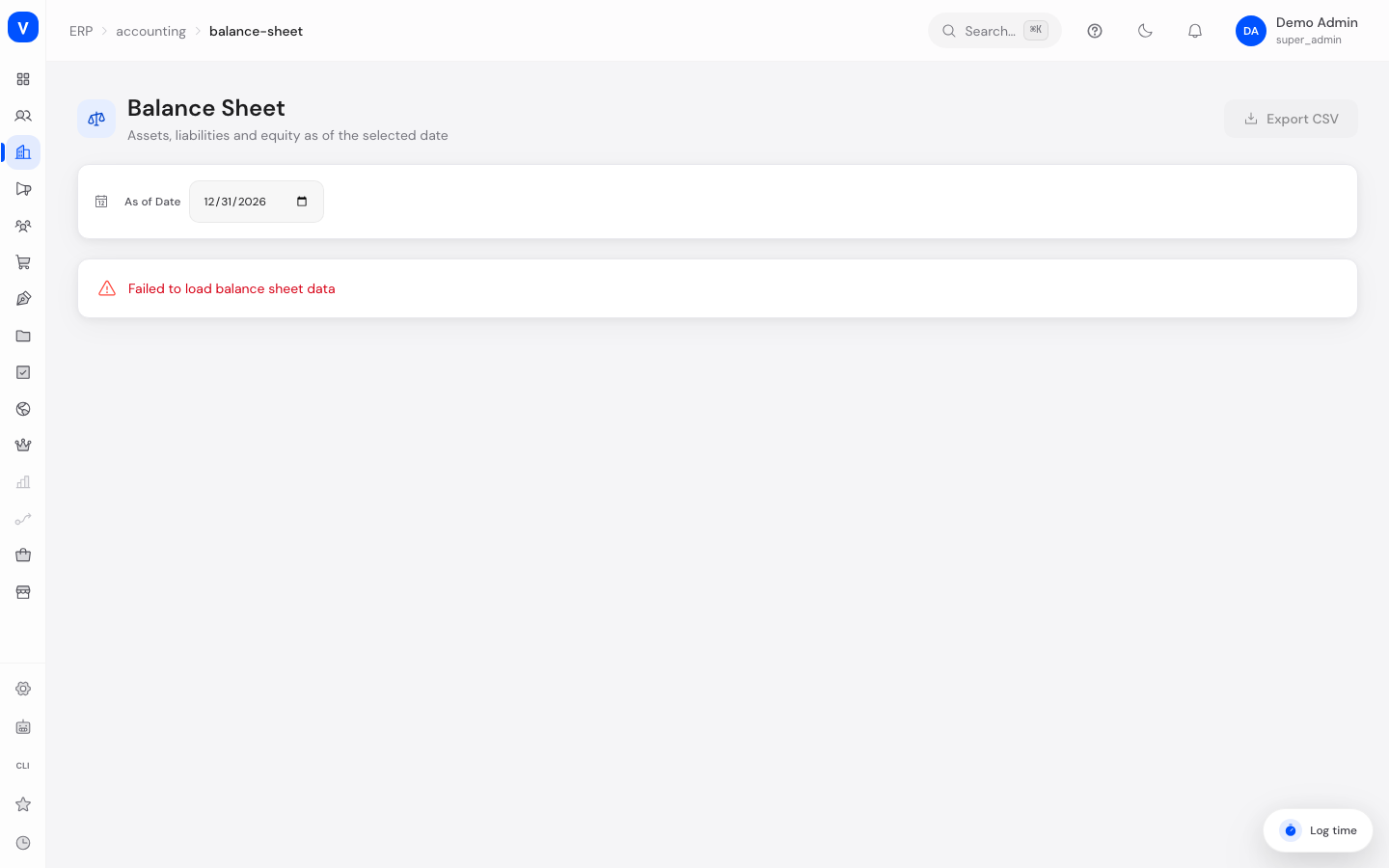
/erp/accounting/balance-sheetFields Explained
| Field | Meaning | Notes/Impact |
|---|---|---|
| As of Date | The date the balance sheet is generated for | Defaults to December 31 of the current year |
| Total Assets | Total value of all assets as of the reference date | Must match "Total Liabilities & Equity" |
| Total Liabilities & Equity | Total value of equity and liabilities as of the reference date | Must match "Total Assets" |
| Fixed Assets | Long-term tied-up assets, e.g. machinery or equipment | Part of assets |
| Current Assets | Short-term available assets, e.g. cash, bank balances, inventory | Part of assets |
| Equity | Capital owned by the company itself | Part of liabilities & equity |
| Retained Earnings | Accumulated result from previous years or the current year | Counted as part of equity |
| Current Liabilities | Debts due within one year | Part of liabilities & equity |
| Long-term Liabilities | Debts with a term of more than one year | Part of liabilities & equity |
| Account / Name / Amount (in the tables) | Individual accounts with their balance as of the reference date | Refers to accounts from the Chart of Accounts |
Values & Status
Balance Check (banner at the top of the page)
| Label | Meaning | What happens next |
|---|---|---|
| Balance sheet is balanced | Total assets exactly equal total liabilities & equity | Green banner, no further action needed |
| Balance sheet is not balanced! | Total assets differ from total liabilities & equity | Red banner showing the difference — usually indicates incorrect or incomplete bookings and should be investigated |
Frequently Asked Questions
What does it mean if the balance sheet is not balanced?
This is unusual and usually indicates incorrect or not-yet-fully-posted journal entries. In this case, check the underlying bookings or contact your tax advisor.
Why does the reference date default to December 31?
That is the usual end of a fiscal year in Germany. You can always choose a different date to view the balance sheet at any point in time.
What is the difference between fixed assets and current assets?
Fixed assets are things that remain permanently in the company (e.g. machinery), while current assets are available short-term or turned over (e.g. cash, inventory).
What does Retained Earnings show?
Retained earnings shows the accumulated result from earlier periods, which is counted as part of equity.