Import / Export
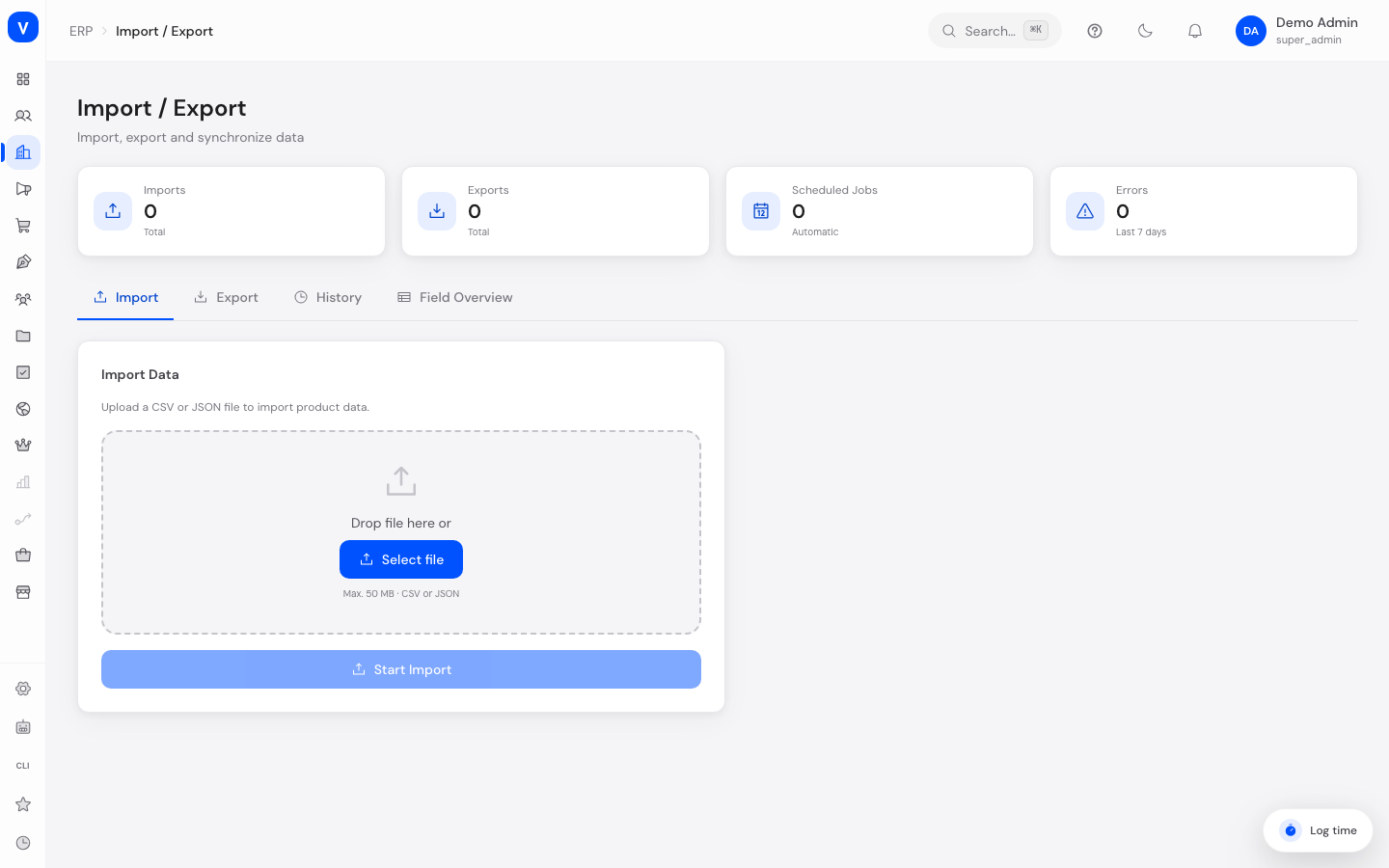
Here you import product data from a CSV or JSON file into your shop, or export your existing products to a file. You can also see the history of all past import and export jobs and an overview of the product fields used along the way.
What can I do here?
- Upload a CSV or JSON file with product data and import it
- Export your products as a CSV or JSON file, optionally filtered by status or category
- View the history of all import/export jobs, filtered by import or export
- Re-download already completed exports
- View the detailed per-row error log for failed or partially failed imports
- View an overview of all product fields supported for import/export (including required-field markers)
Step by step
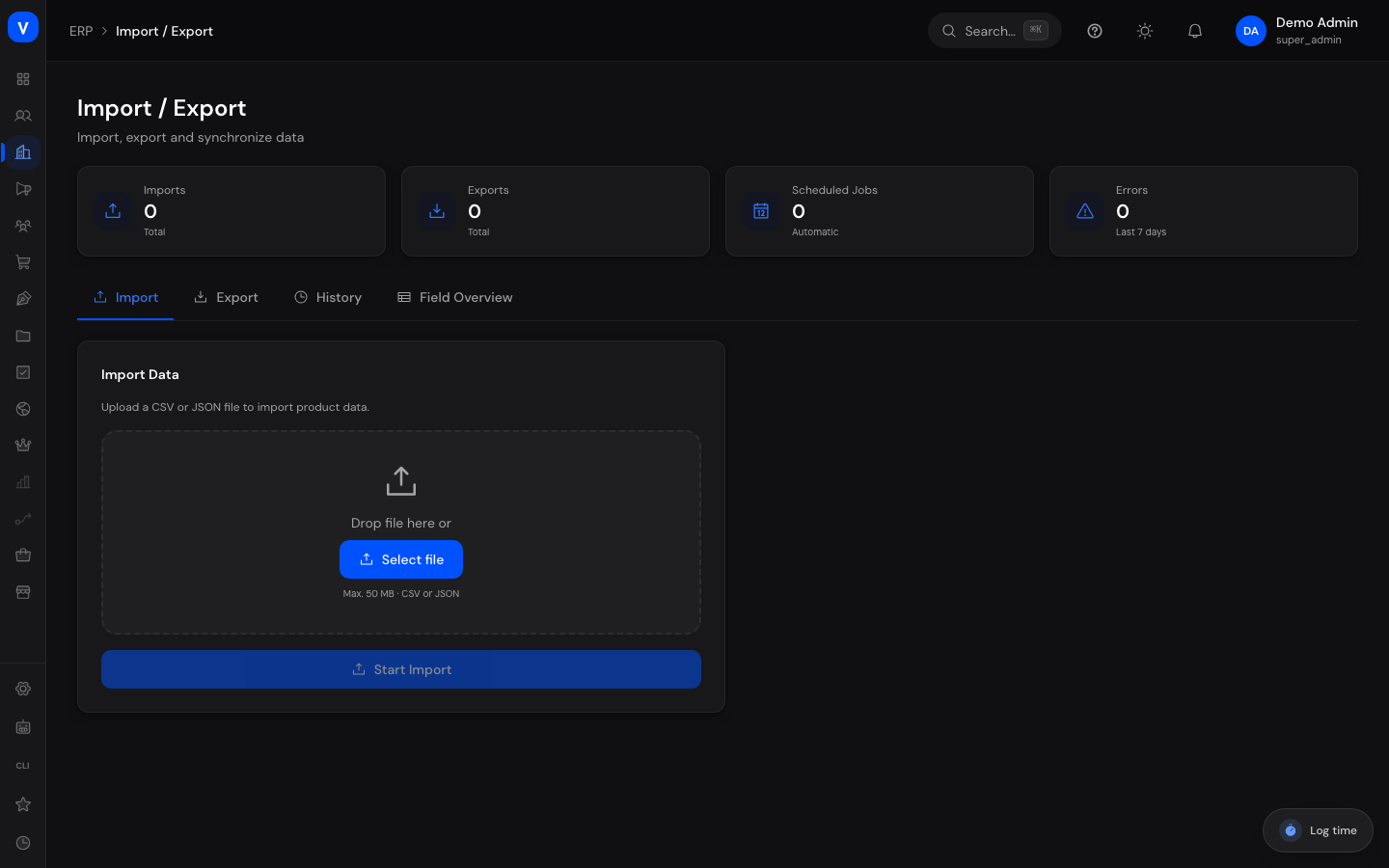
- Import products: Switch to the "Import" tab, select a CSV or JSON file via "Select File", and click "Start Import". Once finished, you'll see how many of how many rows were imported successfully.
- Export products: Switch to the "Export" tab, choose the desired format (CSV or JSON) and optionally a status or category filter. Click "Start Export" — the download starts automatically once the export is done.
- Check the error log: On the "History" tab, open the error log for a failed job or a job with errors to see which row and field caused which error.
- Look up the expected file format: Switch to the "Fields" tab to see which columns/fields are supported and which of them are required.
Fields explained
| Field | Meaning | Notes/Effect |
|---|---|---|
| Job | Name of the import/export operation, timestamp, and the user who ran it | — |
| Type | Kind of data (currently only products are operable via the action buttons) | Icon shows the data type |
| Format | File format of the job (CSV, JSON) | — |
| Records | Number of successfully processed / erroneous / total rows | — |
| Size | File size | — |
| Status | Current state of the job | See "Values & Status" below |
| Action | Download (for completed exports) or Error Log (for failures) | — |
Field overview (product fields)
| Field | Meaning | Notes/Effect |
|---|---|---|
| Field | Internal column name expected in the import/export file | Must be used exactly as the column header |
| Label | Human-readable name of the field | For orientation only |
| Type | Expected data type (text, number, integer, choice list, long text) | — |
| Required | Whether the field must be filled in on import | If a required field is missing, that row is skipped with an error |
Values & statuses
Job status
| Value | Plain-language meaning | What happens |
|---|---|---|
| Completed | The job was fully processed | For exports, the download is available |
| Running | The job is currently being processed | — |
| Failed | The job could not be completed | The error log can be viewed |
| Queued | The job is waiting to be processed | — |
| Scheduled | The job is set up for a later automatic run | — |
Frequently asked questions
Why weren't all rows in my file imported?
Each row needs at least a product number and a name to be processed. If one of these required fields is missing or another value is invalid, only that row is skipped and noted in the error log — all other, valid rows are still imported.
Are existing products overwritten on a repeat import?
Products are recognized by their product number. If a product with that number already exists, the supplied fields are updated; otherwise a new product is created.
Which delimiters are supported in CSV files?
Both comma and semicolon are recognized as column delimiters.
Why is my file rejected before the import even starts?
To keep the shop responsive, an import file has to stay within sensible limits: at most 10 MB in size, up to 50,000 data rows, up to 200 columns, and no single cell larger than 64 KB. If a file exceeds one of these limits, the whole import is declined with a clear message and nothing is imported — split the file into smaller parts and import them one after another.
Why do I see more fields in the field overview than I get in an export?
The field overview lists all product fields supported in principle. The actual export currently contains a fixed core set of fields (including product number, name, description, price, stock, EAN, weight, and active status).
Related topics
/erp/import-export| Type | Data Type | Format | Records | Status |
|---|---|---|---|---|
| Import | Products | CSV | 1,240 | ✓Completed |
| Export | Orders | JSON | 860 | iRunning… |
| Import | Customers | CSV | 0 | ×Failed |
/erp/import-export