Accounting Overview
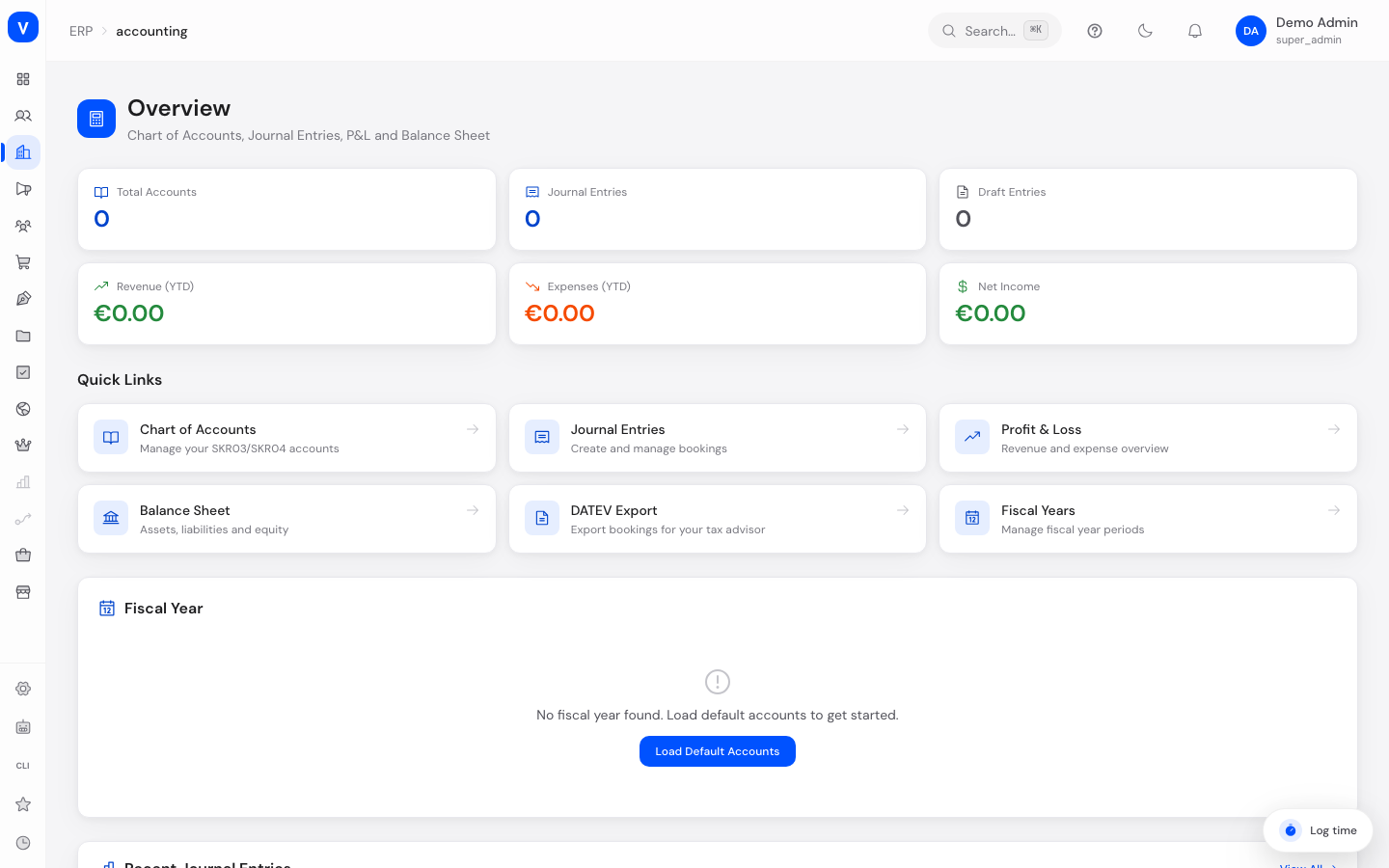
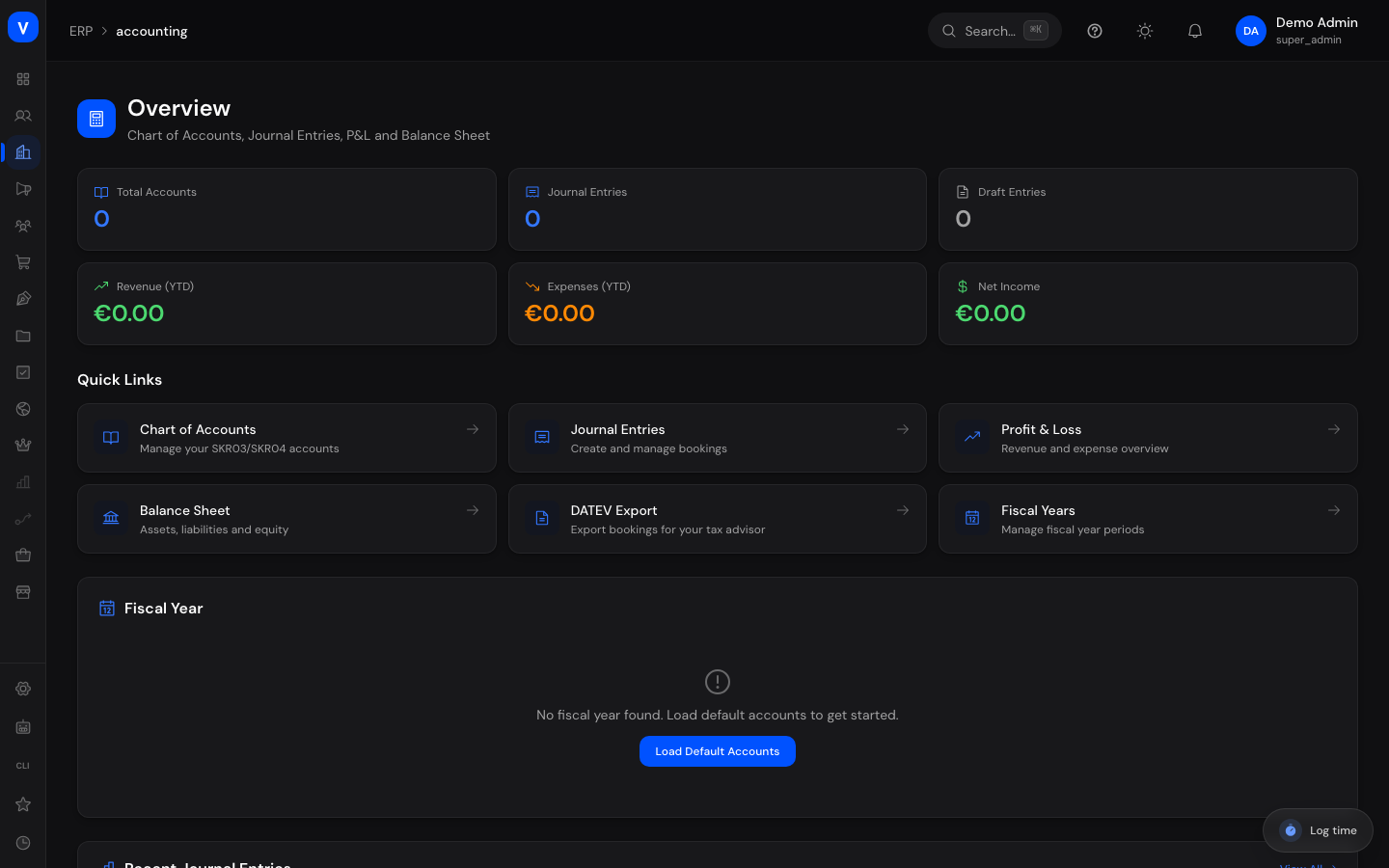
The Accounting Overview is your central entry point into financial accounting. Here you can see the most important figures for your fiscal year at a glance, jump to all accounting tools via quick-access tiles, and keep an eye on your most recent bookings.
What can I do here?
- View key figures such as number of accounts, number of bookings, drafts, revenue, expenses, and net income for the current year
- Use quick-access tiles to jump to the Chart of Accounts, Journal Entries, Profit & Loss Statement, Balance Sheet, and DATEV Export
- Load a standard chart of accounts (e.g. SKR03) for your company if no accounts exist yet
- View the current fiscal year and close it
- View the ten most recent journal entries directly
Step by Step
- Initial setup: If no fiscal year exists yet, click "Load Default Accounts" and choose your chart of accounts (e.g. SKR03, the standard German chart of accounts used by most small and medium businesses).
- Check key figures: Look at the KPI tiles at the top to see revenue, expenses, and net income for the current year (YTD = "Year to Date", meaning since the start of the year).
- Continue working: Use the quick-access tiles to move to the Chart of Accounts, Journal Entries, or reports.
- Close the fiscal year: Once all bookings for the year have been posted, click "Close Year" to lock the fiscal year.
/erp/accountingFields Explained
| Field | Meaning | Notes/Impact |
|---|---|---|
| Total Accounts | Number of all accounts created in the chart of accounts | Increases when you create new accounts or load a chart of accounts |
| Journal Entries | Number of all journal entries (drafts + posted + reversed) | Gives an overview of booking volume |
| Draft Entries | Number of journal entries not yet posted | A high value indicates open bookings still awaiting review |
| Revenue (YTD) | Sum of revenue since the start of the year | Basis for the Profit & Loss Statement |
| Expenses (YTD) | Sum of expenses since the start of the year | Basis for the Profit & Loss Statement |
| Net Income (YTD) | Revenue minus expenses since the start of the year | Green for a profit, red for a loss |
| Fiscal Year — Name | Label of the current fiscal year | e.g. "2026" |
| Fiscal Year — Period | Start and end date of the fiscal year | Usually January 1 to December 31 |
| Fiscal Year — Status | Whether the fiscal year is open or closed | See Values & Status below |
Values & Status
Fiscal Year Status (shown in the overview)
| Label | Meaning | What happens next |
|---|---|---|
| Open | The fiscal year is still running, bookings can be recorded | The "Close Year" button is available |
| Closed | The fiscal year has been officially ended | No new bookings can be recorded for this year |
Note: internally the system also defines an intermediate "closing" state for fiscal years, which is not currently shown as its own label on this overview.
Status of recent journal entries (table below)
| Label | Meaning | What happens next |
|---|---|---|
| Draft | The entry has been recorded but not yet finally posted | Can still be edited or deleted (see Journal Entries) |
| Posted | The entry has been finally applied to the accounts | Can no longer be deleted, only reversed |
| Reversed | The entry has been undone via a reversal entry | The original entry stays visible but no longer affects the balance |
Frequently Asked Questions
What does "YTD" mean in the key figures?
YTD stands for "Year to Date". The figure shows the total since January 1 of the current fiscal year.
I see the message "No fiscal year found" — what do I need to do?
Click "Load Default Accounts" and choose a chart of accounts. This automatically creates a chart of accounts and the current fiscal year.
What happens when I click "Close Year"?
The fiscal year is locked. This usually requires that all bookings for the year have already been finally posted (not still in draft status).
Can I click "Load Default Accounts" more than once without losing existing accounts?
Yes — loading a chart of accounts again does not overwrite existing accounts.