Stocktaking
Stocktaking lets you count the actual stock at a location and reconcile it against what the system has on record. When you complete a stocktaking, any discrepancies are automatically booked as an inventory correction, so your stock is accurate afterward.
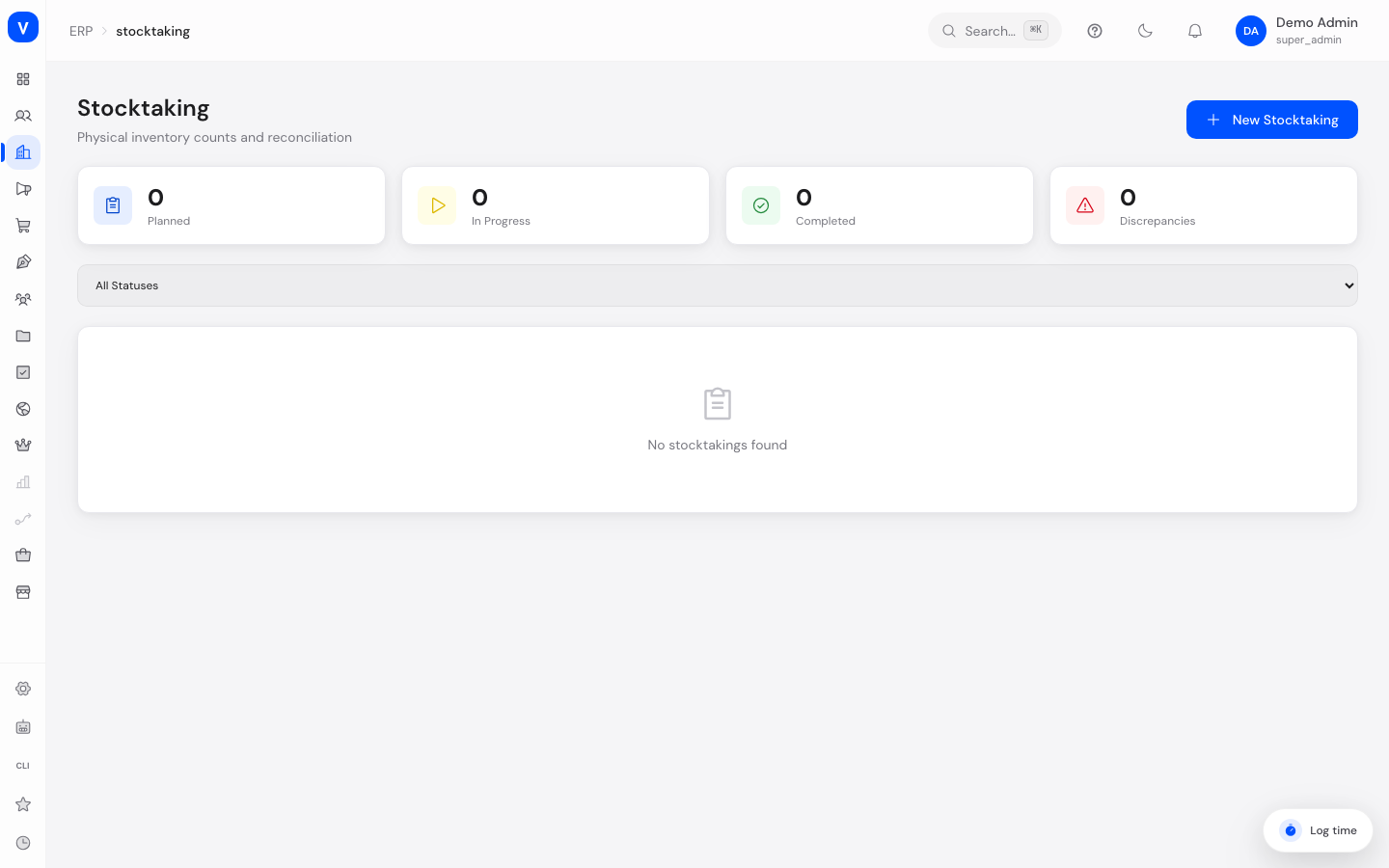
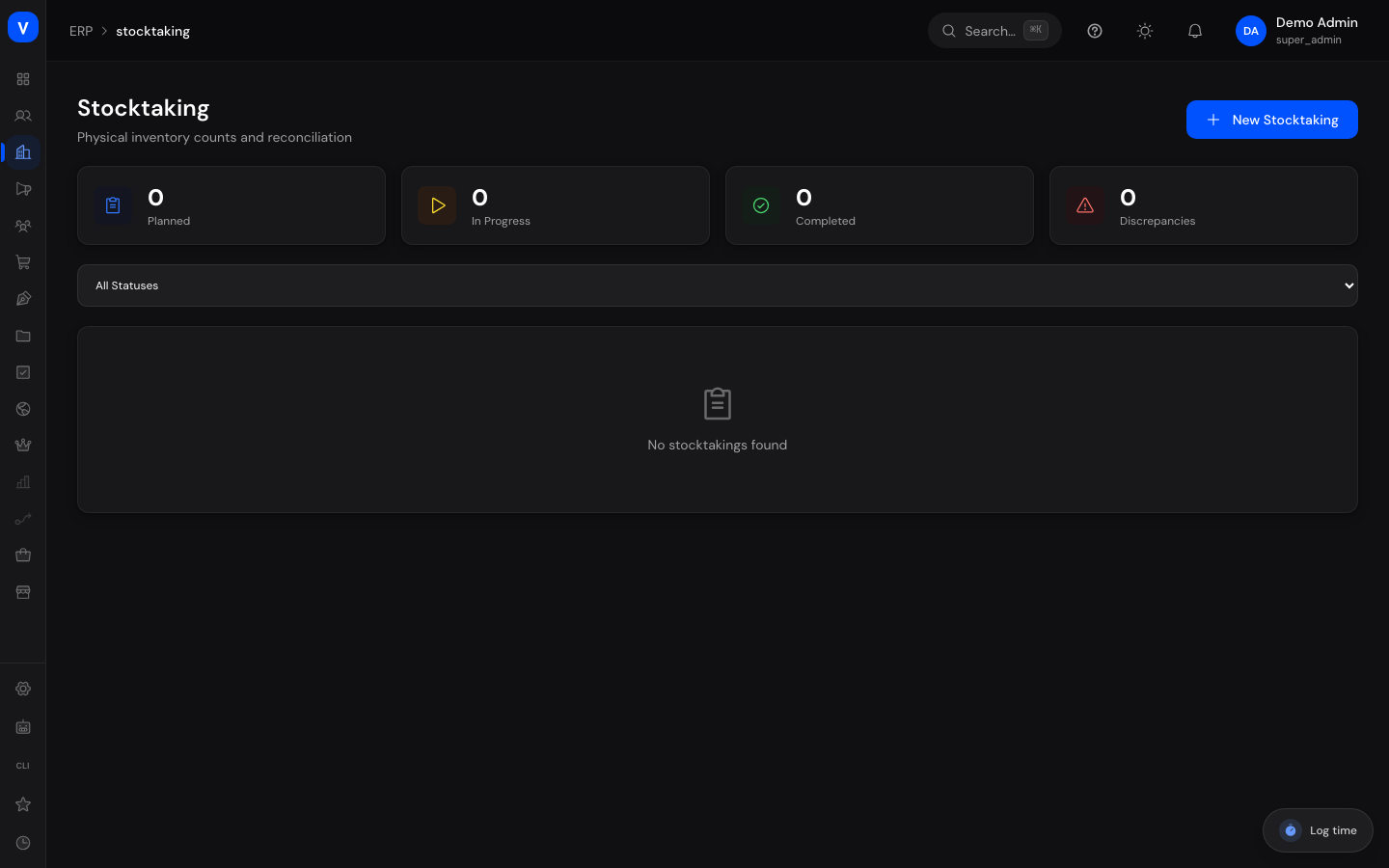
/erp/stocktakingWhat can I do here?
- Plan a new stocktaking for a location (full count, partial count, or cycle count)
- Start a planned stocktaking to begin counting
- Enter the actually counted quantity for each item
- Track counting progress live
- Complete a stocktaking and automatically book the discrepancies found as an inventory correction
- Cancel a stocktaking in progress without changing stock
- After completion, view a report with matches, discrepancies, and value difference
Step by step
- Create a stocktaking — Click "New Stocktaking" → enter a name, optionally a description, a location ID, and the type (full, partial, or cycle count) → Create. The stocktaking starts in "Planned" status.
- Start counting — Open a planned stocktaking → click "Start Counting". Status changes to "In Progress" and each item can now have a counted quantity recorded.
- Count items — For each item with status "Pending", enter the actually counted quantity and confirm with "Count". The item then switches to "Counted" and shows the difference from the expected quantity.
- Complete the stocktaking — Once all items are counted, verified, or skipped (none left "Pending"), click "Complete & Apply". For every item with a discrepancy, an inventory correction is automatically booked so available stock matches the counted value.
Fields explained
| Field | Meaning | Notes/Effect |
|---|---|---|
| Name | Name of the stocktaking | Required |
| Description | Free text with more detail | Optional |
| Location ID | Location being counted | Required |
| Type | Scope of the stocktaking | See value list below |
| Progress | Number of items counted relative to all items | Updates live while in progress |
| Expected Qty | Quantity the system had on record at the time of counting | Baseline for reconciliation |
| Counted Qty | Quantity actually counted | Entered per item while counting |
| Difference | Counted Qty minus Expected Qty | 0 means a match |
| Discrepancies | Number of items with a difference other than 0 | Calculated at completion |
| Value Difference | Combined monetary value of all discrepancies | Positive = more value than expected, negative = less |
Values & statuses
Stocktaking type
| Value | Meaning |
|---|---|
| Full Count | Counts the entire stock at a location |
| Partial Count | Counts a subset of the stock |
| Cycle Count | Recurring, rolling count of a portion of stock |
Stocktaking status
| Value | Meaning | What happens |
|---|---|---|
| Planned | Stocktaking was created but not yet started | Counting is not yet possible |
| In Progress | Counting is underway | Items can be counted |
| Completed | Stocktaking was completed | Discrepancies were booked as an inventory correction |
| Cancelled | Stocktaking was cancelled | No stock change |
Item status
| Value | Meaning | What happens |
|---|---|---|
| Pending | Item has not been counted yet | Must be recorded before completion |
| Counted | Counted quantity was recorded | Shows the difference from expected quantity |
| Verified | Counted quantity was additionally confirmed | Treated as finally recorded |
| Skipped | Item was deliberately not counted | Counts as done at completion, but triggers no inventory correction |
Note: a discrepancy is not its own item status — it results automatically whenever the difference between expected and counted quantity is non-zero, regardless of whether the item is "Counted" or "Verified".
Frequently asked questions
Why can't I complete a stocktaking?
As long as any items still have status "Pending", completion isn't possible. Count all outstanding items first.
What exactly happens when I complete a stocktaking?
For every item with a difference, available stock at the counted location is automatically set to the counted quantity and documented as a correction in the stock history.
Does cancelling change the stock?
No, cancelling a stocktaking does not apply any inventory correction.
Where can I see which items are off?
After completion, the report shows a "Discrepancy Details" list with expected quantity, counted quantity, and difference for each affected item.