lexoffice Integration
This page is meant for automated synchronization of invoices, customers, and credit notes with lexoffice, a popular online accounting software. There is currently no real integration with the lexoffice API (tickets #1812 and #1822, as of 2026-08-30) - neither the connection check nor the webhook registration, the document list, nor the sync of invoices, customers, credit notes, or whole date ranges creates a real record in lexoffice. A real integration requires lexoffice API credentials and an operator decision on whether to offer this feature.
What can I do here?
- Enter a lexoffice API key as a placeholder and click "Test Connection" (this currently always shows the honest "not available" notice, never a real connection status)
- Attempt to send a single order to lexoffice as an invoice (shows the honest "not available" notice, no confirmation of a real transfer)
- Attempt to send multiple orders from a date range in one step (batch sync; the count of orders found is real, the transfer itself is not)
- Attempt to send a single customer to lexoffice
- Attempt to send a single credit note to lexoffice
- View the sync log to see when a transfer attempt happened
- View the tax mapping — how SELLERLOGIC Commerce Services tax rates map to lexoffice tax types
- Enter a webhook URL as a placeholder (it is currently not registered with lexoffice)
- Turn automatic synchronization on or off
Note on the sync features (invoice/customer/credit note/batch): Until 2026-08-30, these features showed a fabricated "synced successfully" confirmation with a fabricated lexoffice ID, even though no real record was created in lexoffice (ticket #1822). This is fixed: the page now shows only the honest "not available" notice - no fabricated lexoffice ID anymore.
Step by Step
- Test connection (not available yet): Enter your lexoffice API key in the "API Key" field at the top as a placeholder and click "Test Connection". You will only see the honest notice that the integration has not been set up yet - no organization, no tax type, no "Connected" status.
- Sync a single invoice (not available yet): Go to the "Synchronization" tab → "Invoices", enter the order ID, and click "Sync". You will see the honest "not available" notice - no fabricated lexoffice invoice ID.
- Send multiple invoices at once (not available yet): In the "Batch Sync" section, set a date range and click "Batch Sync". The result shows the real count of orders found, but honestly reports that none of them were transferred.
- Check the history: Open the "Log" tab to see all past transfer attempts with their status and timestamp.
flowchart LR
    A[Enter API key] --> B[Test connection shows honest not-available notice]
    B --> C[Choose invoice, customer, or credit note]
    C --> D[Attempt sync individually or via batch - shows honest not-available notice]
    D --> E[Entry appears in the sync log]
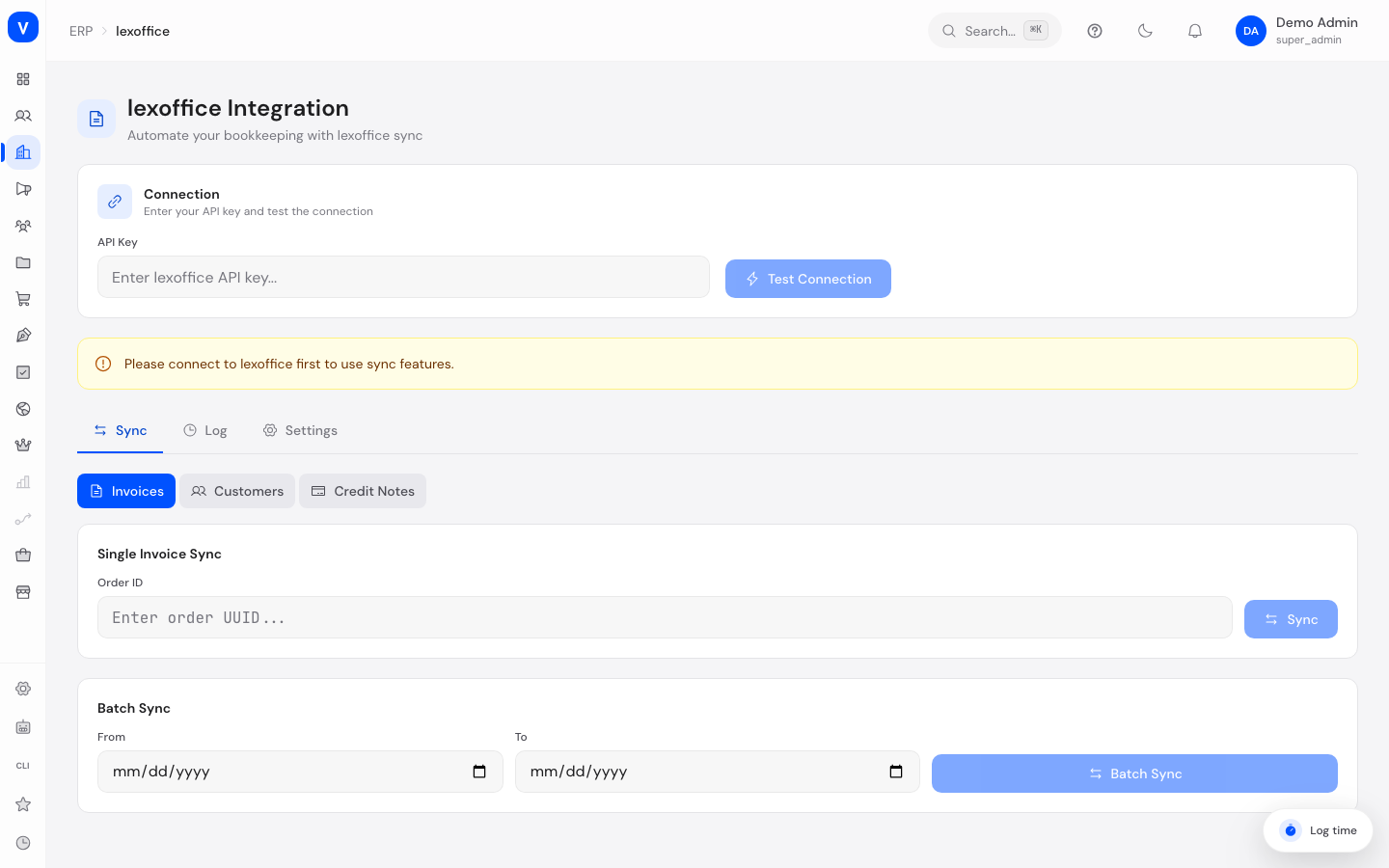
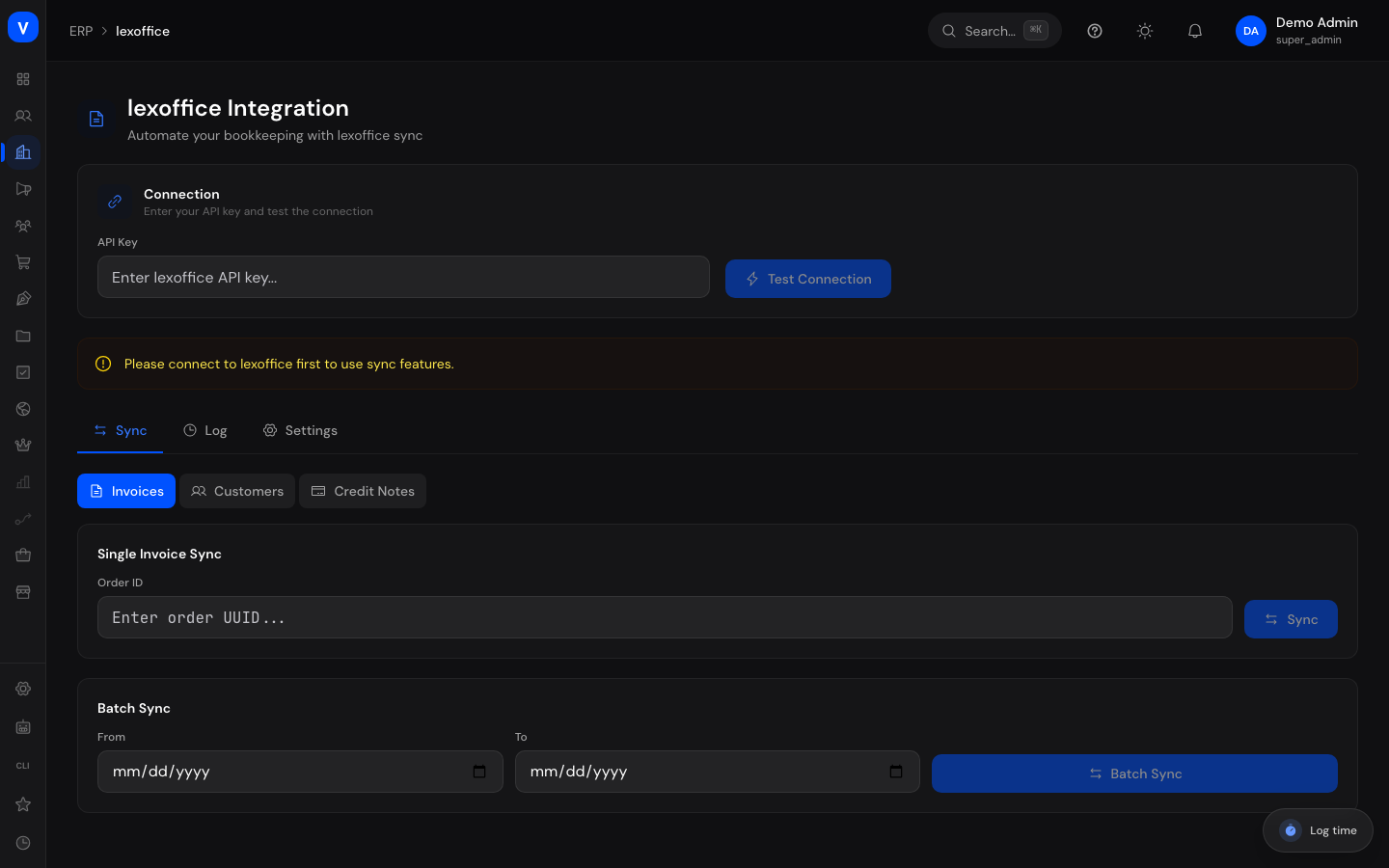
/erp/lexofficeFields Explained
| Field | Meaning | Notes/Impact |
|---|---|---|
| API Key | Secret access key from your lexoffice account | Used only for testing and syncing, not permanently stored in plain text in the browser |
| Test Connection | Currently shows only the honest "not available" notice | There is no real check against the lexoffice API yet (#1812) |
| Order ID | Unique identifier of an order in SCS | Needed to sync a single invoice |
| From / To (batch sync) | Date range of orders to be transferred | All orders in the range are checked and transferred if applicable |
| Synced / Skipped / Errors | Result counts of a batch sync | As long as there is no real lexoffice integration (#1822), this always shows 0 synced and every order found reported as skipped |
| Customer ID | Unique identifier of a customer in SCS | Needed to attempt sending a customer as a lexoffice contact |
| Contact Name | Displayed name of the customer (a real measurement from SCS) | Not a confirmation of a real lexoffice transfer (#1822) |
| lexoffice Contact ID | Currently always shows "---" | There is no real lexoffice contact ID yet (#1822) |
| Credit Note ID | Unique identifier of a credit note in SCS | Needed to attempt a credit note transfer |
| Credit Note No. / lexoffice Credit Note ID | Currently always show "---" | There is no real lexoffice credit note number or ID yet (#1822) |
| Date (log) | Time of that sync | Determines the order of log entries |
| Type (log) | Kind of record transferred: invoice, customer, credit note, or batch | For quickly classifying an entry |
| Reference (log) | ID of the affected record in SCS | Used to trace which record is meant |
| lexoffice ID (log) | Corresponding ID in lexoffice, if available | Empty on errors |
| SCS Rate / SCS Label | Tax rate and label as used in SCS | Starting point of the tax mapping |
| lexoffice Type / lexoffice Label | Corresponding tax type and label in lexoffice | Shows how a SCS tax rate is booked in lexoffice |
| Webhook URL | Address lexoffice should send change notifications to | Currently not registered with lexoffice (#1812) - "Save" does not confirm a real registration |
| Automatic Synchronization | Toggle to turn automatic syncing of new orders and customers on or off | Shows a confirmation message when toggled |
Values & Status
Sync Status (Log)
| Label | Meaning | What happens next |
|---|---|---|
| Not available | There is no real lexoffice integration yet (#1822) - the transfer attempt was logged, but nothing was actually transferred to lexoffice | The record continues to exist only in SCS, not in lexoffice |
| Error | The transfer attempt failed an input check (e.g. invalid key format) | The message in the log shows the reason; a retry with corrected input is possible |
| Created / Updated | Historical statuses from before ticket #1822 | Currently not produced by any feature - they will reappear once a real lexoffice integration exists |
Record Types (Log)
| Label | Meaning | What happens next |
|---|---|---|
| Invoice | An invoice generated from an order | Created or updated as an invoice in lexoffice |
| Customer | A customer record | Created or updated as a contact in lexoffice |
| Credit Note | A refund/credit note | Created or updated as a credit note in lexoffice |
| Batch | A bulk sync of multiple orders | Groups several individual transfers into one log entry |
Connection Status
Earlier versions of this page showed a green "Connected" status with a fabricated organization and tax type for any API key of at least 10 characters - regardless of whether a real lexoffice account existed behind it. That was a fabricated display, not a real check, and has been corrected (ticket #1812). The page now shows only the honest notice that the connection check is not available, no matter what the entered API key looks like.
Frequently Asked Questions
Where do I find my lexoffice API key?
You create and find the API key in your lexoffice account under the public API access settings. You can already enter it here - once the integration is finished, it will be used to check the connection.
What does "small-business scheme" mean for the tax type?
It's a special German tax rule (§ 19 UStG) for smaller businesses that don't charge VAT. SCS only reads this setting from your lexoffice account — it does not change it.
Why was every order skipped during batch sync?
Because there is no real lexoffice integration yet (#1822) - the count of orders found is a real measurement, but none of them are actually transferred. This will change once a real lexoffice API integration exists.
What does the "Not available" status in the log mean?
There is no real integration with the lexoffice API yet. The entry shows that a transfer was attempted, but nothing was actually transferred to lexoffice - no fabricated confirmation.
What is the webhook URL for?
The webhook URL is meant to let lexoffice automatically notify your store about changes in the future, so you don't have to check manually. A webhook URL you enter is currently not registered with lexoffice (#1812) - the Event Subscriptions API integration is still missing.