Chart of Accounts
The Chart of Accounts is the list of all accounts your bookkeeping distributes bookings to — similar to the compartments of a cash register that money is sorted into. Here you create new accounts, edit existing ones, and choose the right chart (a standardized numbering scheme) for your company.
What can I do here?
- Filter all existing accounts by chart, account type, or search term
- Create a new account
- Edit or delete an existing account
- Load a complete standard chart of accounts (e.g. SKR03) at once to get started quickly
Step by Step
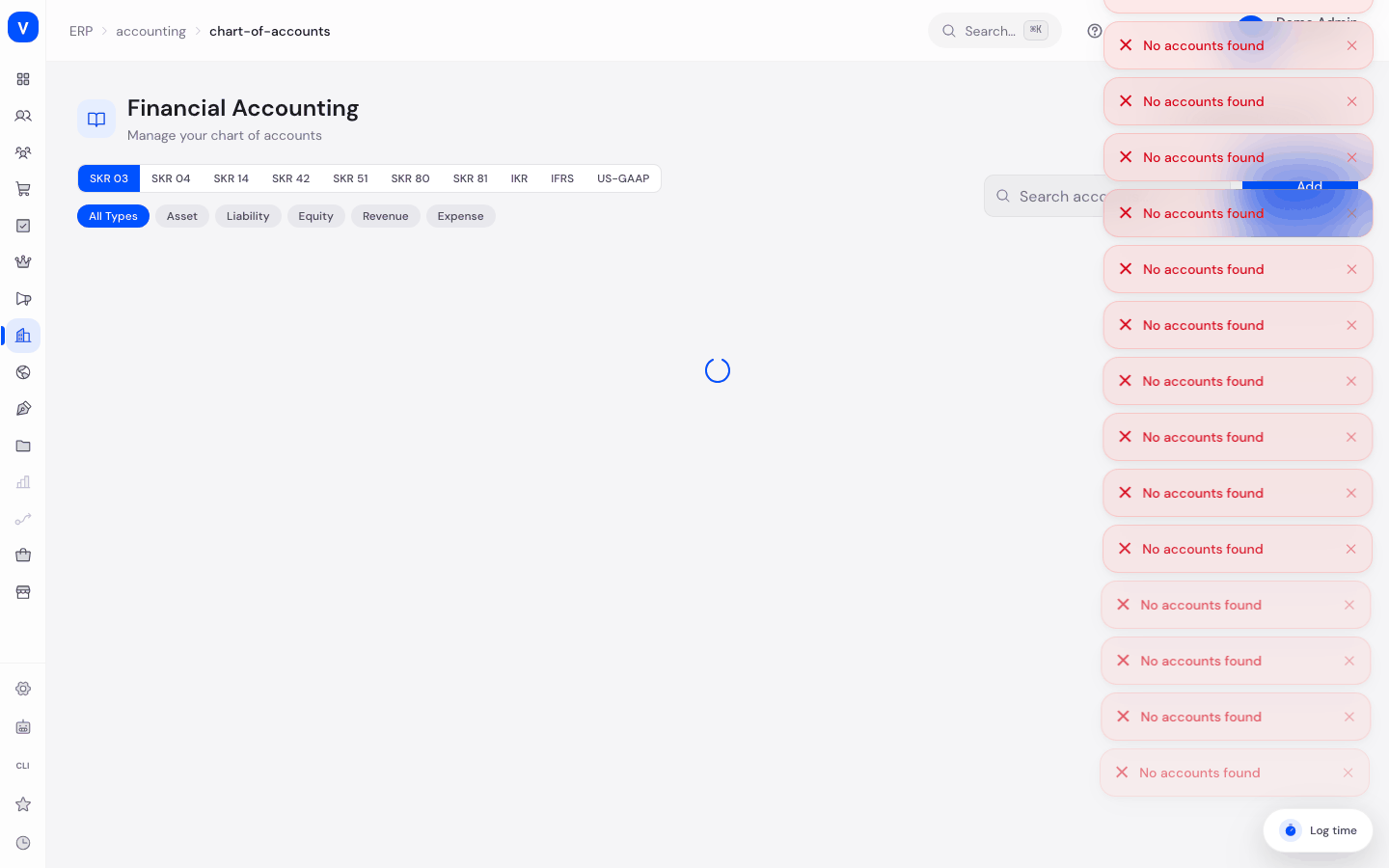
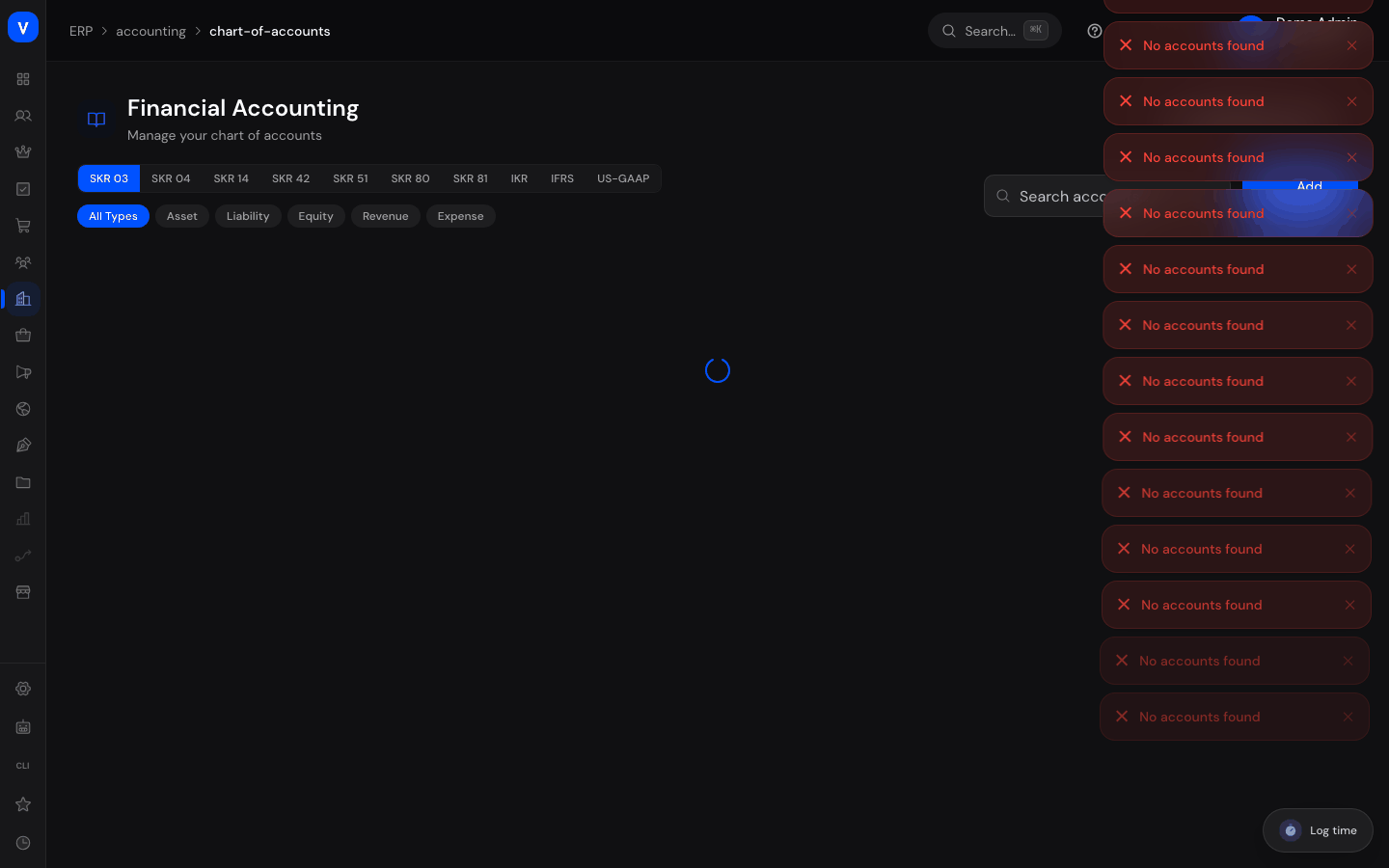
- Choose a chart: Click the chart you want (e.g. SKR03) at the top to show only the accounts of that chart.
- Filter accounts: Use the type filters (Asset, Liability, Equity, Revenue, Expense) or the search box to quickly find a specific account.
- Create a new account: Click "Add Account", enter an account number and name, choose the account type and chart, then save.
- Load default accounts: If you want to start quickly with a complete, ready-made chart of accounts, click "Load Default Accounts" and select the matching chart from the list.
/erp/accounting/chart-of-accountsFields Explained
| Field | Meaning | Notes/Impact |
|---|---|---|
| Account No. | Unique number of the account (max. 10 characters) | Required; usually follows the numbering logic of the chosen chart |
| Name | Name of the account, e.g. "Cash" | Required |
| Type | Category of the account (Asset, Liability, Equity, Revenue, Expense) | Determines where the account appears on the balance sheet or P&L statement |
| Chart | The standardized numbering scheme the account belongs to | e.g. SKR03 — a chart of accounts widely used by small and medium businesses in Germany |
| Tax Rate | Default VAT rate suggested for bookings on this account | Optional, e.g. "19" for 19% |
| Cost Center | Optional internal label for cost allocation | Optional, freely assignable |
| Description | Free-text note about the account | Optional |
| Active | Whether the account is currently usable | Inactive accounts no longer appear as an option for new bookings |
Values & Status
Account Type
| Label | Meaning | What happens next |
|---|---|---|
| Asset | Company assets (e.g. cash, bank balances, inventory) | Appears on the asset side of the Balance Sheet |
| Liability | Company debts and obligations | Appears on the liabilities side of the balance sheet |
| Equity | Capital owned by the company itself | Appears in the equity section of the balance sheet |
| Revenue | Income from business operations | Appears in the Profit & Loss Statement as revenue |
| Expense | Costs and expenses of business operations | Appears in the Profit & Loss Statement as expenses |
Chart
| Label | Meaning | What happens next |
|---|---|---|
| SKR 03 | Standard chart of accounts 03 — widely used, process-oriented numbering scheme for small/medium businesses in Germany | Loading it creates all associated standard accounts |
| SKR 04 | Standard chart of accounts 04 — closing-oriented numbering scheme, often used by larger companies | Same as SKR 03, different numbering logic |
| SKR 14 | Chart of accounts for agricultural and forestry businesses | Industry-specific |
| SKR 42 | Chart of accounts for associations and non-profit organizations | Industry-specific |
| SKR 51 | Chart of accounts for automotive trade | Industry-specific |
| SKR 80 | Chart of accounts for cooperatives | Industry-specific |
| SKR 81 | Alternative chart of accounts for cooperatives | Industry-specific |
| IKR | Industry chart of accounts | For industrial companies |
| IFRS | International Financial Reporting Standards | For companies reporting under international standards |
| US-GAAP | US accounting standard | For companies reporting under US standards |
Status
| Label | Meaning | What happens next |
|---|---|---|
| Active | The account can be used for new bookings | Appears in selection lists for new journal entries |
| Inactive | The account is locked for new bookings | Existing bookings remain, but no new ones can be added |
Frequently Asked Questions
Which chart should I choose?
For most small and medium businesses in Germany, SKR03 is the common choice. When in doubt, ask your tax advisor which chart is intended for your company.
What happens if I click "Load Default Accounts" even though accounts already exist?
Existing accounts are not overwritten — only the missing standard accounts of the chosen chart are added.
Can I delete an account that already has bookings?
The page offers a delete function with a confirmation prompt. Before deleting, check carefully whether the account has already been used, as this can affect your reports.
What is the Cost Center for?
The cost center is an optional attribute that lets you additionally assign bookings to an internal area, e.g. a department or a project.