E-Invoicing
Many countries now require structured, machine-readable invoice formats (e-invoices) instead of classic PDF invoices. Here you manage which country-specific e-invoicing formats are active for your shop, generate e-invoices individually or in bulk, and view the log of all generations.
What can I do here?
- Get an overview of all supported e-invoicing formats and their responsible authority (tab "Formats")
- Enable or disable e-invoicing for each region individually (tab "Settings")
- Generate an e-invoice in the selected format for a single invoice number (tab "Generate")
- Generate e-invoices for multiple invoices at once (batch generation)
- View the log of all past generations with status (tab "Log")
- View key figures such as the total number of e-invoices generated, error count, and last generation timestamp
Step by Step
- Enable a region: Switch to the "Settings" tab, toggle the switch for the region you need, and click "Save Changes".
- Generate a single e-invoice: Switch to the "Generate" tab, choose the desired format, enter the invoice number, and click "Generate".
- Generate multiple e-invoices at once: In the "Batch Generation" section, enter multiple invoice IDs (one per line or comma-separated) and start the batch.
- Check the result: Switch to the "Log" tab to see whether the generation succeeded or errors occurred.
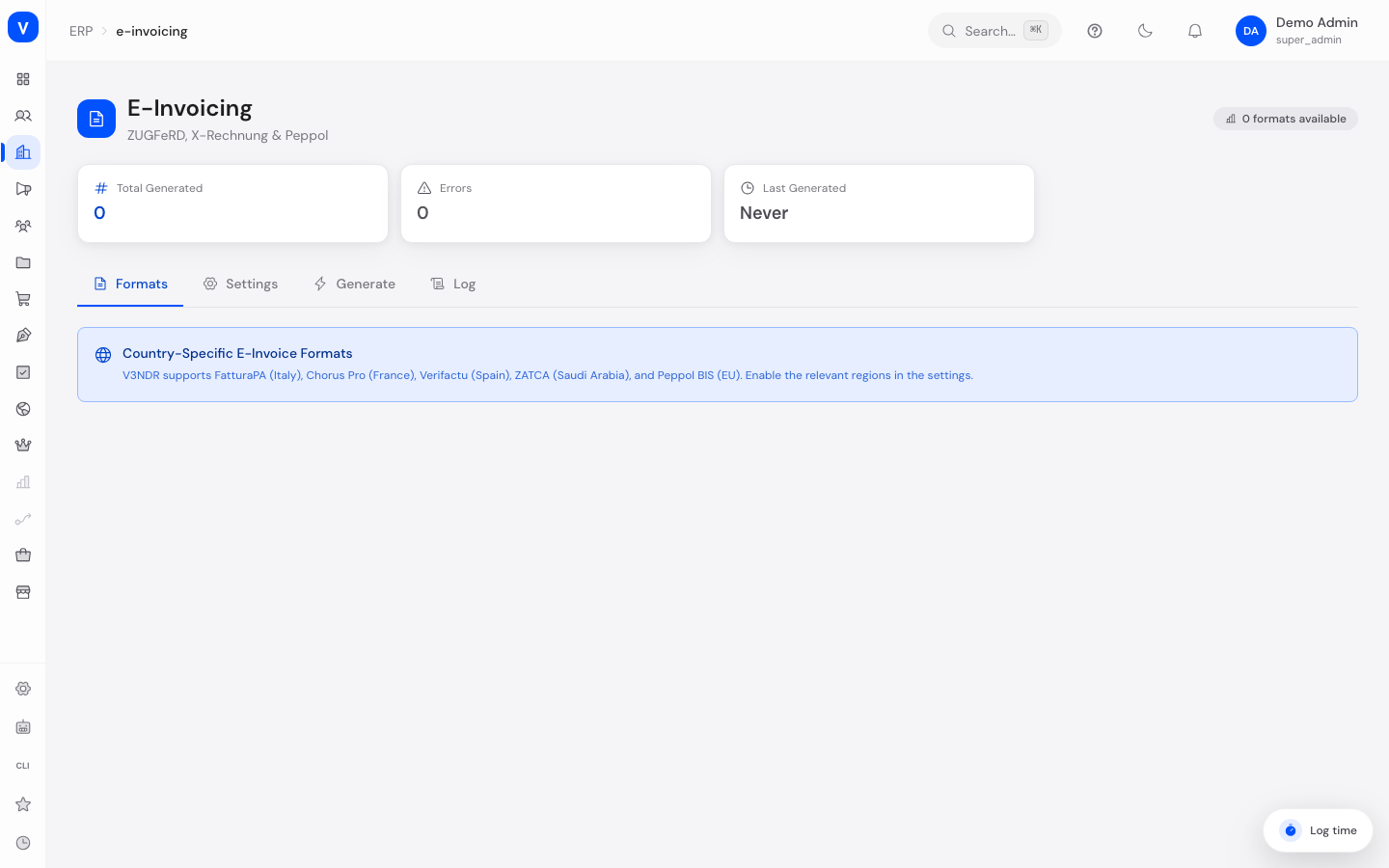
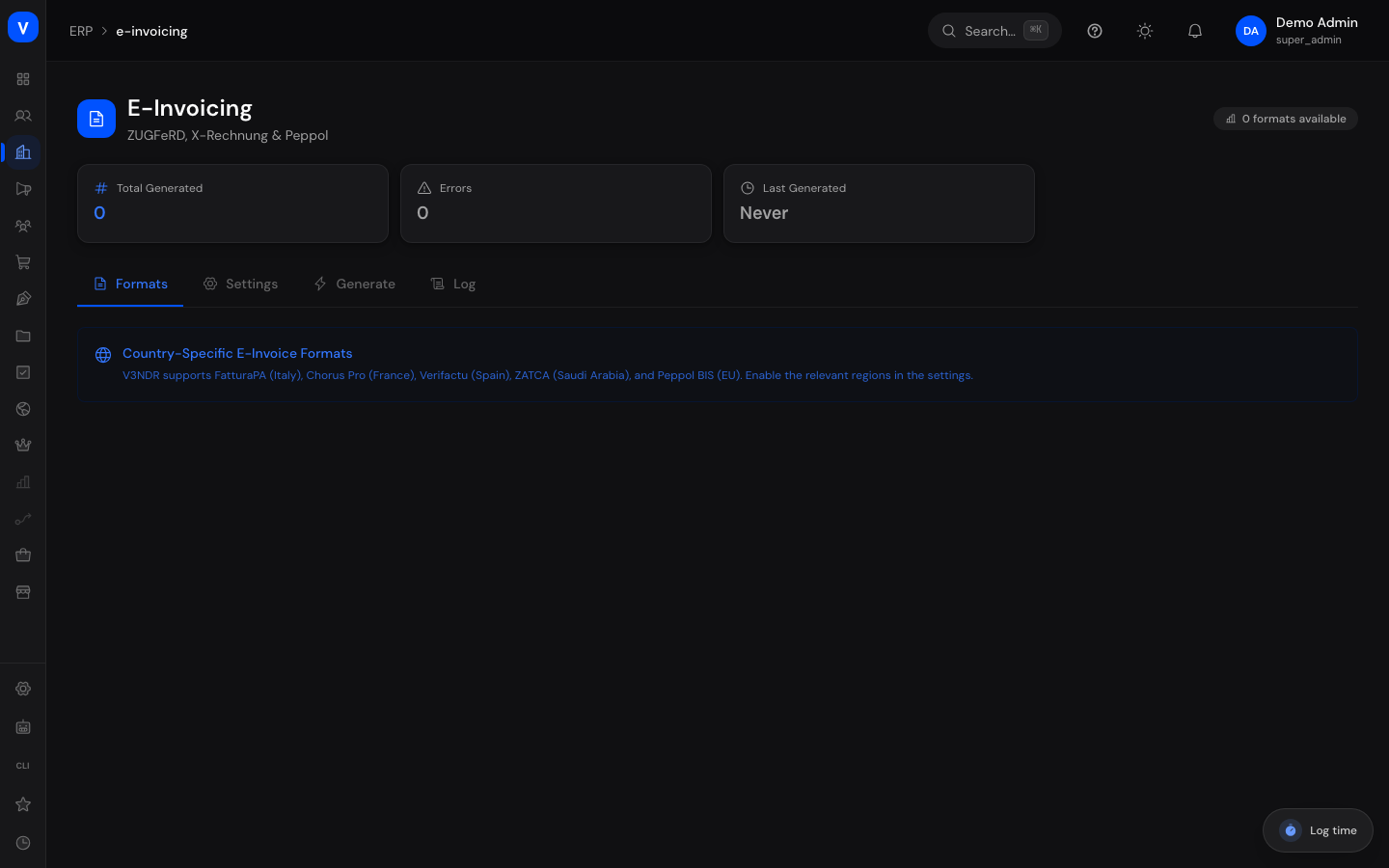
/erp/e-invoicing/erp/e-invoicingFields Explained
| Field | Meaning | Notes/Impact |
|---|---|---|
| Region | Country/economic area the format applies to | e.g. Germany, Italy, France, Spain, Saudi Arabia, EU |
| Format | Specific e-invoicing format for the region | e.g. XRechnung/ZUGFeRD for Germany |
| Enabled | Whether the format is active for your shop | Only enabled formats can be used for generation |
| Authority | The receiving or supervisory body for the respective format | Informational only, no direct action possible |
| Invoice Number (single generation) | The invoice to generate an e-invoice for | Required |
| Invoice IDs (batch) | List of multiple invoice IDs for simultaneous generation | One ID per line or comma-separated |
| Total Generated | Number of all e-invoices generated so far | KPI on the overview |
| Errors | Number of failed generations | KPI on the overview |
| Last Generated | Timestamp of the last successful generation | KPI on the overview |
Values & Status
Supported Formats/Regions
| Label | Meaning | What happens next |
|---|---|---|
| ZUGFeRD / XRechnung (Germany) | German e-invoicing formats, subject to industry-specific requirements | Required for, among other things, invoices to government agencies |
| FatturaPA (Italy) | Mandatory Italian format, authority: Agenzia delle Entrate | For invoices to Italian business partners |
| Chorus Pro (France) | French format, authority: AIFE | For invoices to French government agencies/partners |
| Verifactu (Spain) | Spanish format, authority: AEAT | For invoices to Spanish business partners |
| ZATCA / FATOORAH (Saudi Arabia) | Mandatory Saudi Arabian format, authority: ZATCA | For invoices to Saudi Arabian business partners |
| Peppol BIS 3.0 (EU) | Europe-wide standard for electronic invoice exchange | For cross-border EU invoices |
Log Status (generation result)
| Label | Meaning | What happens next |
|---|---|---|
| success | The e-invoice was generated successfully | Ready for download/sending |
| error | The generation failed | Should be checked and retried if needed |
| validation_failed | The generated e-invoice does not meet the format's formal requirements | Must be corrected before it can be used |
Frequently Asked Questions
Why do I need to enable a region before I can generate e-invoices?
This ensures you only use the formats relevant to your actual business relationships and avoids unnecessary configuration.
What's the difference between single and batch generation?
Single generation creates an e-invoice for one specific invoice number. Batch generation processes multiple invoices at once, useful for periodic bulk runs.
What do I do if the log shows an error?
Check the affected invoice for completeness (e.g. missing required fields) and start the generation again. For repeated errors, contact support.
Do I need to manually generate an e-invoice for every invoice?
On this page, generation happens deliberately via the "Generate" tab (single or batch). For automated, continuous generation at the time of invoicing, contact your administrator.