VAT / VIES Management
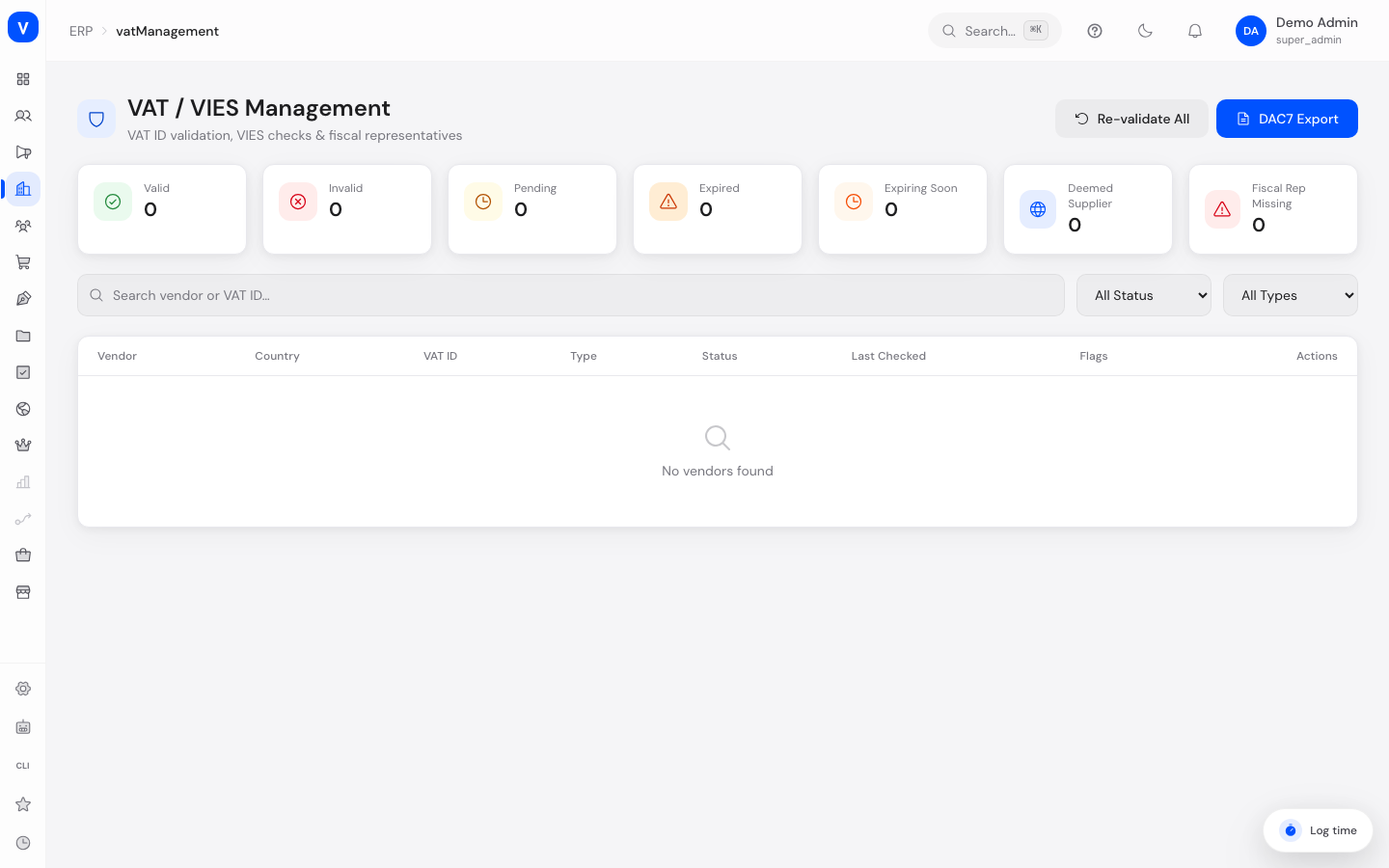
Here you keep track of your sellers' or suppliers' (vendors') VAT identification numbers and their check status. The page shows whether a VAT ID is valid, whether a fiscal representative (a legally required representative for businesses from non-EU countries) is on file, and lets you export a DAC7 report (an EU-wide reporting format for digital platforms).
Note: A check result is not always a statement about the vendor. If the EU service VIES does not answer, or the member state stays silent, the previously established status is left untouched and the history records "Not determined" together with the reason. Only "Valid" and "Invalid" say something about the VAT ID itself.
What can I do here?
- View a list of all vendors with country, VAT ID, type, check status, and flags
- Search by vendor name or VAT ID, and filter by status and type
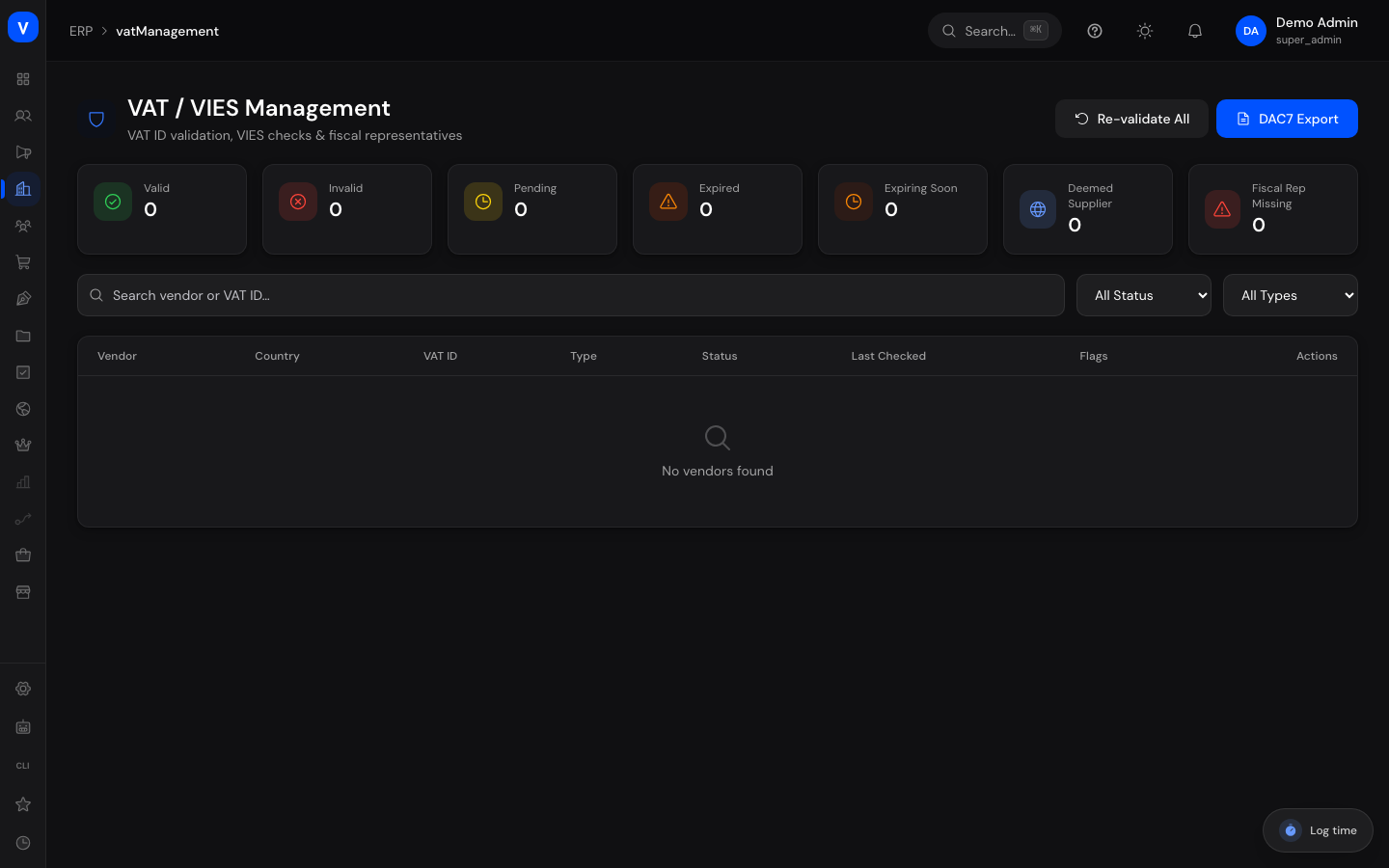
- See key figures at a glance: valid, invalid, pending, and expired checks, checks expiring soon, "Deemed Supplier" cases, and missing fiscal representatives
- Open the detail view of a single vendor with its full validation history
- Re-validate a single vendor's VAT ID
- Re-validate several vendors in one bulk run
- Maintain tax data: the fiscal representative's VAT ID, EU revenue and the Deemed Supplier flag
- Generate a DAC7 report for a calendar year and review past reports in the "DAC7 reports" tab
Step by Step
- Check vendor status: Use the search box and the "Status" and "Type" filters to find a specific vendor or group of vendors.
- View details: Click "Detail" on a vendor in the table to see country, type, VAT ID, VIES status, EU revenue, the Deemed Supplier flag, fiscal representative details, and the full validation history.
- Re-validate a single vendor: Click "Re-Validate" in the table or in the detail view to validate that vendor's VAT ID against the checking service again.
- Maintain tax data: In the detail panel, use "Maintain tax data" to record the fiscal representative's VAT ID, the EU revenue and the Deemed Supplier flag, then save.
- Re-validate several vendors: Click "Re-validate All" at the top, confirm the notice in the dialog, and start the process. One run checks up to 50 vendors; afterwards the page reports how many were checked, how the results came out, and how many are still pending. Start the run again to cover the rest.
- Generate a DAC7 report: Click "DAC7 Export" at the top. A report is created for one calendar year and stays listed in the "DAC7 reports" tab with its period, generation time and scope.
flowchart LR
    A[Vendor with VAT ID] --> B[Re-Validate]
    B --> C{VIES check}
    C -->|Confirmed| D[Status: Valid]
    C -->|Not confirmed| E[Status: Invalid]
    C -->|Service does not answer| I[Not determined: previous status stays]
    D --> F{Check older than 25 days?}
    F -->|Yes| G[Marked as "Expiring Soon"]
    F -->|No| H[No flag shown]
/erp/vat-managementFields Explained
| Field | Meaning | Notes/Impact |
|---|---|---|
| Vendor | Name of the seller or supplier | Identifies the entry in the list |
| Country | Country the vendor is associated with | Affects which type (EU B2B, EU B2C, UK, Third Country) applies |
| VAT ID | The vendor's VAT identification number | The basis for the VIES check |
| Type | Vendor classification: EU B2B, EU B2C, UK, or Third Country | Determines which tax requirements apply |
| VIES Status | Result of the vendor's most recent VAT ID check | See "Values & Status" below |
| Last Checked | Date of the last validation | Basis for the "Expiring Soon" flag |
| Flags | Additional markers such as "DS" (Deemed Supplier) or "FR!"/"FR" (fiscal representative missing/present) | Shows special action items at a glance |
| EU Revenue | The vendor's revenue within the EU | Used to gauge tax relevance |
| Deemed Supplier | Marks cases where the marketplace itself is treated as the supplier for VAT purposes (EU e-commerce rule) | Relevant especially for certain supplies from third-country vendors |
| Fiscal Representative Required | Shows whether this vendor is legally required to have a fiscal representative | Typical for vendors from third countries |
| Fiscal Rep VAT ID | VAT ID of the fiscal representative on file | If missing despite being required, it's flagged as "MISSING" |
| Validation History | List of all past checks with date, request ID, result, name, and address | Provides a traceable record of when and with what result a check was run |
| Re-Validate / Re-validate now | Triggers a fresh check of the vendor's VAT ID | Updates the status and the validation history |
| Re-validate All | Re-checks all displayed vendors | Confirmed via a dialog since it can take several minutes |
| DAC7 Export | Generates a DAC7 report (the EU reporting obligation for digital platform operators) for one calendar year | The report stays traceable in the "DAC7 reports" tab |
| Maintain tax data | Field group in the detail panel for the fiscal representative's VAT ID, EU revenue and the Deemed Supplier flag | The VIES status is deliberately NOT settable by hand here |
| DAC7 reports (tab) | Overview of every report generated so far, with period, generation time, vendors covered and reportable, and reported revenue | Documents what was reported when, and for which period |
Values & Status
VIES Status
| Label | Meaning | What happens next |
|---|---|---|
| Valid | The VAT ID was confirmed | The vendor is considered correctly registered for tax purposes |
| Invalid | The VAT ID could not be confirmed | Should be reviewed and corrected if needed |
| Pending | The check has not completed yet | The status updates once the check finishes |
| Expired | The last valid check is no longer current | A fresh check is recommended |
| Expiring Soon | A previously valid check is older than 25 days | Extra flag shown in the table; early re-validation recommended |
| Not determined | The last check produced no statement (checking service unreachable, member state silent, no VAT ID on file) | Appears in the validation history only; the previously established status stays unchanged |
Vendor Type
| Label | Meaning | What happens next |
|---|---|---|
| EU B2B | A business customer within the EU | Subject to intra-community business rules |
| EU B2C | A private customer within the EU | Different tax treatment than B2B |
| UK | A vendor associated with the United Kingdom | Follows its own rules outside the EU VAT system |
| Third Country | A vendor outside the EU and UK | May trigger a fiscal representative requirement |
Frequently Asked Questions
What is VIES?
VIES is the European Union's official checking service used to determine whether a VAT identification number is valid.
What does "Deemed Supplier" mean?
It's a rule under EU e-commerce law under which, in certain cases, the marketplace itself is treated as the supplier for VAT purposes instead of the actual vendor.
Why do some vendors need a fiscal representative?
Vendors from certain third countries are legally required to appoint a fiscal representative within the EU. If one is missing, it's flagged as "MISSING" in the list.
What is a DAC7 export?
DAC7 is an EU reporting obligation for digital platform operators, requiring them to report certain seller data to tax authorities. "DAC7 Export" generates a report for one calendar year. Every report stays available in the "DAC7 reports" tab with its period, generation time and scope.
Why is a vendor missing from the DAC7 report?
A vendor with no recorded EU revenue and a vendor below the DAC7 de-minimis threshold are not treated as reportable, and neither is a vendor whose VAT ID is invalid. The report states the reason per line.
Why can I not set the VIES status myself?
So that it means something. The status comes from a VIES check and from nothing else; only the fiscal representative, the EU revenue and the Deemed Supplier flag are maintained by hand.
How often should I re-check a VAT ID?
A valid check older than 25 days is flagged as "Expiring Soon" — that's a good time to re-validate it.