Credit Notes
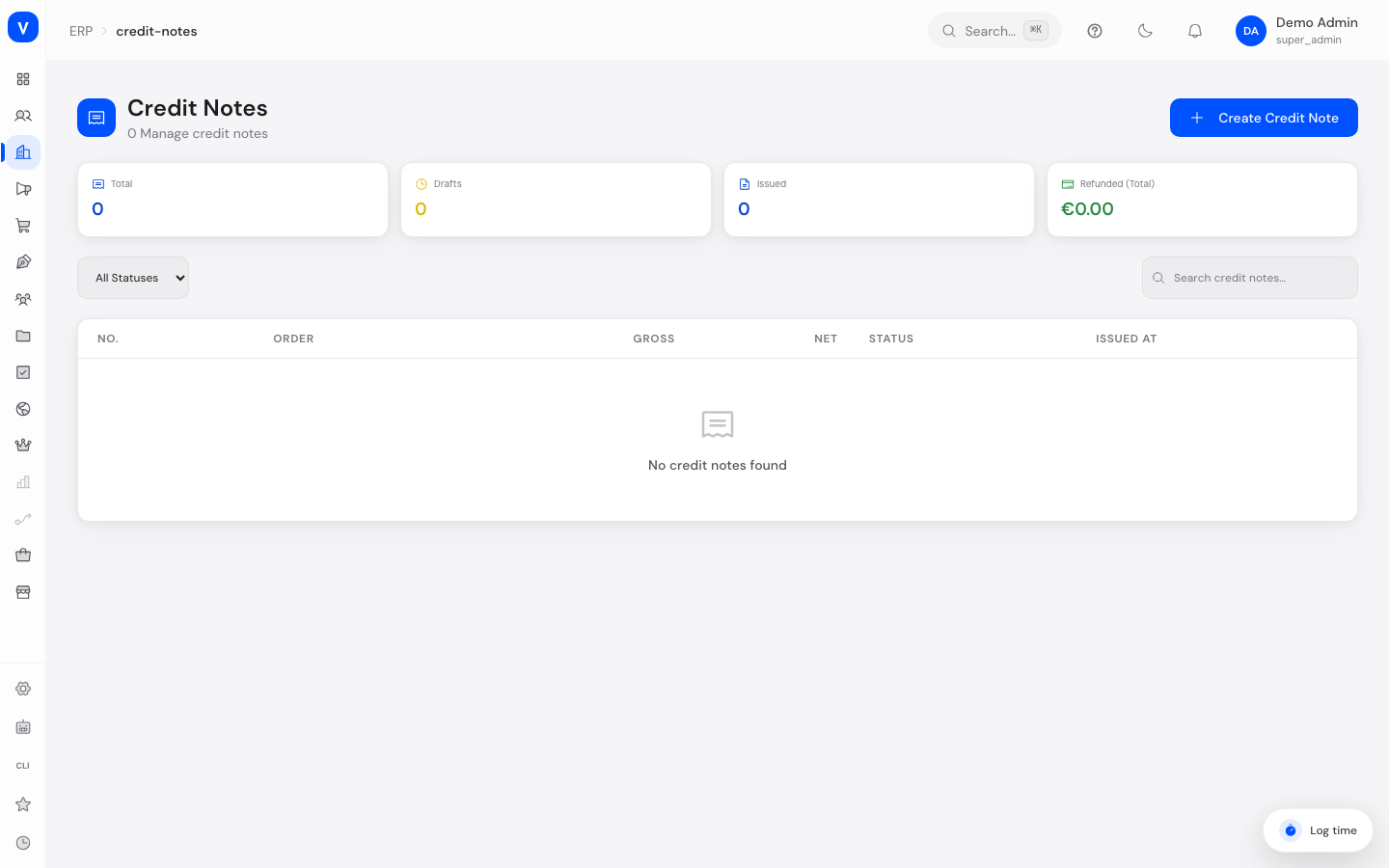
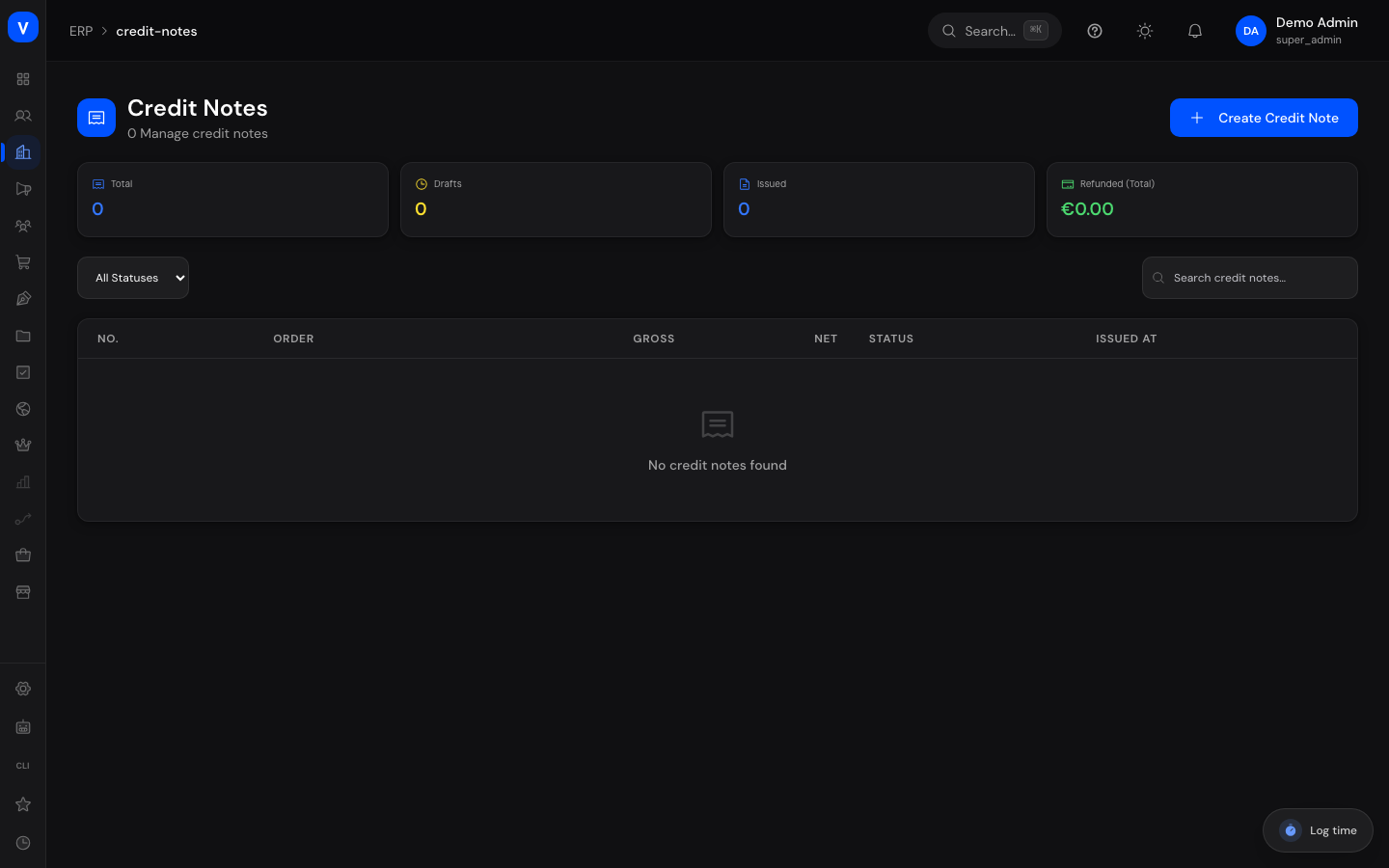
A credit note refunds an amount to a customer — fully or partially — without invalidating the original invoice. Here you create new credit notes, issue them, and initiate the actual refund.
What can I do here?
- Filter all credit notes by status or search term
- Create a new credit note for an order (and optionally a specific invoice), with individual line items or a flat adjustment amount
- Issue a credit note so it becomes binding
- Refund an issued credit note (initiate the repayment to the customer)
- Cancel a credit note
- View a credit note's details: line items, tax breakdown, reason, and timestamps
Step by Step
- Create a credit note: Click "Create Credit Note", enter the order ID (and optionally the invoice ID) plus a reason, fill in the items to be refunded, and save — by default as a draft.
- Issue the credit note: Open the draft and click "Issue" to make the credit note binding.
- Initiate the refund: For an issued credit note, click "Initiate Refund" to trigger the actual repayment.
- Cancel a credit note: If a credit note is incorrect, click "Cancel" and confirm the prompt.
/erp/credit-notes| Product | Quantity | Unit Price (Net) | Tax Rate (%) | Gross |
|---|---|---|---|---|
| Example screw M6 | 20 | EUR 1.80 | 19 | EUR 42.84 |
| Example nut M6 | 20 | EUR 0.45 | 19 | EUR 10.71 |
- Net
- EUR 45.00
- Tax
- EUR 8.55
- Total
- EUR 53.55
- Status
- Draft
/erp/credit-notesFields Explained
| Field | Meaning | Notes/Impact |
|---|---|---|
| No. | Number of the credit note | Assigned automatically |
| Order | Associated order ID | Required when creating |
| Invoice ID (optional) | Associated invoice, if the credit note relates to a specific invoice | Optional |
| Reason | Free-text justification for the credit note | Shown in the detail view |
| Adjustment Amount | Flat refund amount, as an alternative to individual line items | Optional |
| Line Items | Individual items with quantity, product ID, label, tax rate, and gross/net unit price | At least one item is required |
| Gross / Net / VAT | Total amounts of the credit note | Calculated from the line items or the adjustment amount |
| Issued At | Point in time the credit note became binding | Only present for issued credit notes |
| Status | Current processing state | See Values & Status |
Values & Status
| Label | Meaning | What happens next |
|---|---|---|
| Draft | The credit note has been created but is not yet binding | Can still be edited, issued, or discarded |
| Issued | The credit note has been issued and is binding | Can now be refunded or cancelled |
| Refunded | The repayment to the customer has been initiated | Completed process |
| Cancelled | The credit note has been reversed | No further actions possible |
Frequently Asked Questions
What is the difference between a credit note and cancelling an invoice?
A credit note refunds a (possibly partial) amount without invalidating the original invoice. A cancellation fully reverses an entire invoice.
What do I enter for "Adjustment Amount"?
Use the adjustment amount when you want to refund a flat amount without breaking it down into individual items — for example, for a goodwill credit.
Can I still edit a credit note that has already been issued?
No. Once a credit note is issued, it can only be refunded or cancelled, not changed in content.
What happens when I click "Initiate Refund"?
This marks the credit note as actually repaid to the customer. The concrete payment processing (e.g. bank transfer or chargeback) happens outside this page.