Locations (ERP)
Here you manage all the physical places where SELLERLOGIC goods are stored or handed over — warehouses, stores, pickup points, dropship partners and fulfillment centers. Every location has an address, a priority for order fulfillment, and settings for whether it can ship or offer pickup.
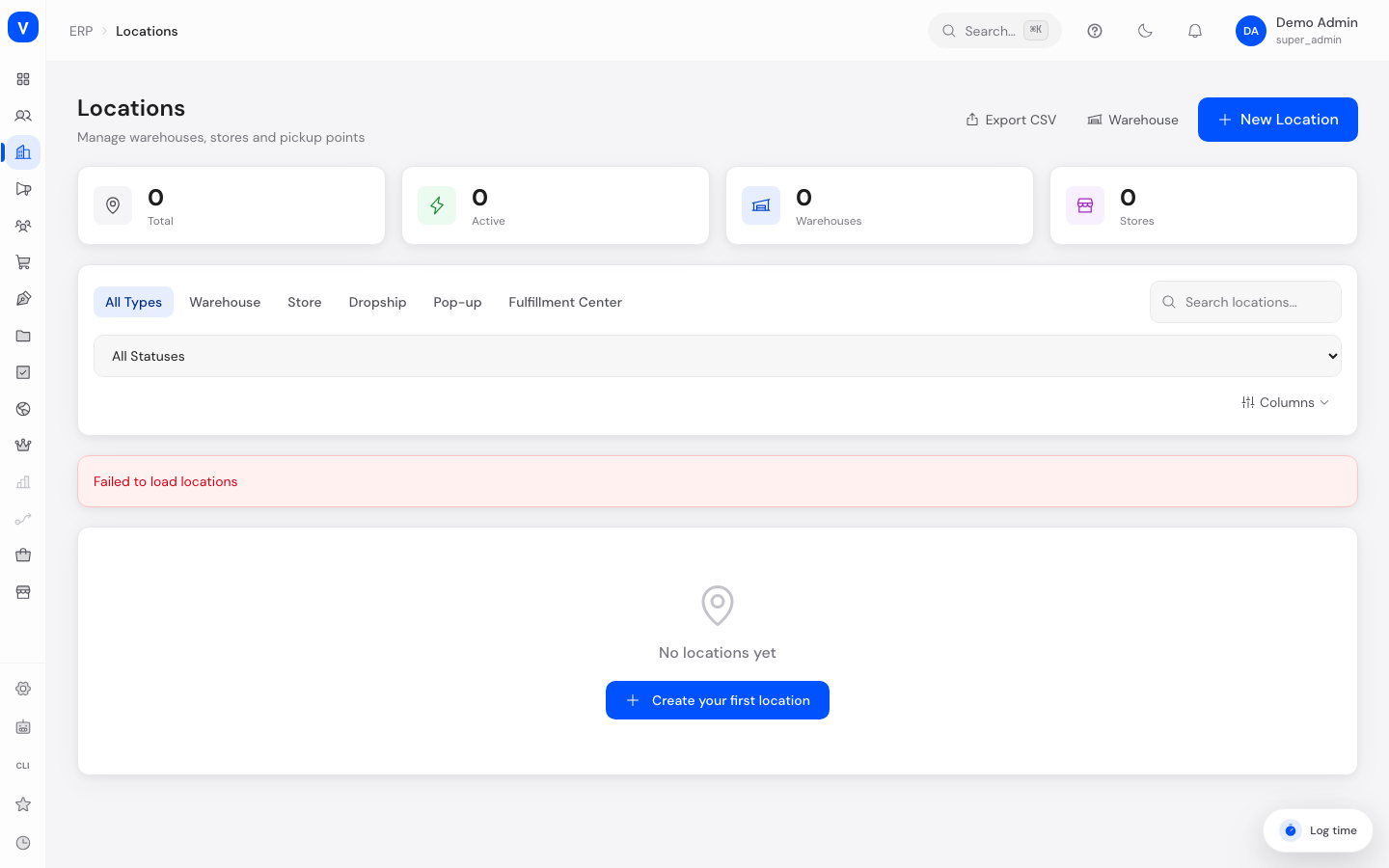
/erp/locationsWhat can I do here?
- Create new locations (name, address, type, coordinates)
- Edit, deactivate, or delete (archive) existing locations
- Mark a location as the "Default Location"
- Reorder locations' fulfillment priority using the up/down arrows
- Filter and search locations by type, status, or location group
- Activate, deactivate, or archive several locations at once (multi-select)
- Export the location list as a CSV file
- Restore an archived location
Step by step
- Create a new location: Click "New Location", fill in the basic information (name, code, type, fulfillment priority), capabilities (Active, Supports Shipping, Supports Pickup, Default Location), and address. Required fields are name, street, zip code, and city. Save with "Create".
- Edit a location: Click a row in the list — the detail view opens with the same fields for editing.
- Set as default: Click the star icon on an active, non-default location. The previous default location is automatically unset. The default location cannot be deleted.
- Change order/priority: Use the up/down arrows in the "Priority" column to control which location is considered first for order fulfillment (lower number = higher priority).
- Delete a location: Click the trash icon on the row and confirm. The location is deactivated/archived rather than permanently removed from the database — it can be reactivated via "Restore".
- Status
- Active
- Contact Person
- A. Example
/erp/locationsFields explained
| Field | Meaning | Notes/Effect |
|---|---|---|
| Name | Display name of the location | Required |
| Code | Internal short code (e.g. "BER-WH01") | Optional, should be unique |
| Type | Kind of location (see values below) | Determines icon/color in the list |
| Fulfillment Priority | Order in which locations are used for fulfillment | Lower number = higher priority |
| Active | Whether the location is currently in use | Inactive locations are skipped for order assignment |
| Default Location | The preferred location for new operations | Only one location can be default; cannot be deleted |
| Supports Shipping | Whether shipments can go out from this location | Controls visibility in shipping flows |
| Supports Pickup | Whether customers can pick up here | Controls visibility of the pickup option at checkout |
| Street / Additional Line / Zip Code / City / State / Country | Full address | Street, zip code and city are required |
| Phone / Email | Contact details for the location | Optional |
| Latitude / Longitude | GPS coordinates | Used for map display and distance calculation |
| Notes | Internal remarks about the location | Internal visibility only |
| Location Group | The group this location belongs to | See Location Groups |
Values & statuses
Type (location_type)
| Value | Plain-language meaning | What happens |
|---|---|---|
| warehouse | Warehouse | Central storage location for stock |
| store | Store | Retail location, potentially with pickup |
| dropship | Dropship | External partner ships directly to customers |
| popup | Pop-up | Temporary location |
| fulfillment_center | Fulfillment Center | External/specialized logistics provider |
Status (location_status)
| Value | Plain-language meaning | What happens |
|---|---|---|
| active | Active | Location is considered for order fulfillment |
| inactive | Inactive | Location is temporarily out of use |
| archived | Archived | Location has been deleted (soft-delete); can be reactivated via "Restore" |
Frequently asked questions
Why can't I delete my default location?
A default location must always exist so new operations can be assigned to a place automatically. Set another location as default first, then delete the previous one.
What exactly does fulfillment priority mean?
It controls which location is preferred for delivering orders when several locations qualify. A lower number means higher priority.
Is a deleted location really gone?
No. Deleting archives the location (status "Archived"). It can be reactivated using the restore icon in the list.
What is the CSV export for?
It lets you download the full (filtered) location list, for example for reporting or as a basis for a later import.