Shop Translations
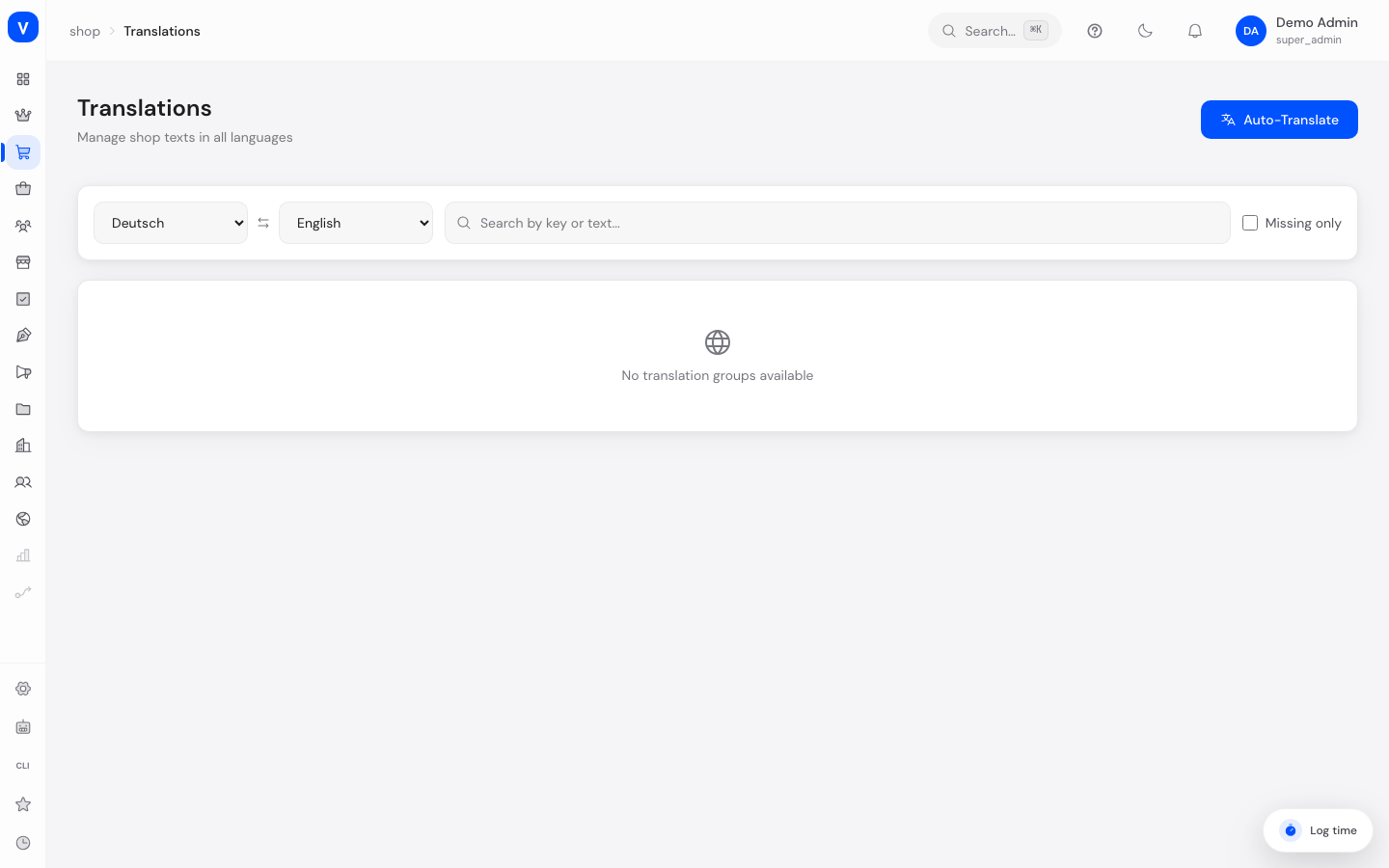
Here you translate your shop's content (e.g. product texts, category names, CMS content) into the various languages you've set up for your shop. This lets customers in different countries use the shop in their own language.
/shop/translationsWhat can I do here?
- See translation progress per language at a glance
- Select a source and target language to work with
- Manually translate and save individual texts
- Automatically copy missing translations from the source to the target language ("Auto-translate")
- Search by key or text and show only missing translations
Step by step
- Choose languages: Select the source language and target language at the top, e.g. German → English.
- Check progress: The language cards show the percentage of texts translated per language.
- Edit texts: Open a topic group, enter the translated text in the target-language field, then leave the field (the text saves automatically when you leave it).
- Auto-translate missing texts: Click "Auto-translate" to automatically copy missing translations from the source to the target language.
Fields explained
| Field | Meaning | Notes/Effect |
|---|---|---|
| Source language | Language translated from | Serves as the reference text |
| Target language | Language translated into | You enter the translation here |
| Search | Filters texts by key or content | Makes it easier to find specific texts |
| Missing only | Shows only texts not yet translated | Handy for closing gaps in a targeted way |
| Topic group | Grouping of related texts | Can be expanded/collapsed |
| Key | Internal identifier of a text | For unique matching, not shown to customers |
Values & status
Save status of a translation row
| Value | Plain-language meaning |
|---|---|
| Missing | No text exists yet for the target language |
| Saving | Input is currently being submitted |
| Saved | Translation was successfully stored |
| Error | Saving failed, please try again |
Frequently asked questions
How can I see how much of my shop is already translated?
The progress cards at the top show the percentage of already-translated texts per language.
Can the translation work be done for me?
Yes, "Auto-translate" automatically copies missing texts from the source to the target language.
How do I quickly find all texts that are still missing?
Enable the "Missing only" filter — only untranslated entries will then be shown.
Do I need to save separately after every entry?
No, as soon as you leave the input field (e.g. by clicking elsewhere or pressing Enter), the text is saved automatically.
Is this the same as the language management in settings?
No. Here you translate specific shop content. Which languages are generally available for your shop is managed separately in the system settings.