Coupon Codes
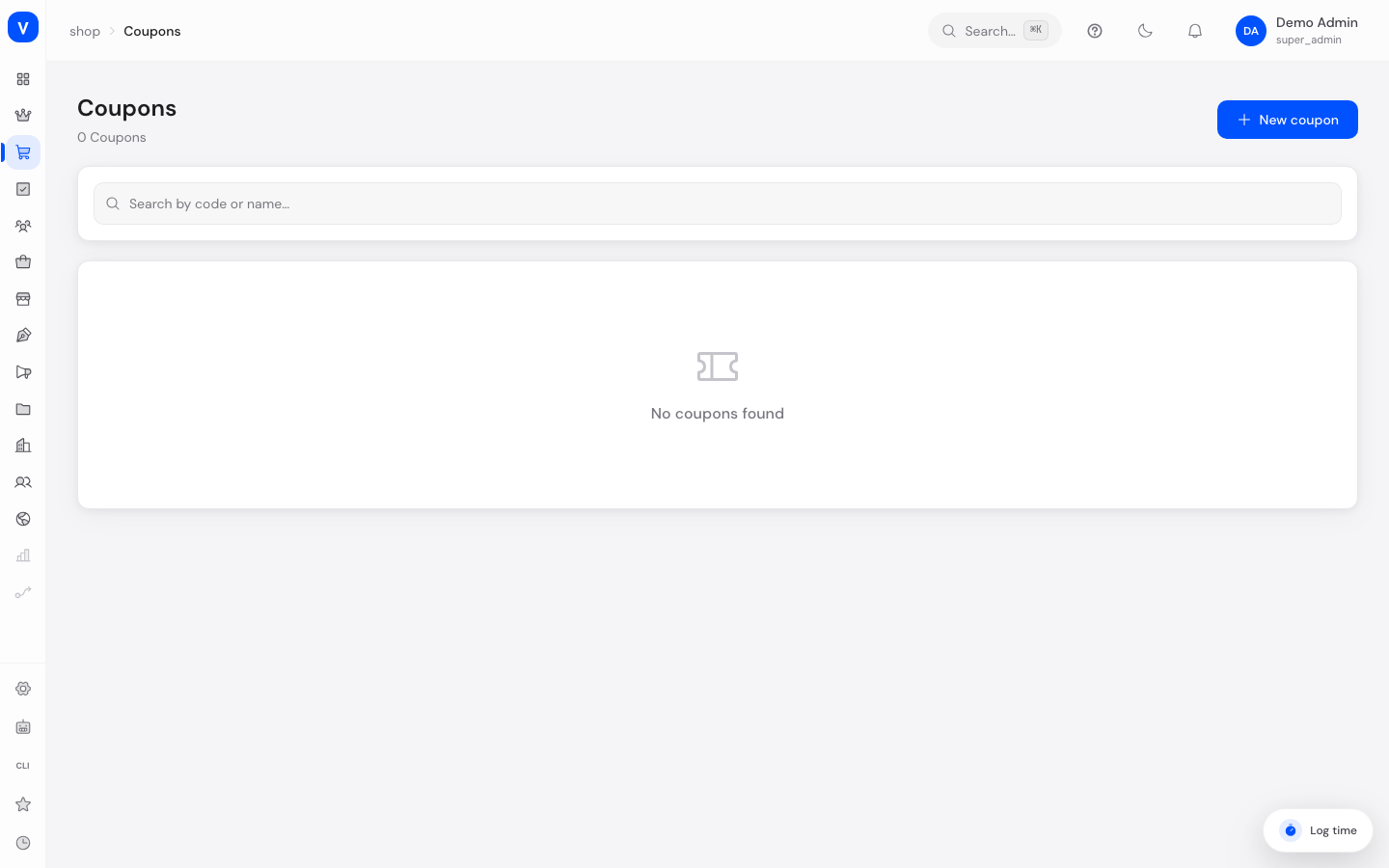
This is where you create and manage discount codes that customers can enter manually during checkout to get a discount — for example "SUMMER10" for 10% off.
What can I do here?
- Create, edit, duplicate and delete coupon codes
- Set the discount as a percentage, a fixed amount, or free shipping
- Set a minimum order value and a maximum discount amount
- Define a validity period and usage limits (total and per customer)
- See how often a coupon has already been used
- Exclude already discounted products from the coupon
Step by step
- Create a new coupon: Click "New Coupon", give it a code (e.g. "SUMMER10") and a name.
- Choose the discount type: Decide between a percentage discount, a fixed-amount discount, or free shipping.
- Set the conditions: Optionally enter a minimum order value, a maximum discount amount (for percentage discounts), and a validity period and usage limits.
- Duplicate a coupon: Use "Duplicate" in the three-dot menu to quickly create a similar coupon with a new code (the copy is created inactive).
- Copy the code: Click the copy icon next to the code to reuse it, e.g. in a marketing email.
/shop/couponsFields explained
| Field | Meaning | Notes/Effect |
|---|---|---|
| Coupon Code | The code customers enter at checkout | Required, automatically stored in uppercase |
| Name | Internal display name of the coupon | Required |
| Description | Short explanatory text | Optional |
| Discount Type | Percentage, fixed amount or free shipping | See values below |
| Discount Value | Amount of the discount (percentage or euro amount) | Not relevant for free shipping |
| Max Discount | Caps the discount amount for percentage discounts | Optional, prevents overly large discounts on expensive carts |
| Minimum Order Value | Cart value from which the coupon applies | Optional |
| Valid From / Valid Until | Period during which the coupon can be redeemed | Without "Valid Until" the coupon has no end date |
| Usage Limit (total) | Maximum total number of redemptions | Empty = unlimited |
| Limit Per Customer | Maximum number of redemptions per customer | Empty = unlimited |
| Exclude Discounted Products | Prevents the coupon from applying to already reduced items | Optional |
| Status | Active or Inactive | Only active coupons can be redeemed |
Values & Status
Discount type (coupon_discount_type)
| Value | Meaning | What happens |
|---|---|---|
| Percentage | Percentage deduction from the cart value | Can be capped with a maximum amount |
| Fixed Amount | A fixed euro amount is deducted | — |
| Free Shipping | Shipping costs are waived | The discount value is ignored |
Frequently asked questions
Why is my coupon being rejected by customers?
Check whether the coupon is active, whether the validity period has started/not yet ended, whether the minimum order value has been reached, and whether the usage limit has not already been reached.
What's the difference between "Usage Limit (total)" and "Limit Per Customer"?
The total limit caps how many times the code can be redeemed overall across all customers. The per-customer limit caps how many times a single person may use the same code.
Can I use an existing coupon as a template for a new one?
Yes, via "Duplicate" in the three-dot menu. The copy is created inactive so you can adjust it before use.