Categories
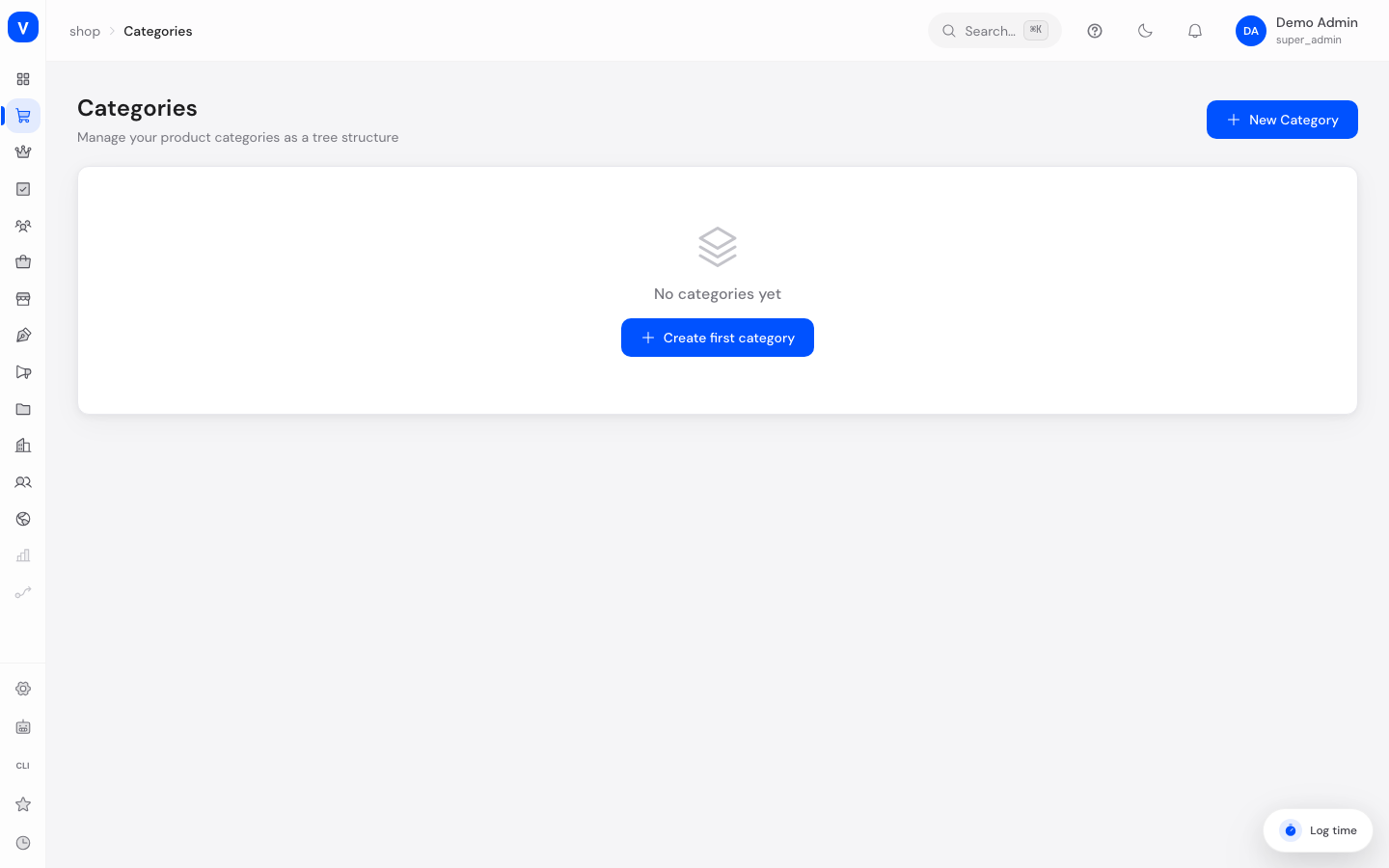
Categories are the folder structure of your shop: they group products by topic (e.g. "Electronics" → "Headphones") and determine how customers browse your catalog.
What can I do here?
- Create, rename and delete categories
- Nest categories inside each other (subcategories)
- Activate or deactivate categories
- Add translations for each category
- See at a glance how many products are in a category
Step by step
- Create a new category: Click "New Category", give it a name (the "slug" URL component is generated automatically but can be adjusted) and optionally pick a parent category.
- Create a subcategory: When creating or editing a category, choose a "Parent Category" — the new category then appears indented underneath it in the tree view.
- Edit a category: Open "Edit" from a category's three-dot menu, change the name, slug or parent category, and save.
- Deactivate a category: Click a category's status badge to toggle it between "Active" and "Inactive" without deleting it.
- Add a translation: Choose "Translate" from the three-dot menu to add the category name in additional languages.
/shop/categoriesFields explained
| Field | Meaning | Notes/Effect |
|---|---|---|
| Name | Display name of the category | Required |
| Slug | URL component of the category | Required, auto-generated from the name when created |
| Parent Category | Optional parent category | Creates a tree structure; a category cannot become its own descendant |
| Products | Number of products in this category | Informational only, counted automatically |
| Status | Active or Inactive | Inactive categories are not shown in the shop |
Values & Status
Status
| Value | Meaning | What happens |
|---|---|---|
| Active | Category is visible | Appears in navigation and filters in the shop |
| Inactive | Category is hidden | Not visible in the shop, products remain assigned |
Frequently asked questions
Can I move a category into another one?
Yes, edit the category and choose a different "Parent Category". A category cannot be placed under itself or one of its own subcategories.
What happens to products when I deactivate a category?
Products stay assigned to the category, but customers can no longer find them through this category while it is inactive.
How do I assign a product to a category?
That happens on the product page itself, in the "Categories" section — see Products.