Payments (Shop)
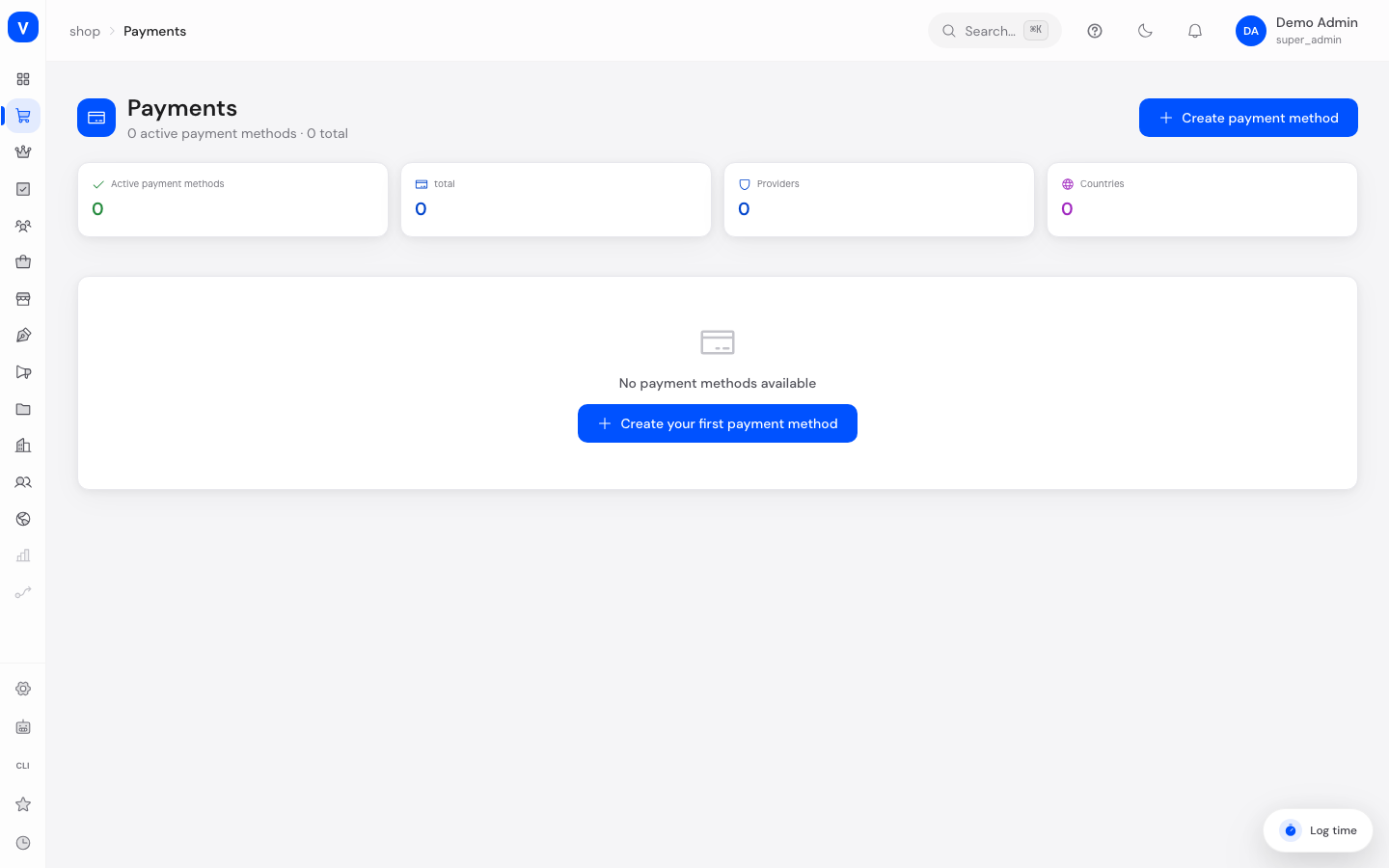
Here you manage which payment methods your customers can use at checkout — from credit card to PayPal to invoice and prepayment. For Stripe and Mollie you can additionally set up a connected account (Connect) so payments are processed directly with a platform fee.
/shop/paymentsWhat can I do here?
- Create payment methods with a name, provider, and description
- Restrict payment methods to certain countries
- Set a minimum and maximum order value for a payment method
- Activate or deactivate payment methods
- Connect Stripe Connect or Mollie Connect to process payments with a platform fee
- View the connection status and platform fee of a Connect payment method
Step by step
- Create a new payment method: Click "Create payment method", enter a name, choose a provider (e.g. Stripe, PayPal, Mollie, Invoice, Prepayment), optionally add a description, allowed countries, and min/max order value, then click "Create".
- Connect a payment method with Stripe/Mollie: When creating it, choose "Stripe Connect" or "Mollie Connect" as the provider. If the connection isn't complete yet, a "Connect with Stripe" or "Connect with Mollie" button appears — click it and complete the provider's onboarding process.
- Check connection status: The tile for the respective payment method shows the connection status ("Not started", "Pending", "Connected") and, if applicable, the platform fee.
Fields explained
| Field | Meaning | Notes/Effect |
|---|---|---|
| Name | Name of the payment method shown at checkout | Required |
| Provider (handler) | The technical payment service provider | Stripe, PayPal, Mollie, Stripe Connect, Mollie Connect, Invoice, Prepayment |
| Description | Additional info about the payment method, e.g. accepted card types | Shown at checkout under the name |
| Countries | Countries where this payment method is offered | Free text with ISO country codes, e.g. DE,AT,CH |
| Min order value | Minimum order value from which this payment method is selectable | Optional |
| Max order value | Maximum order value up to which this payment method is selectable | Optional |
| Status | Whether the payment method is currently selectable at checkout | Inactive methods don't appear at checkout |
| Connection status | Connect providers only: state of the onboarding process | Payments can only be processed once "Connected" |
| Platform fee | Percentage the platform retains on Connect payments | Only relevant for Stripe/Mollie Connect |
Values & statuses
Provider (payment_provider_handler)
| Value | Meaning | What happens |
|---|---|---|
| Stripe | Card payment via Stripe | Payment is processed directly via Stripe |
| PayPal | Payment via PayPal | Customer is redirected to PayPal or pays inline |
| Mollie | Payment via Mollie (e.g. iDEAL, card) | Payment is processed directly via Mollie |
| Stripe Connect | Connected Stripe account with platform fee | Requires onboarding; payout goes directly to the merchant minus the platform fee |
| Mollie Connect | Connected Mollie account (OAuth) with split payments | Requires onboarding; payment is split automatically |
| Invoice | Payment on invoice | Order is placed without upfront payment |
| Prepayment | Payment in advance via bank transfer | Order is usually only shipped once payment is received |
| Klarna | Buy now/pay later, installments, or instant payment via Klarna | Customer chooses "pay later", "pay now", or installments at Klarna's checkout |
| Amazon Pay | Payment using the customer's saved Amazon payment and shipping details | Customer signs in with their Amazon account instead of entering new details |
| Cash on Delivery (cod) | Cash payment when the package is delivered | Usually includes an extra COD fee; only available for selected countries/carriers |
| SEPA Direct Debit (sepa) | Automatic bank debit within the SEPA area | Requires a SEPA mandate from the customer; the amount is debited from their account after the order |
Note: Klarna, Amazon Pay, Cash on Delivery, and SEPA Direct Debit already exist as technical integrations, but are not yet offered in the "Create payment method" dropdown in the admin UI — they currently need to be set up via the API.
Connection status (payment_connect_status)
| Value | Meaning | What happens |
|---|---|---|
| Not started | Onboarding hasn't begun yet | Payment method can't be used yet |
| Pending | Onboarding is in progress but not complete | The provider still needs more information from the merchant |
| Connected | Onboarding completed successfully | Payments and payouts are active |
Payment method status
| Value | Meaning | What happens |
|---|---|---|
| Active | Payment method is selectable at checkout | Customers see this option when paying |
| Inactive | Payment method is hidden | No longer appears at checkout, but stays saved |
Frequently asked questions
Why can't my customer select a payment method?
Possible reasons: the payment method is inactive, the delivery country isn't in the allowed countries list, the order value is outside the min/max range, or for Connect payment methods, onboarding hasn't been completed yet.
What's the difference between "Stripe" and "Stripe Connect"?
"Stripe" uses a central Stripe account managed by the platform. "Stripe Connect" connects the merchant's own Stripe account, where the platform retains a configurable fee and the rest is paid out directly to the merchant.
How do I start onboarding for Stripe Connect?
Create a payment method with provider "Stripe Connect" and then click "Connect with Stripe". You'll be redirected to Stripe's onboarding flow.
Can I have multiple payment methods active at the same time?
Yes, any number of payment methods can be active simultaneously. At checkout, customers see all active payment methods that match their country and order value.