Brands
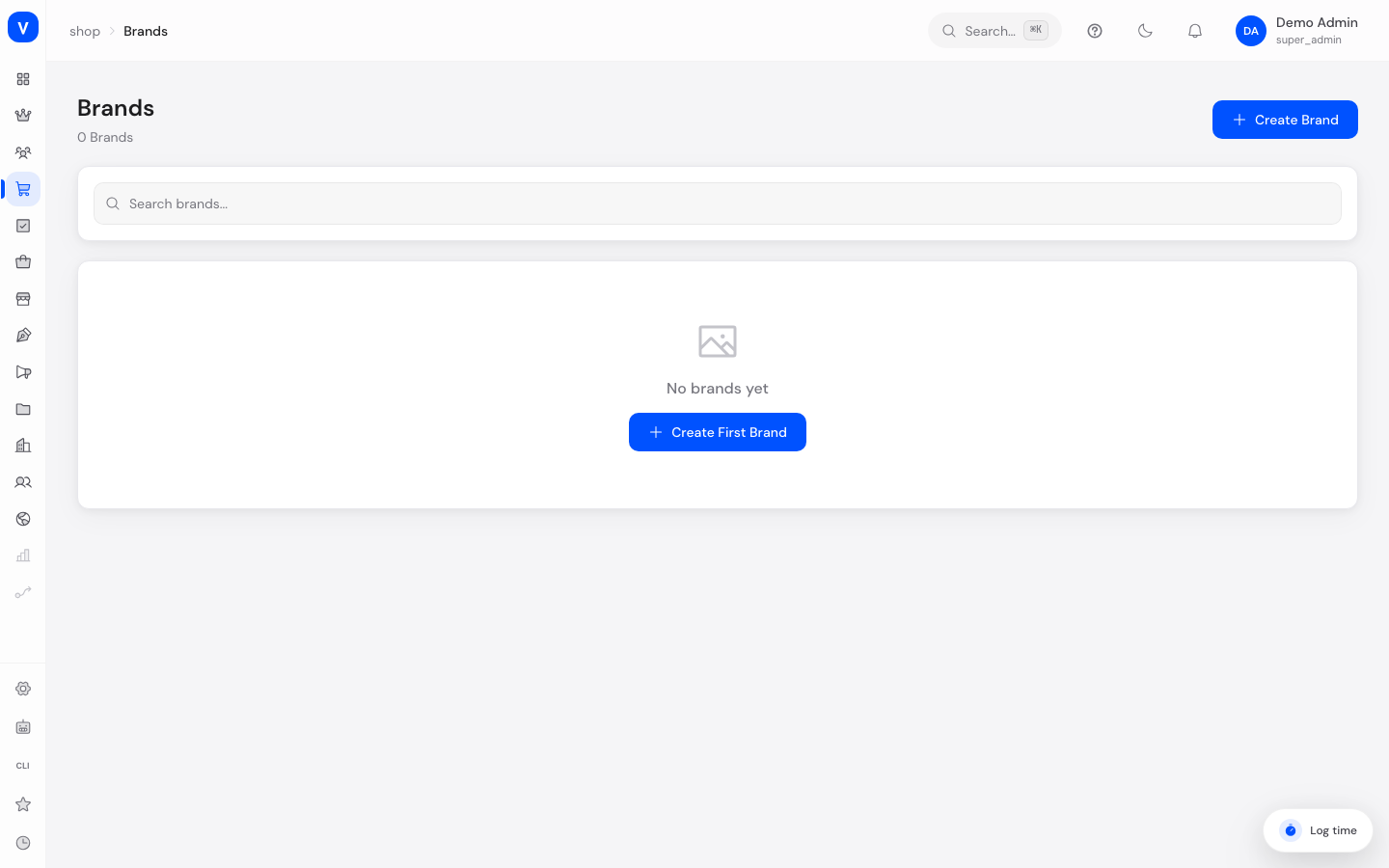
This is where you manage the manufacturer brands of your catalog, e.g. "Nike" or "Sony". Brands help customers find products by manufacturer and give each brand its own small profile with a logo and description.
What can I do here?
- Create, edit and delete brands
- Add a logo for each brand
- Activate or deactivate brands
- Maintain individual SEO titles and descriptions per brand
- Search brands and see how many products are assigned to them
Step by step
- Create a new brand: Click "Create Brand", enter the name (the slug is suggested automatically) and save.
- Add a logo: Open the brand for editing and enter a link to a brand logo in the "Logo URL" field.
- Add SEO details: Fill in "SEO Title" and "SEO Description" so the brand page is easier to find in search engines.
- Deactivate a brand: Open the brand for editing and switch the status to "Inactive" without deleting it.
- Assign a brand to a product: This happens directly on the product page, in the "Brand" field — see Products.
/shop/brandsFields explained
| Field | Meaning | Notes/Effect |
|---|---|---|
| Name | Display name of the brand | Required |
| Slug | URL component of the brand | Auto-generated from the name when created, can be adjusted |
| Logo URL | Link to the brand logo | Optional; a placeholder icon is shown without a logo |
| Description | Short text about the brand | Optional |
| SEO Title | Title shown by search engines for the brand page | Optional |
| SEO Description | Description text shown by search engines | Optional |
| Products | Number of products assigned to this brand | Informational only |
| Status | Active or Inactive | Controls visibility |
Values & Status
Status
| Value | Meaning | What happens |
|---|---|---|
| Active | Brand is visible | Appears e.g. in brand filters in the shop |
| Inactive | Brand is hidden | Assigned products remain, but the brand itself is no longer actively promoted |
Frequently asked questions
How do I assign an existing brand to a product?
Open the product and enter the brand name in the "Brand" field. From the product page you can also jump directly to all products of that brand via a link.
Why doesn't a brand show a logo?
No logo URL has been set yet. Edit the brand and enter a link to an image.
Can I delete a brand that still has products assigned?
The admin asks for confirmation before deleting, as a safety measure. Check beforehand whether products are affected.