Properties
Properties (property groups) are the building blocks that product variants are made from — for example the group "Color" with the options "Red", "Blue", "Green", or the group "Size" with "S", "M", "L". Here you create these groups and their options before assigning them to a product as variants.
What can I do here?
- Create, expand/collapse and delete property groups
- Choose how each group's options are displayed (text, color or image)
- Decide whether a property can be used as a filter in the shop
- Add or remove options within a group
- Add translations for groups
Step by step
- Create a new property group: Click "New Property", give it a name (e.g. "Color"), choose the display type and whether the group should be filterable. Confirm with "Create".
- Add options: Expand the group and click "Add Option". For the "Color" display type, also pick a color value.
- Remove an option: Hover over an option and click the "X" that appears.
- Use property groups for variants: Open a product, go to the "Variants" section and select the desired property groups to automatically generate all combinations as variants — see Products.
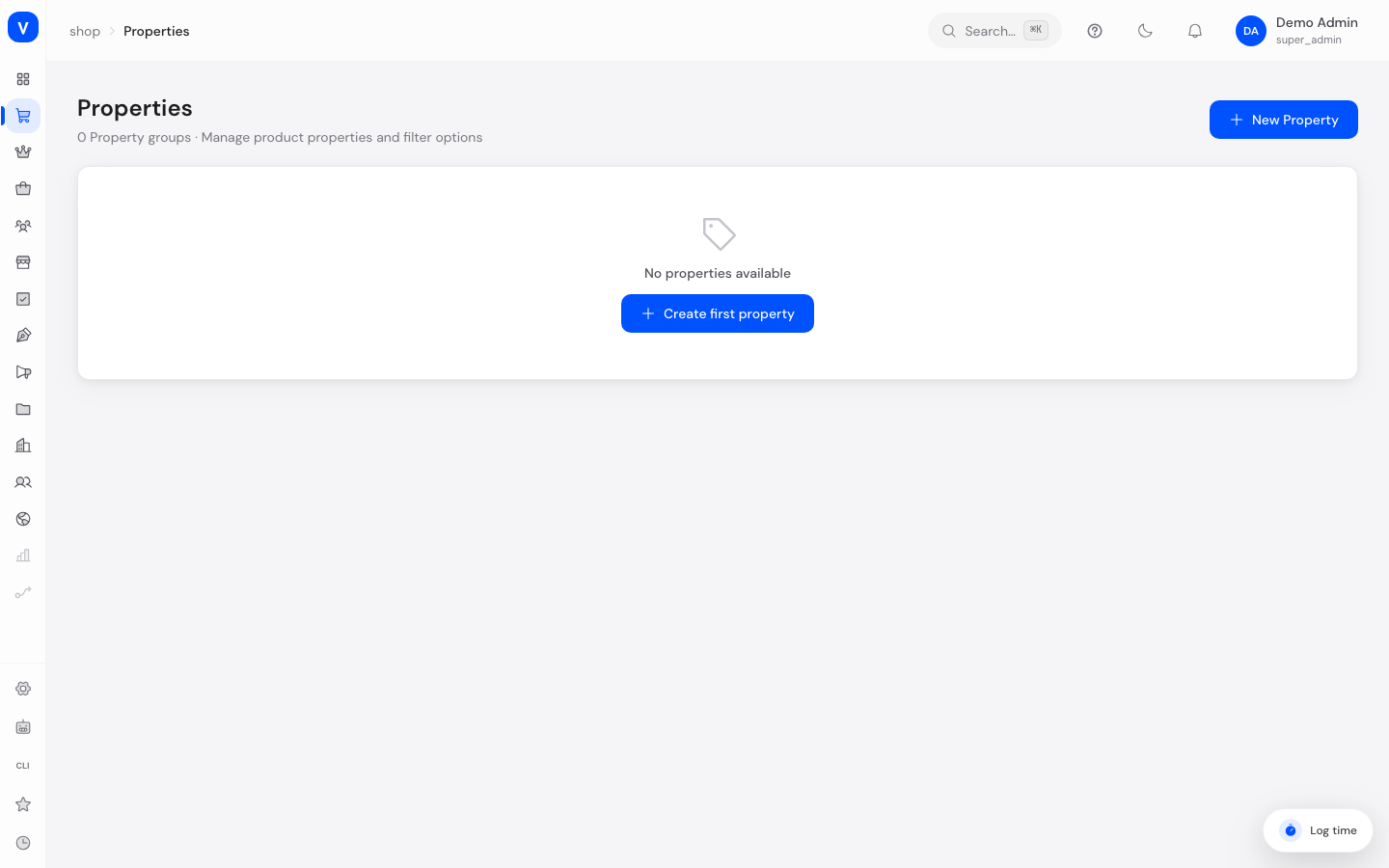
/shop/propertiesFields explained
| Field | Meaning | Notes/Effect |
|---|---|---|
| Name | Name of the property group (e.g. "Color", "Size") | Required |
| Display Type | How the options are shown | Text, Color (with color swatch) or Image |
| Filterable | Whether customers can filter by this property in the shop | Optional, default: enabled |
| Options | The individual values within the group (e.g. "Red", "Blue") | Any number per group |
| Option Color | Color value of an option | Only for display type "Color" |
Values & Status
Display type (property_display_type)
| Value | Meaning | What happens |
|---|---|---|
| Text | Options are shown as plain text | Default display, e.g. for sizes |
| Color | Options are shown as a color swatch | A color value is stored for each option |
| Image | Options are shown with an image | For visual selection, e.g. patterns |
Frequently asked questions
Why do I need property groups?
They are the foundation for product variants. Without pre-created property groups (e.g. color, size), no variants can be generated on the product page.
What does "filterable" mean?
If a property is filterable, customers can filter by it in the shop, e.g. "show only size M".
Can I delete a property group that's already used in variants?
A confirmation prompt appears before deleting a group. Check beforehand whether product variants are affected.