Shipping
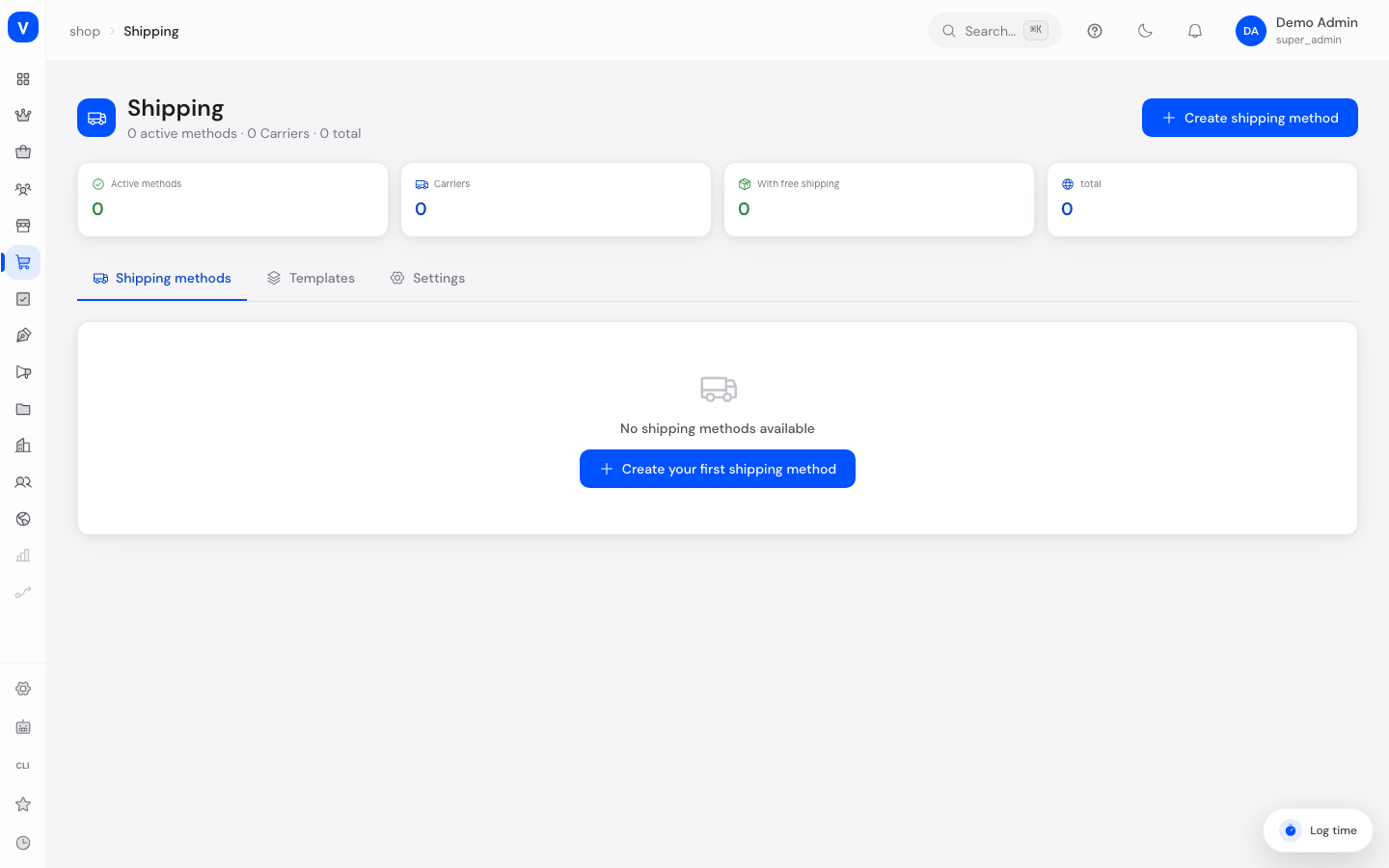
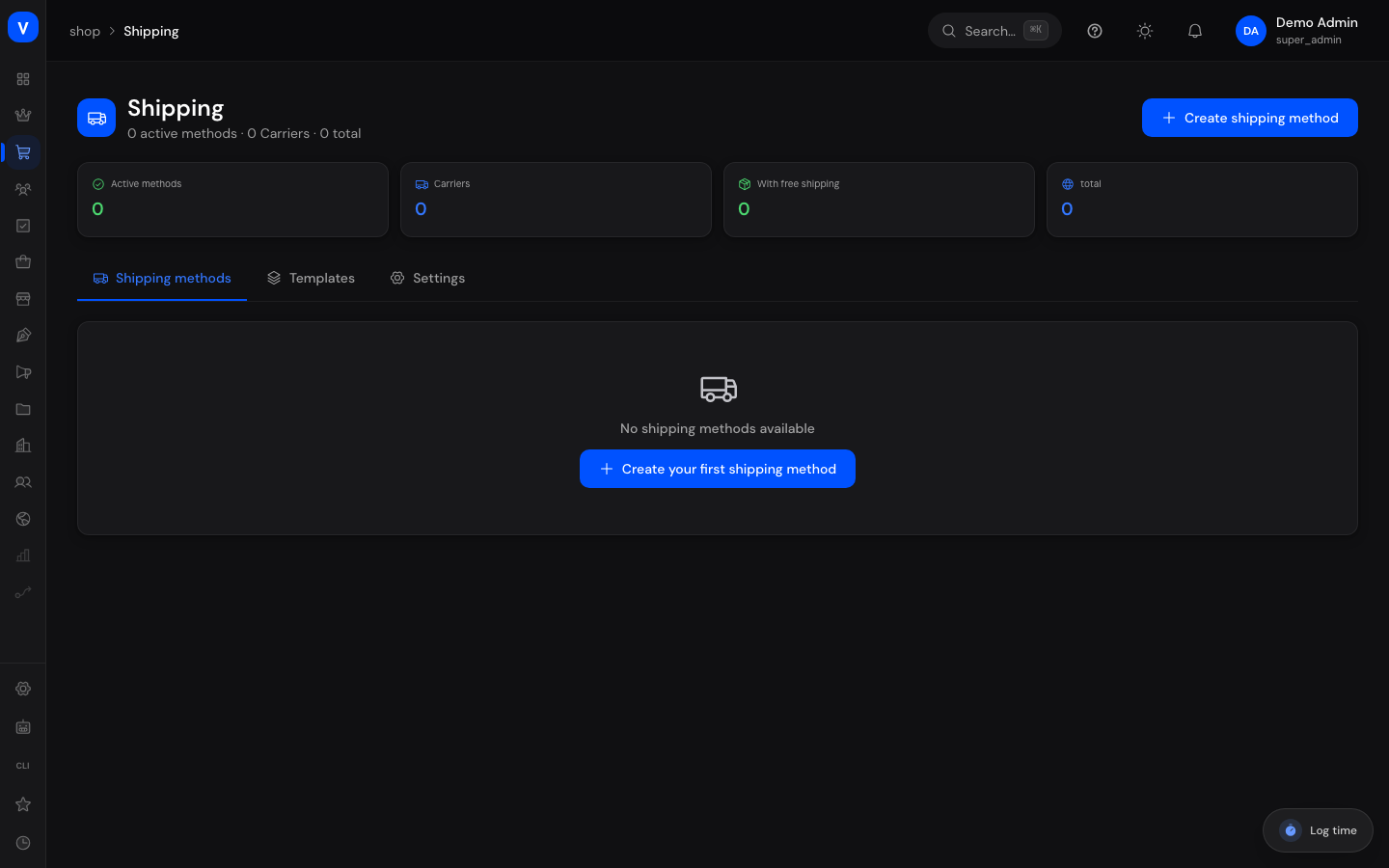
Here you decide how orders get delivered to your customers: which shipping methods exist, what they cost, how long delivery takes, and which countries you actually ship to. You can also use shipping templates for more complex, per-product rules, and control shop-wide shipping settings.
/shop/shippingWhat can I do here?
- Create, edit, activate/deactivate, and delete shipping methods
- Set shipping costs: as a flat rate or based on weight, order value, or quantity
- Set up free shipping above a certain order value
- Restrict delivery countries per shipping method
- Enter the expected delivery time
- Use shipping templates to define multiple zones with their own rates and assign them to products
- Toggle shop-wide shipping settings (free shipping, real-time rates, auto tracking, auto weight, return label)
Step by step
- Create a new shipping method: Click "Create shipping method", enter a name and optionally the carrier (e.g. DHL), choose a calculation type, set the shipping cost and optionally a free-shipping threshold, enter the delivery time and allowed countries, then click "Create".
- Edit a shipping method: In the table, click the pencil icon on the desired method, adjust the values, and save.
- Activate/deactivate a shipping method: Click the status badge ("Active"/"Inactive") in the method's row to toggle it.
- Create a shipping template with multiple zones: Switch to the "Templates" tab, click "Create template", add zones (e.g. domestic, EU, rest of world) each with their own rates, then assign the template to individual products.
Fields explained
| Field | Meaning | Notes/Effect |
|---|---|---|
| Name | Name of the shipping method shown at checkout | Required |
| Carrier | The shipping provider (e.g. DHL, DPD, UPS, Hermes) | Free text, used for grouping in the overview |
| Calculation type | How shipping cost is determined | Flat rate, by weight, by order value, or by quantity |
| Shipping cost | Fixed amount in euros for "Flat rate" calculation | Tiered pricing rules apply instead for the other calculation types |
| Free shipping from | Order value above which this method becomes free | Leave empty = never free |
| Delivery time | Expected number of days until delivery (min–max) | Shown to customers at checkout |
| Countries | Countries this method delivers to | Empty = all countries allowed |
| Status | Whether the method is currently selectable at checkout | Inactive methods don't appear at checkout |
Shipping templates ("Templates" tab)
| Field | Meaning | Notes/Effect |
|---|---|---|
| Name | Template name | e.g. "Standard", "Bulky goods", "Free EU" |
| Default template | Template automatically used for products without an explicit assignment | Only one template can be the default |
| Zones | Country groups, each with its own rates | A zone can be marked as the "Fallback zone (rest of world)" |
| Rates per zone | Speed, delivery time, calculation type, price | Multiple rates per zone possible (e.g. standard + express) |
| Assigned products | Number of products following this template | Assignment happens on the product |
| Free from | Template-wide free-shipping threshold | Can be used in addition to rate-specific free thresholds |
General shipping settings ("Settings" tab)
| Field | Meaning | Notes/Effect |
|---|---|---|
| Enable free shipping | Turns free-shipping thresholds on/off globally | If disabled, no free-shipping rules apply even if configured |
| Real-time rates | Fetches live rates from carrier APIs instead of using fixed prices | Requires a matching carrier integration |
| Auto tracking | Automatically sends tracking info to customers | — |
| Auto weight | Calculates shipping weight automatically from product data | — |
| Return label | Automatically attaches a return label | Disabled by default |
Values & statuses
Calculation type of a shipping method (shipping_calculation_type)
| Value | Meaning | What happens |
|---|---|---|
| Flat rate | Fixed amount per order | The entered amount is always charged (unless a free-shipping threshold applies) |
| By weight | Price depends on the total weight of the order | Pricing tiers (rates) define which price applies from which weight |
| By order value | Price depends on the order value | Pricing tiers define which price applies from which order value |
| By quantity | Price depends on the number of items ordered | Pricing tiers define which price applies from which quantity |
Note: This is the calculation type of an individual shipping method. Rates within a shipping template use a separate, similarly named but technically different calculation type (see below).
Calculation type in shipping template rates (shipping_template_calculation_type)
| Value | Meaning | What happens |
|---|---|---|
| Flat rate (flat) | Fixed amount per rate | The entered amount is always charged |
| Per item (per_item) | Price is calculated per item in the cart | An extra "price per item" is configured and multiplied by the item count |
| By weight (weight) | Price depends on the total weight | Pricing tiers define which price applies from which weight |
| By order value (price_based) | Price depends on the order value | Pricing tiers define which price applies from which order value |
These four values are a separate, technically distinct list (
shipping-template/schema.ts) and are not identical to the shipping method calculation type above — notably there's "Per item" here instead of "By quantity".
Speed in shipping templates (shipping_template_speed)
| Value | Meaning | What happens |
|---|---|---|
| Standard | Regular delivery time | Normal delivery priority |
| Express | Accelerated shipping | Shorter delivery time, usually higher price |
| Priority | Preferred handling | Shorter delivery time than standard |
| Economy | Slower, cheaper shipping | Longer delivery time |
| Same day | Delivery on the day of ordering | Only useful with matching logistics integration |
Shipping method/template status
| Value | Meaning | What happens |
|---|---|---|
| Active | Method is selectable at checkout | Customers see this option when paying |
| Inactive | Method is hidden | No longer appears at checkout, but stays saved |
Frequently asked questions
Why doesn't my customer see a shipping method at checkout?
The method is probably inactive, the delivery country isn't in the allowed countries list, or the order's total weight exceeds this method's maximum weight.
What's the difference between shipping methods and shipping templates?
Shipping methods apply globally to the whole checkout (e.g. "DHL Standard"). Shipping templates allow finer-grained rules with multiple country zones and different rates that you assign to individual products — for example for bulky goods that need to ship at a higher cost.
How do I set up free shipping above a certain amount?
Enter an amount in "Free shipping from" on the desired shipping method, and make sure "Enable free shipping" is switched on in the "Settings" tab.
Why aren't my shipping costs calculating as expected?
Check the selected calculation type. For "By weight", "By order value", or "By quantity", the configured pricing tiers (rates) apply, not a single flat rate.