Streams
Streams are dynamic product lists that fill themselves automatically based on rules — for example "all active products under €20" or "all products with stock above 0, sorted by rating". Instead of dragging products into a list one by one, you define the rules once and the stream updates itself automatically whenever product data changes.
What can I do here?
- Create, edit and delete streams
- Define rules that automatically add products to a stream
- Choose the sort order of the included products
- Activate or deactivate streams
- Search streams and see how many products are currently included
Step by step
- Create a new stream: Click "New Stream", give it a name and optionally a description.
- Choose the sort order: Decide how the included products should be sorted (e.g. name, price, creation date, sales count, rating).
- Define rules: Enter the conditions in the "Filters" field that determine which products are included in the stream (e.g. category, price, stock). Conditions are entered as a technical rule list.
- Save and check: Save the stream and open it again to see how many products currently match the rules.
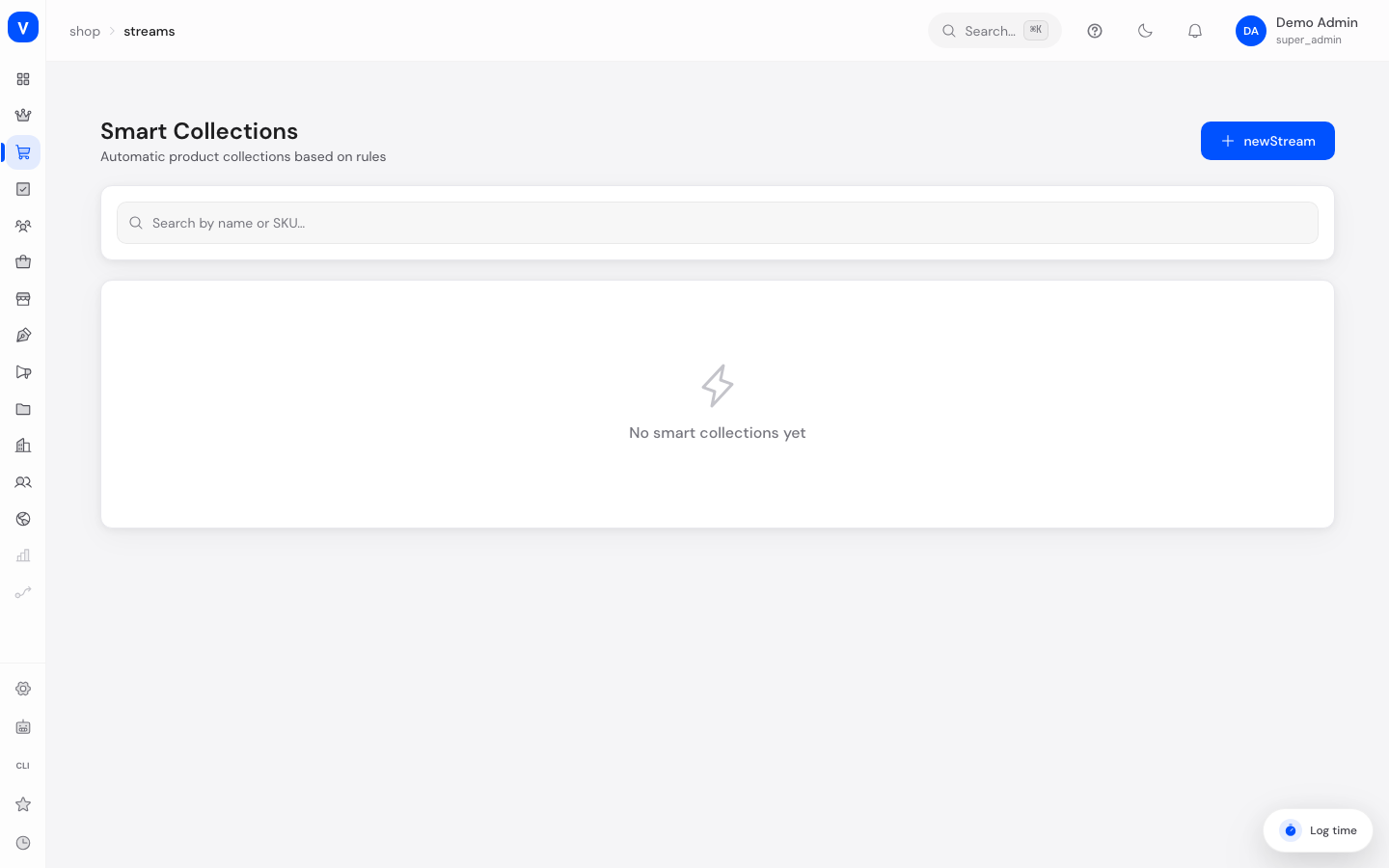
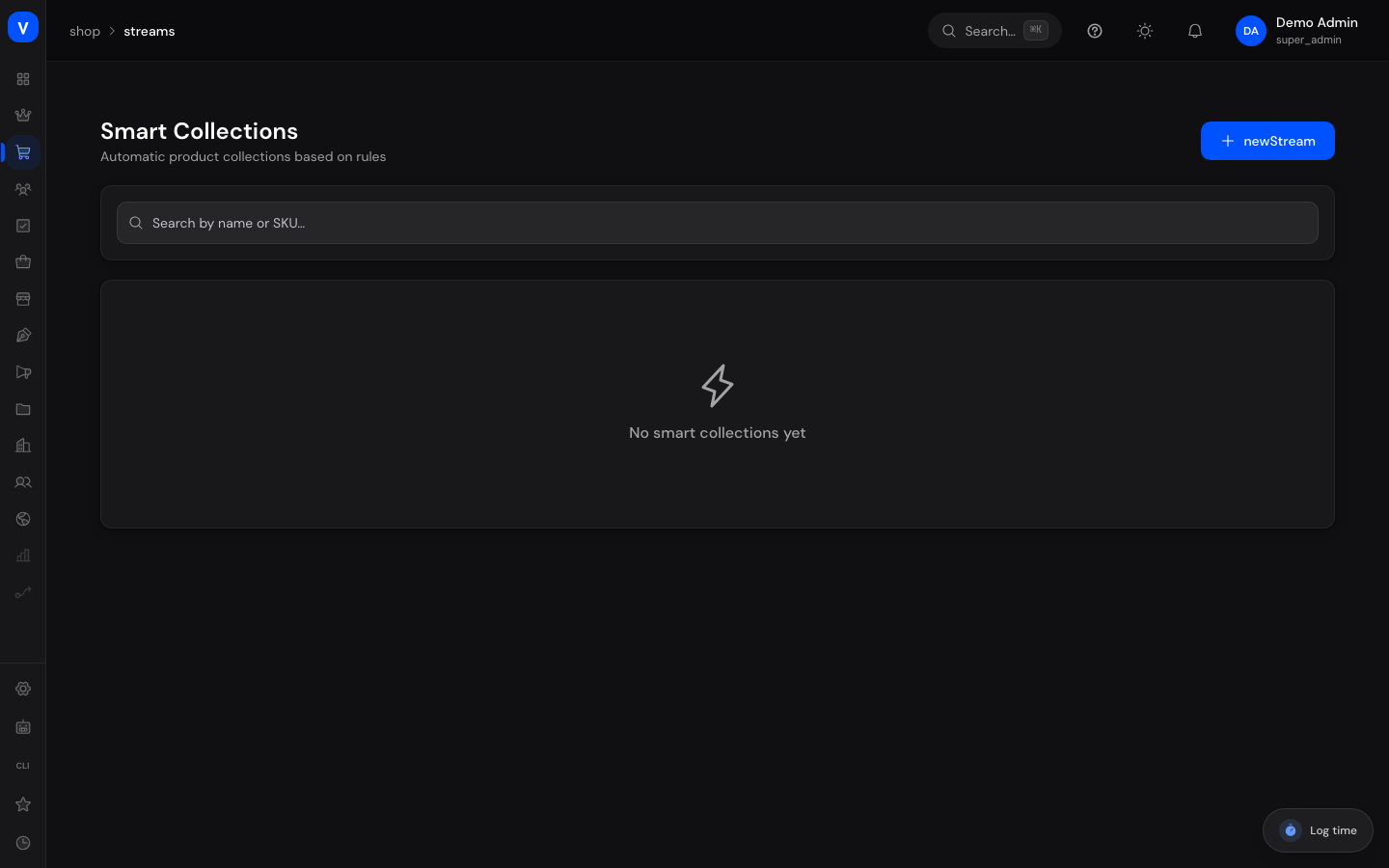
/shop/streamsFields explained
| Field | Meaning | Notes/Effect |
|---|---|---|
| Name | Display name of the stream | Required |
| Description | Short explanatory text | Optional |
| Sort By | Order in which products appear in the stream | Name, price, creation date, sales count or rating |
| Filters | Rules that determine which products are automatically included | Entered as a technical rule list (e.g. category, price, stock, active status) |
| Active | Whether the stream is currently in use | Inactive streams are not used anywhere |
| Products | Number of products that currently match the rules | Calculated automatically |
Values & statuses
Status of a stream
| Value | Meaning | What happens |
|---|---|---|
| Active | The stream is continuously updated based on its filter rules | Can be embedded elsewhere in the shop |
| Inactive | The stream is switched off | Not used anywhere in the shop, but stays saved |
Frequently asked questions
How is a stream different from a category?
A category is a fixed assignment you set manually per product. A stream fills itself automatically based on rules — e.g. if a product's price changes, it can automatically drop in or out of a stream "products under €20" without you adjusting anything manually.
What can I use streams for?
Streams are useful for automatically updated product lists such as "New Arrivals", "Sale Items" or "Bestsellers" that can be embedded elsewhere in the shop.
Why do I see 0 products in my stream?
Check the filter rules you entered — likely no product currently satisfies all conditions, or there is an error in the rule syntax.