Gift Cards
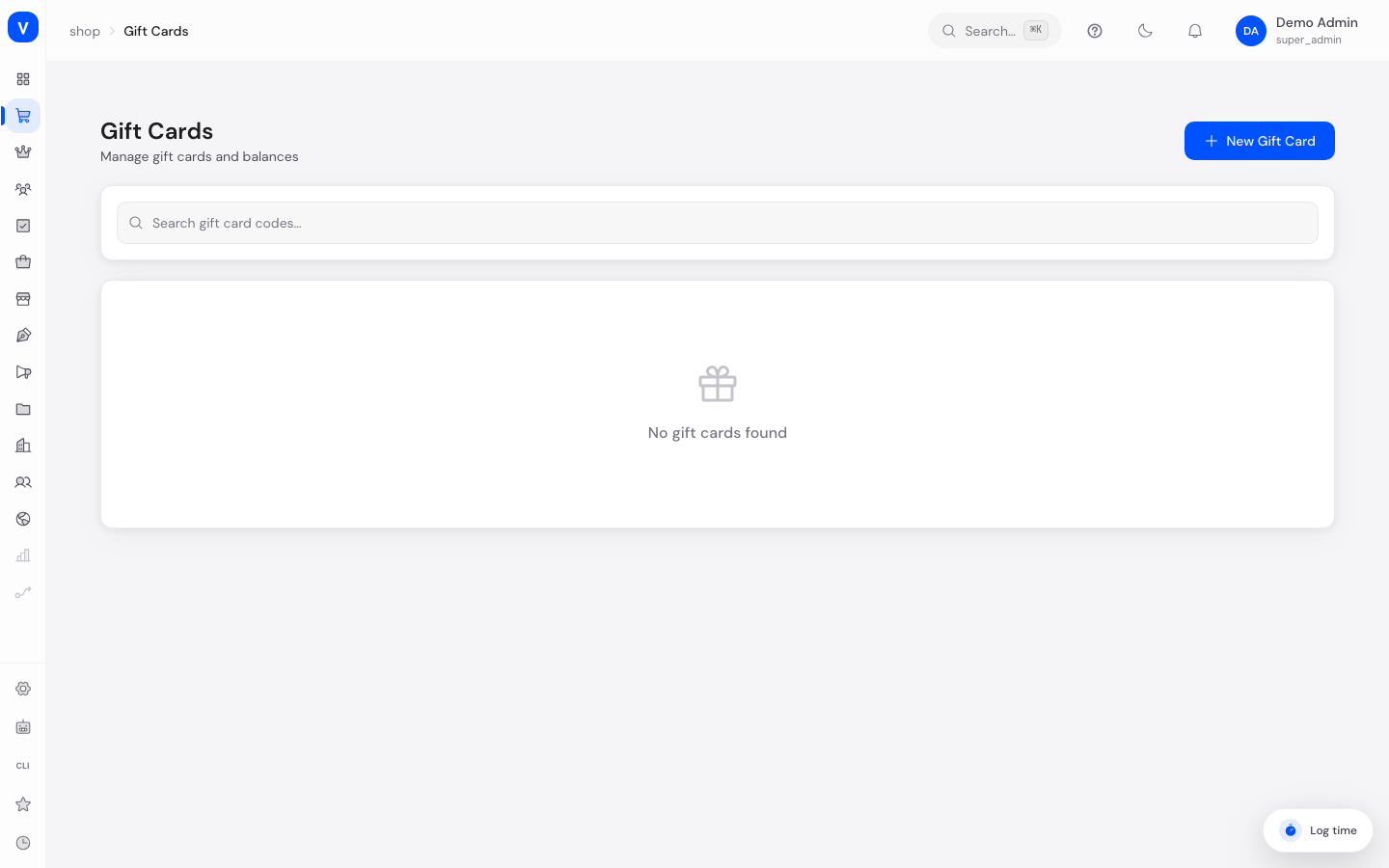
This is where you create and manage gift cards (prepaid balance cards) that customers can redeem when shopping. Each gift card has its own code and a balance that decreases with each redemption.
What can I do here?
- Create new gift cards with a starting balance, optionally with recipient name, email address and a personal message
- Set an expiry date for the card
- Show/hide and copy the card code
- Manually adjust the balance (e.g. for goodwill cases)
- View the full transaction history of a card
- Search gift cards and see the status (active/inactive)
Step by step
- Create a new gift card: Click "New Gift Card", enter the starting balance and optionally recipient name, email address, personal message and expiry date.
- View card details: Click a gift card in the list to see code, remaining balance, status and transaction history.
- Reveal the code: Click the eye icon in the detail panel to show the full code, and the copy icon to copy it.
- Adjust the balance: Click "Adjust Balance", enter an amount (positive to top up, negative to deduct) and optionally a note.
/shop/gift-cardsIllustration
Gift Card Detail
- Code (masked)
- GC-****-****-4821
- Initial Balance
- 50,00 EUR
- Initial Balance
- 50.00 EUR
- Remaining Balance
- 32,50 EUR
- Remaining Balance
- 32.50 EUR
- Expires At
- No Expiry
- Status
- ✓Active
| Transactions | Amount | Balance |
|---|---|---|
| Purchase | +50.00 EUR | 50.00 EUR |
| Redemption | -12.50 EUR | 37.50 EUR |
| Redemption | -5.00 EUR | 32.50 EUR |
Adjust BalanceEdit Gift Card
/shop/gift-cardsFields explained
| Field | Meaning | Notes/Effect |
|---|---|---|
| Code | Unique gift card code | Assigned automatically when created; shown partially masked by default |
| Initial Balance | Original value of the card | Required when creating |
| Remaining Balance | Currently available balance | Decreases with each redemption |
| Recipient Name / Email | Who the card is intended for | Optional |
| Personal Message | Custom text, e.g. for a gift | Optional |
| Expiry Date | Date after which the card can no longer be used | Optional, without it the card does not expire |
| Status | Active or Inactive | Only active cards can be redeemed |
| Transaction History | All events that changed the balance | Informational only, not editable |
Values & Status
Transaction type (gift_card_transaction_type)
| Value | Meaning |
|---|---|
| Issue/Purchase | Card was created/purchased, balance was credited |
| Redeem/Redemption | Balance was used on an order |
| Adjust/Adjustment | Manual correction of the balance by the team |
| Refund | Balance was credited back as part of a refund |
Frequently asked questions
What happens when a gift card expires?
After the expiry date, the card can no longer be redeemed, even if a balance remains.
How do I correct an incorrect balance, e.g. after a customer service case?
Open the card details and use "Adjust Balance". Enter a positive amount to top up or a negative amount to deduct, and document the reason in the note.
Why is the code only partially visible in the list?
For security reasons, the full code is masked by default. Open the card details to reveal it in full if needed.