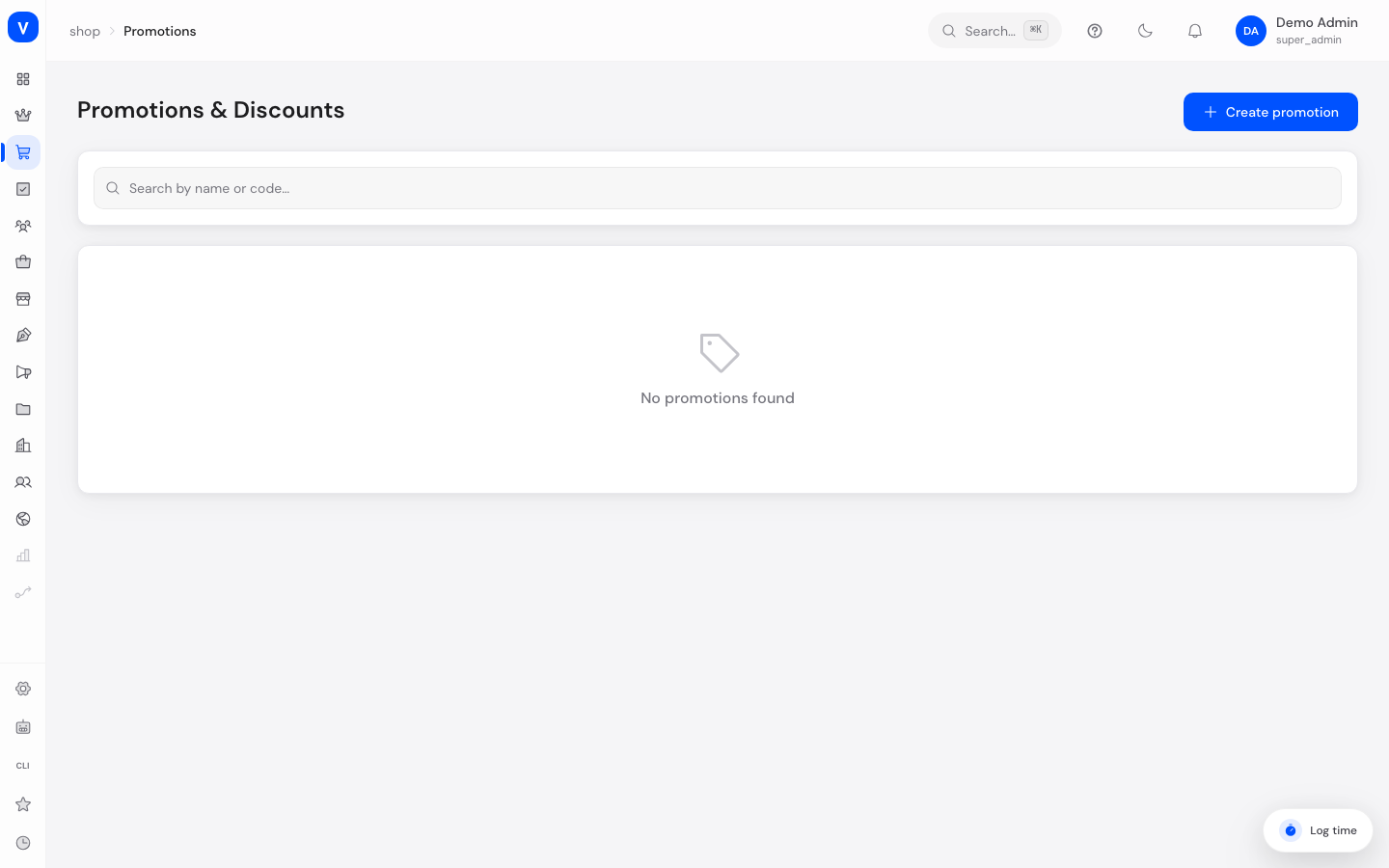
This is where you create comprehensive discount campaigns for your shop — from simple percentage discounts to Buy-X-Get-Y offers. Unlike a simple coupon code, a promotion can contain several discount rules at once, apply automatically without a code, or generate individual codes per customer.
Before you start
What you want to do
Permission needed
View promotions, codes and metrics
promotion:read
Create and edit promotions, generate codes
promotion:write
Delete promotions
promotion:delete
What can I do here?
Create, edit and delete promotions
Decide whether the promotion applies automatically, needs a fixed code, or generates individual codes per customer
Define several discount rules per promotion (percentage, fixed amount, free shipping, Buy-X-Get-Y)
Set a validity period, priority and usage limits
Decide whether the promotion can be combined with other promotions
Restrict eligibility (all customers, specific customer segments, or individual customers)
View metrics like active promotions, redemptions and total discount given
Step by step
Create a new promotion: Click "Create New Promotion", give it a name and choose the code type (automatic, fixed code, or individual codes) on the "General" tab.
Define the discount: Switch to the "Discounts" tab and set one or more discount rules (e.g. 15% off the cart, or free shipping).
Set conditions: On the "Conditions" tab, set total and per-customer usage limits, and whether the promotion can be combined with others.
Combination & eligibility: On the "Combination" tab, decide which other promotion types this promotion can be combined with and who is allowed to use it.
Configure Buy-X-Get-Y: For already saved promotions with a matching discount rule, a dedicated tab is available for Buy-X-Get-Y offers.
Generate individual codes: With the "Individual Codes" code type, once saved you can generate a list of unique individual codes on the "Codes" tab.
View: /shop/promotions
Illustration
Create promotion
GeneralDiscountsConditionsCombinationCodes
Name
Summer Sale 2026
Valid from
01 Jun 2026
Valid until
31 Aug 2026
Max. uses
500
Code type
Automatic (no code)⌄
Prevent combination
off
SaveCancel
Rebuilt excerpt of the view: /shop/promotions
Fields explained
Field
Meaning
Notes/Effect
Name
Internal display name of the promotion
Required, 1 to 255 characters
Description
Short explanatory text
Optional, 2000 characters maximum
Code Type
Automatic, fixed code, or individual codes
See values below
Fixed Code
The code to enter for "Fixed Code" type
1 to 50 characters, automatically stored in uppercase, and must be unique across the shop
Priority
Determines the order in which multiple matching promotions are evaluated
Whole number from 0 to 9999, default 0. The higher value is evaluated first
Valid From / Valid Until
Period during which the promotion can be active
Without "Valid Until" it has no end date. "Valid From" must be earlier than "Valid Until"
Usage Limit (total)
Maximum total number of redemptions
Empty = unlimited
Limit Per Customer
Maximum number of redemptions per customer
0 = unlimited
Prevent Combination
The promotion is applied on its own
Outweighs every setting on the "Combination" tab, see "Frequently asked questions"
Combination Type
Which promotion levels it can combine with (none/product/order/all)
See values below
Eligibility
Who is allowed to use the promotion
All, specific customer segments, or individual customers
Discount Rules
One or more rules defining discount type, amount and scope
At least 1, at most 20 rules. A promotion without a rule cannot be saved
Status
Active or Inactive
Only active promotions are applied
Values & Status
Code type (promotion_code_type)
Value
Meaning
What happens
Automatic
Promotion applies without entering a code
Applied automatically once conditions are met
Fixed Code
A single code for all customers
Must be entered at checkout
Individual Codes
Each customer gets their own code
Codes are generated and managed on the "Codes" tab
Combination type (combination_type)
Value
Meaning
None
Promotion cannot be combined with any other promotion
Product
Combinable with other product-level promotions
Order
Combinable with other order-level promotions
All
Combinable with all other promotions
Eligibility (customer_eligibility)
Value
Meaning
All Customers
Anyone can use the promotion
Specific Segments
Only members of selected customer segments
Specific Customers
Only explicitly selected individuals
Discount rule scope (discount_scope)
Value
Meaning
What happens
Entire cart (cart)
Discount applies to the whole cart total
The calculated discount is subtracted from the cart total
Shipping costs (shipping)
Discount applies only to shipping costs
Shipping costs are reduced in full or in part
Specific products (specific_products)
Discount applies only to products selected via a product rule
Only the matching cart line items are reduced
Product set (set_group)
Discount is tied to a product set (set group)
Not selectable in the promotion editor yet; per the source code it has no effect at runtime yet (prepared for future use)
Discount type (discount_type)
Value
Meaning
What happens
Percentage (percentage)
Percentage deduction
Capped at 100%; optionally limited via "Max discount amount"
Fixed amount (absolute)
Fixed amount deducted (in cents)
The amount is subtracted directly
Fixed price, total (fixed_price)
Sets the total price of the affected line item to a fixed value
Only selectable when scope is "Specific products"
Fixed unit price (fixed_unit_price)
Sets the unit price of the affected line item to a fixed value
Only selectable when scope is "Specific products"; discount = (original price − fixed price) × quantity
Buy X, Get Y (buy_x_get_y)
Buying a minimum quantity discounts or gives free additional quantity
Configured in the dedicated "Buy-X-Get-Y" tab
Frequently asked questions
What's the difference between promotions and coupon codes? Coupon codes are simple, single codes with one discount. Promotions are more powerful: they can contain several discount rules at once, apply automatically without a code, model Buy-X-Get-Y offers, and restrict eligibility by customer segment.
What's the difference between promotions and automatic discounts? Automatic discounts are a specialized, more focused view specifically for codeless promotions, linked to reusable rules. This page additionally covers promotions with a fixed or individual code.
Which promotion wins when several match at once? Promotions are evaluated by priority, the higher number first. Whether several are granted together is then decided by combinability. One quirk is worth remembering: if one of the matching promotions has "Prevent Combination" set, only that one is applied, even when another promotion has a higher priority. So do not be puzzled if a high-priority promotion is displaced by a lower-priority one: the lower one carries that tick.
Why isn't my promotion being applied? Promotions whose conditions do not match are skipped silently during cart calculation; the shop gives no reason. Check in this order:
The status is "Active".
The validity period covers today.
The usage limit is not exhausted, including the per-customer limit for this customer.
Eligibility does not exclude the person (customer segment, individual selection).
No other matching promotion has "Prevent Combination" set.
Which error messages can I get when saving? Messages appear as a toast and come straight from the server, so they are in English:
Message
Cause
Percentage discount value must be between 0 and 100
A percentage discount is above 100
A promotion with code "…" already exists
The fixed code is already taken
Invalid promotion configuration
Catch-all message with no field named: usually "Valid From" is not before "Valid Until", or the code is missing for code type "Fixed Code"
What happens if a code has already been redeemed? For individual codes the checkout reports Code has already been redeemed. If a promotion's total limit is exhausted, the message is Promotion usage limit reached. Both checks still hold when two customers order at the very same moment.