Sales Channels (Multichannel)
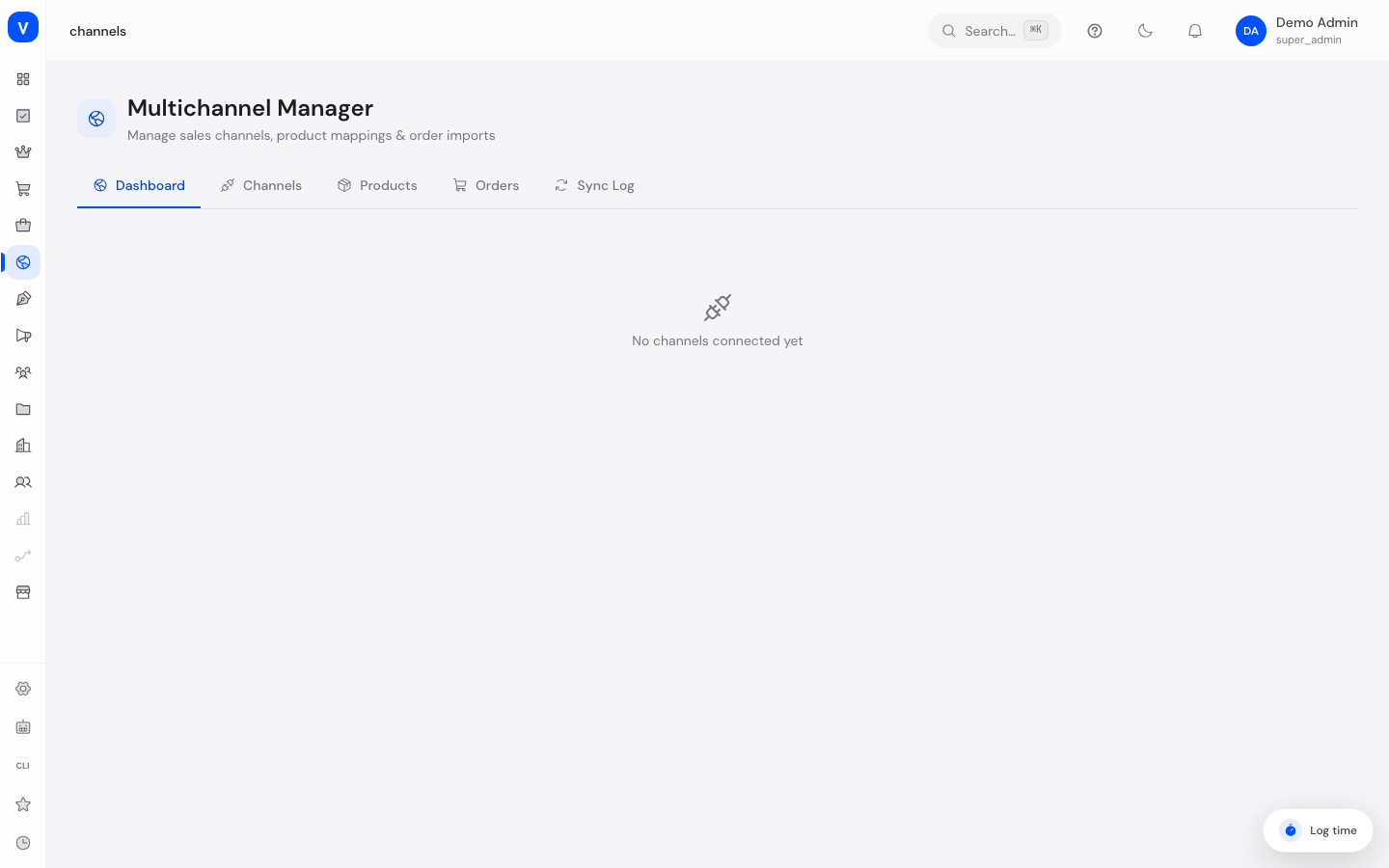
This is where you connect your shop to external marketplaces such as Amazon, eBay, Otto or Kaufland (multichannel selling) and keep track of all products and orders sold through them. For marketplaces running on the Mirakl platform, a more detailed view with dedicated tools is available.
What can I do here?
- Create sales channels for various marketplaces and connect them with credentials
- Map products to a sales channel, with different prices/stock for that channel
- View orders received through the connected channels
- Manually trigger product synchronization and view the sync log
- See the status of all channels at a glance on a dashboard
- For Mirakl-based marketplaces, additionally manage shops, offers, incidents, messages, invoices, promotions, shipments and categories
Step by step
- Create a new sales channel: Switch to the "Channels" tab, click to add a new channel, choose the platform (e.g. Amazon, eBay, Otto, Kaufland or Mirakl) and enter the required credentials.
- Test the connection: Use the test function in the channel form to check whether the credentials work.
- Map products: Switch to the "Products" tab to assign individual products to a channel and optionally set different prices or stock for that channel.
- Trigger synchronization: Trigger the sync from the dashboard or directly on the channel to align product data with the marketplace.
- Check orders: Switch to the "Orders" tab to see orders received through the connected channels.
- Check the sync log: On the "Sync Log" tab you can see when each sync happened and whether it succeeded.
- Manage a Mirakl marketplace: For Mirakl-based marketplaces, open the dedicated Mirakl view with tabs for Dashboard, Shops, Offers, Orders, Incidents, Messaging, Invoicing, Promotions, Shipments and Categories.
/channels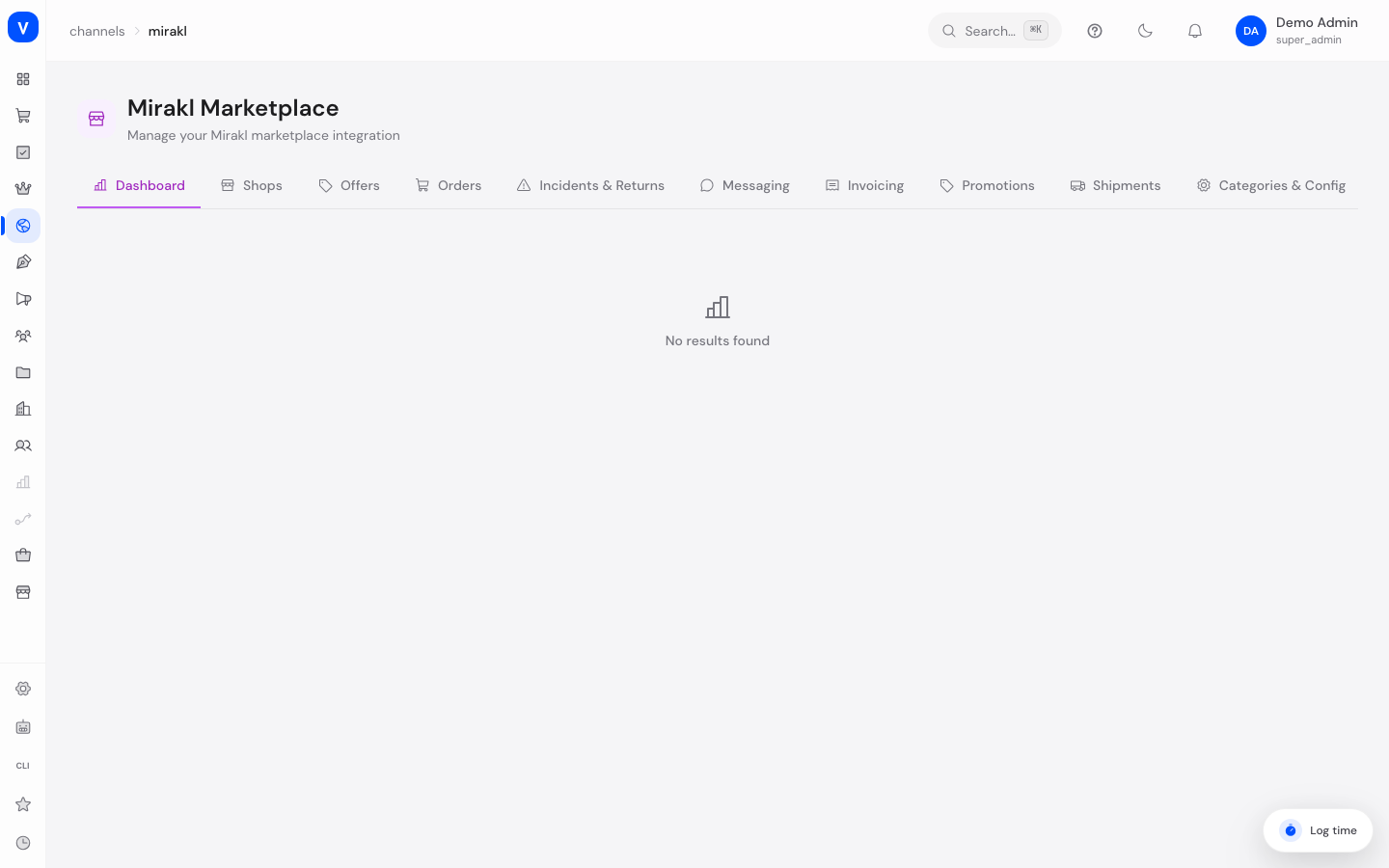
/channels/miraklFields explained
| Field | Meaning | Notes/Effect |
|---|---|---|
| Channel Name | Internal name of the sales channel | Required |
| Platform | Marketplace the channel connects to | See values below |
| Credentials | Platform-specific login data (e.g. Seller ID for Amazon, App ID for eBay) | Fields differ per platform |
| Auto-Sync Interval | How often synchronization happens automatically | Specified in minutes |
| Stock Sync / Price Sync | Whether stock or prices are automatically synced with the channel | Can be toggled per channel |
| External ID / External SKU / External URL | Identifiers of the product on the external marketplace | Set during product mapping |
| Price Override / Stock Override | Different price/stock specifically for this channel | Optional, overrides the shop default only for this channel |
| Status | State of the channel or product mapping | See values below |
Values & Status
Platform (channel_platform)
| Value | Meaning |
|---|---|
| Amazon | Connection to the Amazon marketplace |
| eBay | Connection to eBay |
| Otto | Connection to the Otto marketplace |
| Kaufland | Connection to Kaufland.de |
| Mirakl | Connection to a marketplace operated on the Mirakl platform (dedicated, more detailed view) |
| Shopify (Import) | Intended for connecting to / importing from an existing Shopify store — prepared in the data structure, but not yet selectable in the channel form and without an active sync adapter |
| Manual | A channel without automatic synchronization, e.g. for manually maintained sales channels — prepared in the data structure, but not yet selectable in the channel form and without an active sync adapter |
Channel/sync status (channel_status, sync_status)
| Value | Meaning |
|---|---|
| Active | Channel is connected and running |
| Inactive | Channel is set up but disabled |
| Error | An error occurred during the last action |
| Syncing | A sync is currently in progress |
| Synced | The last sync succeeded |
| Pending | Sync is scheduled but not yet started |
| Failed | The last sync failed |
| Excluded | Product is intentionally excluded from syncing with this channel |
Frequently asked questions
What's the difference between the general sales channels and the Mirakl view?
The general channel overview covers several marketplaces (Amazon, eBay, Otto, Kaufland, Mirakl) with a unified, leaner feature set. For marketplaces running on the Mirakl platform, there's an additional dedicated, more extensive view with tools specifically for Mirakl (shops, offers, incidents, invoices, etc.).
Why does a product show a different price on the marketplace than in the shop?
A channel-specific price override was likely set for this product, overriding the shop's default price for that channel.
What do I do if a channel shows "Error" status?
First check the stored credentials using the test function in the channel form. The sync log also has details about the last failed sync.