Google Shopping
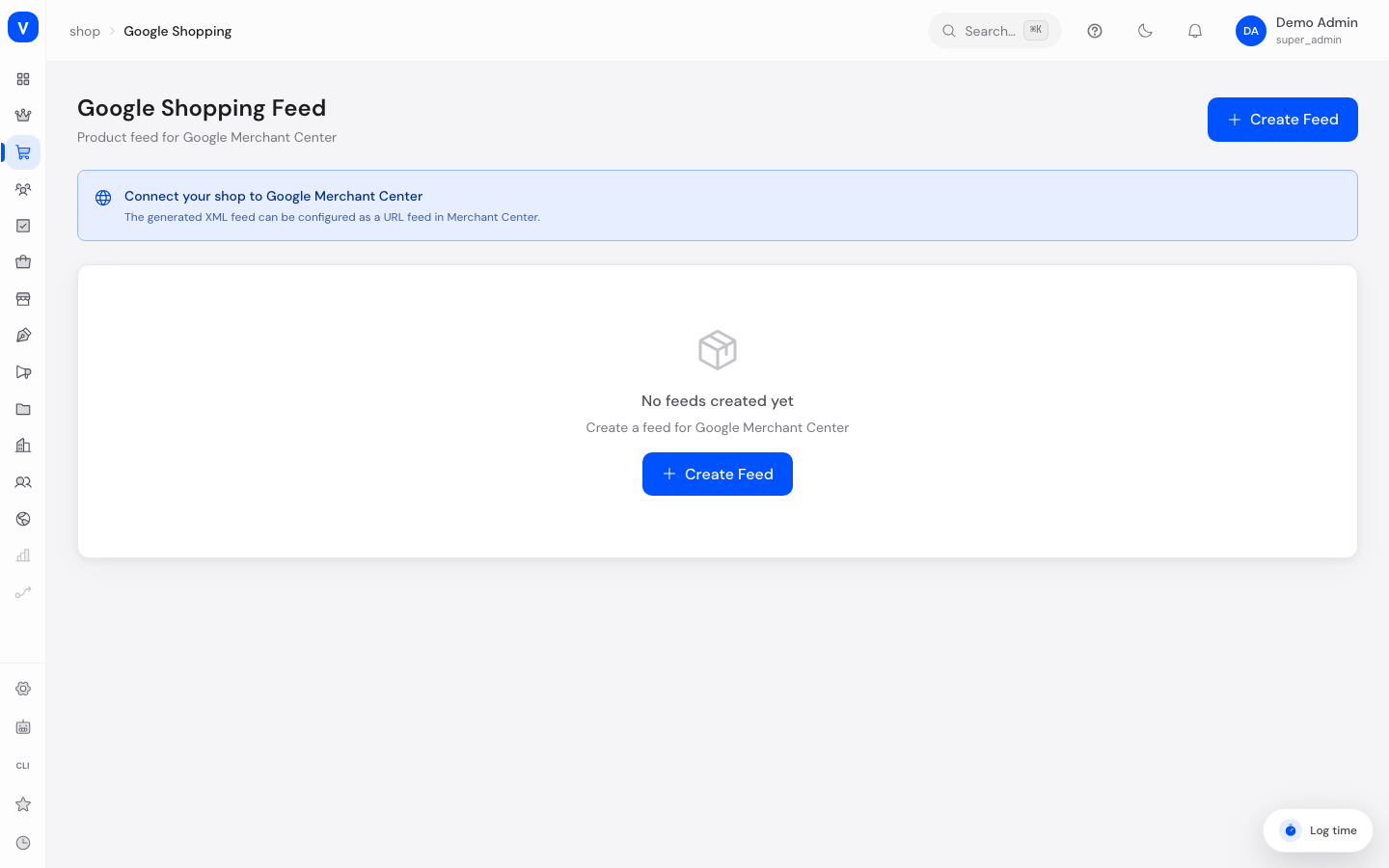
This is where you create product data feeds for Google Shopping. A feed is an automatically generated list of your products in a format required by Google, which you upload to the Google Merchant Center so your products appear in Google product search and Shopping ads.
What can I do here?
- Create one or more product feeds (e.g. for different countries)
- Set target country, language and currency per feed
- Set a default brand and default Google category for products without their own value
- Decide whether out-of-stock products should be included in the feed
- Map your own categories to matching Google product categories
- Manually regenerate a feed and download it as an XML file
Step by step
- Create a new feed: Click "Create Feed". A feed with default values is created.
- Configure the feed: Open the feed settings via the gear icon and enter target country, language, currency, shop URL, default brand and default Google category.
- Map categories: In the "Category Mappings" section, add mappings from your internal categories to official Google product categories so your products are correctly classified on Google.
- Generate the feed: Click "Generate" to regenerate the feed with current product data.
- Download the feed: Click "XML" to download the generated feed file or use the URL in the Google Merchant Center.
/shop/google-shoppingFields explained
| Field | Meaning | Notes/Effect |
|---|---|---|
| Feed Name | Display name of the feed | Required |
| Target Country | Country the feed is intended for (2-letter code, e.g. DE) | Controls format and display on Google |
| Language | Language of the product data in the feed | e.g. "de" |
| Currency | Currency of the price data (e.g. EUR) | — |
| Default Brand | Used when a product has no brand of its own | Optional |
| Shop URL | Base URL of your shop, used in product links | Optional |
| Default Google Category | Google product category for products without their own mapping | Optional |
| Include Out-of-Stock Products | Whether products with 0 stock still appear in the feed | Default: no |
| Active | Whether the feed is currently in use | — |
| Category Mappings | Mapping of internal categories to official Google product categories | Improves discoverability in Google Shopping |
| Last Generated | Time of the last feed generation | — |
| Product Count | Number of products in the most recently generated feed | — |
Frequently asked questions
What do I do with the generated XML file?
You enter the feed's download URL in the Google Merchant Center so Google regularly fetches your products automatically.
Why do I need category mappings?
Google expects products in its own standardized categories. Without a mapping, the default Google category is used, or the product may be classified less accurately in Google Shopping.
Can I create multiple feeds for different countries?
Yes, create a separate feed for each target country with the matching country, language and currency.