Product Compliance (GPSR)
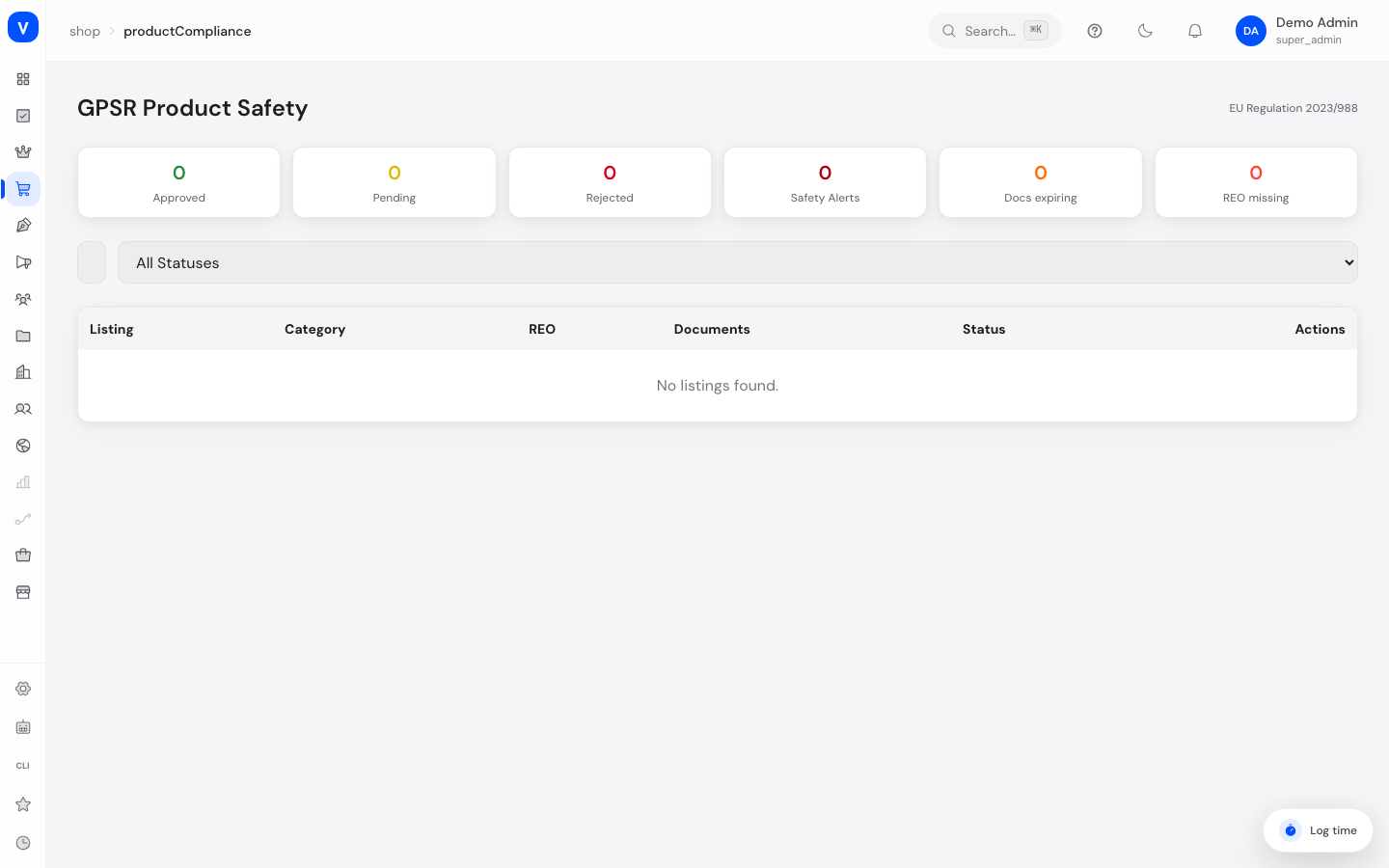
This page helps you meet the requirements of the EU General Product Safety Regulation (GPSR, Regulation 2023/988). For certain products you must record a Responsible Economic Operator (REO) and safety/conformity documents before the listing can be approved.
What can I do here?
- See all listings and their compliance status at a glance
- Search by listing or vendor and filter by status
- Check the Responsible Economic Operator (REO) for each listing
- View, verify or reject uploaded compliance documents
- Approve or reject a listing as a whole (with a reason)
- See warnings for documents expiring soon and active safety alerts (Safety Gate)
Step by step
- Review a listing: Click "Review" on a listing in the table to see REO and document details in a dialog.
- Verify a document: In the detail dialog, check each document and click "Verify" or "Reject".
- Approve a listing: If an REO is on file, you can approve the entire listing via "GPSR Approve". Without an REO, approval is not possible.
- Reject a listing: Click "Reject", enter a rejection reason (e.g. "CE marking missing") and confirm.
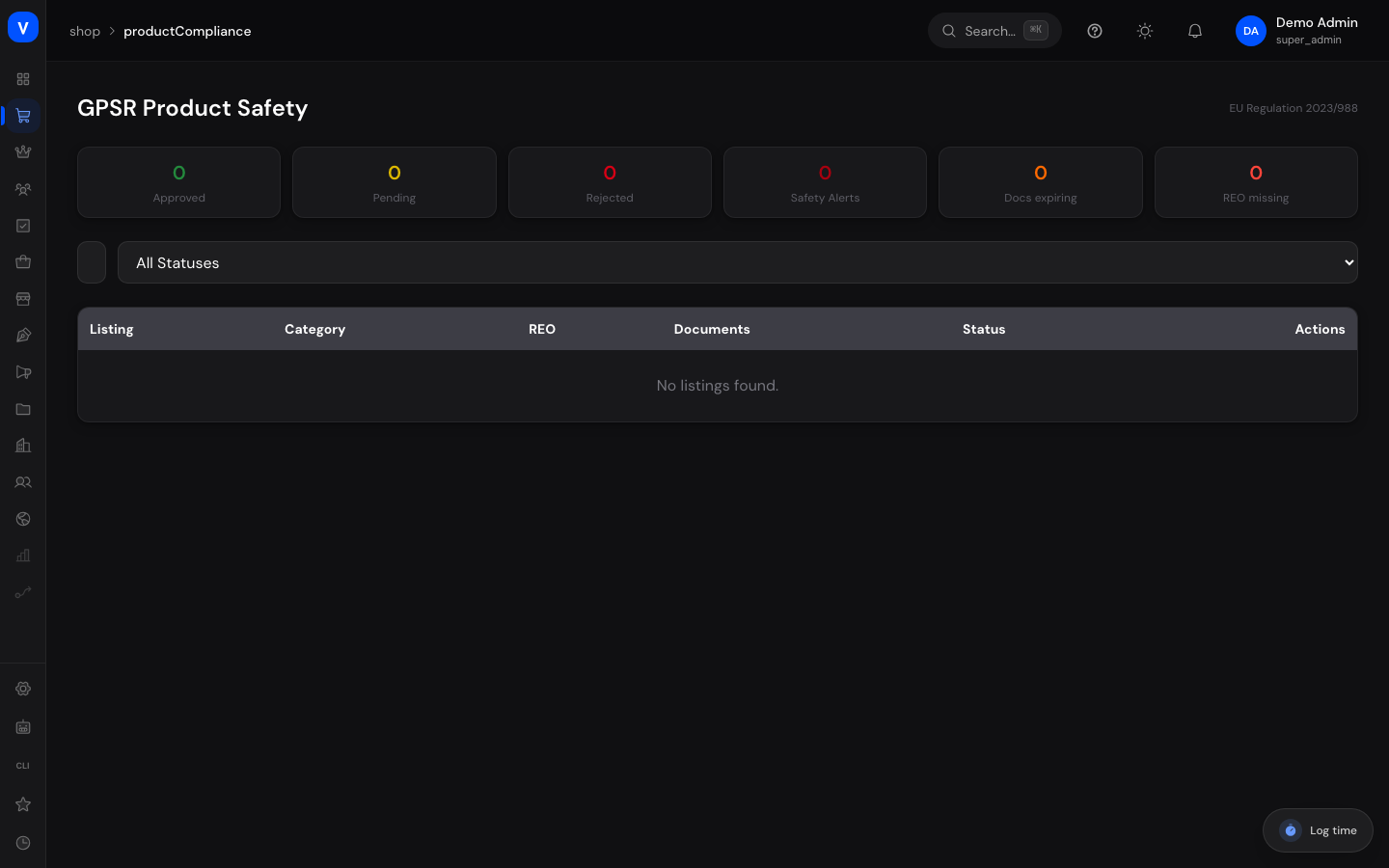
- Keep an eye on the metrics: The tile overview at the top shows Approved, Pending, Rejected, Safety Alerts, documents expiring soon, and missing REOs.
/shop/product-compliance- Listing
- Beispielartikel-Set (3-teilig)
- Vendor:
- Team Nord
- REO
- Beispiel Compliance GmbH, Musterstr. 1, 10115 Berlin, DE
| Documents | Status |
|---|---|
| CE Marking | ✓Verified |
| Declaration of Conformity | !Pending |
| Safety Data Sheet | ×Rejected |
/shop/product-complianceFields explained
| Field | Meaning | Notes/Effect |
|---|---|---|
| Listing | Name of the affected product listing | — |
| Vendor | Seller/supplier of the listing | — |
| Category | Product category | — |
| REO (Responsible Economic Operator) | Responsible party with name, address, email and country | Required under GPSR Art. 16; without it the listing cannot be approved |
| Documents | Uploaded evidence documents (see values below) | Each document has its own review status |
| Expiry Date (document) | Date after which a document is no longer valid | Documents expiring in ≤ 30 days are specially flagged |
| Safety Gate Reference | Reference number for an active safety alert | Shown when status is "Safety Alert" |
| Rejection Reason | Free-text explanation when rejecting a listing | Required when rejecting |
Values & Status
Listing compliance status (compliance_status)
| Value | Meaning | What happens |
|---|---|---|
| Pending | Review not yet completed | Listing awaits approval |
| Approved | Listing meets all GPSR requirements | Listing can be sold normally |
| Rejected | Listing was rejected with a reason | Must be corrected before being reviewed again |
| Expired | A previously valid document has expired | Requires re-review |
| Safety Alert | An active safety alert (Safety Gate) exists | Listing is highlighted and should be reviewed immediately |
Document types (compliance_document_type)
| Value | Meaning |
|---|---|
| CE Marking | Proof of CE conformity |
| Declaration of Conformity (DoC) | Formal manufacturer declaration |
| Safety Data Sheet (SDS) | Safety-relevant product information |
| WEEE Registration | Proof of electrical equipment registration |
| Battery Regulation | Proof under EU battery regulation |
| Textile Labeling | Proof of textile labeling compliance |
| Test Report | Test lab report |
Document status (compliance_document_status)
| Value | Meaning | What happens |
|---|---|---|
| Pending | Document uploaded but not yet reviewed | Awaits verification |
| Verified | Document has been reviewed and found valid | Counts towards approving the listing |
| Rejected | Document has been reviewed and marked invalid | Must be replaced with a valid document |
Frequently asked questions
Why can't I approve a listing?
Likely the Responsible Economic Operator (REO) is missing. Without an REO on file, approval is not possible under GPSR Article 16.
What does "Safety Alert" mean?
This listing has an active safety alert from the European Safety Gate system. These listings are highlighted in red and should be reviewed as a priority.
What happens when a document expires?
Documents expiring within the next 30 days are flagged with a warning in the detail dialog, so you can request a new document in time.
Do I have to review every single document, or is overall approval enough?
Both are possible: you can verify/reject individual documents directly, or approve the entire listing at once once the REO is on file.