Media Library
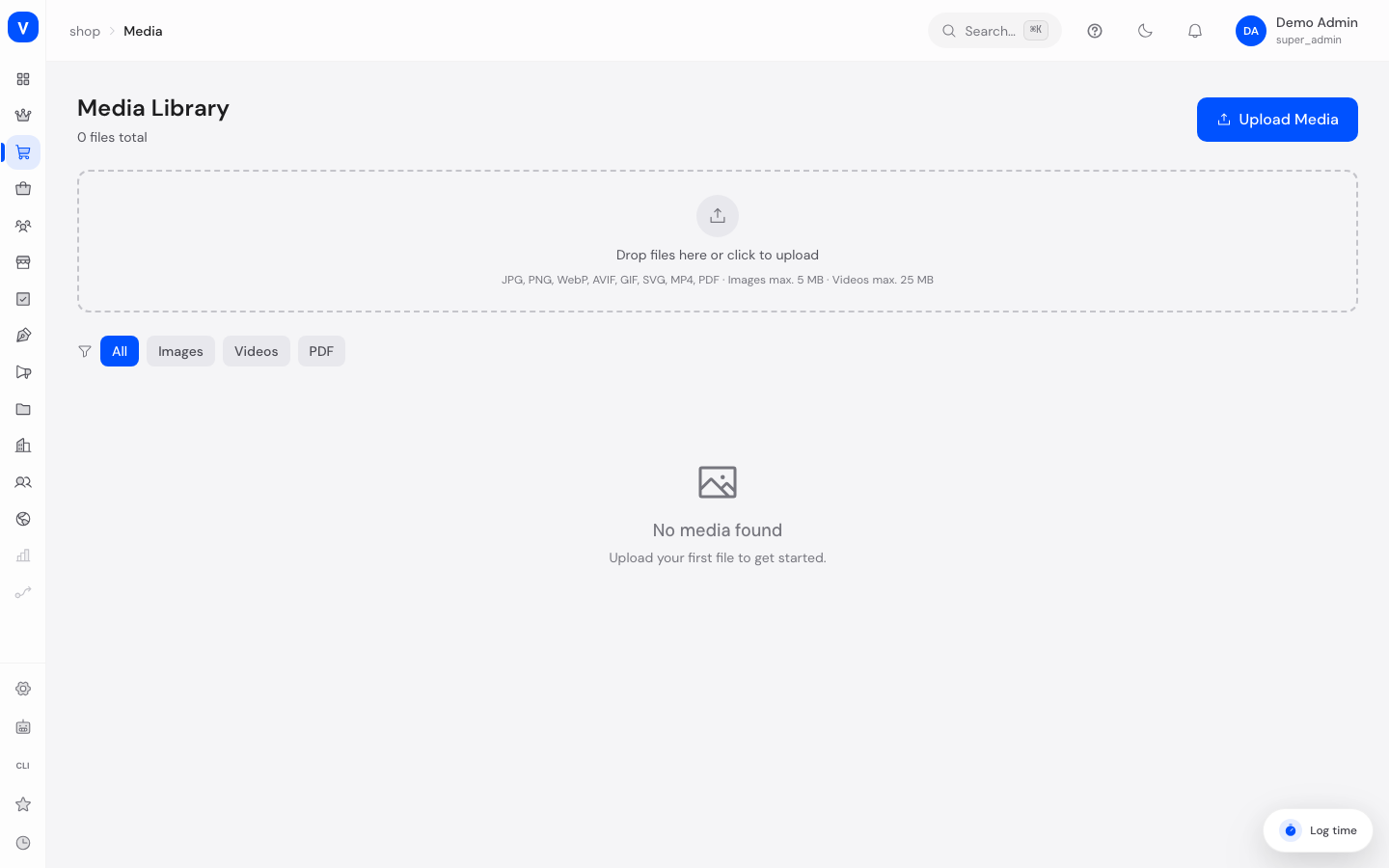
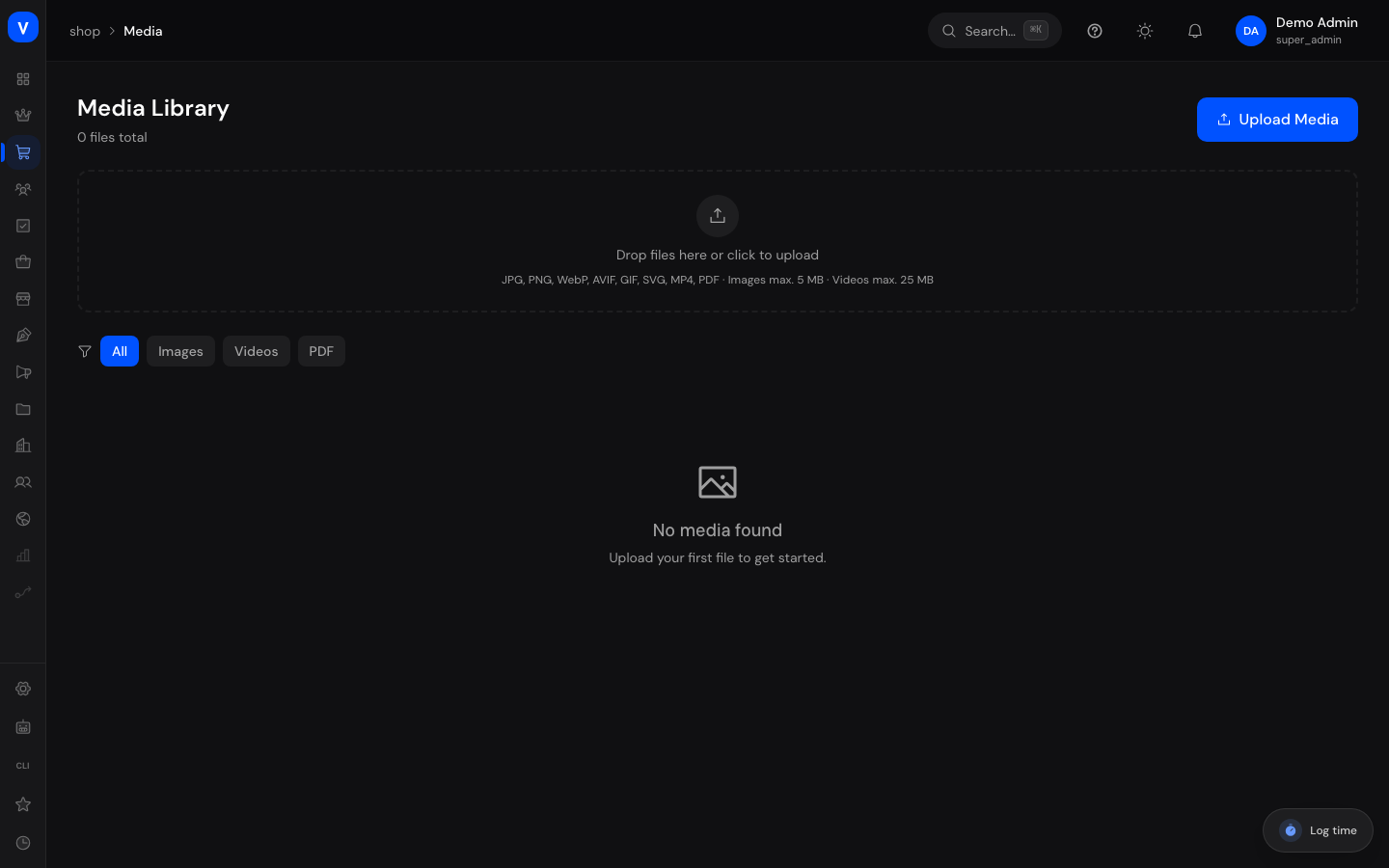
The Media Library is the central storage location for all images, videos and PDF files you use in the shop — e.g. for product images or brand logos. Instead of uploading a file separately for each product, you can collect, search and reuse all files here.
What can I do here?
- Upload images, videos and PDF files by click or drag & drop
- Browse all uploaded files in a grid view
- Filter by file type (images, videos, PDFs)
- View images enlarged
- Delete files
- Keep track of the storage space used
Step by step
- Upload a file: Click "Upload Media" or drag one or more files directly into the dashed box.
- Find a file: Use the filter buttons at the top (All, Images, Videos, PDF) to narrow the view.
- Enlarge an image: Hover over an image and click the magnifying glass icon to view it full-size.
- Delete a file: Hover over a file and click the trash icon.
- Assign a file to a product: This happens directly on the product page, in the "Images & Videos" section — see Products.
/shop/mediaFields explained
| Field | Meaning | Notes/Effect |
|---|---|---|
| File Name | Original name of the uploaded file | Taken from the upload |
| File Size | Size of the file | Images capped (default 10 MB), videos capped (default 50 MB) |
| Dimensions | Width × height in pixels | Only for images/videos with detectable dimensions |
| File Type | Image, video or PDF | Determines the icon/preview |
Values & Status
File type filter (media_type_filter)
| Value | Meaning | What happens |
|---|---|---|
| All | No restriction | All uploaded files are shown |
| Images | Image files only | JPG, PNG, WebP, AVIF, GIF, SVG |
| Videos | Video files only | MP4 |
| PDF documents only | e.g. for data sheets |
Frequently asked questions
Which file formats can I upload?
JPG, PNG, WebP, AVIF, GIF, SVG for images, MP4 for videos, and PDF documents.
What happens if I delete a file that's still attached to a product?
Check before deleting whether the file is still in use — deleted files are no longer available.
Is there a file size limit?
Yes, images and videos each have a maximum size limit shown at the top of the upload area (default: 10 MB for images, 50 MB for videos).