Webhooks (Shop)
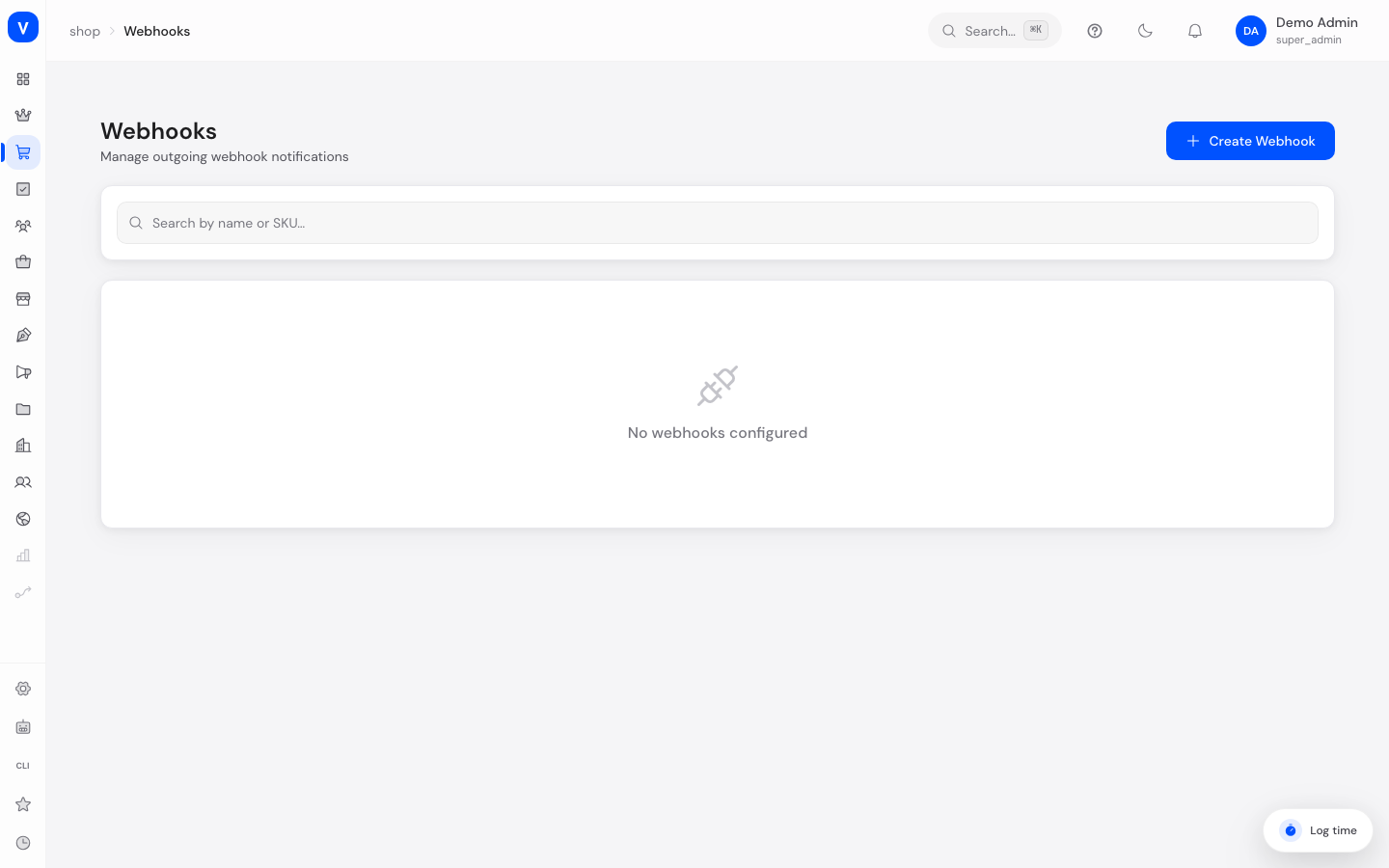
Webhooks automatically notify another system as soon as a specific event happens in your shop — for example, a new order. Instead of an external program constantly having to check, SELLERLOGIC Commerce Services proactively sends a message to an internet address you specify. This is aimed at technical integrations, e.g. with an external inventory management system.
What can I do here?
- Create, edit and delete webhooks
- Choose which events trigger a notification
- Activate or deactivate a webhook
- See when a webhook last fired and whether there were failed deliveries
- Search webhooks
Step by step
- Create a new webhook: Click "Create Webhook" and enter the target URL SCS should send notifications to.
- Select events: Check all the events you want to be notified about (e.g. "order.created" for new orders). Use "Select All" to turn on every event at once.
- Save the secret key: After creation, a secret key is shown once, which the receiving system can use to verify the authenticity of messages. Copy it immediately and store it securely — it will not be shown again later.
- Edit a webhook: Open "Edit" from the three-dot menu to change the URL, events, or active status.
- Check failures: A red notice with a failure count indicates that deliveries to the target URL have failed — in that case, check whether the target URL is reachable.
/shop/webhooks- Endpoint URL
- https://erp.beispiel-firma.example/webhooks/scs
- Secret Key
- whsec_beispiel************
/shop/webhooksFields explained
| Field | Meaning | Notes/Effect |
|---|---|---|
| Target URL | Internet address notifications are sent to | Required, must be reachable by the receiving system |
| Events | Selected events that trigger a notification | At least one required |
| Secret Key | One-time displayed key for signature verification | Only visible at creation |
| Status | Active or Inactive | Inactive webhooks send no notifications |
| Last Triggered | Time of the last notification sent | Informational only |
| Failure Count | Number of failed delivery attempts | A high value indicates a problem at the receiving system |
Values & Status
Available events (webhook_event)
Order
| Value | Meaning |
|---|---|
| order.created | A new order was placed |
| order.updated | An order was changed |
| order.completed | An order was fully completed |
| order.cancelled | An order was cancelled |
| order.payment_received | Payment for an order was recorded |
| order.shipped | An order was marked as shipped |
| order.delivered | An order was marked as delivered |
Customer
| Value | Meaning |
|---|---|
| customer.registered | A new customer registered |
| customer.updated | Customer data was changed |
| customer.deleted | A customer account was deleted |
Product
| Value | Meaning |
|---|---|
| product.created | A new product was created |
| product.updated | A product was changed |
| product.deleted | A product was deleted |
| product.stock_changed | A product's stock level changed |
| product.price_changed | A product's price changed |
Cart
| Value | Meaning |
|---|---|
| cart.created | A new cart was created |
| cart.updated | The contents of a cart changed |
| cart.abandoned | A cart was marked abandoned (the customer didn't complete checkout) |
Return
| Value | Meaning |
|---|---|
| return.requested | A return was requested |
| return.approved | A return was approved |
| return.refunded | A return was refunded |
Fulfillment
| Value | Meaning |
|---|---|
| fulfillment.shipped | A shipment was sent |
| fulfillment.delivered | A shipment was delivered |
Checkout
| Value | Meaning |
|---|---|
| checkout.completed | A checkout was completed |
| checkout.failed | A checkout failed |
Inbox
| Value | Meaning |
|---|---|
| inbox.thread_created | A new message thread was created |
| inbox.message_received | An incoming message was received |
| inbox.message_sent | A message was sent |
| inbox.thread_assigned | A thread was assigned to someone |
| inbox.thread_archived | A thread was archived |
Frequently asked questions
What do I do if I lost the secret key?
The key is only shown once at creation and cannot be retrieved again afterwards. In that case, delete the webhook and create it again.
What is the secret key used for?
It lets the receiving system verify that a message genuinely came from SCS and wasn't forged.
What should I do about many failed deliveries?
Check whether the configured target URL is still reachable and responds correctly to incoming requests.