Abandoned Checkouts
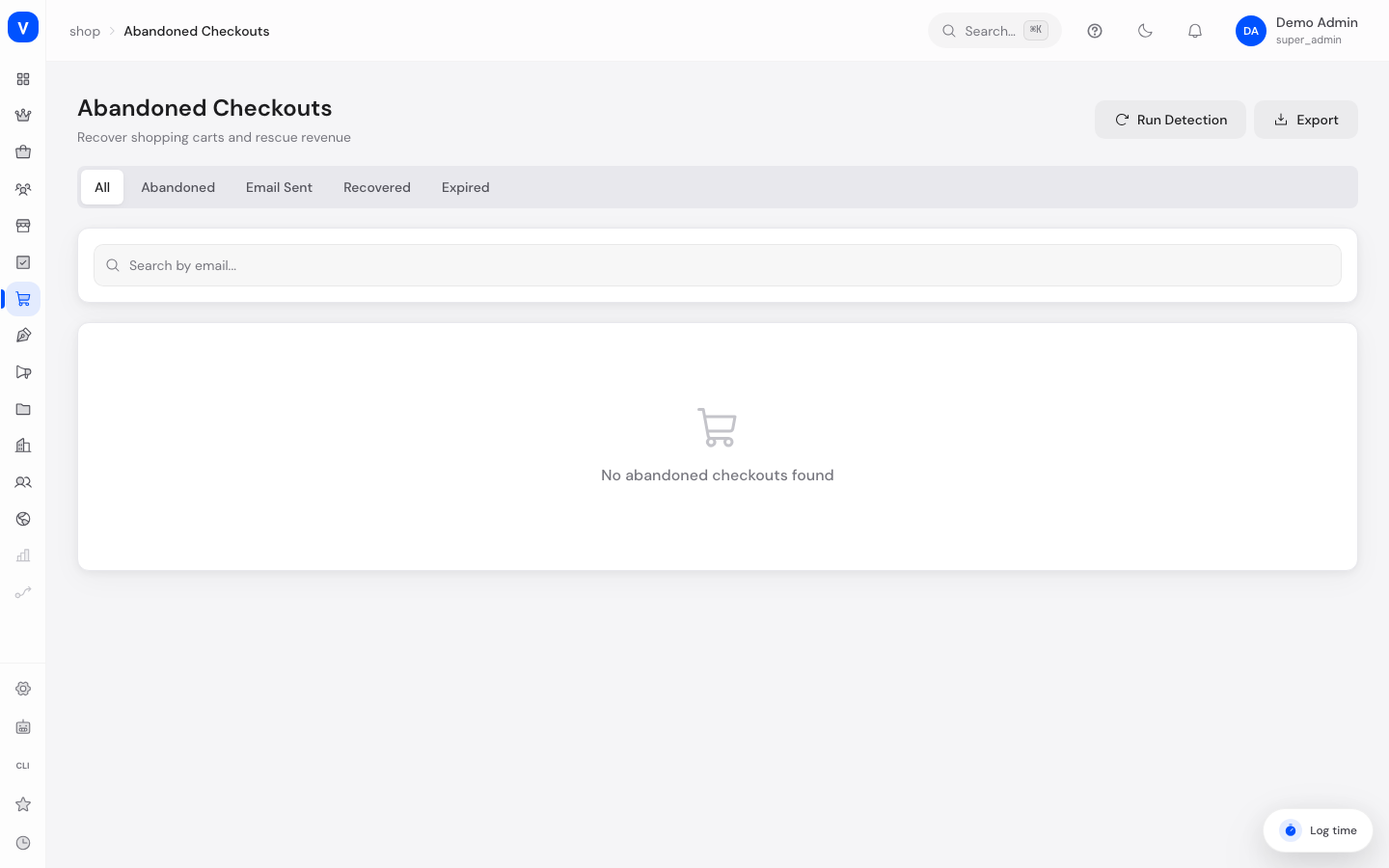
Here you can see carts that customers filled but never completed the checkout for. You can send these customers a reminder email to bring the order home after all, and keep track of how much revenue has already been recovered this way.
/shop/abandoned-checkouts- anna.beispiel@example.com
- Status
- iEmail Sent
- Abandoned At
- 02 Mar 2026 14:20
- Reminders
- 1
- Line items
- 2
- Subtotal
- 178.00 EUR
- Discount
- -10.00 EUR
- Total
- 168.00 EUR
/shop/abandoned-checkoutsBefore you start
| What you want to do | Permission needed |
|---|---|
| View the list, metrics and details | order:read |
| Run detection, send a reminder, delete entries | order:write |
What can I do here?
- See all abandoned checkouts, filter by status and search by email address
- See the metrics at a glance: total, reminders sent, recovered orders and recovery rate
- Run a manual search for new abandoned checkouts on top of the automatic detection
- Send a recovery email to the customer
- Open an entry's details: line items, amounts, addresses, number of reminders sent
- Delete an entry
- Download the currently displayed page of the list as a CSV file
How detection works
This is the part that generates the most questions, so here it is in full:
- Automatic: A background run happens every 15 minutes. It marks every cart as abandoned that holds at least one item, has not been changed for 60 minutes, and has not turned into an order. Those 60 minutes are fixed and cannot be changed from the admin.
- Manual: The "Start detection" button triggers the same run immediately. You do not need it day to day; it is useful when you do not want to wait for the next run after a campaign.
- Guest carts without a customer account are never detected. Detection resolves the email address through the linked customer account. A cart with no customer account has no address a reminder could go to, so it never appears in this list at all. If your list is much shorter than expected, this is usually why.
Step by step
- Send a reminder: In the table, click the envelope icon on an entry with status "Abandoned" or "Email sent". The "Reminders" counter goes up and the status changes to "Email sent".
- View details: Click the email address or the icon at the end of the row to see line items, addresses and amounts in a detail window.
- Trigger detection: Use "Start detection" to look for new cases right away instead of waiting for the next automatic run.
- Clean up: Delete entries you no longer need via the bin icon (with a confirmation prompt).
Fields explained
| Field | Meaning | Notes/Effect |
|---|---|---|
| Email address from the linked customer account | Clicking opens the detail view | |
| Items | Number of line items in the cart, plus a preview of the first one | |
| Amount | Gross total of the cart | |
| Status | Current recovery status | See "Values & Status" |
| Reminders | Number of reminder emails sent so far | There is neither an upper limit nor a waiting period between two reminders |
| Abandoned at | When the cart was detected as abandoned | Start of the 30-day window |
| Line items (detail) | Individual items with quantity and price | |
| Subtotal / Discount / Total (detail) | Price breakdown of the cart | |
| Billing address / Shipping address (detail) | Addresses the customer entered during checkout, if any | Only visible if the customer got that far |
| Cart token / Recovery token (detail) | Technical identifiers of the cart and the recovery link | For reference only |
Values & Status
| Value | Plain-language meaning | What happens next |
|---|---|---|
| Abandoned | The cart was detected but no reminder has been sent yet | Can be contacted via a reminder email |
| Email sent | At least one recovery email has been triggered | Further reminders are possible |
| Recovered | The customer completed the order via the recovery link | The revenue counts towards the "Recovered revenue" metric |
| Expired | The entry is older than 30 days | The recovery link no longer works and no further reminder can be sent |
How the metrics are calculated
- Recovery rate = recovered entries divided by all entries, as a percentage. The denominator therefore includes expired and still-open cases, and the calculation is not limited to any time window: old entries keep pushing the rate down as long as they sit in the list. To read the rate for a period, delete old entries.
- Recovered revenue = sum of the cart values of all entries with status "Recovered".
Important limitation: only customers who use the recovery link from the email count as "Recovered". If the same customer comes back to the shop on their own and orders normally, the entry stays on "Abandoned" or "Email sent". Both metrics are therefore a lower bound rather than a complete measure of success.
When the reminder does not arrive
The reminder is sent through the email template with the technical name abandoned_checkout_recovery. That template is not one of the templates shipped by default. If it does not exist in your shop, this is what happens: the status changes to "Email sent", the counter goes up, no error message appears, and still no email goes out.
How to check:
- Open Email Templates and look for
abandoned_checkout_recovery. - If the template is missing or inactive, create it or activate it.
- Then check the Email Log to confirm the message really was sent. The log is the reliable evidence, not the counter in this list.
Frequently asked questions
How long does a recovery link stay valid?
30 days from the moment the checkout was detected as abandoned. After that the entry is set to "Expired" on the next access and the link stops working.
Can I remind the same customer more than once?
Yes, as long as the status is "Abandoned" or "Email sent". There is neither a cap nor an enforced waiting period, so the system will not slow you down. Restraint is entirely up to you: reminders sent too often lead to unsubscribes and complaints.
Why is a cart missing from the list even though I saw it in the shop?
Either it is younger than 60 minutes, or it belongs to a visitor without a customer account. The second case is never recorded.
What happens when I delete an entry?
The entry disappears from the list and from the metrics. The customer's cart in the shop is untouched.
What exactly does the CSV download contain?
Only the currently displayed page of the table, 25 rows by default, with the columns email, item count, amount, status, reminders and date. For a complete extract, page through the list and export each page.