API Documentation
This page is a reference for developers who want to connect their own application to your shop. It gives an overview of the available topic areas, the sign-in methods and the webhook events. The content on this page is maintained by hand, not generated from the running interface. The technically binding reference is the interactive documentation served by the interface itself (see below).
What can I do here?
- Get an overview of the endpoints, grouped by topic
- Read up on the general sign-in methods (OAuth or bearer token)
- Use the list of webhook events as a starting point for an integration
- View code examples in various programming languages
- See the available software development kits (SDKs)
No special permission is needed to view this page; anyone signed in to the admin can open it. The page does not read any of your shop's data.
The binding reference
Alongside this overview page, the interface itself serves interactive documentation generated directly from the running code. It is always current and is therefore the source you should build an integration against:
| What | Path on your shop's API address |
|---|---|
| All endpoints | /api/docs |
| Storefront only (customer-facing) | /api/docs/storefront |
| Admin only | /api/docs/admin |
| Machine-readable specification (OpenAPI) | /api/v1/openapi.json |
Every shop-layer endpoint sits behind the /api/v1 prefix. A call without it is answered with a 404, which looks like an outage but is not one.
Step by step
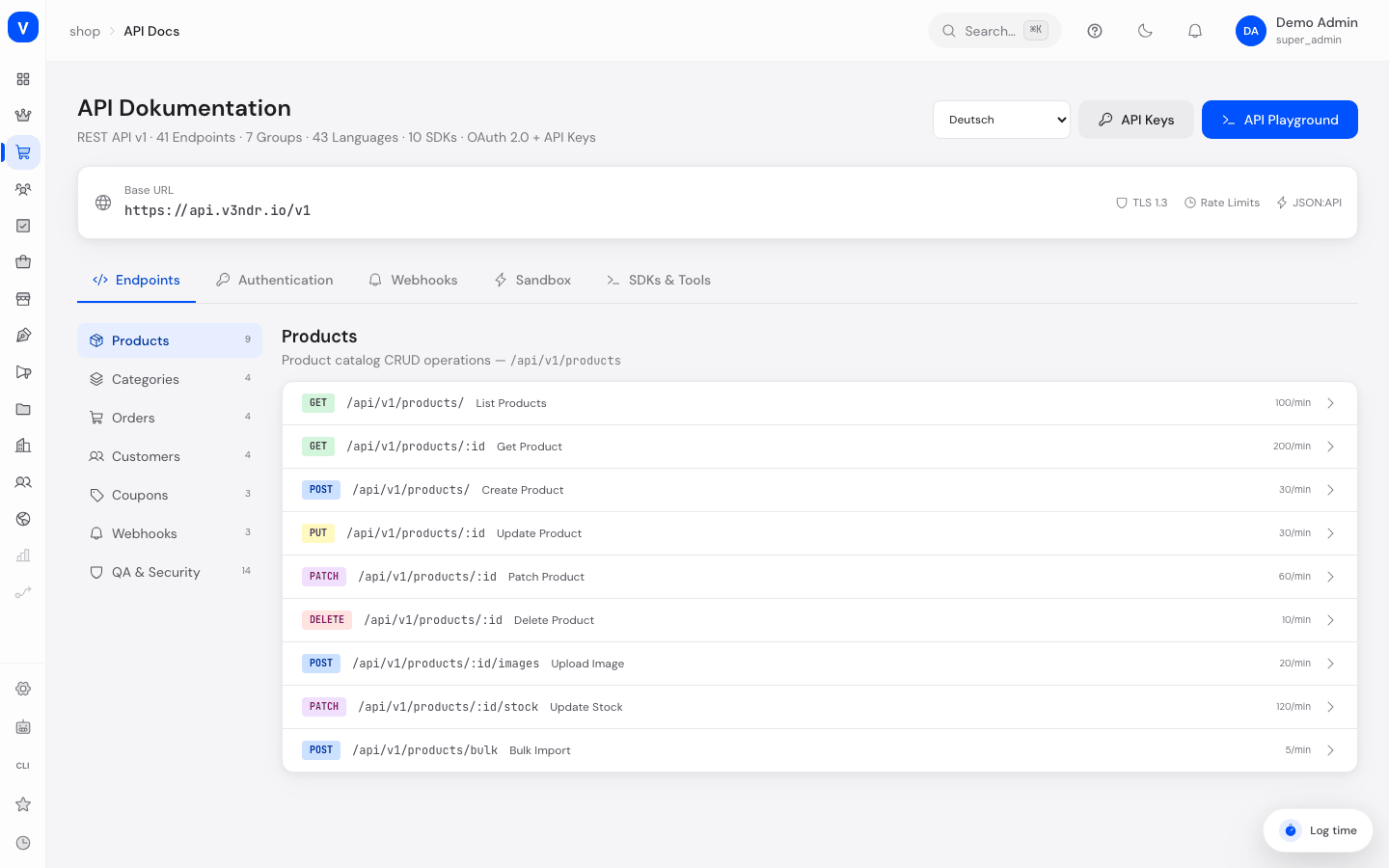
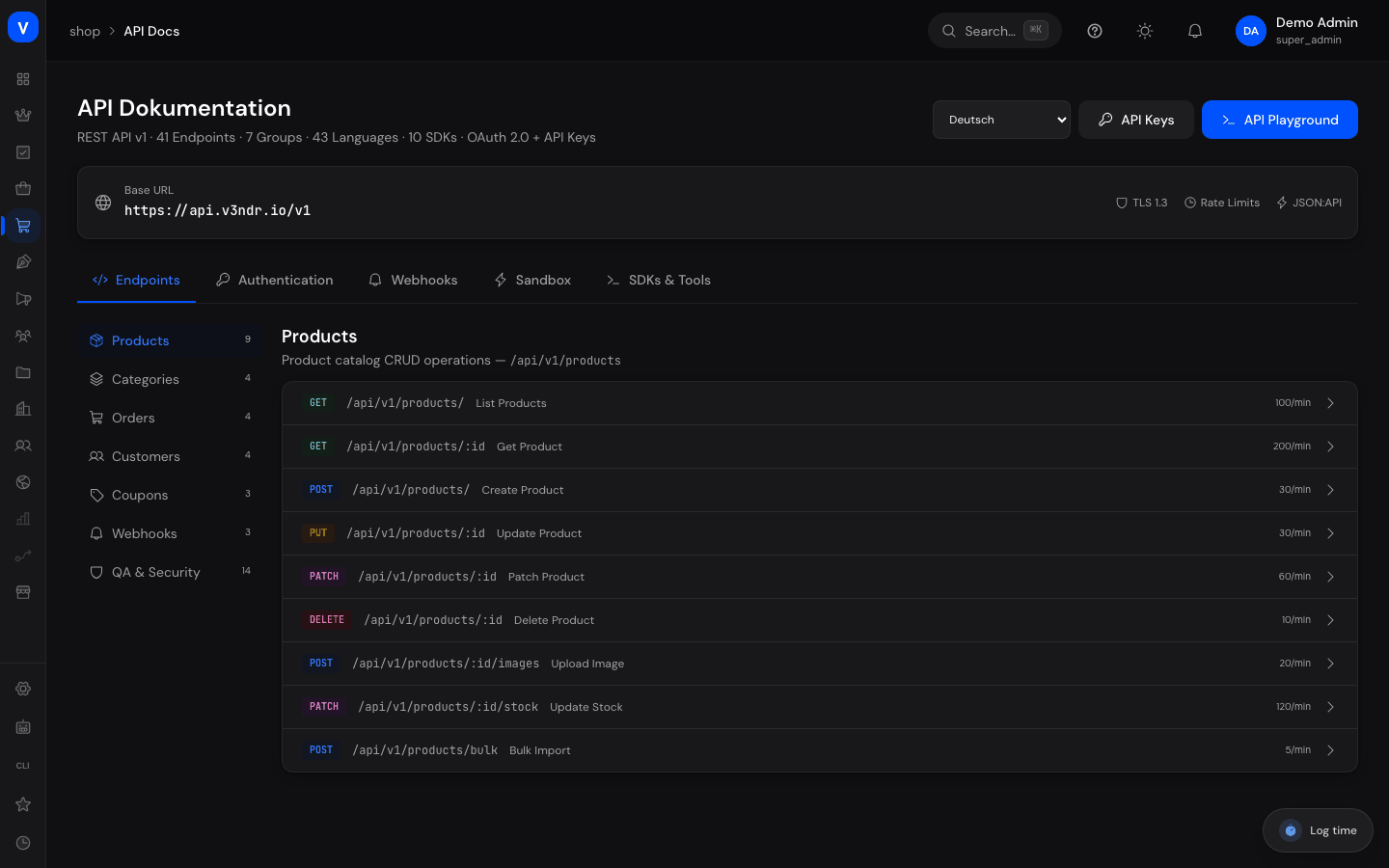
- Find a topic area: Stay on the "Endpoints" tab and select a topic group on the left (for example Products, Orders) to see the corresponding endpoints.
- Read the sign-in method: The "Auth" tab explains the principle. The actual credentials are created under OAuth Clients.
- Look up webhooks: The "Webhooks" tab lists the events and shows how the signature is built. Webhooks themselves are set up under Webhooks (Shop).
- Switch the code example language: Choose a programming language in the top right. The picker has a search box, so type the language name instead of scrolling.
- Work against the real interface: Open
/api/docson your shop's API address. There you can genuinely send requests with your own credentials.
/shop/api-docs- Headers
- Authorization: Bearer <your-api-key>
/shop/api-docsFields explained
| Field | Meaning | Notes/Effect |
|---|---|---|
| Base URL | Base address prepended to the endpoints | Derived from your admin's hostname and shows your actual API address. If it differs, check Domains |
| Topic Group | Functional grouping of endpoints | Used for navigation |
| Endpoint | A single access point with method, path and sample data | Hand-maintained list, see the note above |
| Code Example Language | Programming language of the shown examples | Selected in the field at the top right, with a search box |
| Sandbox | A link to the real interactive reference | Builds no request itself, see below |
The "Sandbox" tab
Until 2026-08-31 the "Sandbox" tab ran its own request demonstration: a "Send" button that, after a short pause, showed a fixed sample response with the demo products prod_demo1/prod_demo2 regardless of what was typed in the address bar - including a success message even though no connection was ever made. That has been removed, because a success message for a request that was never sent is never acceptable.
The tab is now a single link: an "Open interactive reference" button that opens /api/docs on your shop's real API address in a new tab. There you send actual requests with your own credentials - including real error responses if your address, token or permissions are wrong.
Request rate limits
The interface caps how many requests per minute it accepts. The limits actually in force are:
| Area | Limit |
|---|---|
| Storefront endpoints (customer-facing) | 100 requests per minute |
| Admin endpoints | 600 requests per minute |
| Sign-in endpoints | 60 requests per minute |
When the limit is exceeded the server answers with status 429. Build a retry with a growing delay into your application rather than immediately asking again.
Frequently asked questions
Who should use this page?
Primarily developers or technical service providers connecting their own application to your shop. For the integration itself, the interactive documentation at /api/docs is the better basis, because it comes straight from the running code.
Can I query my shop's real data here?
Not on this page itself - it is a reference, not a console. The "Sandbox" tab links you straight to /api/docs, where you send real requests with your own credentials.
How do I get credentials for the interface?
For third-party applications, create an access entry under OAuth Clients. The secret is shown exactly once and never again, so note it down immediately.
Why does the base URL shown here differ from mine?
The address is derived from your admin's hostname and should match your actual API address. If it still differs, check Domains.
Why does every call return a 404?
Most likely the /api/v1 prefix is missing. A call to /auth/login goes nowhere; the correct path is /api/v1/auth/login.