Reviews
This is where you see and moderate all product reviews submitted by customers in your shop. New reviews generally must be approved before they become publicly visible.
What can I do here?
- See all reviews with star rating, text, photos/video and customer name
- Approve, reject or flag reviews as problematic
- Search by name, product or text and filter by status
- See metrics like total count, average rating and pending reviews at a glance
Step by step
- Check a new review: Reviews with status "Pending" are waiting for your decision. Read the text and star rating.
- Approve a review: Click the green checkmark icon to make the review visible in the shop.
- Reject a review: Click the red X icon to keep the review from being published.
- Flag a problematic review: Click the flag icon to mark an already published or suspicious review for further review.
- Filter reviews: Use the search and the status dropdown to, for example, show only pending reviews.
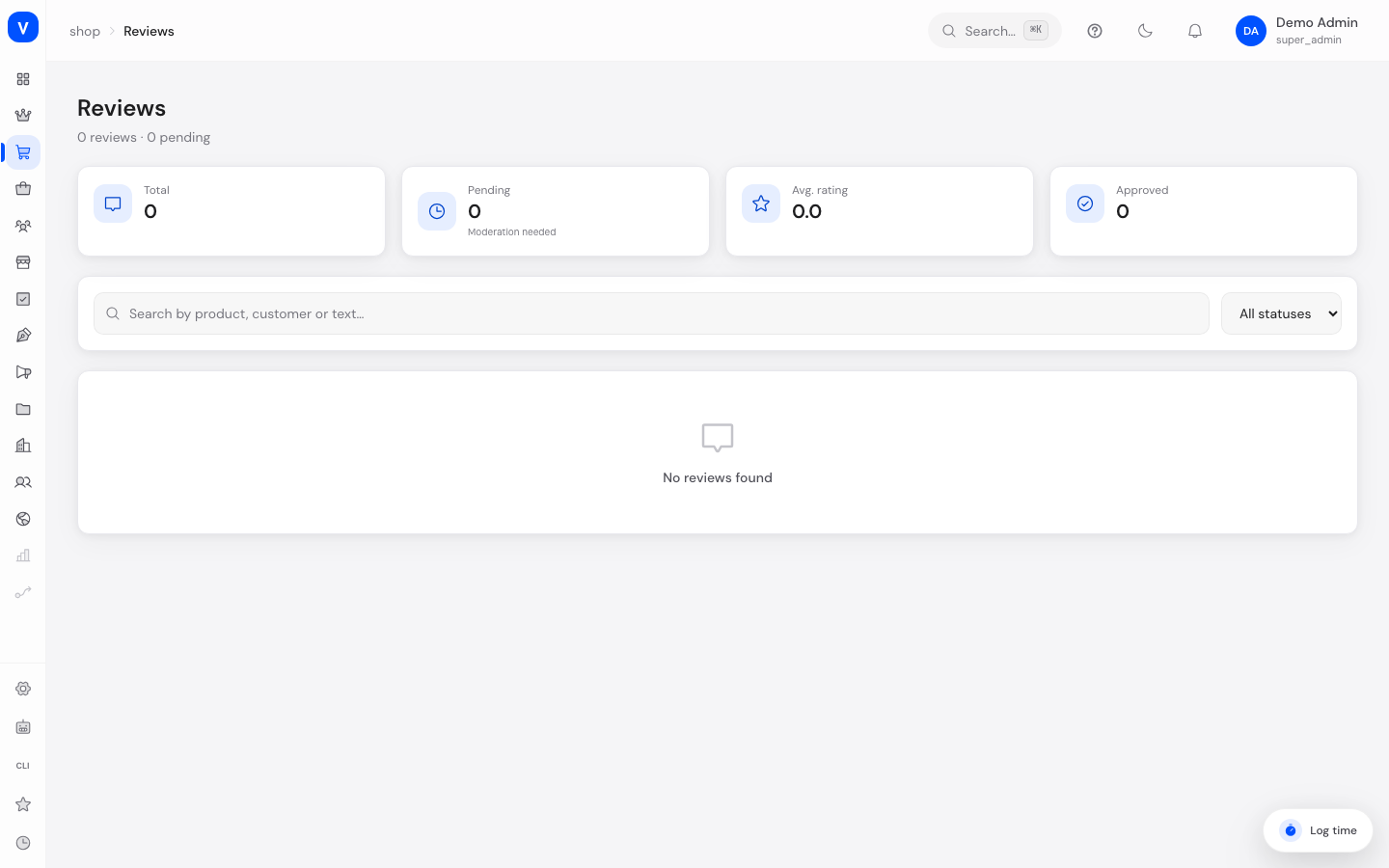
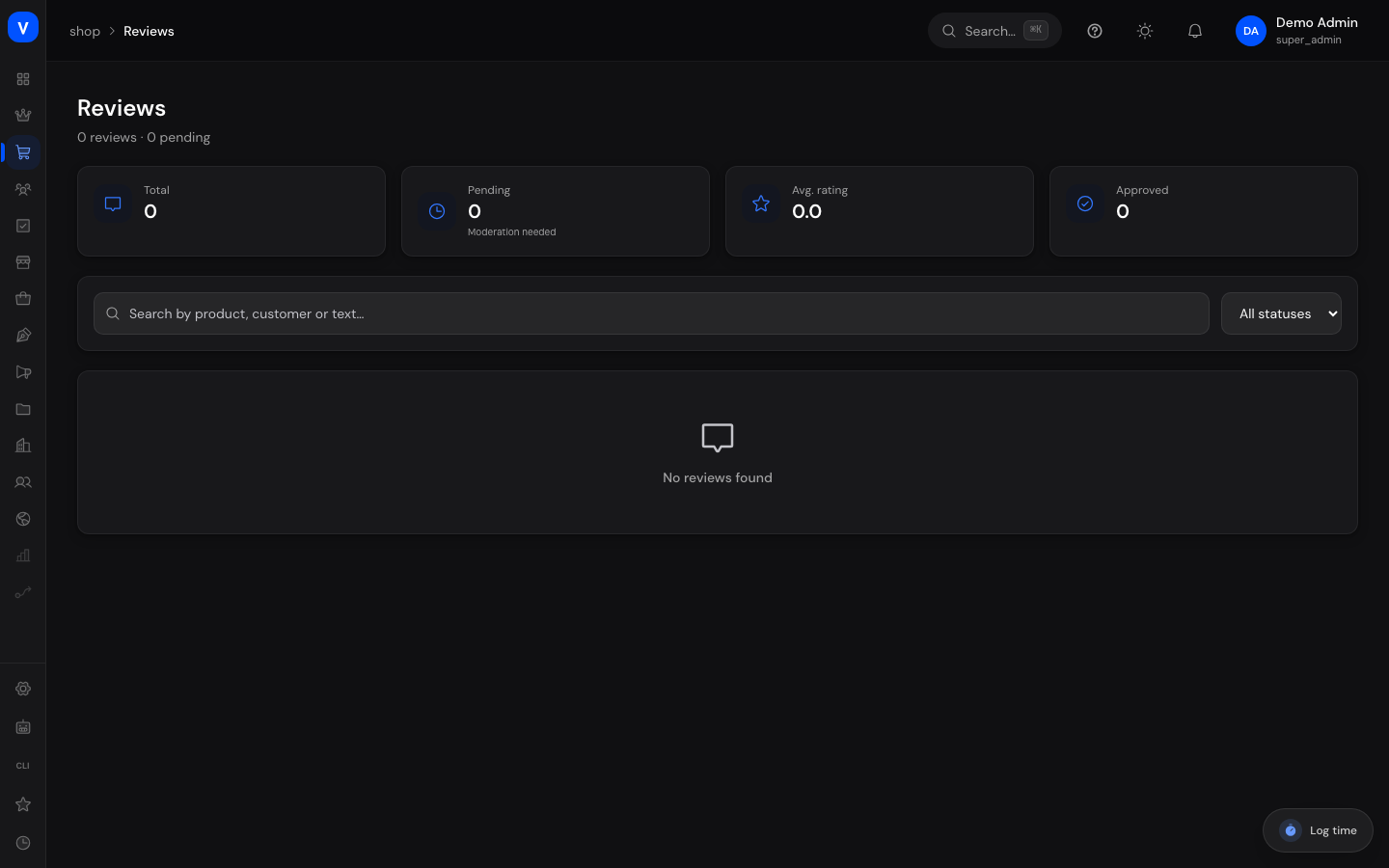
/shop/reviewsFields explained
| Field | Meaning | Notes/Effect |
|---|---|---|
| Customer Name | Name of the reviewer | — |
| Verified | Flags whether the review comes from a proven buyer | Increases the review's credibility |
| Product | Product being reviewed | — |
| Stars | Rating from 1 to 5 stars | — |
| Title/Text | Headline and free text of the review | — |
| Photos/Video | Media attached by the customer | Shown for information only |
| Helpful Count | Number of times other customers marked the review as helpful | Informational only |
| Status | Approval status of the review | See values below |
Values & Status
Review status (review_status)
| Value | Meaning | What happens |
|---|---|---|
| Pending | New review awaiting review | Not yet visible in the shop |
| Approved | Review has been checked and accepted | Publicly visible in the shop |
| Rejected | Review has been checked and discarded | Not visible in the shop |
| Flagged | Review has been marked as problematic | Queued for further manual review |
Frequently asked questions
Are new reviews published automatically?
No, new reviews first get the status "Pending" and must be approved by you before they are visible in the shop.
What does the green "Verified" checkmark mean?
It indicates that the reviewer has provably purchased the product, which makes the review more credible.
Can I remove a review that's already been approved?
Yes, flag it via the flag icon or reject it again if it turns out to be inappropriate later on.