Spam Management
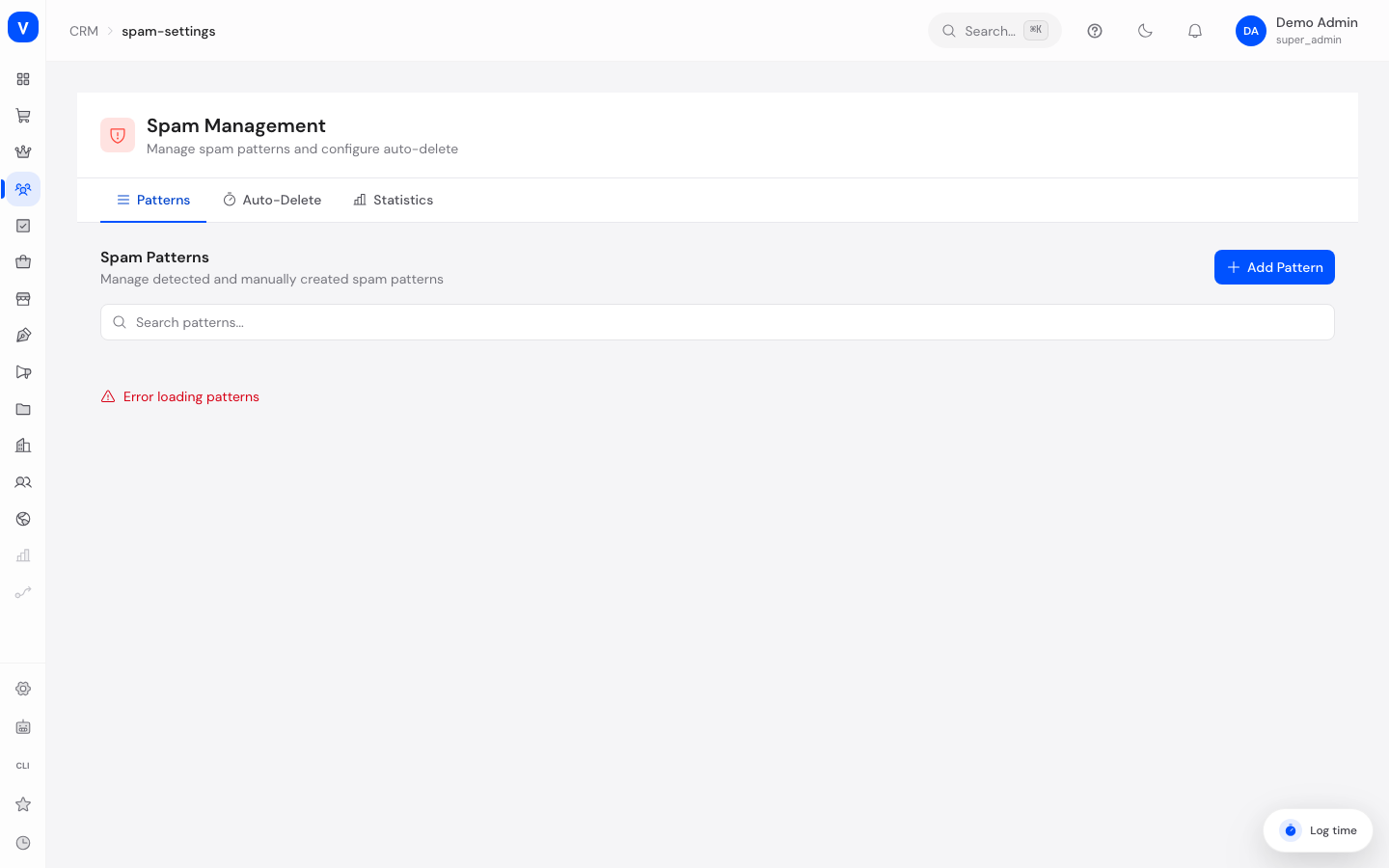
This page controls how SELLERLOGIC Commerce Services automatically detects and handles unwanted support requests (spam). The system compares incoming messages against stored patterns — for example suspicious sender domains or typical spam wording — and can automatically delete spam tickets after a defined retention period.
/crm/spam-settingsWhat can I do here?
- View, add, edit, and delete spam patterns
- Activate or deactivate patterns without deleting them
- Turn automatic deletion of spam-marked tickets on/off and set its retention period
- View spam detection statistics (number of spam tickets, active patterns, top-hit patterns)
Step by step
- Create a new pattern: Switch to the "Patterns" tab and click "Add Pattern". Choose a type (e.g. "Sender Domain"), enter the value (e.g.
spammer.com), and set the confidence (detection certainty) with the slider. - Deactivate instead of deleting: In the pattern list, click the toggle icon in the "Active" column to temporarily deactivate a pattern without permanently removing it.
- Delete a pattern: Click the trash icon in the pattern's row and confirm the deletion.
- Configure automatic deletion: Switch to the "Auto-Delete" tab, turn on the toggle, and enter the number of days after which spam-marked tickets should be permanently deleted. Save the configuration.
/crm/spam-settings/crm/spam-settings| Pattern | Type | Source | Hits |
|---|---|---|---|
| guest-post.beispiel | Sender Domain | AI | 46 |
| prize notification | Subject | Manual | 23 |
| try for free | Phrase | AI | 12 |
/crm/spam-settingsFields explained
| Field | Meaning | Notes/Effect |
|---|---|---|
| Type | Kind of pattern (what is being checked) | See value list below |
| Value | The actual text/domain/email address being searched for | Case does not matter when matching |
| Confidence | How strongly this pattern contributes to a ticket's spam score (0.1–1.0) | Higher value = stronger suspicion on a match |
| Source | Whether the pattern was created manually or suggested by the AI | See value list below |
| Hits | How many times this pattern has already matched a ticket | Shows how relevant a pattern is |
| Last Hit | Timestamp of the last match | "—" means never matched |
| Active | Whether the pattern is currently used for spam checking | Inactive patterns are ignored for new tickets |
| Auto-Delete Enabled | Whether spam-marked tickets get deleted automatically | Toggle on the "Auto-Delete" tab |
| Delete After (days) | Number of days after the spam marking after which a ticket is deleted | Selectable between 1 and 365 days |
Values & Status
Pattern Type
| Value | Meaning | What happens |
|---|---|---|
| Subject | Suspicious text in a ticket's subject line | Matches when the configured value is contained in the subject |
| Sender Domain | Suspicious domain of the sender's email (e.g. spammer.com) |
Matches when the sender's domain equals it exactly or is a subdomain of it |
| Sender Email | Full, blocked sender email address | Matches only on an exact match |
| Keyword | Single suspicious word in the message body or subject | Matches when the word appears anywhere in the text |
| Phrase | Multi-word suspicious wording in the message body or subject | Like keyword, but for whole phrases |
Source
| Value | Meaning | What happens |
|---|---|---|
| Manual | Created by a support staff member | Can be freely edited and deleted |
| AI | Automatically derived by the AI from a ticket marked as spam | Created automatically when a ticket is marked as spam; can also be edited/deleted |
Confidence Display (Color)
| Range | Meaning |
|---|---|
| 80% or higher | Very confident pattern (marked red) |
| 50% to 79% | Medium confidence (amber) |
| Below 50% | Low confidence (green) |
Frequently asked questions
How does the system decide if a new ticket is spam?
Every incoming message is checked against all active patterns. Each match adds that pattern's confidence to a total score. If this score exceeds a certain threshold, the ticket is automatically flagged as suspicious.
What happens when I manually mark a ticket as spam?
The ticket is marked as spam and analyzed in the background by AI — the AI then automatically suggests matching new patterns, which appear here in the pattern list (source "AI").
Are deleted spam tickets ever restored?
No, automatic deletion after the configured retention period is permanent.
What happens if I disable auto-delete?
Spam-marked tickets then remain permanently in the system until you delete them manually.
Can I later tighten or loosen an existing pattern?
Yes, you can adjust the confidence and active status at any time using the corresponding icon in the pattern list.