Knowledge Base (Customer Help Articles)
This is where you manage the help articles that your own customers can see in your online shop — for example, answers to "How do I track my order?" or "How do I return an item?". This knowledge base is NOT the internal SELLERLOGIC Commerce Services help you are reading right now — it is your own customer-facing help page that you fill with content for your shop.
Important distinction: This page populates the public help page of your shop for your end customers. It has nothing to do with the internal SELLERLOGIC help area you are currently browsing.
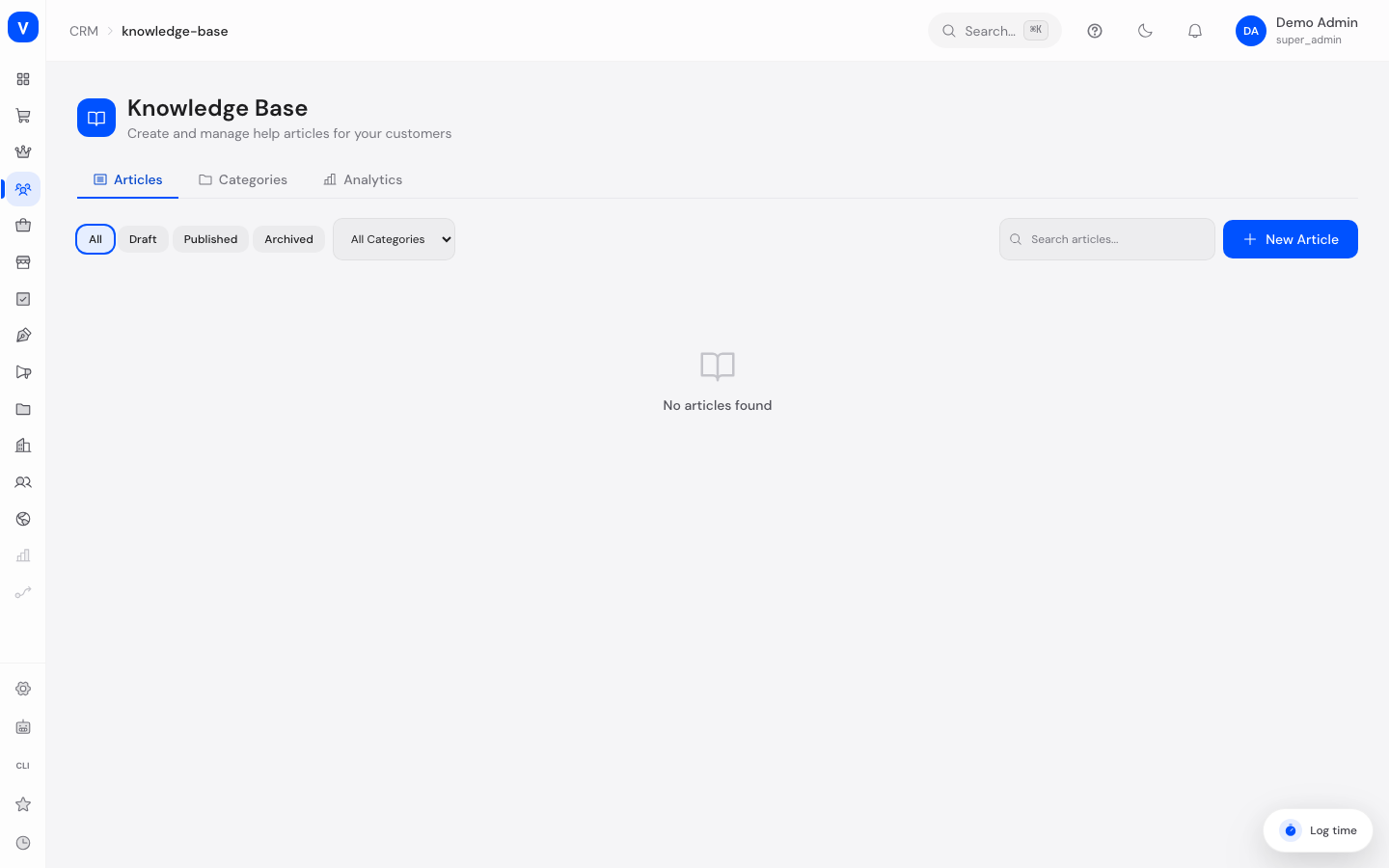
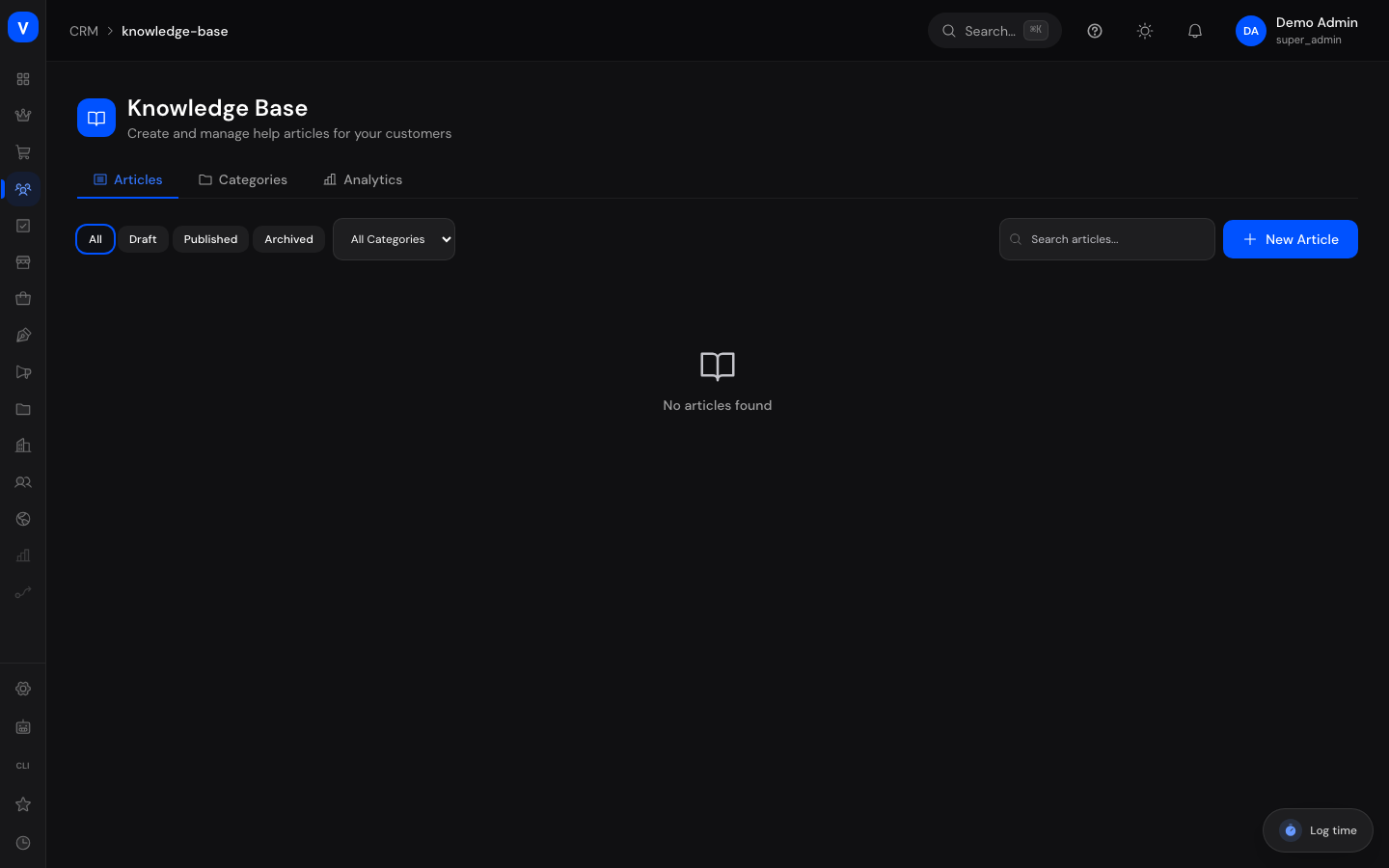
/crm/knowledge-baseWhat can I do here?
- Write, edit, and publish help articles for your customers
- Organize articles into categories (e.g. "Shipping", "Returns", "Payment")
- Mark articles as "featured" so they are shown prominently in your shop
- Add SEO title and description to help articles get found in search engines
- Track how often articles are viewed and how helpful customers found them
- Create, rename, and reorder categories
Step by step
- Create a new article: On the "Articles" tab, click "New Article", then enter a title, content, and optionally a category and tags. The title is automatically turned into a URL-friendly short form (slug), which you can adjust if needed.
- Publish an article: Open an article and click "Publish". Only published articles are visible to your customers in the shop; drafts remain hidden.
- Maintain categories: On the "Categories" tab, create new categories or edit existing ones. A category can only be deleted once no articles are assigned to it anymore.
- Measure success: On the "Analytics" tab you see the total number of articles, views, average helpfulness rating, and the most-read articles.
Fields explained
| Field | Meaning | Notes/Impact |
|---|---|---|
| Title | The article's headline | Required; also used to generate the automatic URL (slug) |
| Slug | Short form of the article's URL | Derived from the title, can be adjusted manually |
| Content | The actual article text | Required; supports basic formatting |
| Excerpt | Short preview text | Shown in article lists and search results |
| Category | Topical grouping | Optional; articles without a category appear under "No category" |
| Tags | Free-form keywords, comma-separated | Make internal search easier |
| Featured article | Marks the article as especially important | Featured articles are shown preferentially in the shop |
| SEO title / SEO description | Alternative title/text for search engines | Optional; only used for search engine previews |
| Views | Counter for how often the article was opened | Increases with every view, by customers or in the admin area |
| Helpfulness | Ratio of "helpful" to "not helpful" clicks | Customers can rate in the shop whether an article helped them |
Values & status
Article status
| Value | Meaning | What happens then |
|---|---|---|
| Draft | Article is still being worked on | Not visible to customers in the shop |
| Published | Article is live | Visible and searchable by customers in the shop |
| Archived | Article is no longer current | No longer visible to customers, but stays in the admin area |
Frequently asked questions
Is this the same help page I'm reading right now?
No. This page manages the help articles for the customers of your own shop. The page you're reading right now is the internal SELLERLOGIC Commerce Services guide for you as a platform user.
Do my customers see my drafts too?
No, only published articles are visible in the shop. Drafts and archived articles stay hidden.
Can I delete a category that still has articles assigned to it?
No. You must first reassign or delete the articles before the category can be removed.
What is the helpfulness rating for?
Your customers can click in the shop to indicate whether an article helped them. This lets you see in the Analytics tab which articles should be revised.
Where do my customers see these articles in the shop?
Published articles and categories are shown through the public help section of your shop's storefront.