Adoption SDK Customization
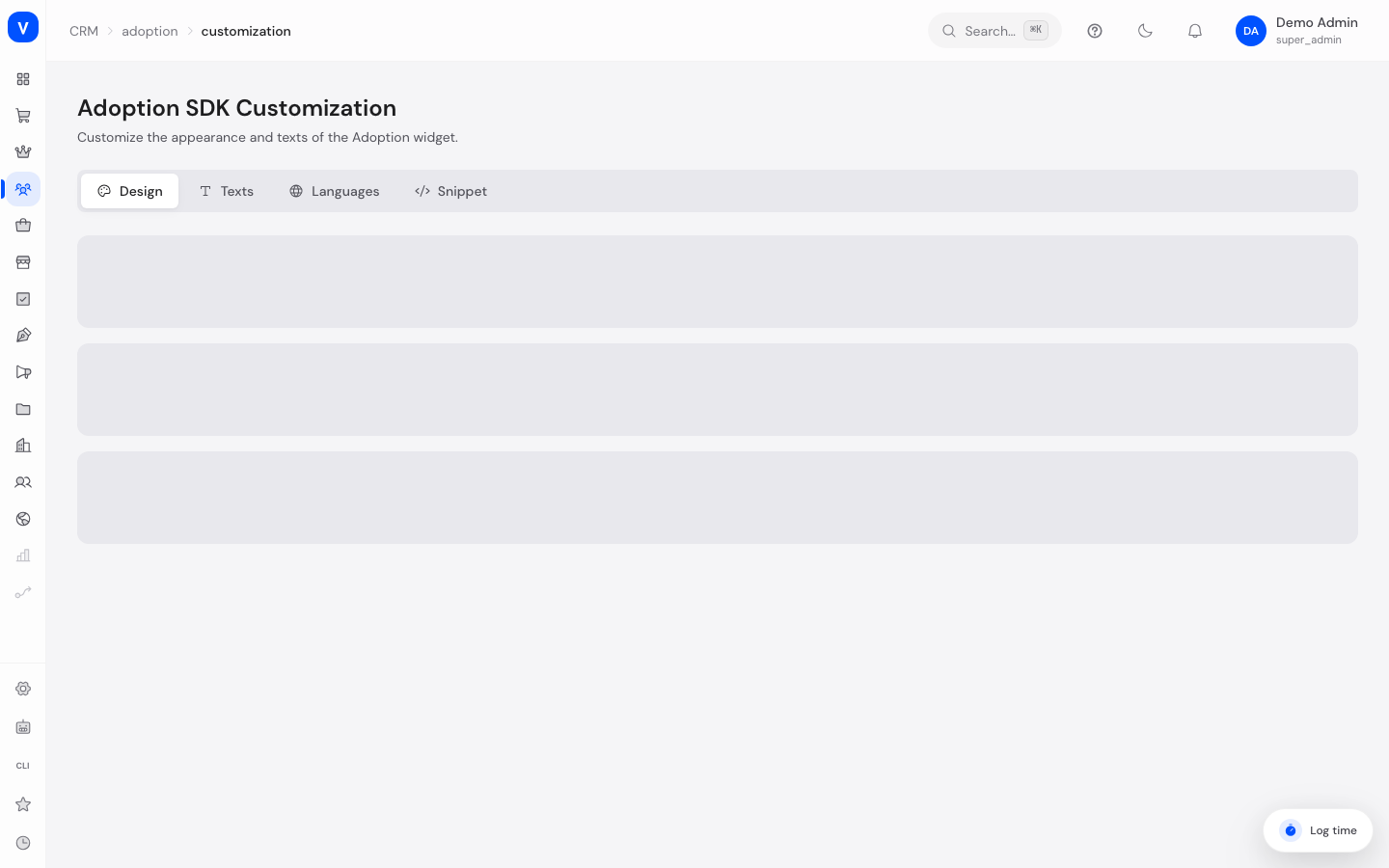
SELLERLOGIC Commerce Services gives you an embeddable help package (SDK) that lets you provide product tours, tooltips, and guides for your own end customers in your shop. On this page you customize how this embedded help widget looks to your customers and which languages it displays text in.
/crm/adoption/customizationWhat can I do here?
- Set colors, font, corner radius, and position of the help widget
- Override the widget's default texts with your own wording
- Add or remove languages the widget should support
- View and copy the embed snippet for your shop's website
Step by step
- Adjust design: On the "Design" tab, choose primary, secondary, background, and text color, and set font, corner radius, widget position, and z-index. Apply with "Save".
- Adjust texts: On the "Texts" tab, select a language and a category (e.g. "Guide", "Announcement"), then add your own text overrides with a key and value and save.
- Add a language: On the "Languages" tab, enter a language code (e.g. "fr") and a name (e.g. "Français") and click "Add". The first language added automatically becomes the default language.
- Embed the snippet: On the "Snippet" tab, copy the standard or async snippet and paste it into the source code of your shop's website.
Fields explained
| Field | Meaning | Notes/Impact |
|---|---|---|
| Primary color / Secondary color | Main colors of the widget | As a hex color code (e.g. #3B82F6) |
| Background color / Text color | Colors for background and text inside the widget | As a hex color code |
| Font family | Font used in the widget | Choice from predefined options |
| Corner radius | Rounding of the widget's corners in pixels | Values from 0 to 32 |
| Widget position | Screen corner where the widget appears | Bottom right, bottom left, top right, top left |
| Z-index | Technical stacking order of the widget on the page | Higher values appear further on top |
| Show SCS branding | Whether a SCS mention is visible in the widget | Can be turned on/off |
| Language (code/name) | Short code and display name of a supported language | e.g. code "en", name "English" |
| Text category | Topic area of the text override | General, Assistant, Guide, Tooltip, Announcement, Survey |
| Key/Value | Internal identifier and the display text you want to show | Overrides the widget's default text |
Values & status
This page has no status values of its own. Changes are applied immediately when you click "Save" or "Add", and take effect on the embedded widget right away.
Frequently asked questions
Do my changes take effect immediately in the shop?
Yes, design and text changes are saved and applied the next time the widget loads in your shop.
Can I remove the default language?
No, the language marked as default cannot be deleted. First set a different language as the default.
Where do I find the embed snippet when setting up the SDK for the first time?
You can find the snippet on the "Snippet" tab of this page; a more detailed setup guide can be found on the snippet setup page.
What's the difference between the standard and async snippet?
The standard snippet loads asynchronously and is compatible with all browsers. The async snippet is a simpler pattern for modern browsers.