External Reviews
This page collects public customer reviews from external platforms such as Trustpilot, Google, Google Maps and the Amazon Appstore in one central place. It is not the same as the internal customer satisfaction survey (CSAT): CSAT is sent by SELLERLOGIC Commerce Services itself after a ticket is completed, while external reviews are posted publicly on third-party platforms and imported here automatically.
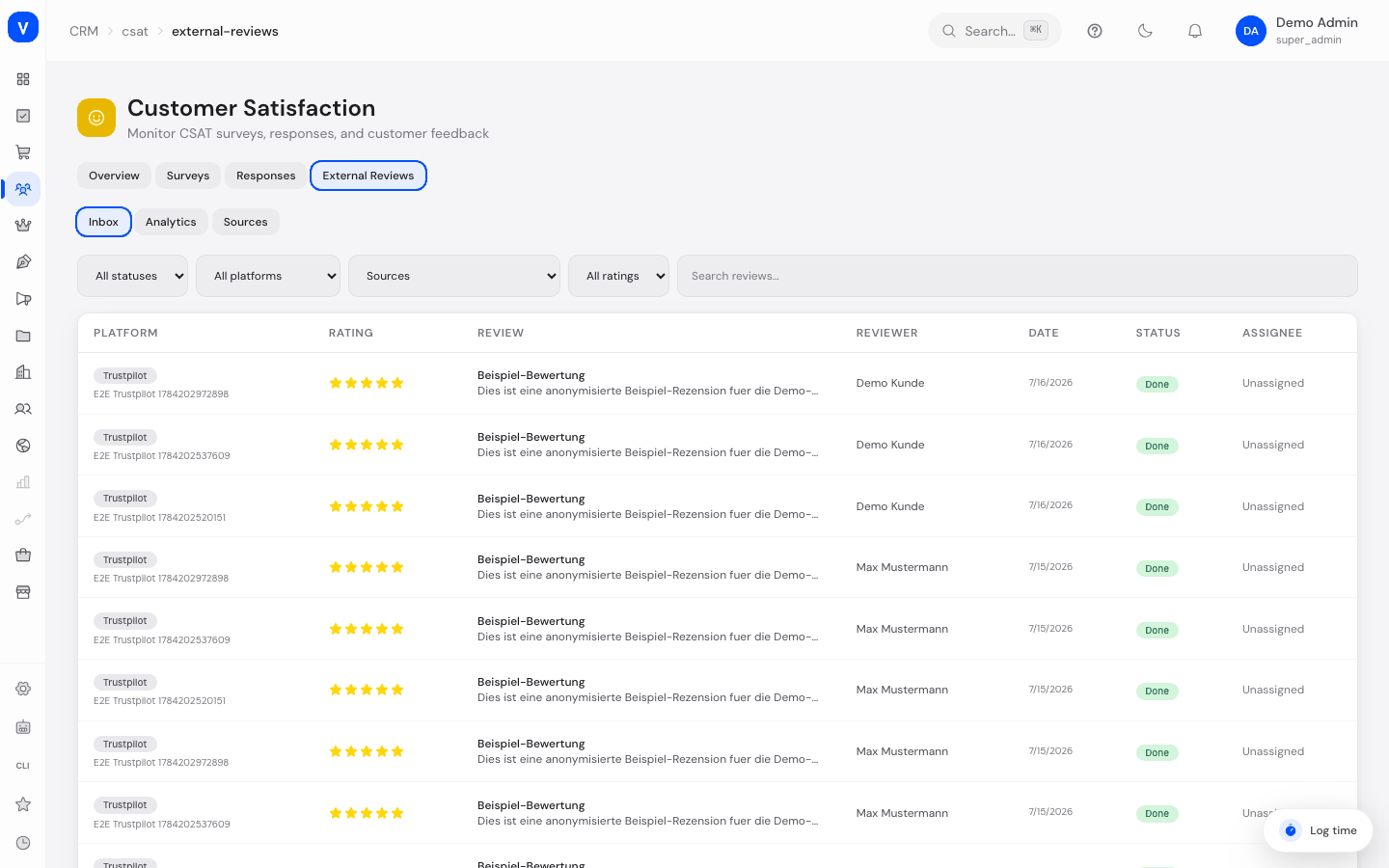
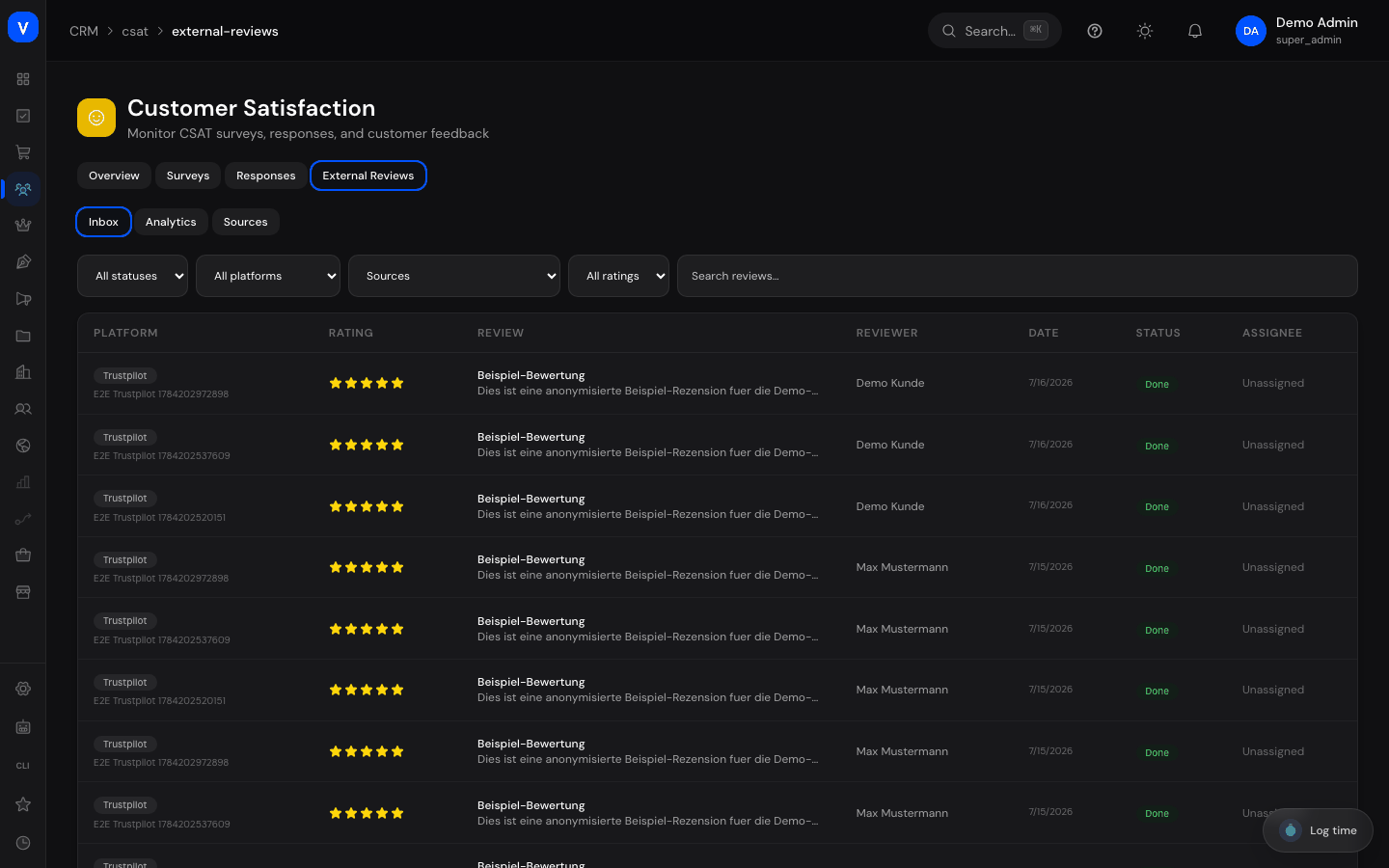
/crm/csat/external-reviews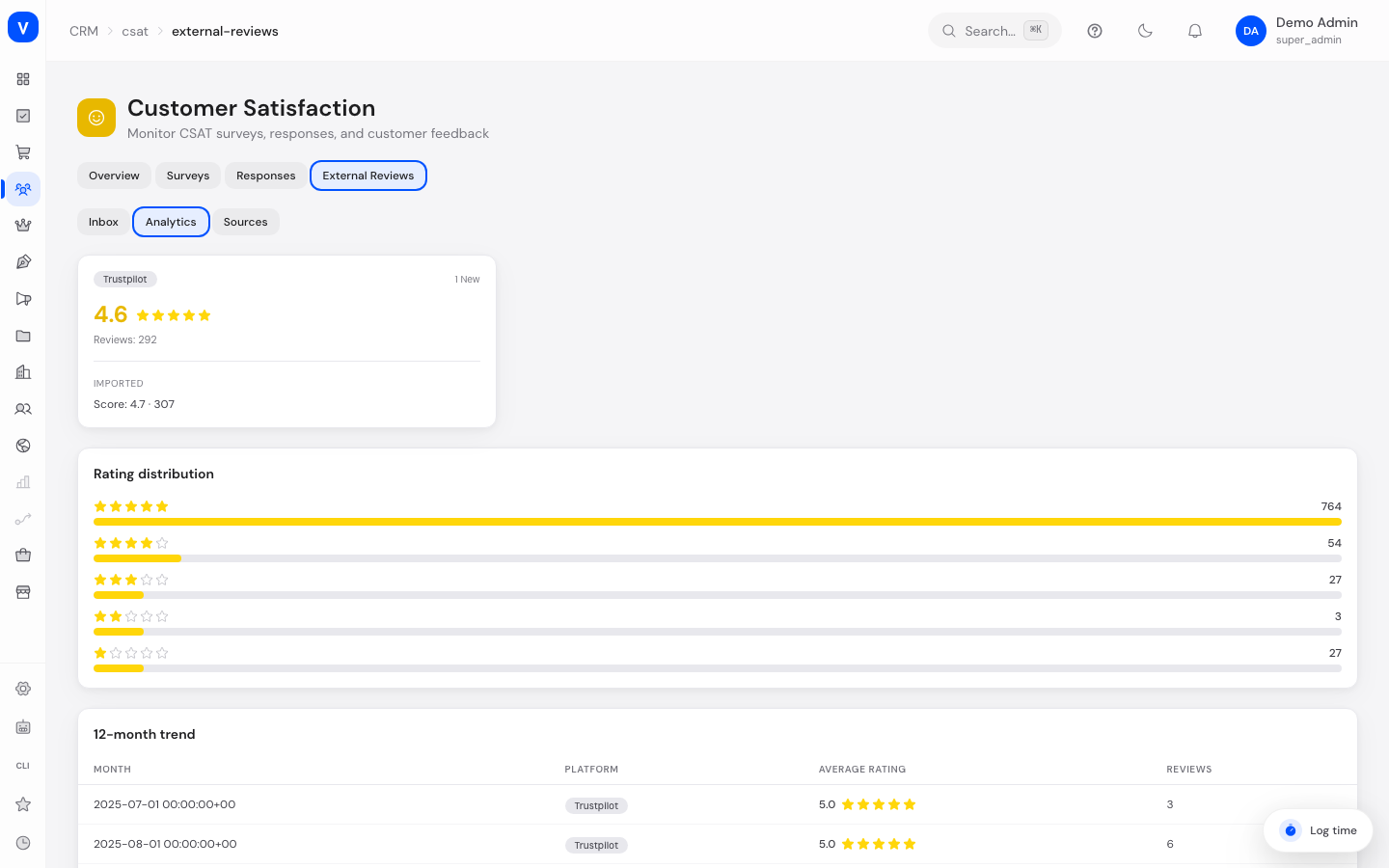
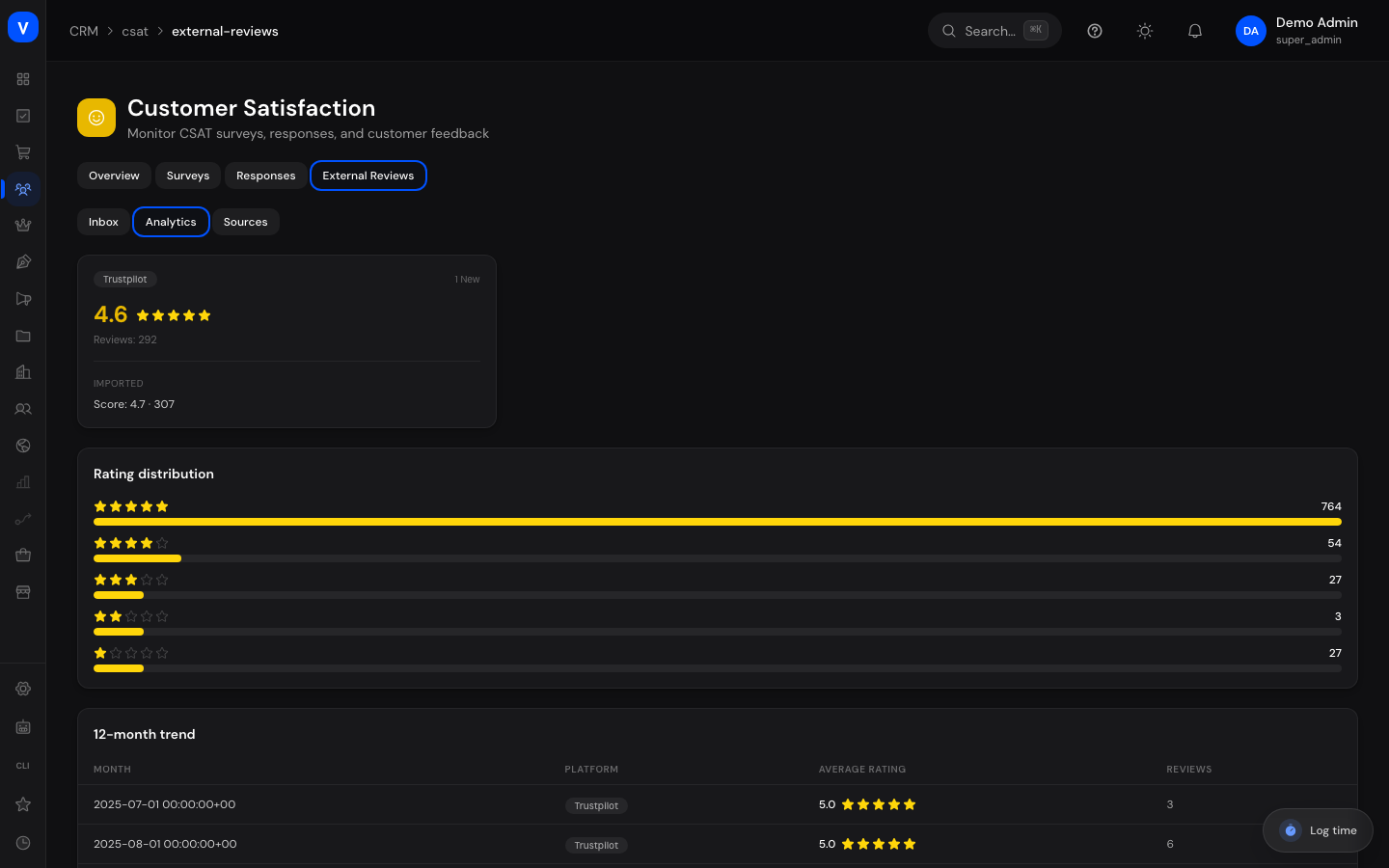
/crm/csat/external-reviews?tab=analytics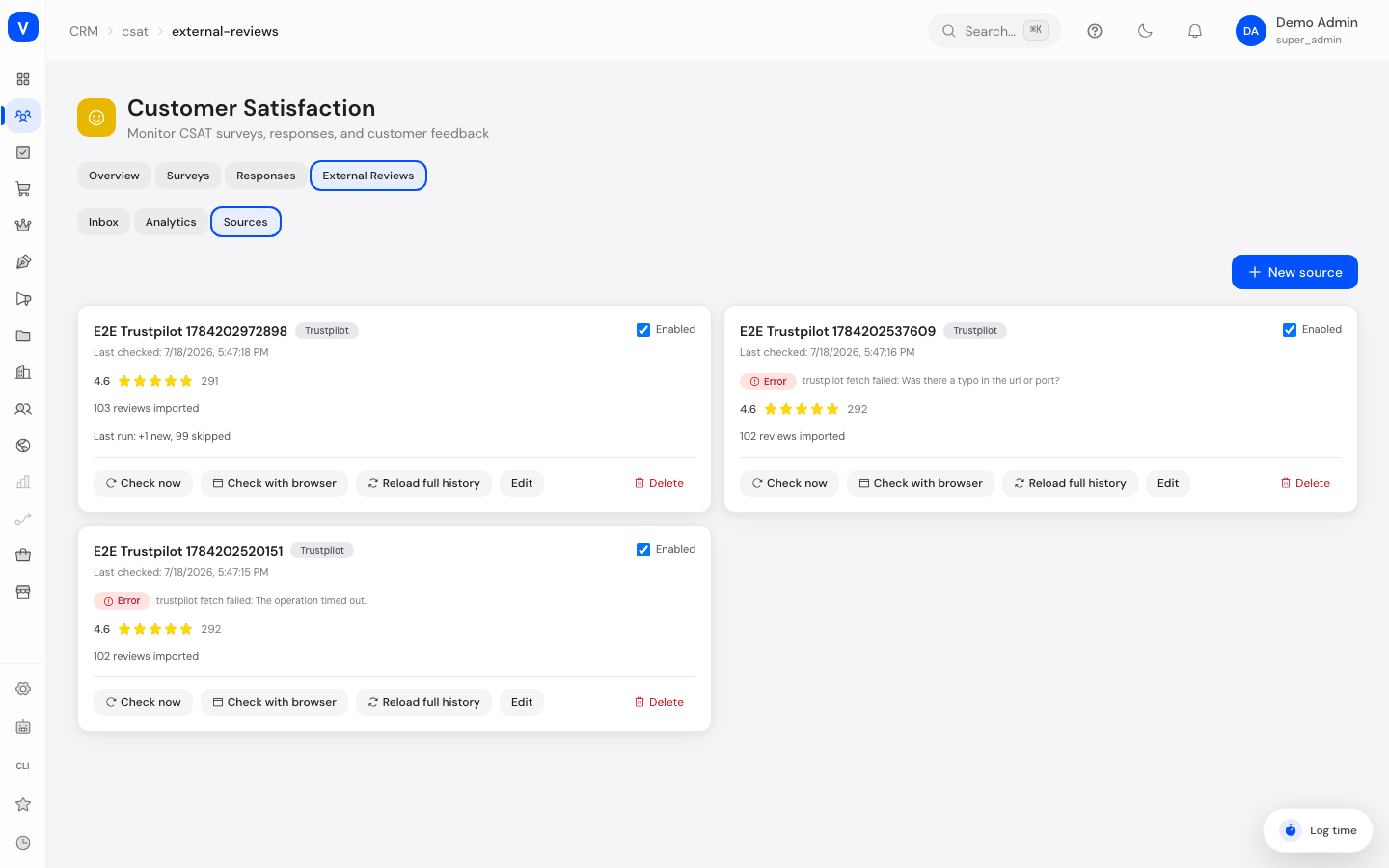
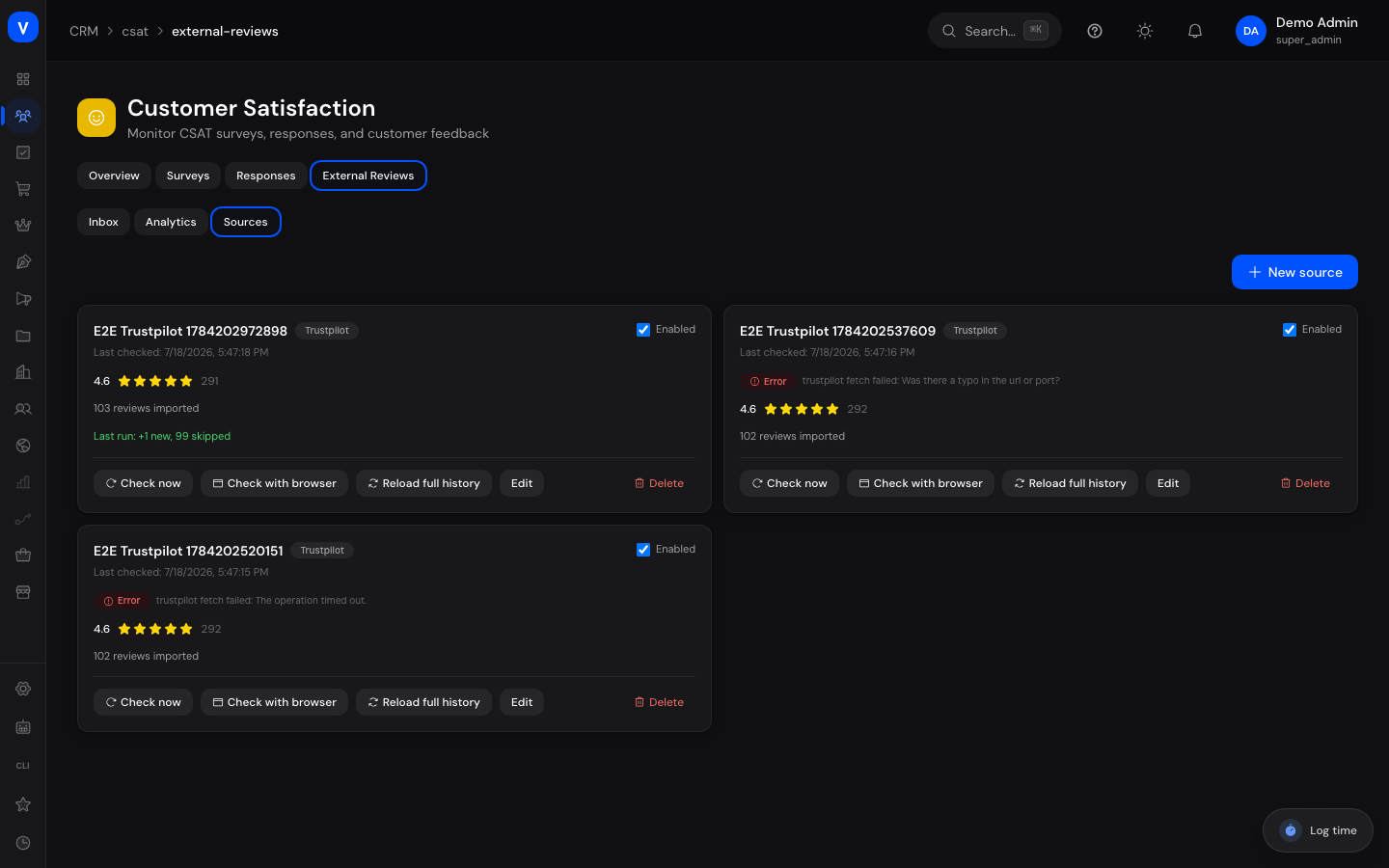
/crm/csat/external-reviews?tab=sourcesWhat can I do here?
- Search and filter all imported reviews in an inbox (status, platform, source, star rating, free-text search)
- View a review in detail, set its status, assign it to an agent, and add internal notes
- View per-platform analytics (average, total count), distribution, and a 12-month trend
- Create new review sources (Trustpilot, Google Business Profile, Google Maps, Amazon Appstore)
- Manually refresh a source ("Check Now") or — on supported platforms — start a browser-based individual-review import
- Decide which staff members get notified about new reviews that need attention (in-app and/or email)
Step by step
- Create a new review source: open the "Sources" tab → "New Source" → pick a platform (Trustpilot, Google, Google Maps or Amazon Appstore) → enter the matching credentials for that platform (see table below) → select notification channels and staff to notify → Save.
- Manually refresh a source: open the "Sources" tab → click "Check Now" on the desired source to fetch the aggregate statistics immediately. For Trustpilot and Google Maps, "Check with Browser" is also available to import individual review texts (runs in the background).
- Handle a review: open the "Inbox" tab → click the desired review → set the status, assign a staff member, add an internal note → Save. Use "Open on Platform" to jump to the original review.
- Check the analytics: open the "Analytics" tab to see the current average rating per platform, the distribution, and the 12-month trend.
- Store a review link: open the "Sources" tab → edit a source → enter the public URL where a customer can leave the review (e.g. a Google review short link or trustpilot.com/evaluate/…) in the "Review link" field → Save. All stored review links are visible directly on each source card. The link powers the "Request review" button on the contact (see Contacts).
Fields explained
| Field | Meaning | Notes/Effect |
|---|---|---|
| Platform (source) | Trustpilot, Google, Google Maps or Amazon Appstore | Determines which credential fields are shown |
| Name (source) | Internal name of the source | Only used for recognition in the list |
| Review link (source) | Public URL where a customer leaves the review | Sent by the "Request review" button on the contact via email; without a link the source is not offered there |
| Business Unit ID (Trustpilot) | Trustpilot-internal identifier of the business profile | Required for the aggregate statistics |
| Domain (Trustpilot) | Company domain, e.g. sellerlogic.com | Only needed for the browser-based individual-review import; without it only aggregate numbers are fetched |
| Google Account / Location | Connected Google Business Profile account and desired location | Requires a connected Google Business Profile integration beforehand |
| Amazon App ID | ID in the format amzn1.sellerapps.app.… | Can also be auto-detected from a pasted listing URL |
| Marketplace Host (Amazon) | Target marketplace, default sellercentral.amazon.de | Only change for a different marketplace |
| Google Maps CID | Numeric identifier of the Google Maps listing | Can also be auto-detected from a pasted Maps URL |
| Enabled (source) | Whether the source is checked automatically | Disabled sources are skipped by the background run |
| Poll Frequency (source) | How often the background run automatically re-checks this source: Daily or Weekly | Defaults to Daily; "Check now" is always available instantly regardless of this setting |
| Notification Channels | In-app and/or email | Determines how selected staff are informed |
| Notify Staff | List of staff members to inform | Notified about new reviews that need attention |
| Last Checked | Timestamp of this source's last refresh | Shows how current the data is |
| Total Imported Reviews | Total number of reviews imported from this source so far | Cumulative value across all runs |
| Last Run | Number of newly imported and skipped (already existing) reviews from the last run | Shows the outcome of the most recent refresh |
| Assignee (review detail) | Staff member assigned to the review | Controls who is responsible for follow-up |
| Internal Notes (review detail) | Free-text field for internal remarks | Only visible internally, not on the external platform |
Values & statuses
Platform
| Value | Meaning | What happens |
|---|---|---|
| Google Business Profile reviews | Requires a connected Google Business Profile integration | |
| Trustpilot | Trustpilot reviews | Aggregate statistics always available; individual reviews only with a configured domain via browser import |
| Amazon Appstore | Reviews from the Amazon Seller Central Appstore | Public, credential-free data path |
| Google Maps | Reviews from the Google Maps listing | Individual reviews exclusively via browser import (no public aggregate widget available) |
Status (review)
| Value | Meaning | What happens |
|---|---|---|
| New | Not yet handled | Shows in the default filter, may need attention |
| In Progress | A staff member is currently working on it | Signals active follow-up |
| Done | Completed | 4–5 star reviews are automatically set to this status on import |
Source run types
| Value | Meaning | What happens |
|---|---|---|
| Check Now | Immediate, synchronous refresh of the aggregate statistics | Result (new/skipped) appears right after completion |
| Check with Browser | Asynchronous individual-review import via headless browser (Trustpilot/Google Maps only) | Runs in the background; result appears shortly in "Last Checked"/"Last Run" |
| Full Reload | Re-fetches the complete review history (backfill) | Already-existing reviews are skipped, no duplicates |
Frequently asked questions
Why aren't some new reviews reported via notification?
Reviews with 4–5 stars are automatically marked "Done" and don't trigger a notification. Notifications only fire for reviews with 3 stars or fewer, or without a rating, so critical feedback isn't overlooked.
Why doesn't Google Maps have an immediate "Check Now" result for individual reviews?
Google Maps has no public aggregate widget like Trustpilot. Individual reviews there are only available via the asynchronous browser import ("Check with Browser").
What does the "Trustpilot plan without review widget" message mean?
Some Trustpilot accounts don't provide a public widget with individual reviews — in that case only aggregate statistics (average, count) can be fetched, not individual review texts.
Can I reply to an external review directly from here?
No, use the "Open on Platform" link to go to the original review on the respective platform, where you can reply. Within SCS you can only manage status, assignment and internal notes.
Is this the same as the CSAT survey?
No. CSAT is an internal survey sent by SCS itself after a ticket is completed. External reviews are reviews posted publicly on third-party platforms that are only collected and evaluated here.
How do I set how often a source is checked automatically?
Open the "Sources" tab → edit the source → set the "Poll Frequency" field to "Daily" or "Weekly" → Save. New and existing sources default to "Daily"; "Check now" always stays instantly available regardless of this setting.