Chapters (Guide Grouping)
SELLERLOGIC Commerce Services gives you an embeddable help package (SDK) that lets you provide product tours and help guides for your own end customers in your shop. Chapters are topical folders you use to group these guides — for example "Getting Started", "Order Process", or "Manage Account" — so your customers can more easily find the right topic in the help center.
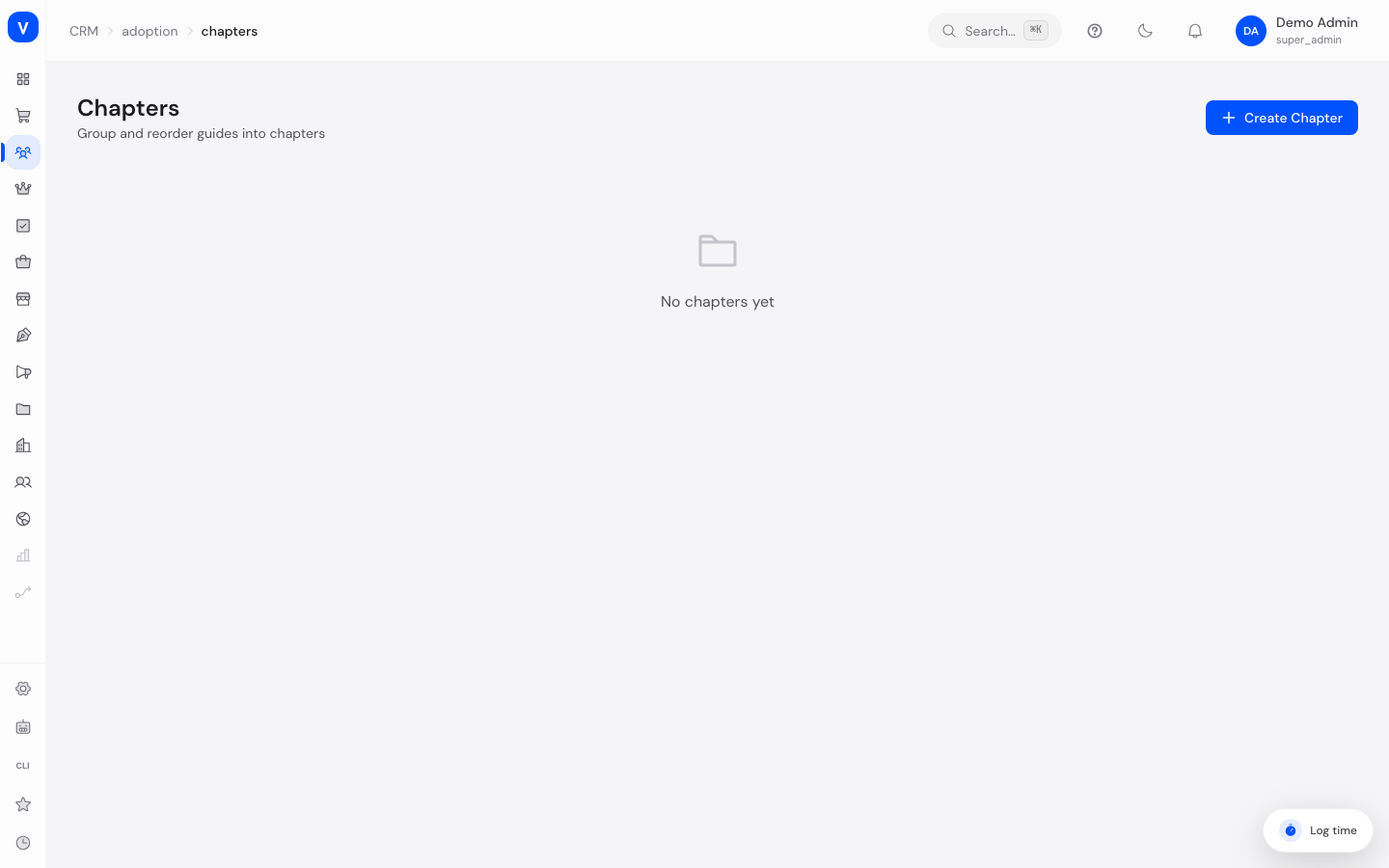
/crm/adoption/chaptersWhat can I do here?
- Create new chapters to group guides by topic
- Rename existing chapters or change their description
- Reorder chapters by dragging and dropping them
- Delete chapters (the guides assigned to them are kept)
Step by step
- Create a chapter: Click "New Chapter", enter a name and optionally a description, then save.
- Edit a chapter: Click the pencil icon next to a chapter, change the name or description, and save.
- Change the order: Drag a chapter by its handle icon to the desired position — the new order is saved automatically.
- Delete a chapter: Click the trash icon. The guides contained in the chapter are not deleted, they simply lose their chapter assignment.
Fields explained
| Field | Meaning | Notes/Impact |
|---|---|---|
| Name | The chapter's title | Required, shown to customers as the folder name in the help center |
| Description | Short explanatory text | Optional, helps with orientation |
| Number of guides | How many guides are assigned to this chapter | Calculated automatically |
| Order | The chapter's position in the list | Can be changed by drag and drop |
Values & status
This page has no status values of its own — chapters either exist or are deleted.
Frequently asked questions
What happens to the guides when I delete a chapter?
The guides themselves are kept, but lose their assignment to this chapter and then appear as "without a chapter".
What are chapters for in the first place?
They provide a clear structure in your shop's help center so your customers can find the right guide faster.
Can I change the order of chapters later?
Yes, at any time, by drag and drop.