Customer Inbox
The Customer Inbox brings together every message conversation with customers — regardless of channel — in one place. Unlike Support Tickets (structured cases with a status and deadlines), the Inbox is a plain messaging mailbox: incoming emails, WhatsApp and Telegram messages show up here as conversations ("threads") you can read, star, archive, and reply to directly.
/crm/inboxWhat can I do here?
- Browse all incoming message threads by channel, search term, or status
- Open a thread and reply directly
- Star threads to find them again later
- Archive threads or mark them unread again
- Assign a thread to a specific employee
- Connect new channels (WhatsApp, Telegram) through the App Store or disable existing ones
Step by step
- Reply to a message: Click a thread in the list on the left → it opens on the right with the full history → type your reply at the bottom → send. Opening a thread for the first time automatically marks it as read.
- Find a thread again: Click the star icon to mark a thread, then filter by the "Starred" tab.
- Clean up: Remove a finished thread from the active view with "Archive". It can be found again later via the "Archived" tab.
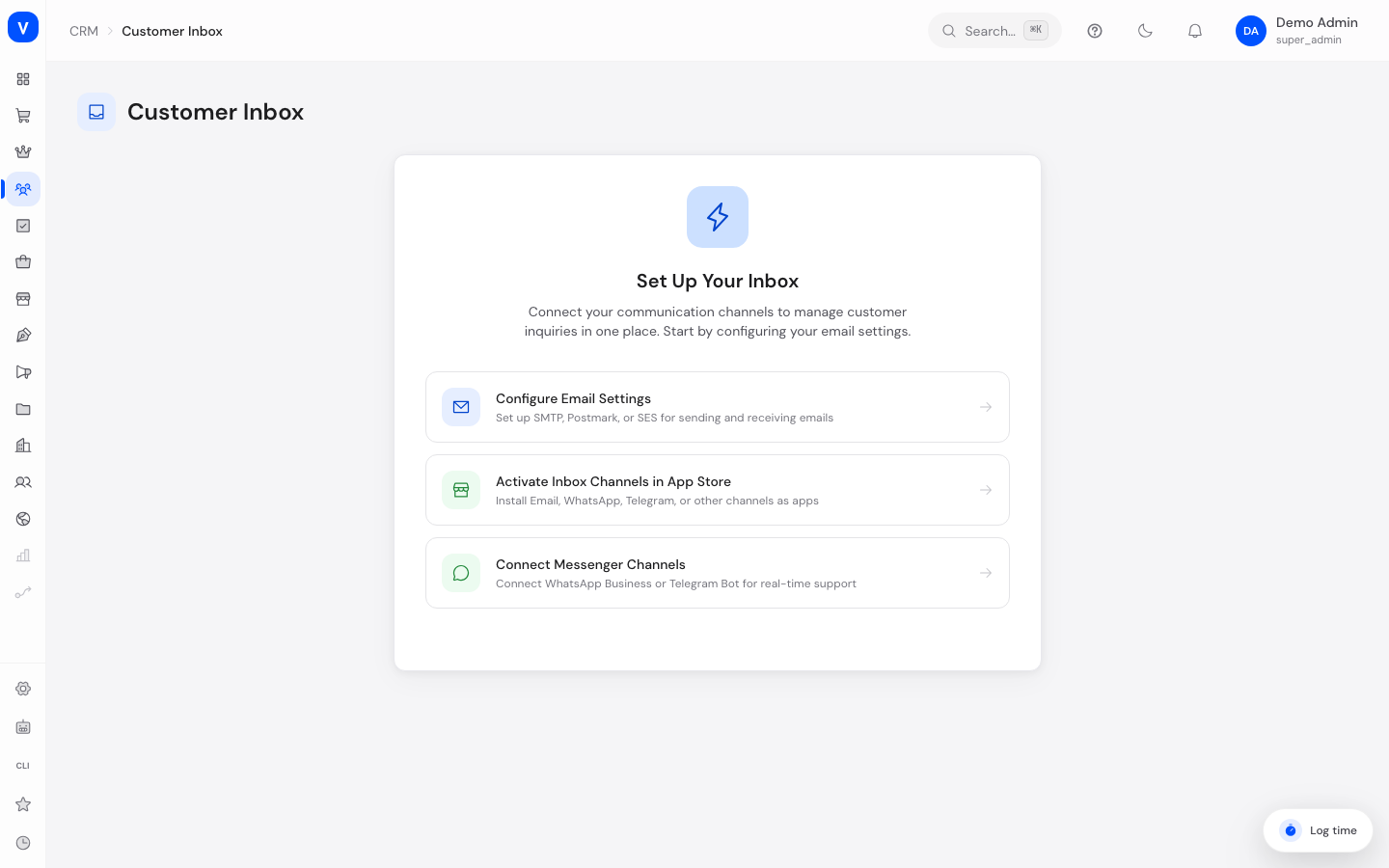
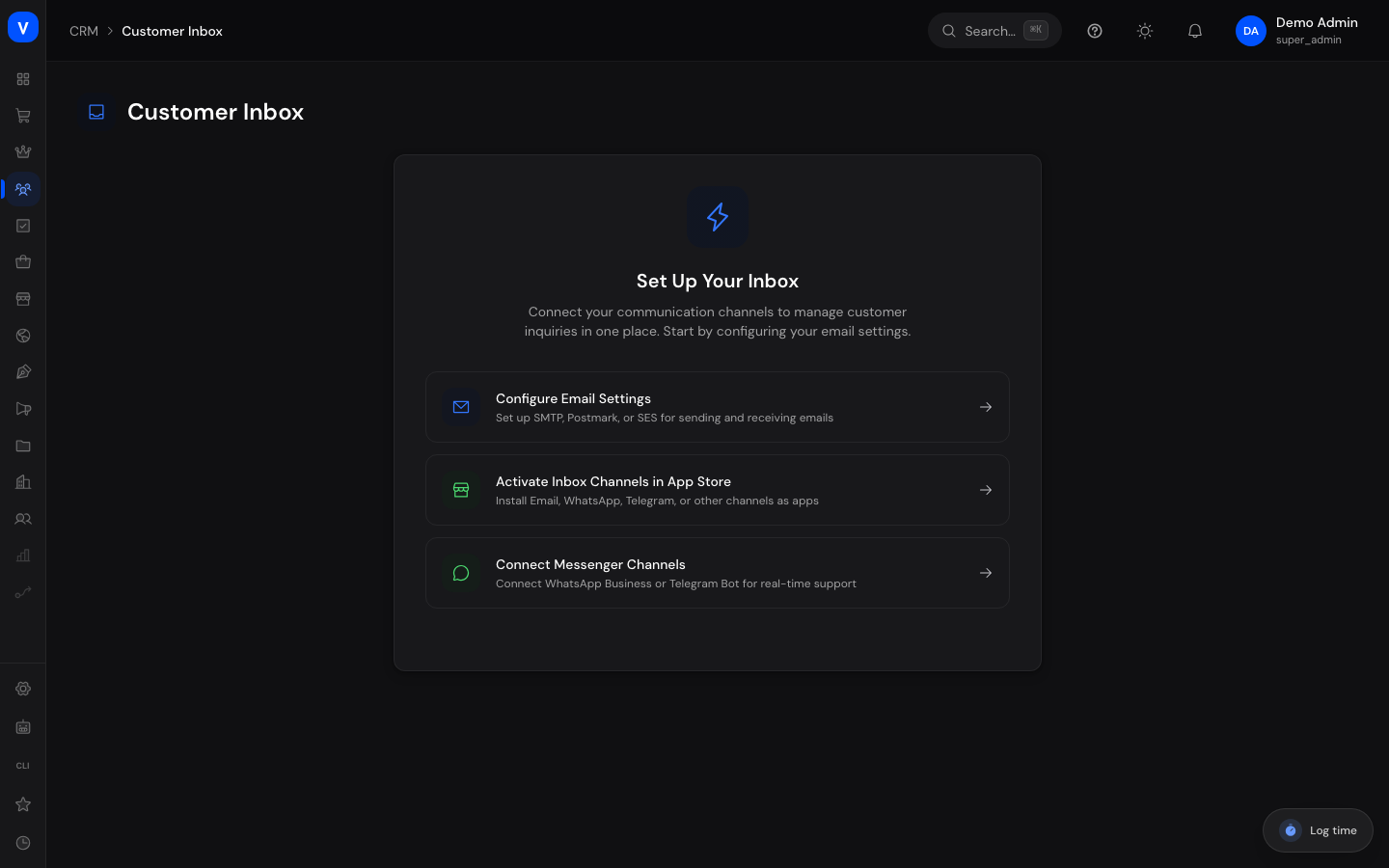
- Connect a new channel: If no channel is connected yet, the setup screen walks you step by step to the email settings and to the App Store, where WhatsApp/Telegram connections can be activated.
- Customer
- A. Example
- a.beispiel@beispiel.de
- Assigned to
- M. Sample
- Priority
- Normal
/crm/inbox/crm/inboxFields explained
| Field | Meaning | Notes/Effect |
|---|---|---|
| Customer | Sender's name | Taken from the respective channel |
| Subject | Short description of the conversation | May be auto-generated for chat channels |
| Channel | Where the message came from | Email, WhatsApp, Telegram, Instagram, Live Chat, or created manually |
| Priority | Urgency level of the conversation | Low, Normal, High, Urgent |
| Status | Read/archive state | Unread, Read, or Archived |
| Starred | Star flag | Purely a personal sorting aid; has no effect for other users |
| Assigned to | Responsible employee | Optional, used for internal distribution |
| Last message | Timestamp and preview of the last message | Shown in the list view |
Values & statuses
Filter tabs (top of the list)
| Value | Meaning | What happens |
|---|---|---|
| All | All non-archived threads | Default view |
| Unread | Only threads with open, unread messages | Automatically set to "Read" once opened |
| Starred | Only threads flagged with a star | — |
| Archived | Only archived threads | No longer shown under "All" |
Channel
| Value | Meaning |
|---|---|
| Received through the connected email mailbox | |
| Via the WhatsApp Business connection | |
| Telegram | Via the Telegram bot connection |
| Via Instagram Direct | |
| Live Chat | Taken over from the website chat |
| Manual | Created manually by an employee |
Frequently asked questions
What's the difference between the Inbox and Support Tickets?
The Inbox is a cross-channel messaging mailbox for first contact and quick replies. Support Tickets are structured cases with status, priority, SLA deadlines, and assignment logic for requests that need traceable handling across several steps.
Why don't I see any messages in the Inbox?
Most likely no channel is connected yet. The page then shows a setup guide with links to the email settings and the App Store.
Can I reactivate an archived thread?
Yes, open the "Archived" filter and mark it as unread or read — it will then reappear under "All".
Are attachments supported?
Attaching files to a reply isn't available yet in the current version; a corresponding notice appears if you try.