Payouts (Marketplace)
Here you track which payouts to your vendors are pending, in progress, or completed, and manually trigger the individual steps of a payout.
Note: The payout list shown here currently consists of fixed sample data for preview purposes. It is not yet connected to real sales and does not survive a system restart.
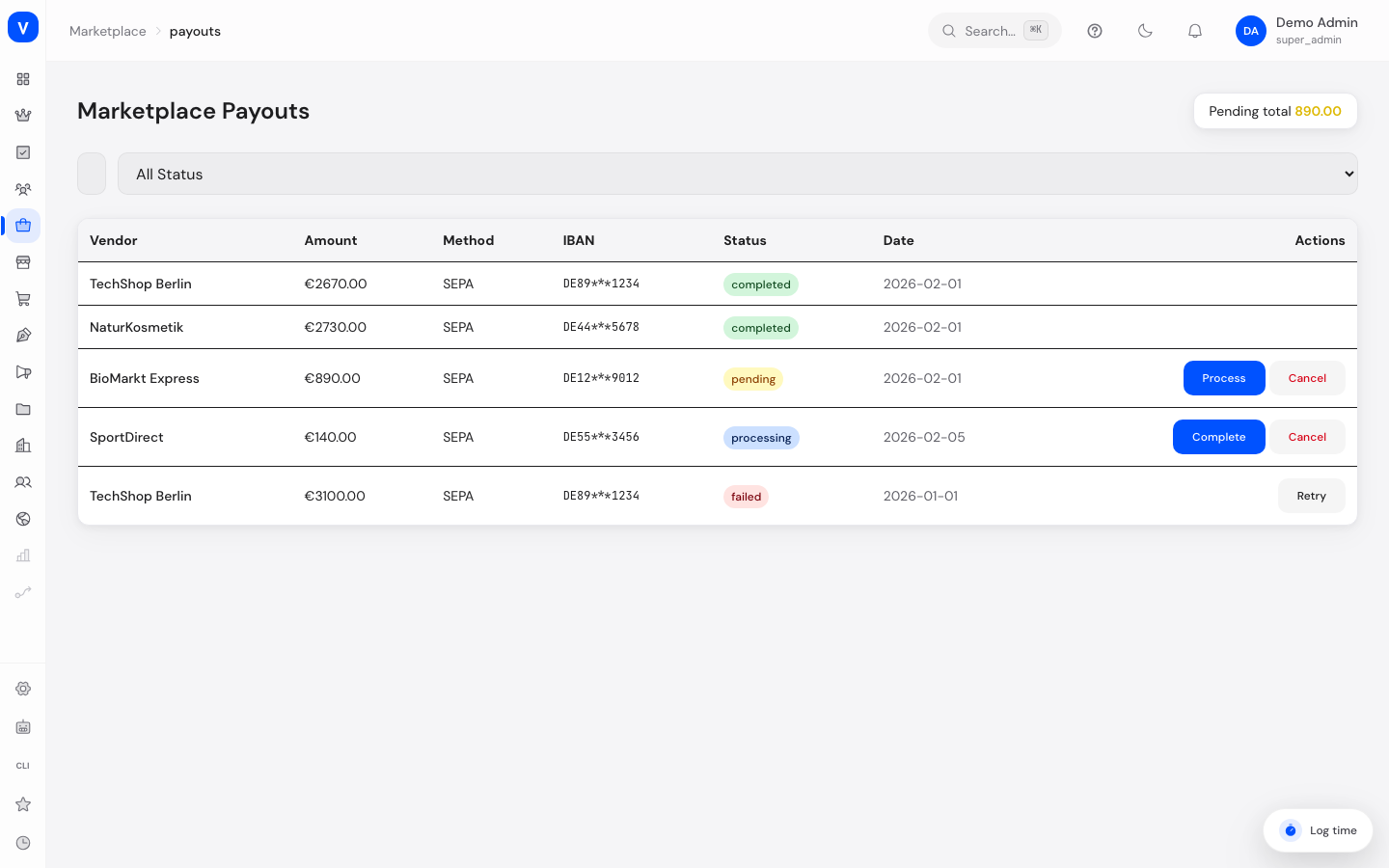
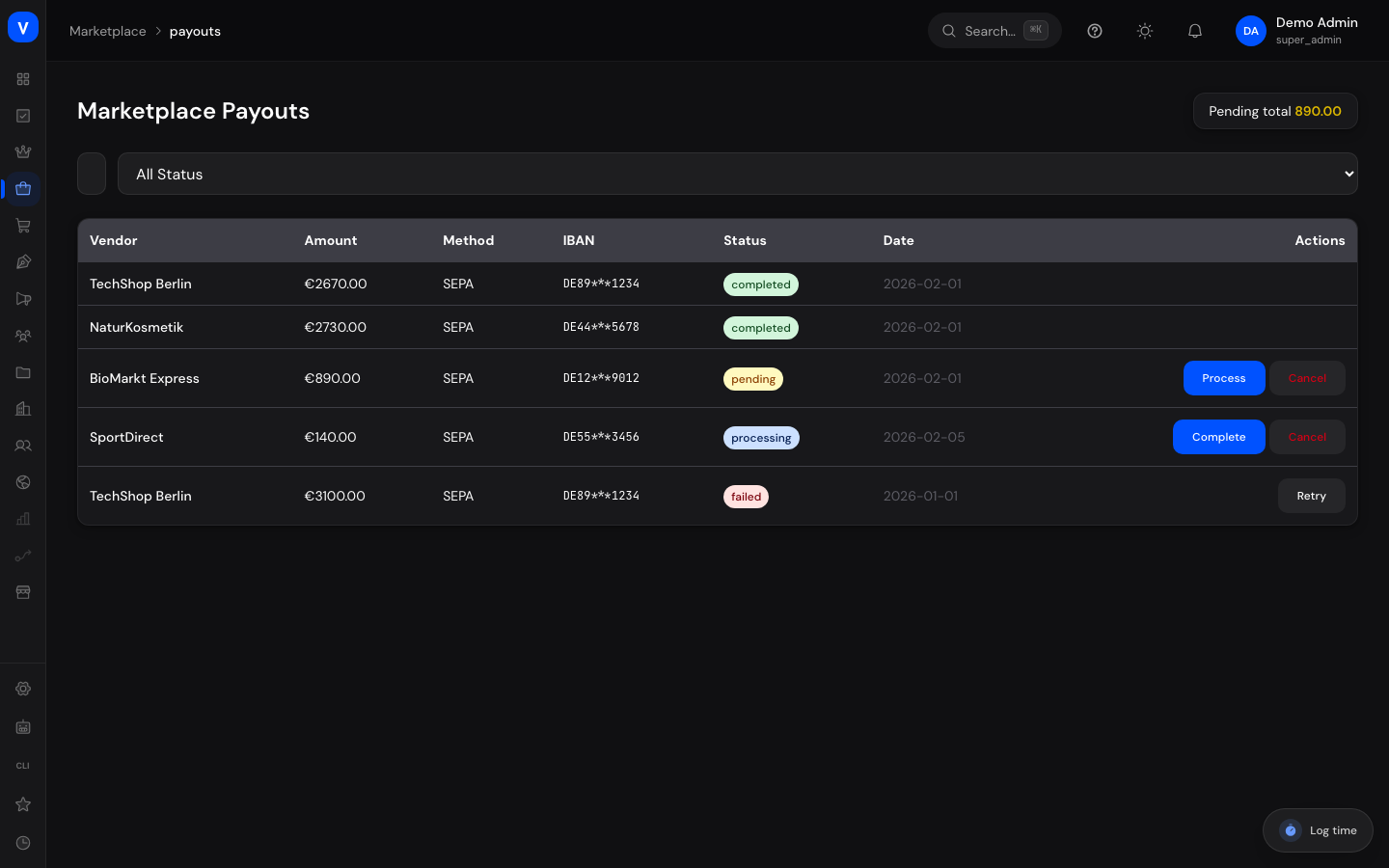
/marketplace/payoutsWhat can I do here?
- View all payouts with vendor, amount, method, status, and date
- Search by vendor and filter by status
- Release a pending payout for processing
- Complete a payout that's in progress
- Retry a failed payout
Step by step
Release a pending payout
- Filter by status "Pending."
- Click "Process" in the row of the desired payout.
- Confirm the prompt — the status changes to "Processing."
Complete a payout
- Find the payout with status "Processing."
- Click "Complete" and confirm. The status changes to "Completed."
Retry a failed payout
- Filter by status "Failed."
- Click "Retry" — the payout switches back to "Processing" and can be completed again.
Fields explained
| Field | Meaning | Notes/Effect |
|---|---|---|
| Vendor | Recipient of the payout | — |
| Amount | Amount to be paid out | In euros |
| Method | Payout channel (e.g. SEPA) | — |
| Status | Current processing state (see Values & Status) | Determines which action is available next |
| Date | Date the payout was requested/created | — |
| Pending Total | Sum of all amounts not yet paid out | Shown as a KPI at the top of the page |
Values & Status
Payout status (payout_status)
| Label | Meaning | What happens then |
|---|---|---|
| Pending | Payout has been requested but not yet started | Can be started via "Process" |
| Processing | Payout is currently being executed | Can be completed |
| Completed | Payout was executed successfully | Final state, no further action needed |
| Failed | Payout could not be executed | Can be retried via "Retry" |
Frequently asked questions
Where does the payout amount come from?
It results from the vendor's sales revenue minus the retained commission, accumulated since the last payout.
What do I do about a failed payout?
Check the vendor's stored bank details, then click "Retry" to trigger the payout again.
Can I cancel a payout?
No. The "Cancel" button currently has no effect — the action isn't handled by the backend, and there is no "Cancelled" status. Only Release, Complete, and Retry are currently supported.