Categories (Marketplace)
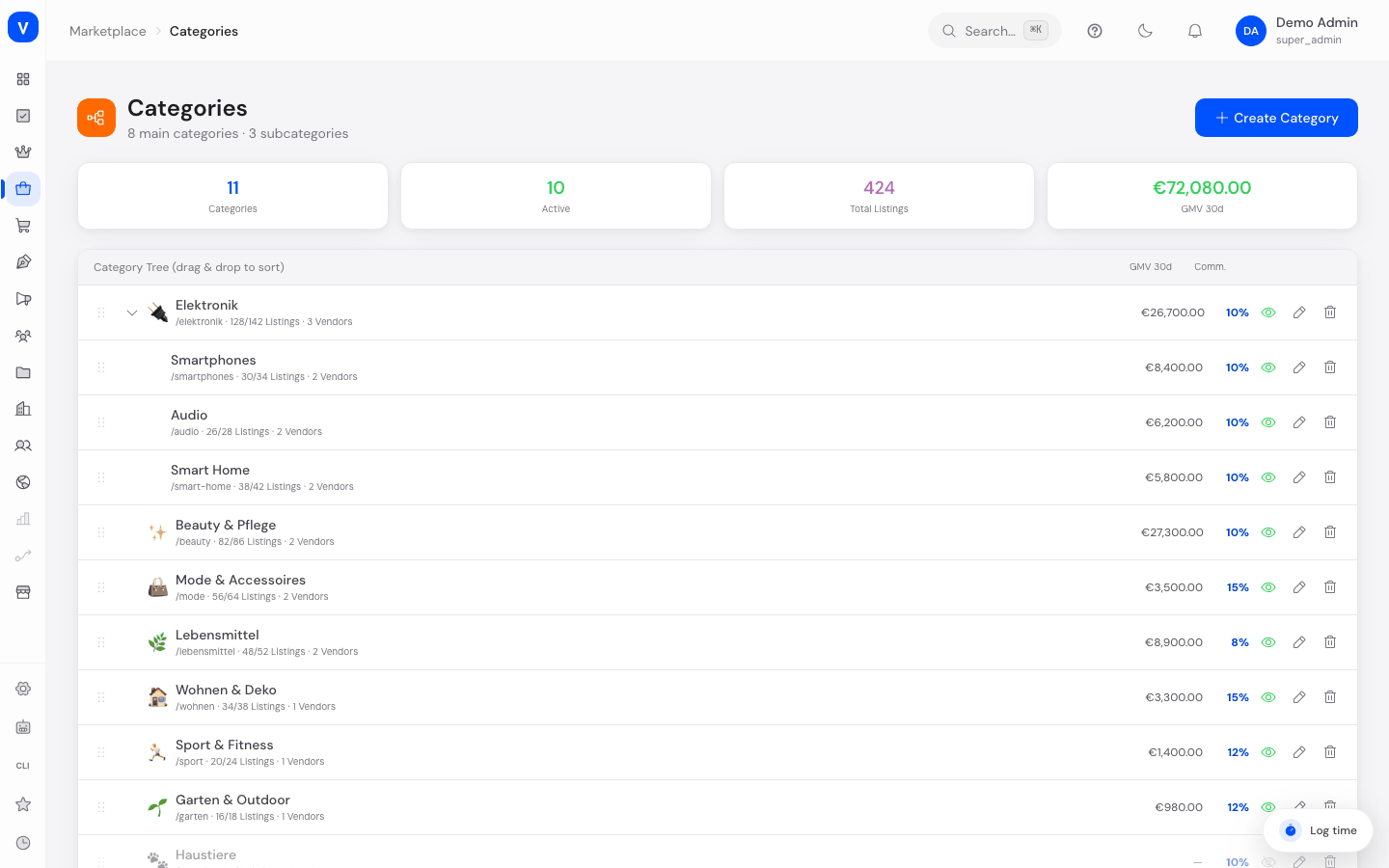
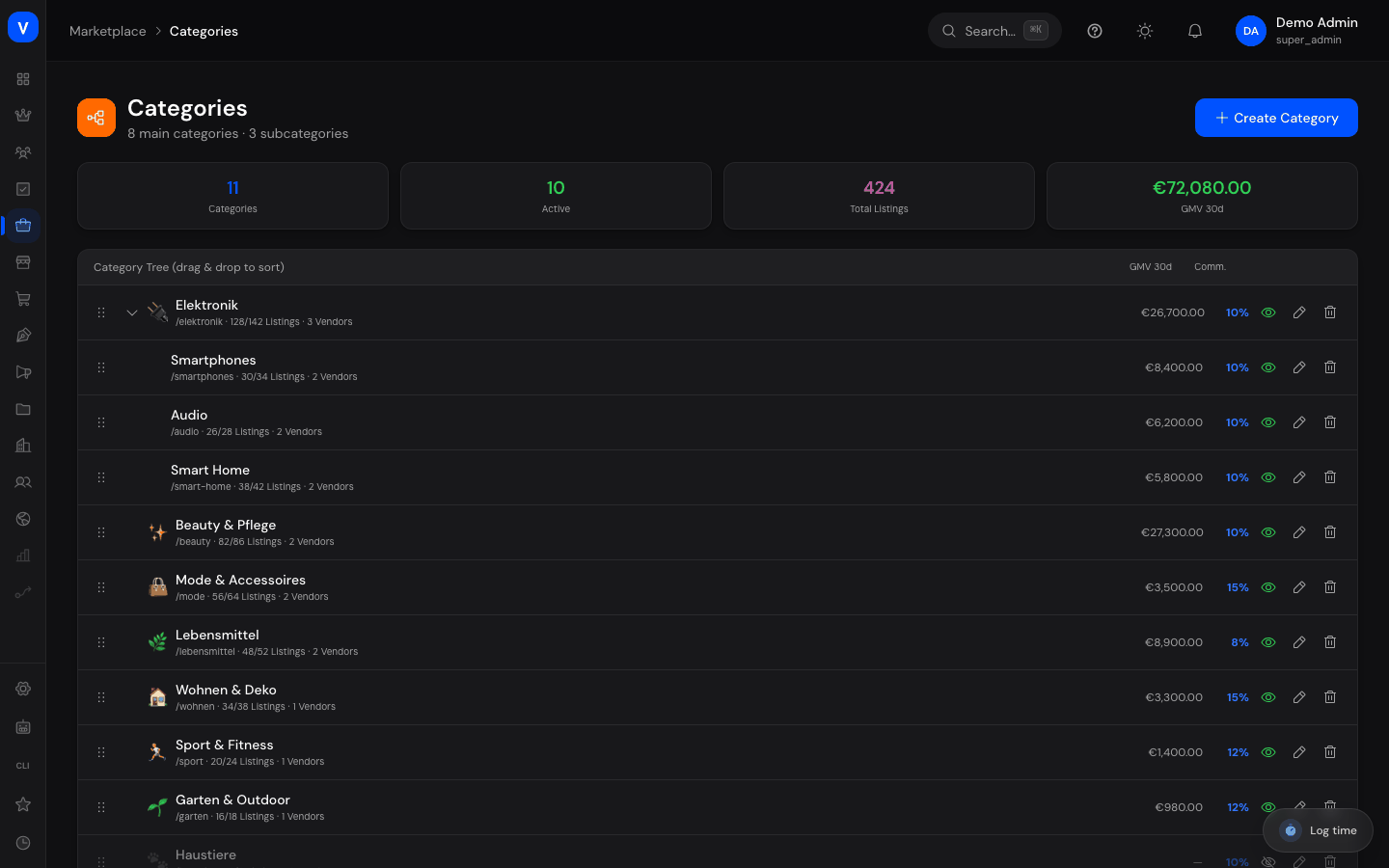
Categories structure your marketplace's product range (e.g. "Electronics" with subcategories "Smartphones" and "Audio"). Here you create new categories, reorder them by drag & drop, activate/deactivate them, and see listing counts and revenue per category at a glance.
/marketplace/categoriesWhat can I do here?
- View all main and subcategories as a tree structure
- Check metrics per category: listings, active listings, vendors, GMV (30d), commission, rating
- Create new categories (with or without a parent category)
- Edit or delete existing categories
- Activate/deactivate categories
- Reorder categories by drag & drop
Step by step
Create a new category
- Click "Create Category" at the top right.
- Fill in Icon, Name, and URL path in the dialog.
- Optionally choose a Parent Category — leave "None (root category)" to create a new main category.
- Set the Commission Rate (%) that applies by default to listings in this category.
- Turn on "Category active" so it becomes visible in the shop, then click "Create."
Deactivate a category
- Open the category for editing.
- Turn off "Category active" and save. The category still exists but is no longer visible in the shop.
Reorder categories
- Drag a category in the category tree to the desired position.
- The new order is applied automatically and determines the display order in the shop.
Delete a category
- Open the category and click "Delete Category."
- If the category still contains listings, deletion is blocked — you must first move or remove the listings.
Fields explained
| Field | Meaning | Notes/Effect |
|---|---|---|
| Icon | Category's symbol | Freely chosen, display only |
| Name | Category's display name | Required |
| URL path | Technical path segment (slug) for the category | Should be unique |
| Parent Category | Parent category | Empty = root category |
| Commission Rate (%) | Default commission for listings in this category | Starting value; individual commission rules can differ |
| Category active | Switch controlling whether the category is visible in the shop | Deactivated categories disappear from navigation |
| Listings / Active | Total vs. active listing count in the category | — |
| Vendors | Number of vendors with at least one listing in this category | — |
| GMV 30d | Category revenue over the last 30 days | — |
Frequently asked questions
What happens to listings if I deactivate their category?
The listings themselves are not deleted, but they disappear from the shop navigation along with the category while it's deactivated.
Can I delete a category that still has listings?
No. As long as the category still contains listings, deletion is blocked so no products are left without a category.
How many levels of subcategories are possible?
The interface shows main and subcategories; each category can reference one parent category.
Where does a category's commission rate take effect?
It serves as the default value for new listings in that category. Detailed, category-specific rules with minimum/maximum rates are maintained on the "Commissions" page.