MaaS Configuration
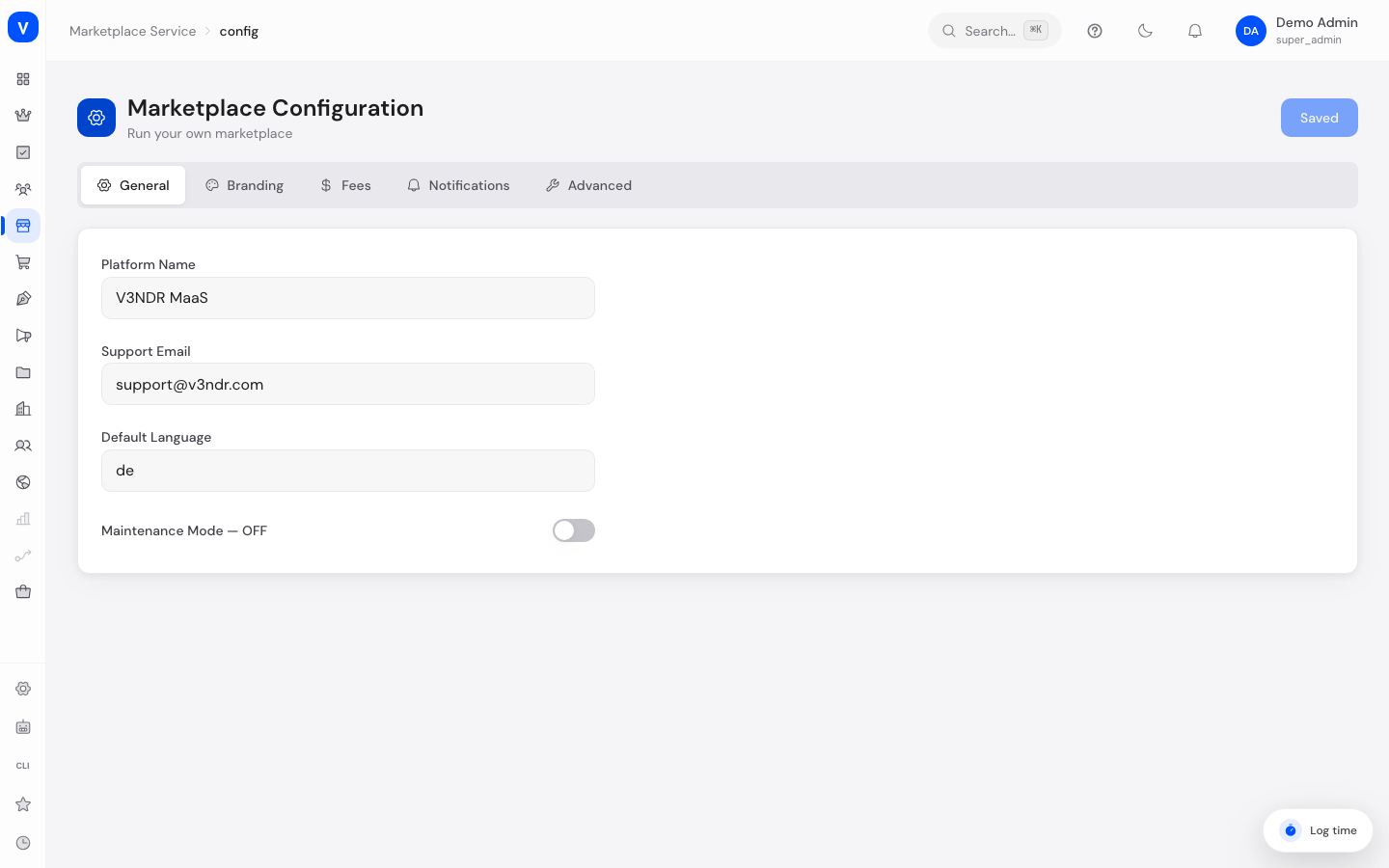
Here you set the platform-wide base settings of your Marketplace-as-a-Service platform: platform name, branding, default fees, notifications, and technical limits. Settings are organized into five tabs: General, Branding, Fees, Notifications, and Advanced.
/maas/configWhat can I do here?
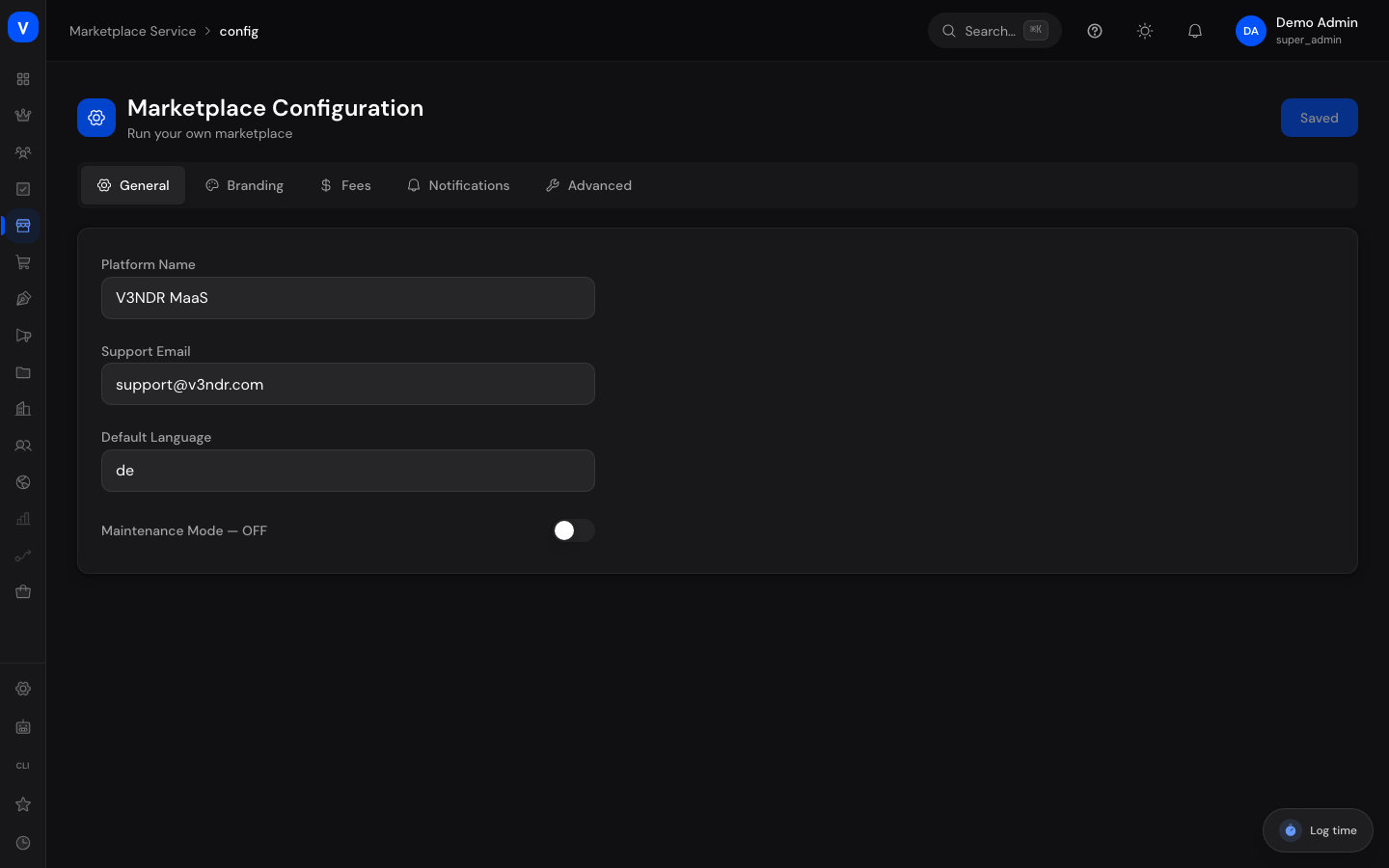
- Set platform name, support email, default language, and maintenance mode (tab "General")
- Maintain primary/secondary color, logo URL, favicon URL, and custom CSS (tab "Branding")
- Set default commission, transaction fee, payout minimum, payout schedule, and tax rate (tab "Fees")
- Toggle email/push notifications and alerts for onboarding, payouts, disputes, and the weekly report (tab "Notifications")
- Set API rate limit, maximum file size, session timeout, debug mode, automatic listing approval, and mandatory KYC (tab "Advanced")
- Save or discard changes
Step by step
Adjust platform branding
- Open "Marketplace-as-a-Service" → "Configuration" and switch to the "Branding" tab.
- Choose Primary Color and Secondary Color via the color picker or type a hex code.
- Enter Logo URL and Favicon URL.
- Click "Save Changes" at the top right once done.
Set default fees
- Switch to the "Fees" tab.
- Adjust Default Commission (%), Transaction Fee (€), Payout Minimum (€), Payout Schedule, and Tax Rate (%).
- Save via "Save Changes."
Discard changes
- As long as changes are unsaved, the notice "You have unsaved changes" appears.
- Click "Revert" to return to the last saved state.
Fields explained
| Field | Meaning | Notes/Effect |
|---|---|---|
| Platform Name | Displayed name of the marketplace platform | Tab "General" |
| Support Email | Contact address for support requests | Tab "General" |
| Default Language | Language code for new users (e.g. de, en) | Tab "General" |
| Maintenance Mode | Switch that takes the platform offline | Tab "General"; when "ON," the site is unreachable |
| Primary Color / Secondary Color | Platform brand colors | Tab "Branding" |
| Logo URL / Favicon URL | Paths to logo and favicon files | Tab "Branding" |
| Custom CSS | Additional CSS for custom styling | Tab "Branding" |
| Default Commission (%) | Platform-wide commission starting value | Tab "Fees"; serves as a starting value for new categories/rules |
| Transaction Fee (€) | Fixed amount per transaction | Tab "Fees" |
| Payout Minimum (€) | Minimum amount that triggers a payout | Tab "Fees" |
| Payout Schedule | Cadence of payouts (e.g. monthly) | Tab "Fees" |
| Tax Rate (%) | Stored default tax rate | Tab "Fees" |
| API Rate Limit | Maximum number of requests per minute | Tab "Advanced" |
| Max File Size (MB) | Upper limit for uploads | Tab "Advanced" |
| Session Timeout (min) | Time until automatic logout | Tab "Advanced" |
| Debug Mode | Switch for extended diagnostic output | Tab "Advanced" |
| Auto-Approve Listings | New listings are activated without manual review | Tab "Advanced" |
| Require KYC for Vendors | Enforces an identity check for new vendors | Tab "Advanced" |
Frequently asked questions
Where do I find the menu items "Integrations & Connections" and "Languages"?
The menu items "Integrations" and "Languages (i18n)" lead to the same configuration page as "Configuration." The "General" tab opens by default when you visit them — manually switch to the desired tab (General/Branding/Fees/Notifications/Advanced).
Does the default commission here affect existing commission rules in the Marketplace area?
No, existing category-specific commission rules under "Marketplace → Commissions" are unaffected. The value here serves as a platform-wide starting value.
What happens when maintenance mode is enabled?
The platform is marked offline for visitors. Use this option deliberately, e.g. during major maintenance work.