Vendors (Marketplace-as-a-Service)
Here you manage the vendors of your Marketplace-as-a-Service platform: their plan, listing count, revenue, and status. This list is independent of the vendor list in the operational Marketplace area.
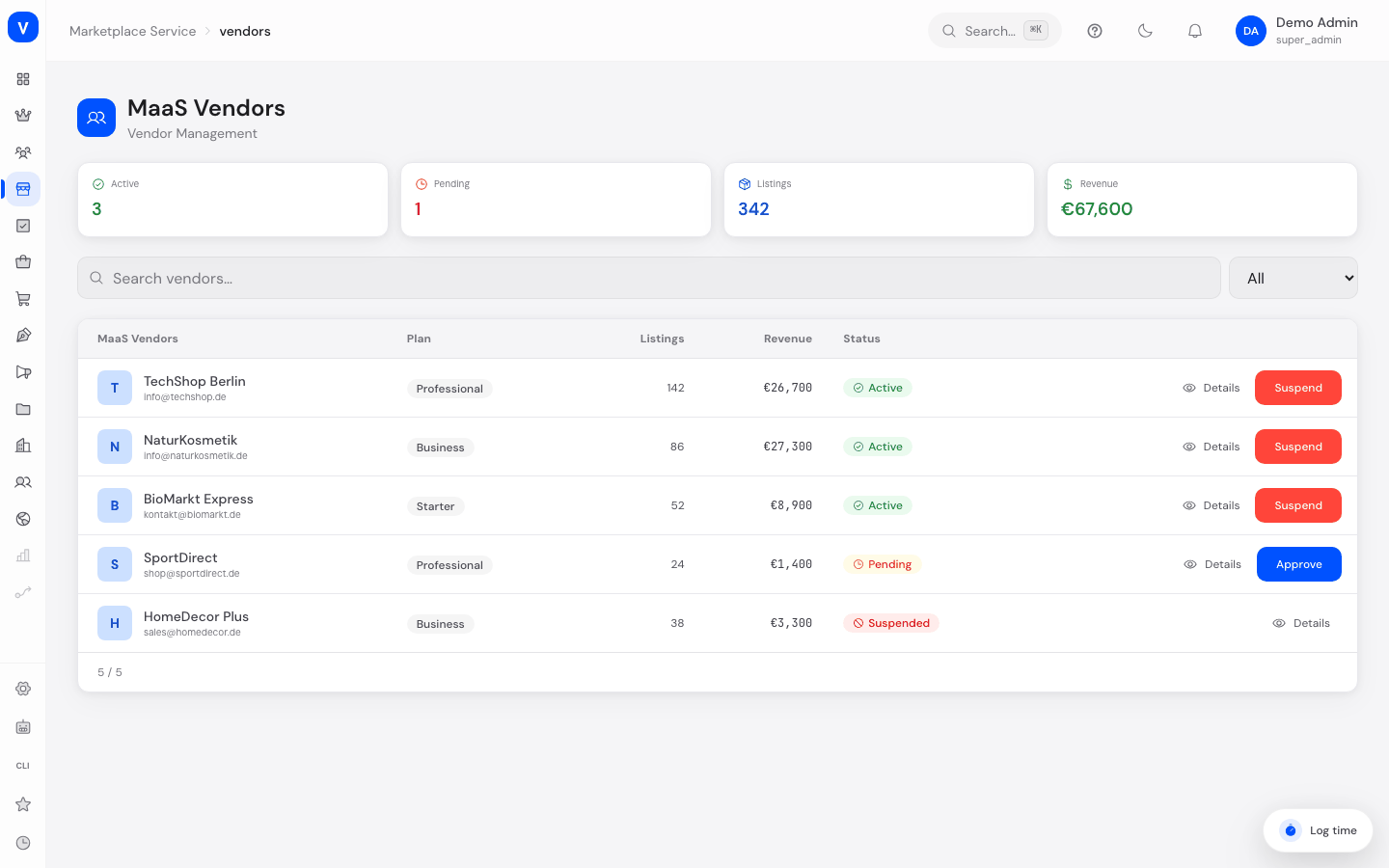
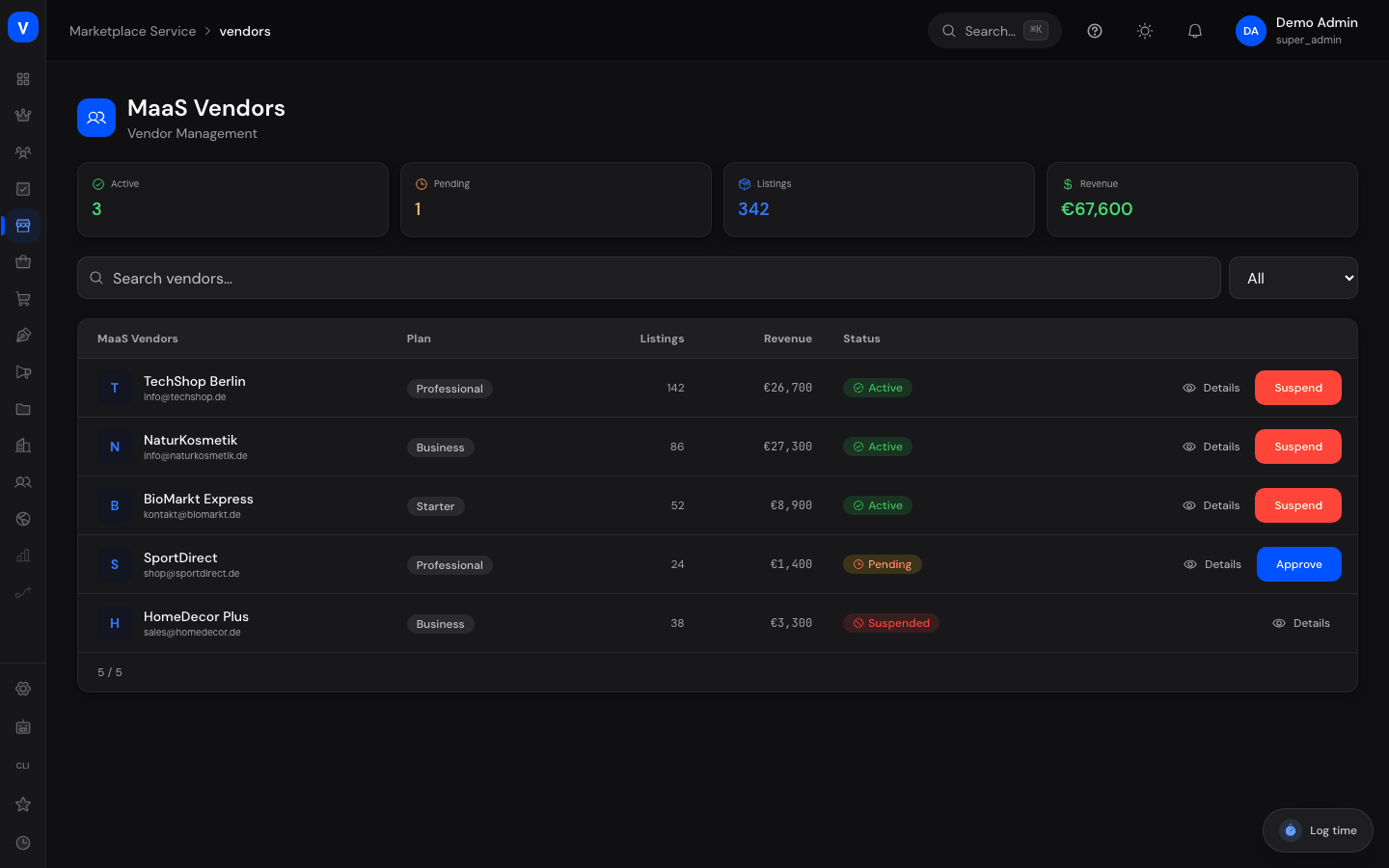
/maas/vendorsWhat can I do here?
- View all vendors with email, plan, listing count, revenue, join date, and status
- Search vendors and filter by status
- Approve a vendor
- Suspend a vendor
- Open a vendor's details
Step by step
Approve a vendor
- Filter by status "Pending."
- Click "Approve" in the vendor's row. The status changes to "Active."
Suspend a vendor
- Find the vendor in the list.
- Click "Suspend." The status changes to "Suspended."
Fields explained
| Field | Meaning | Notes/Effect |
|---|---|---|
| Vendor | Vendor's name | — |
| Contact email | — | |
| Plan | Vendor's booked plan tier (e.g. Starter, Business, Professional) | Typically determines scope and terms |
| Listings | Number of this vendor's listings | — |
| Revenue | Vendor's revenue | — |
| Joined | Date the vendor joined | — |
| Status | Current approval status (see Values & Status) | — |
Values & Status
Vendor status (maas_vendor_status)
| Label | Meaning | What happens then |
|---|---|---|
| Active | Vendor is approved | Can sell on the platform |
| Pending | Vendor is awaiting approval | Not yet active |
| Suspended | Vendor has been deactivated | Cannot sell until reactivated |
Frequently asked questions
Is this the same list as "Vendors" in the Marketplace area?
No. This vendor list belongs to the Marketplace-as-a-Service platform administration and is maintained separately from the operational vendor list under "Marketplace → Vendors." See Marketplace Overview.
Where do I set a vendor's plan?
The plan is set when a contract is agreed — see the "Contracts" page for the associated contract management.